If you freelance, sell products, or run a one-person marketing stack, a lot of the week disappears into three jobs that never quite end: planning the next social posts, scanning Upwork for work you can actually do, and researching a client, a keyword, or a competitor before you reply. Grok Bot is built for that kind of work. It is an AI teammate with a persistent cloud computer — a browser, files, and a terminal — so it can keep going after you close the laptop. Official pages on x.ai/bot and in the Grok Bot documentation describe skills, routines, Connect apps, and custom connectors, plus channels on desktop, mobile, Slack, and X. We checked those docs, together with official Postiz and Upwork materials, on 12 November 2026 (Asia/Saigon, UTC+7).
This article opens a practical-tips series. It is not a partnership announcement, and it does not claim that Orauria is an official partner of xAI or Grok Bot. The first six tips stay inside features Grok Bot already documents, or that official plugins provide. The last tip is where Orauria comes in: when a scheduled post needs product images or a short video, you can extend the Bot with Orauria’s Studio and MCP tools — as a user-side integration, not a joint product.
Key takeaways. Use Postiz to draft and schedule social posts, and keep a human in the loop before anything goes live. Use an official Upwork connector to filter jobs and draft pitches — then review them yourself before you spend Connects. Use web research and the cloud computer to turn a long reading pile into a short, sourced brief. Save a good run as a skill, put it on a routine, and talk to the Bot from Slack or X. When the work needs sell-ready product creative, attach Orauria.
Let Grok Bot plan and schedule your social posts
Most people start by asking a chatbot for captions, then paste them into a scheduler by hand. With Grok Bot you can keep the draft and the calendar in one place. Postiz publishes an official Grok Bot plugin for this. In any Bot chat you can run /add-plugin postiz, or add it from the Plugins sidebar or the marketplace listing. When you are prompted, store your POSTIZ_API_KEY as a Bot secret — not in ordinary chat. Postiz’s guide describes what happens next: the plugin installs a CLI and a skill on the Bot’s cloud computer, and the Bot can list your connected channels, draft posts, attach media, apply platform settings, and pick a time. It should ask you to approve before anything is published. Postiz says that coverage includes 30+ platforms, among them X, LinkedIn, Instagram, YouTube, and TikTok.
The useful habit is not a one-off “post this now.” It is a queue. Keep approved copy and images in a folder on the cloud computer, or in a connected Sheet or Drive file. Then ask the Bot to build a week of slots — for example two posts a day, weekdays only — and to schedule drafts via Postiz for you to review. You can also save that as a routine, so every weekday morning the Bot checks for new drafts, books them into the calendar, and sends you a summary. Official Grok Bot documentation is clear that routines run in the cloud while your laptop is closed. Leave the last mile to yourself: captions, timing, and brand still need a person.

Filter Upwork jobs while you sleep
Scanning Upwork at midnight is a poor use of a freelancer’s attention. A better pattern is a Bot that already knows what you sell, your minimum budget, and the clients you will not take, and that leaves you a shortlist in the morning.
Grok Bot can connect to Upwork through a plugin, and Upwork documents its own MCP server for supported AI agents. Prefer that official path over asking the Bot to click through the site in a browser. Some sites block automation, and a browser login is a weaker, easier-to-break setup — and a poorer fit for Upwork’s terms — than a documented connector.
A practical routine looks like this. Every few hours, or once in the morning and once in the evening, the Bot searches for jobs that match your skills, drops anything below your budget floor, scores the rest, and writes the good ones to a Google Sheet or a Doc. For the best two or three, it can look at the client’s public profile or website and draft a short pitch in your voice. Upwork’s own MCP FAQ is explicit on the next step: an AI agent can help you draft a proposal, but you review the details and explicitly confirm before it is submitted. Do not let a routine auto-submit. Connects cost money, and a weak pitch sent at 2 a.m. is worse than no pitch.

Research in minutes, not hours
The hook is a little sharp on purpose. A Bot will not always finish serious research in five minutes, and we will not pretend it will. What it can do is collapse the first pass — the tab explosion of “open twenty pages and maybe write notes later” — into a brief you can actually use.
Grok Bot’s cloud computer includes a browser, so it can search the web and open pages when there is no app connector. The computer-and-apps documentation also says Bots can search and read what is public on X without you connecting an X account; that access is read-only. For your own DMs, bookmarks, or home timeline, you add the X plugin and sign in. When a connector exists for the place you want the notes to land — Google Docs, Sheets, Drive, Notion — use it. Structured tools beat a pile of untitled files in /workspace.
Give the Bot a tight brief: the question, the audience, which sources to prefer or avoid, the output shape (a one-pager with links and a “still uncertain” list), and when you need it. Ask it to quote or link rather than invent. Then you read the brief, not twenty tabs. That is the real win: not a promise about the clock, but a shorter path from a question to a decision.

Turn a good run into a skill
A tip only sticks if you do not have to re-explain it every Monday. Grok Bot’s skills and routines documentation (updated 9 November 2026) splits this into two parts. A skill is a reusable set of instructions: when to use it, required inputs, the steps, how to check the result, what to return, and what needs your approval. A routine tells one Bot when to run that work — on a schedule, or when something happens in Slack, email, or a webhook.
After you have had one clean run — a week of scheduled posts, a useful Upwork shortlist, a research brief you did not have to rewrite — ask the Bot to save the process as a skill. Put your constraints in the skill, not in a long chat: brand voice, banned claims, budget floor, “never publish or submit without me.” Then attach a routine only when the trigger is clear. The same docs page publishes rate limits: all of your routines together can run up to 300 times an hour, and each routine up to 200 times an hour. That is plenty for a freelancer’s daily queue; it is not a reason to fire the Bot at every new email.

Meet the Bot in Slack or on X
You do not have to open the Grok Bot desktop app to use these tips. Official materials say you can work with Bots on desktop, on mobile, in Slack, and on X. That matters when the work arrives where you already live. A mention in a Slack channel can start a job-filter pass. A message on the go can ask for a research brief before a call. Grok Bot also documents an email address for your Bots at mail.grokbot.com, and routines can start from an email or a webhook as well as from a clock.
Treat public channels with the same care you would give a shared computer — because, in a way, you are. Do not paste API keys, Postiz secrets, or Upwork credentials into a Slack thread or an X message. Official Grok Bot guidance is to use a Vault, a Secure Form, or a secret card for passwords and keys. And remember the sharing model: every Bot on your account uses the same cloud computer, including its sign-ins and files. A convenience in Slack should not become a leaked key.
Give each job its own Bot
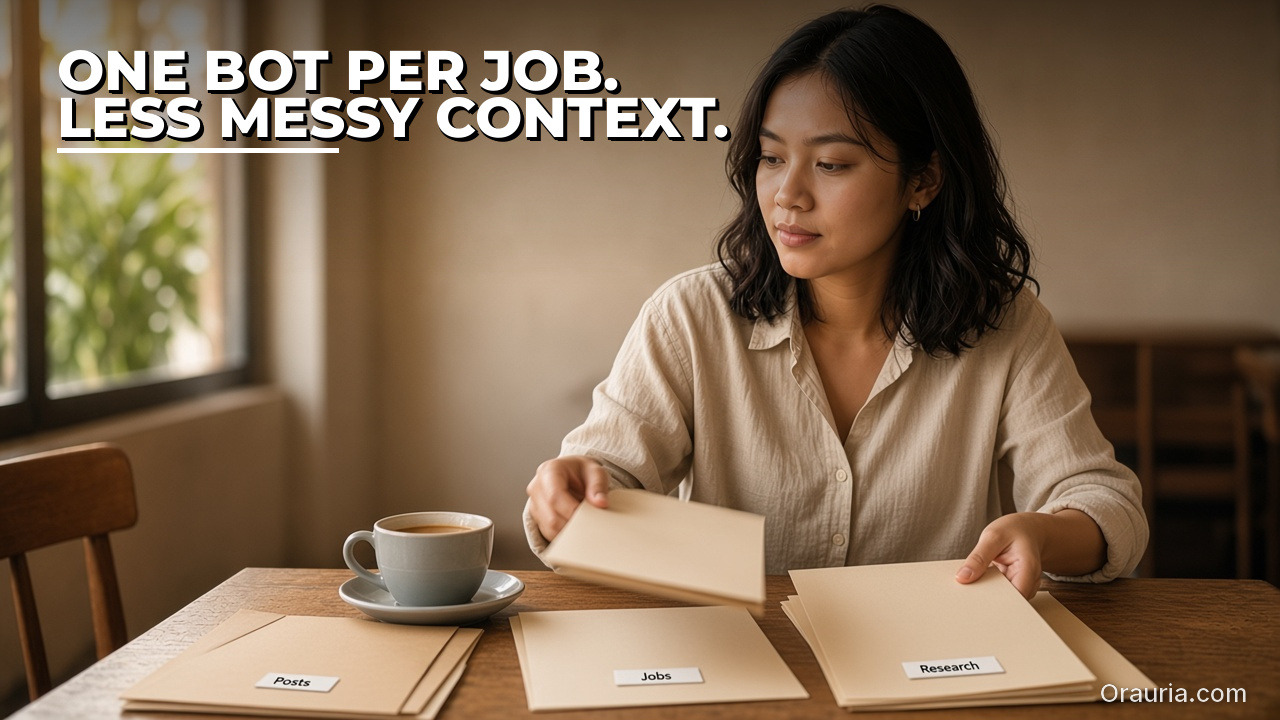
If the same Bot is writing Instagram captions, scoring Upwork jobs, and researching a competitor, context gets messy. Official Grok Bot materials describe running more than one Bot, letting them message each other, working in a group chat, and handing work along for you to approve. A simple split works well: one Bot owns the social queue (Postiz), one owns the job filter (Upwork), one owns research. They can still pass files to each other because they share the same cloud computer — which is also the caution. Cookies, sign-ins, and files are visible to every Bot you run. Separate Bots are a way to keep prompts and memory clean, not a security wall. Do not put a credential on the machine if another Bot should not see it.

When you need product creative, extend Grok Bot with Orauria
Scheduling a post is only half the work if you sell a physical product. You still need packshots, ratio variants, and sometimes a short video. Grok Bot will not become a product studio on its own. That is a boundary, not a slight. For the creative layer, Orauria already ships Studio and an MCP server whose published tools include generate_image, generate_video, chat, list_models, get_wallet, and get_task. Calls use the same credit wallet and prices as Studio. If you are new to the product, start with What is Orauria or the MCP setup page.
There are two ways this can fit. The intended default is to add Orauria as a custom Remote HTTPS connector, with an API key in an Authorization header — the shape Orauria already documents for Cursor, Claude, and Codex, and the shape Grok Bot documents for custom connectors. As of 12 November 2026, that path is documented design. Orauria’s MCP page does not yet include a Grok Bot recipe, and we have not published an independent end-to-end test inside Grok Bot. Until that test exists, do not treat this as a finished how-to. Keep the API key in the connector header or a secret card, never in ordinary chat. The second path is available today: a Bot can open orauria.com in its cloud browser and use Studio the way a person would, especially when you need a visual UI.
If you want a connector, a skill, or a creative Bot built around your catalog and your approval rules, that is a software project. Hire Orauria to build it — the same team that already shipped Studio and the MCP server. The framing stays the same as in our earlier guide, What Grok Bot Is, and How Orauria Extends It for Product Creative: this is how to use Orauria with Grok Bot, not a claim of official partnership.
What to try first
You do not need all seven tips this week. Pick one queue that already hurts — the social calendar or the job board — connect the official plugin, run it once with you in the loop, and save the skill if the run was clean. Keep research briefs short and sourced. Keep keys out of chat. When the posts need product images, bring Orauria in, and if you want that wired into a routine instead of a one-off, send a brief to hire Orauria.
Use Grok Bot for the teammate layer: schedules, shortlists, and first-pass research. Use Orauria when the work has to look like a product you can sell. Keep a person on the last click.
Leave a Reply