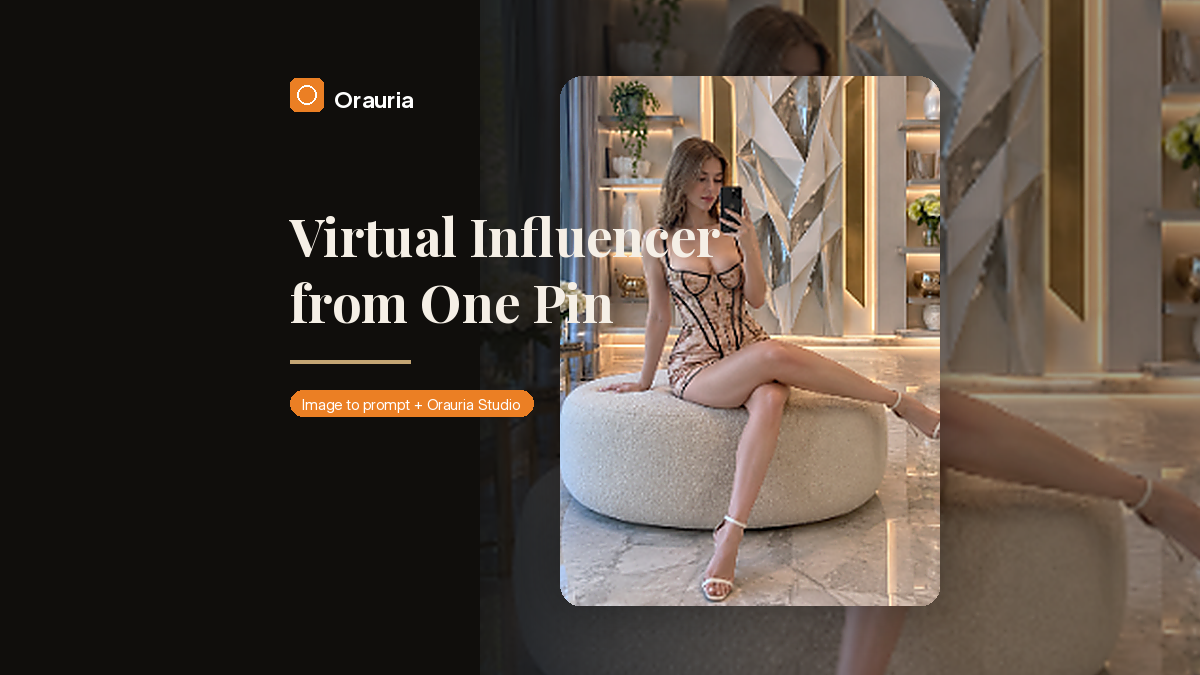
A lot of “build a million-view channel” advice starts at the posting calendar. That is the wrong end of the problem. If the person on camera is not yours, you do not have a channel. You have a mood board with a publish button.
This is a playbook for the other starting point: find a pin that is already traveling, turn it into a detailed prompt, invent a virtual influencer who can come back tomorrow, and generate the first still in Orauria Studio. A million views is the ambition of a consistent character, not a result we are reporting here. We generated one frame. The rest of the grid is work you still have to do.
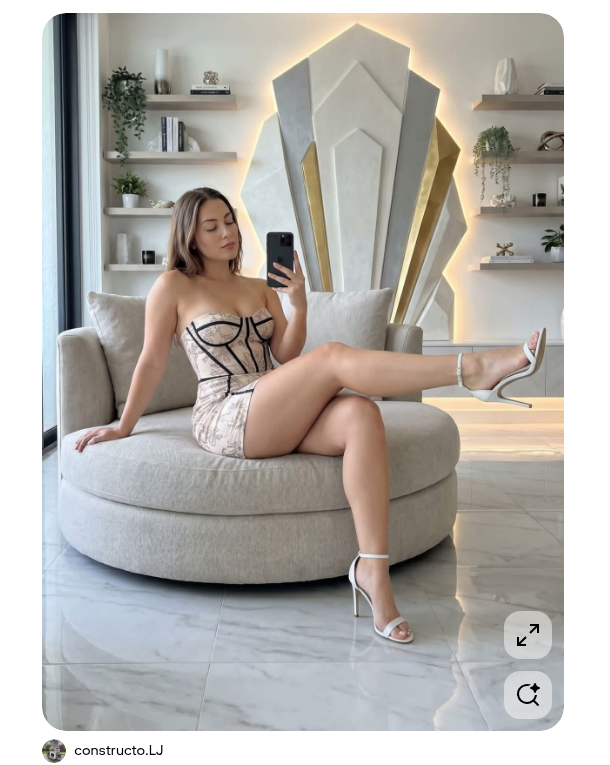
The reference under this walkthrough is a pin by constructo.LJ — a polished mirror selfie on a cream bouclé ottoman, blush champagne dress, a tall geometric wall sculpture catching a warm halo. It is a useful study in pose, light, and set design. It is not a person you get to clone.
The playbook at a glance
- Install the Chrome extension.
- Find a pin whose composition is doing real work — light, set, pose — not just a pretty face.
- Run Image to prompt and copy the result.
- Invent the character: a name, a beat, a voice, and a face that is not the person in the pin.
- Lock that character in Studio, generate the first still, and treat it as frame one of a grid, not a finished channel.
First, install the extension
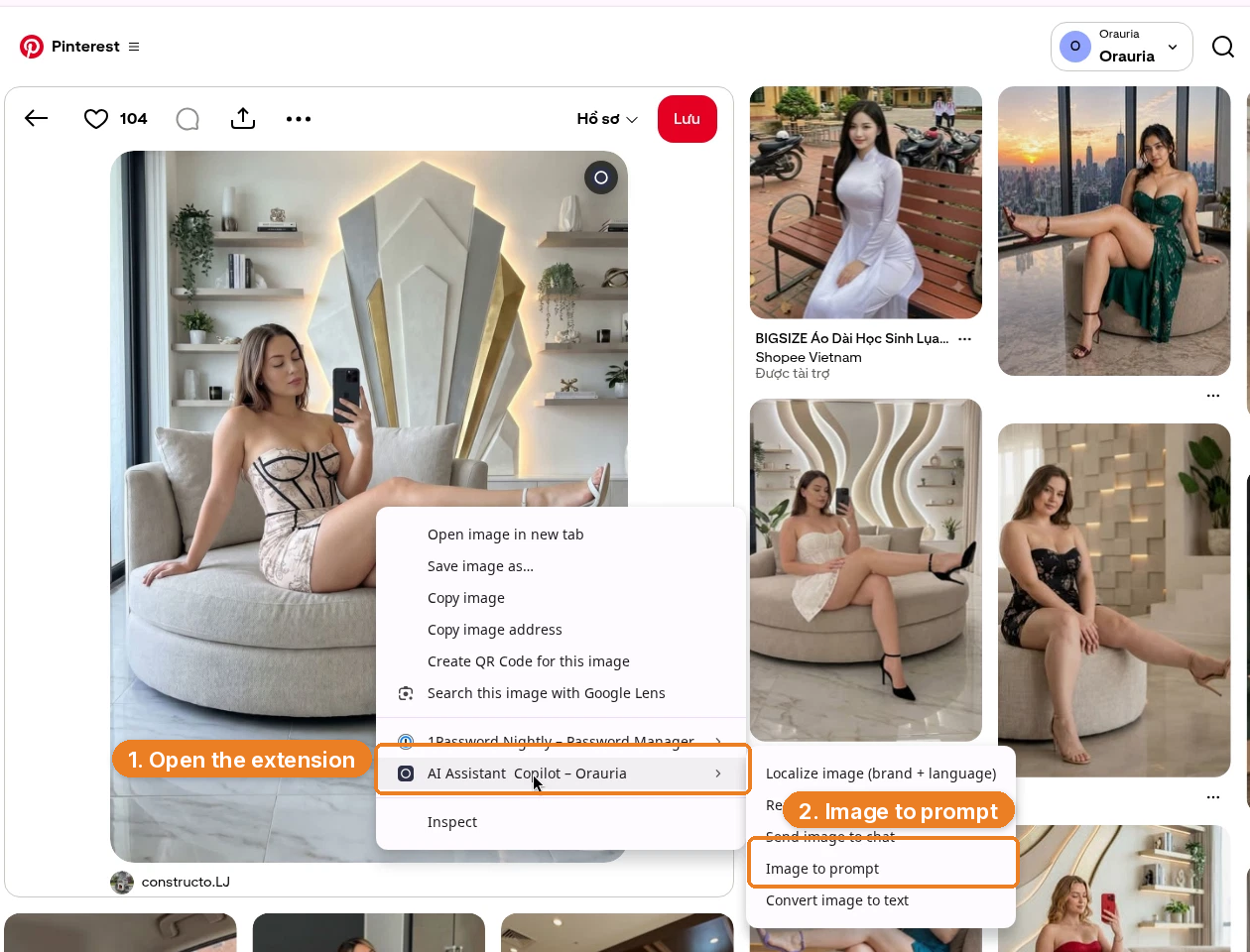
Image to prompt only works after you install the Chrome extension AI Assistant Copilot – Orauria. Get it from the Chrome Web Store before you start hunting for a reference. Once it is on, the right-click menu on Pinterest will be waiting for you.
Find a pin that’s already traveling
You are not looking for a photograph to reproduce. You are looking for a system: a pose that reads in a 4:5 crop, a room that can host more than one outfit, light you can return to. The constructo.LJ pin is a good example of that kind of structure. Credit the author, then leave her likeness behind.
On Pinterest, right-click the image, open AI Assistant Copilot – Orauria, and choose Image to prompt.
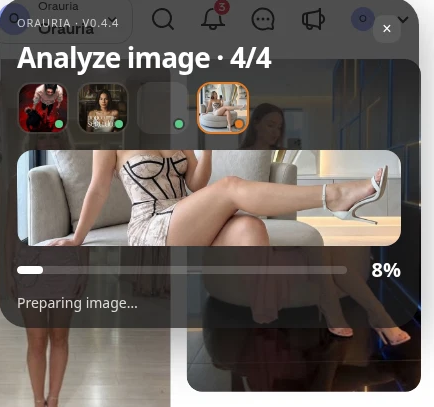
The panel analyzes the picture — you will see Analyze image and a short “Preparing image…” state — then returns a detailed prompt with a Copy button.
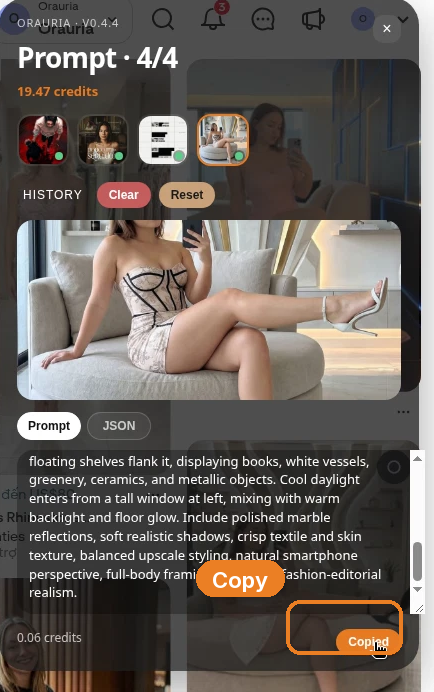
This is the prompt we got back, almost in full. It is a solid production brief. It is also still a description of the woman in someone else’s pin.
Photorealistic vertical 4:5 mirror-selfie photograph of one light-skinned adult woman, ethnicity not clearly identifiable, with shoulder-length light brown hair, seated sideways on a large rounded cream bouclé ottoman in a luxurious contemporary living room. She holds a black smartphone in her right hand near her face and looks down calmly, while her left hand rests on the seat. Her pose is elongated and relaxed: one bare leg crosses horizontally across the ottoman toward the right edge, and the other leg descends toward the marble floor. She wears a fitted pale blush champagne mini dress with a delicate floral print, structured corset construction, dramatic black piping and seam lines, plus white ankle-strap stiletto sandals. Behind her, center a very tall symmetrical geometric wall sculpture made from layered angular white and silver panels with narrow gold side inserts, surrounded by a soft warm LED halo. Minimal floating shelves flank it, displaying books, white vessels, greenery, ceramics, and metallic objects. Cool daylight enters from a tall window at left, mixing with warm backlight and floor glow. Include polished marble reflections, soft realistic shadows, crisp textile and skin texture, balanced upscale styling, natural smartphone perspective, full-body framing, and clean fashion-editorial realism.
Keep the room. Keep the 4:5 crop, the marble, the haloed sculpture, the way the pose fills the frame. Change the person. If a first generation still feels close to the reference — and in this demo, the wardrobe and the set stayed very close — push further: hair, face shape, age range, styling, even the phone-in-the-mirror beat, until you would not tag the original pin if you saw the two images side by side.
Invent the character, then lock her in Studio
A virtual influencer is not “the prompt, again, on Tuesday.” She is a person you can describe when she is off-camera: a name, a city, a kind of room she keeps returning to, a way of captioning a still. Do that work in writing before you generate anything you might post.
Then open Orauria Studio:
- Studio, Canvas, History, Avatar & Character, Skills
- Under Media type, choose Image, then Single
- In the composer, set Aspect ratio, Resolution, and Quality to Adaptive, and use the TT Image 2.5 model
- Generate with the send button, or Ctrl+Enter
The important control for this playbook is Avatar & Character. In this demo we attached an existing character, Seated Presenter Half-body – Woman 09, so the same face can come back in later stills. That is the difference between a one-off pretty picture and the first post in a grid.
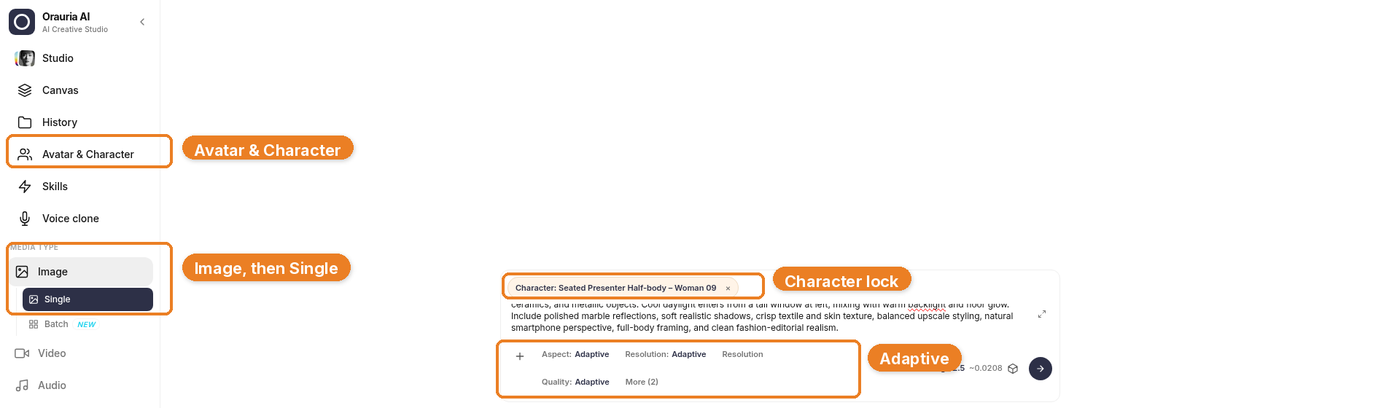
Generation takes a few seconds; the result then appears in the chat. Stay on TT Image 2.5 and let it finish.
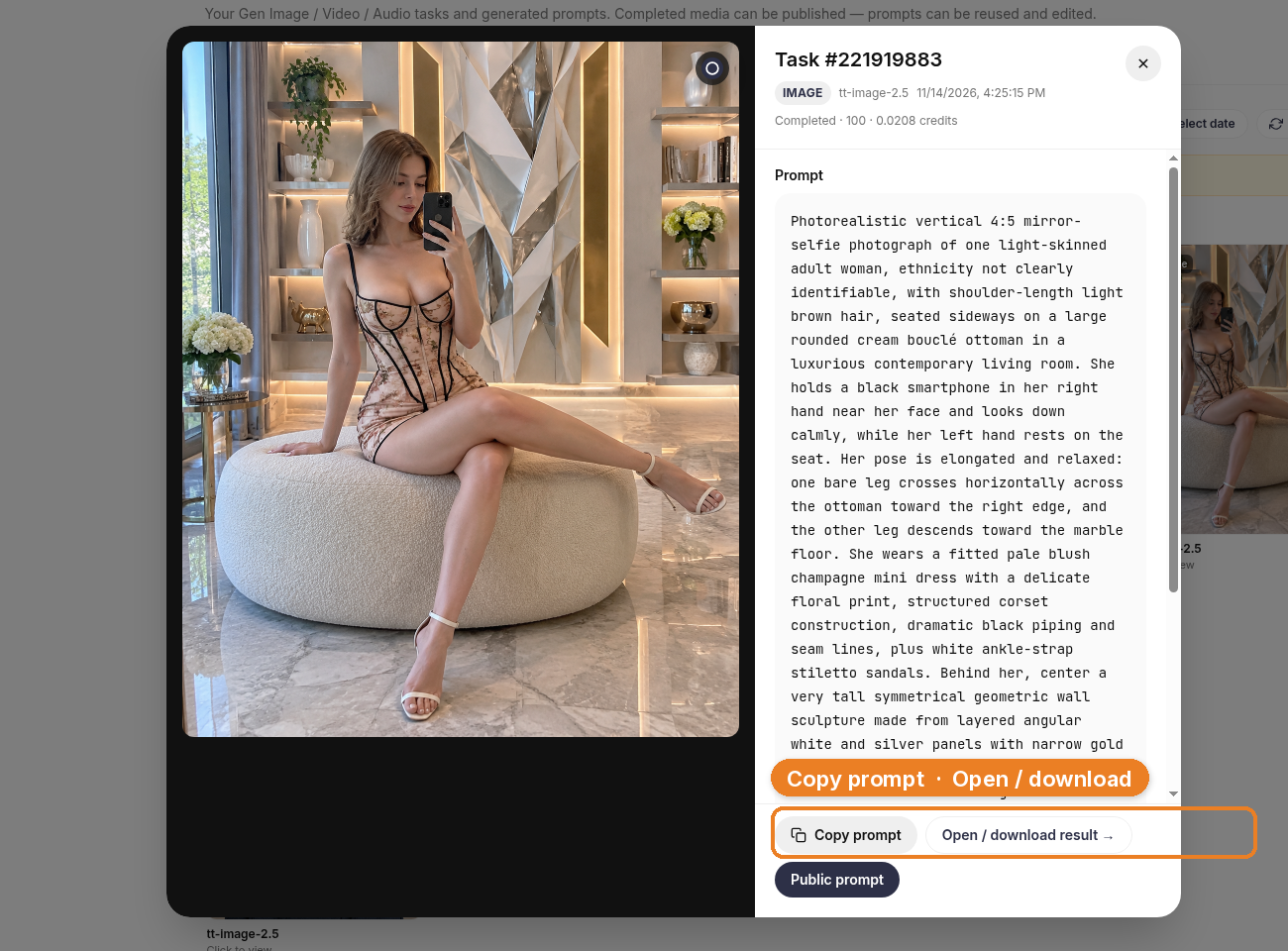
The still that came back kept the ottoman, the sculpture, the dress, and the mirror-selfie geometry. That is useful: it means the prompt understood the system. It is also a warning. A consistent virtual KOL still has to be a person you invented, not a polished reprint of the pin. If the first frame is too close, do not post it. Tighten the character description and generate again.
What this looks like on a channel
The layout below is a full Instagram-style interface, so you can see the shape of a popular post. The likes, comments, and follower counts are fictional — they are not results from this channel, and this is not a live post. The small Illustration label is there for the same reason.
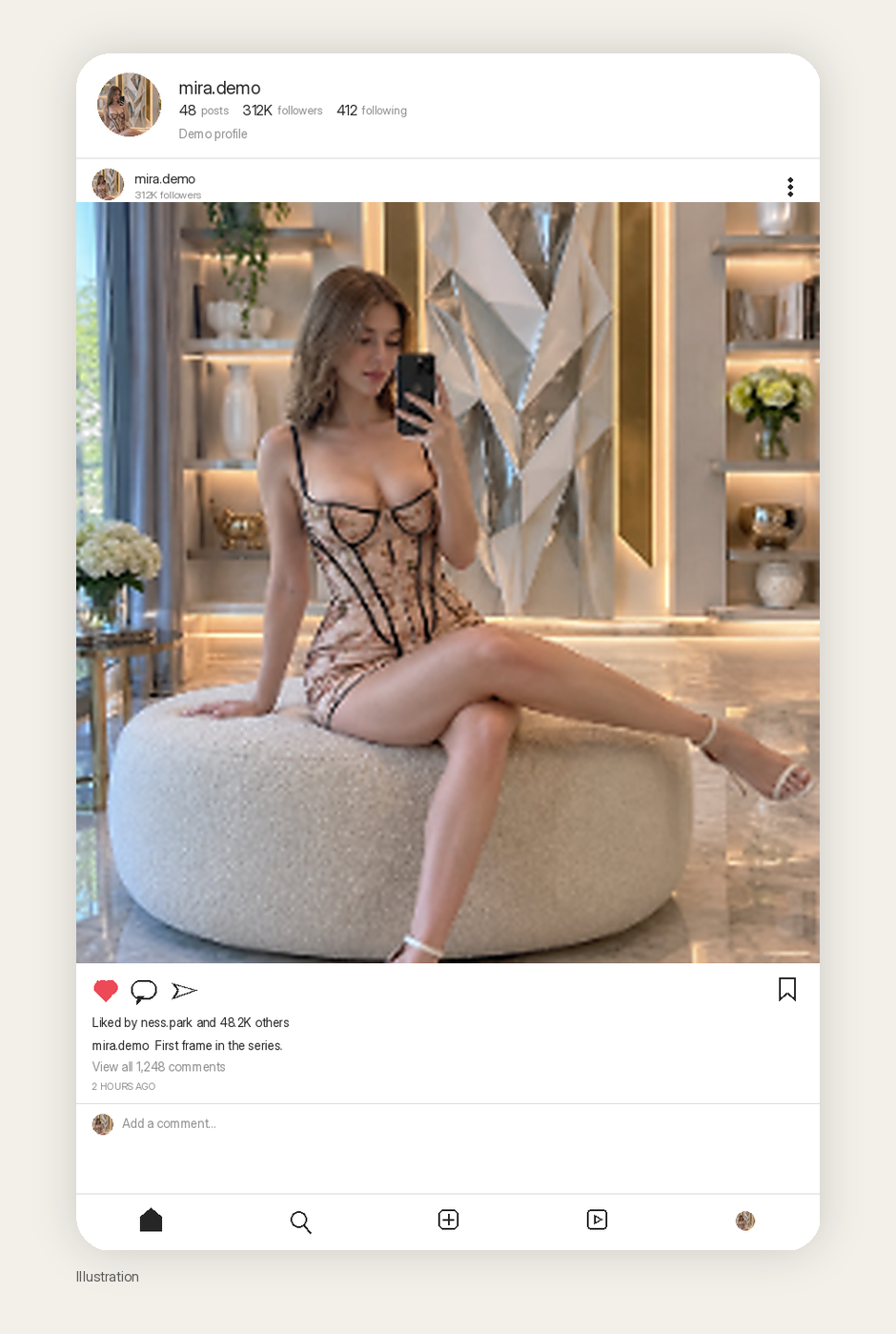
The more honest picture of a virtual-influencer channel is a grid with room to grow. One real still, and empty cells standing in for the outfits, rooms, and captions you have not made yet.
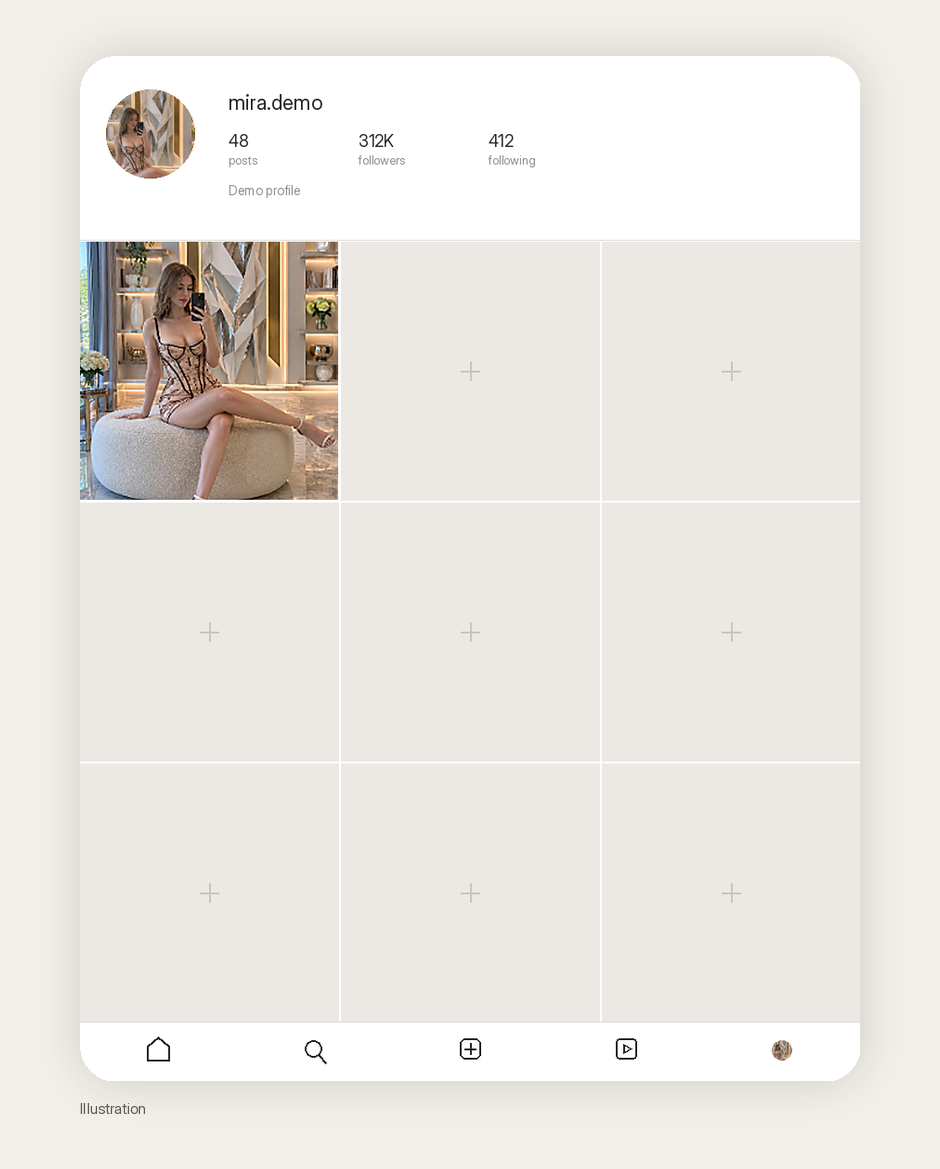
If you want a channel that can grow toward serious reach, the character has to survive a second room, a second outfit, and a second caption voice. That is the job Avatar & Character is for. Image to prompt gives you the first brief. It does not give you the next eight stills by magic, and it does not give you a million views.
What to make second
The first still is a test, not a launch. Before you schedule anything, decide what “the same person, tomorrow” looks like on paper.
Stay in the room once. Change the dress, or the time of day, or whether she is on the phone. Then move her to a second location that still feels like her life — a kitchen counter, a car park at dusk, a doorway — and keep the face, the age, the hair, and the way she holds herself. That is what the Avatar & Character lock is for. If the second frame looks like a sister instead of the same woman, the lock is not tight enough, or the prompt is arguing with it.
Write captions in one voice, too. A virtual influencer who sounds like three interns on rotation will not hold a grid together, even if the face does. You do not need a novel. You need a person who would plausibly say the same kind of thing next week.
Do not generate forty near-duplicates and call it a month of content. Cull hard. The empty cells in the mockup are not a failure of the demo. They are the actual queue.
What this playbook is not
It is not a case study of an account we grew. It is not permission to copy a real person’s face, even when the pin is flattering and the pose is perfect. And it is not a promise that locking a character in Studio will make the first frame look wildly different from the reference — you still have to write that difference in.
Credit constructo.LJ for the pin that taught the structure. Then go invent someone else.
Start here
You only need one good pin and one honest rewrite to start. Install AI Assistant Copilot – Orauria from the Chrome Web Store, run Image to prompt on a composition you actually want to live in for a month, invent the person who belongs in that room, and lock her in Studio before you generate a second frame.
Start here: orauria.com, and the Chrome Web Store listing for AI Assistant Copilot – Orauria.
Leave a Reply