Tag: Orauria

  • How to Let Grok Bot Take Meeting Notes and Draft Your Follow-Ups

    How to Let Grok Bot Take Meeting Notes and Draft Your Follow-Ups

    This article continues Orauria’s practical Grok Bot series. Earlier posts covered a lead-research loop that prepares meeting briefs, a morning inbox, calendar, and Notion brief, and teaching a Bot a browser task by showing it once. This one picks up where the meeting brief ends: what happens during and after the call. It shows how a Bot can join a video meeting, take notes, and leave you a summary, action items, and follow-up drafts that you review before anything goes out. The story is an illustrative example, not a client case study, and Orauria has no official partnership with xAI or Grok Bot.

    Facts about Grok Bot come from the public documentation at docs.x.ai: Add a Bot to your meetings, plus the pages on skills and routines, files and results, and approvals, security, and privacy, checked on 12 November 2026. According to the docs, Meetings are available on Team, Enterprise, and Ultra plans, and Enterprise admins can turn the feature on or off. We have not run the exact workflow below end to end, and the Slack and email follow-up steps are described from the docs, not from a test. Screens on the laptops in this article are example compositions built on the Grok Bot app layout, with invented content.

    Key takeaways. A Bot can join Google Meet, Zoom, or Microsoft Teams calls when you paste the link and approve its card. The host still admits it, and it shows up with “transcribing” in its name. After the call it posts a summary and action items in its chat. The useful part is what you add on top: a skill that turns those notes into your format, follow-up drafts that wait for you, and a clear rule about what the Bot may say in the meeting chat. Tell people a Bot is taking notes, and keep every message to a client behind your approval.

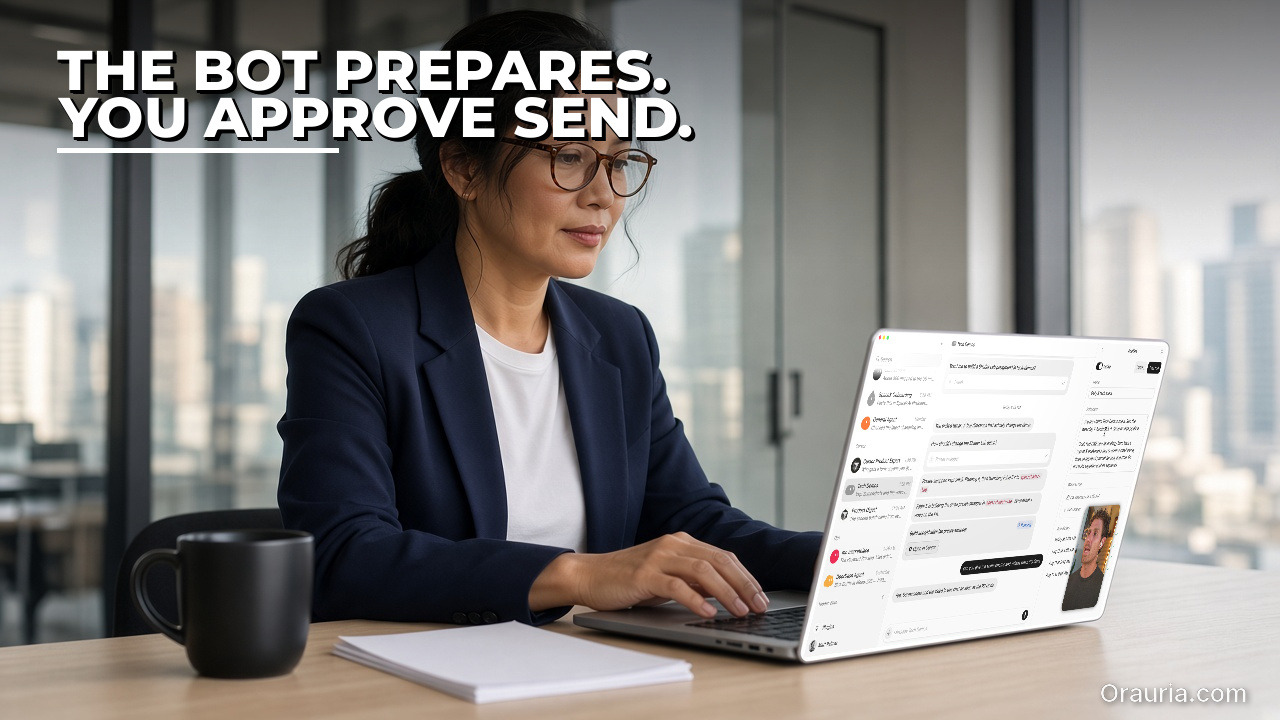
    Account manager pasting a meeting link into a Grok Bot chat with a join-and-transcribe approval card (example screen)

    Six calls a day and a follow-up that never gets written

    Meet Anan. He is an example persona: around forty, account manager at a small creative agency in Bangkok. On a normal day he has five or six calls: two client check-ins, an internal creative review, a supplier call about printing, and one or two “quick syncs” that are never quick. He is good in the room. He listens, asks the right question, and remembers who is sensitive about what.

    The problem is everything after the call. He takes notes in a notebook, on his phone, and sometimes not at all because he is the one presenting. By the evening he has three half-written follow-up emails, a vague memory that the client asked for a revised timeline “by Friday”, and a feeling that one action item from the 11:00 call has already been lost. The follow-ups go out late, or shorter than they should be, or not at all.

    He has tried recording calls and listening back. He never has the time. He has tried writing the follow-up during the call. Then he is not really in the call.

    The “after” he wants is not a robot that talks to his clients. It is a quiet note-taker that sits in the call, writes down what was decided and who owns what, and, when he hangs up, has already drafted the follow-up he would have written if he had twenty spare minutes. He reads it, fixes one line, and sends it himself.

    That is what the Meetings feature in Grok Bot is designed for. The docs describe a Bot that joins your Google Meet, Zoom, or Microsoft Teams calls, listens, takes notes, answers questions in the meeting chat, and sends you a summary and action items when the call ends.
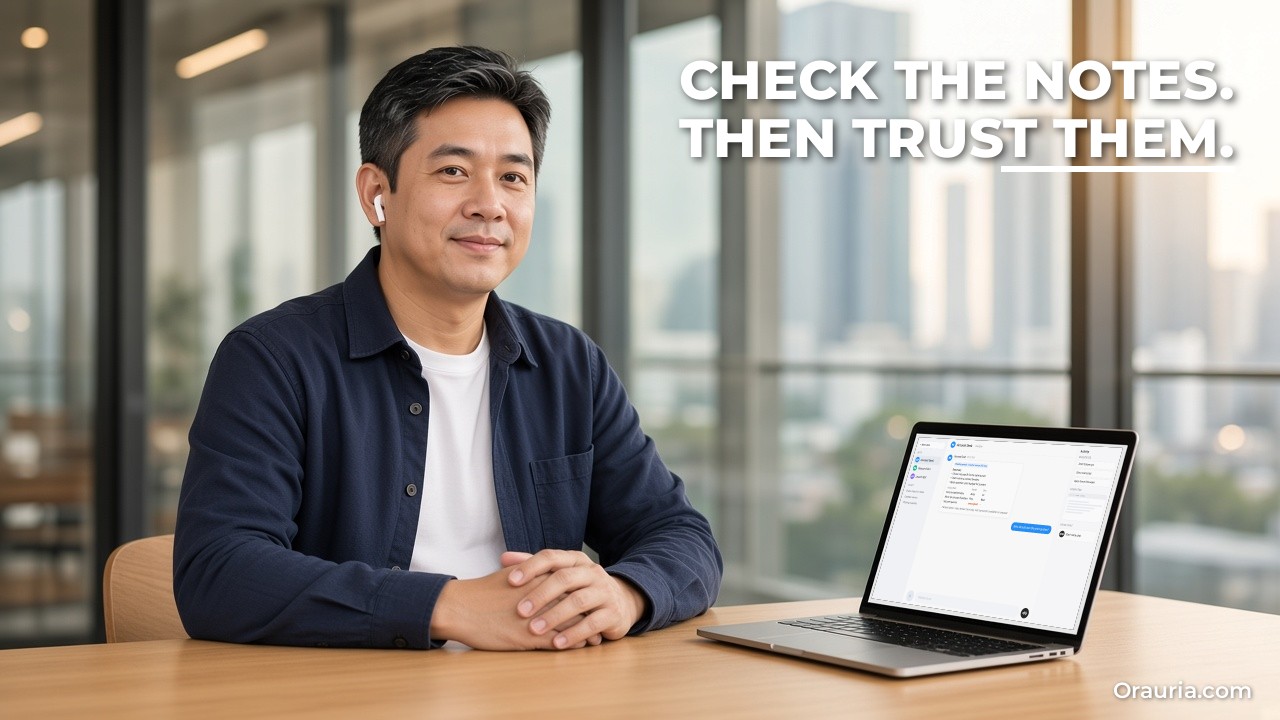
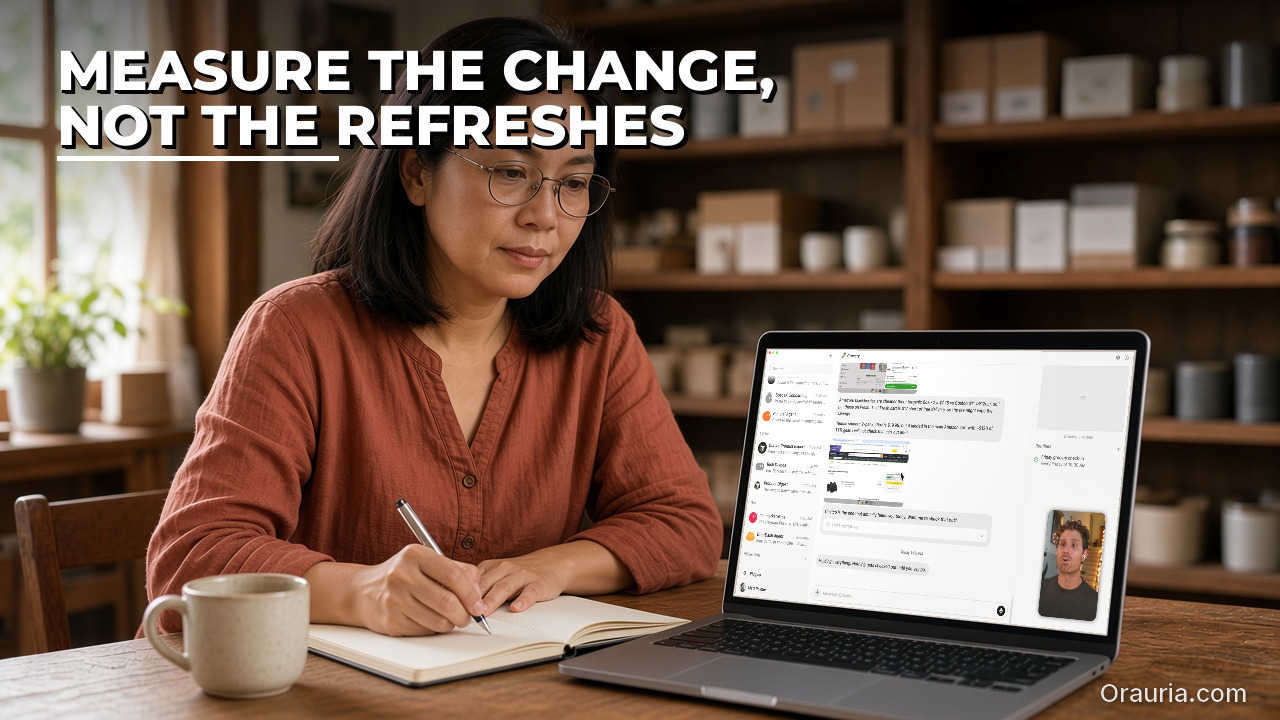
    Laptop showing a Grok Bot meeting summary with an action-item table and an unassigned owner flagged (example screen)

    What effectiveness looks like, and how to measure it

    It would be easy to promise “never miss an action item again”. We will not, because a note-taker can mishear a name, miss a decision that happened in a side comment, or record a maybe as a yes. What we can describe is what good looks like and how you check it in your own calls.

    A meeting Bot is doing its job when:

    • The summary is recognizable. Someone who was in the call agrees it says what happened, without invented decisions.
    • Action items have owners and dates. Each item names a person and, when one was said, a deadline. Items without an owner are marked as such instead of being assigned at random.
    • Follow-ups are drafts. Nothing reaches a client, a supplier, or a Slack channel until you approve it.
    • The Bot stays in its lane during the call. It answers in the meeting chat only when addressed, and holds back anything sensitive.
    • Your follow-up time drops. You spend minutes editing a draft instead of writing from memory.

    To measure it, keep a simple log for your first ten meetings with the Bot:

    • Meeting type (client, internal, supplier) and length.
    • Action items the Bot captured vs. the ones you would have listed yourself.
    • Errors: wrong owner, wrong date, invented item, missed decision.
    • Minutes from “call ended” to “follow-up sent”.
    • Edits you made to the draft: none, light, heavy.
    • Anything the Bot said or shared that it should not have (this should stay at zero).

    Compare the last column and the error column first. If the Bot is accurate and quiet, then look at time. If it is fast but wrong, slow down and fix the skill before you rely on it. And keep the numbers to yourself: they describe your meetings, not anyone else’s.

    A practical tip: score the first meetings within an hour of the call, while your own memory is fresh. If you wait until the end of the week, you will not remember whether the client really said Friday, and you will end up trusting the summary by default. The point of the log is to earn that trust, not to assume it. After ten meetings you will know which meeting types the Bot handles well, often structured internal reviews, and which ones still need your own notes, often fast-moving negotiations with several people talking at once.

    One more thing to measure is comfort. Ask a colleague or a friendly client how it felt to see a Bot in the participant list. If people speak less freely, the notes get worse, and no summary is worth that.

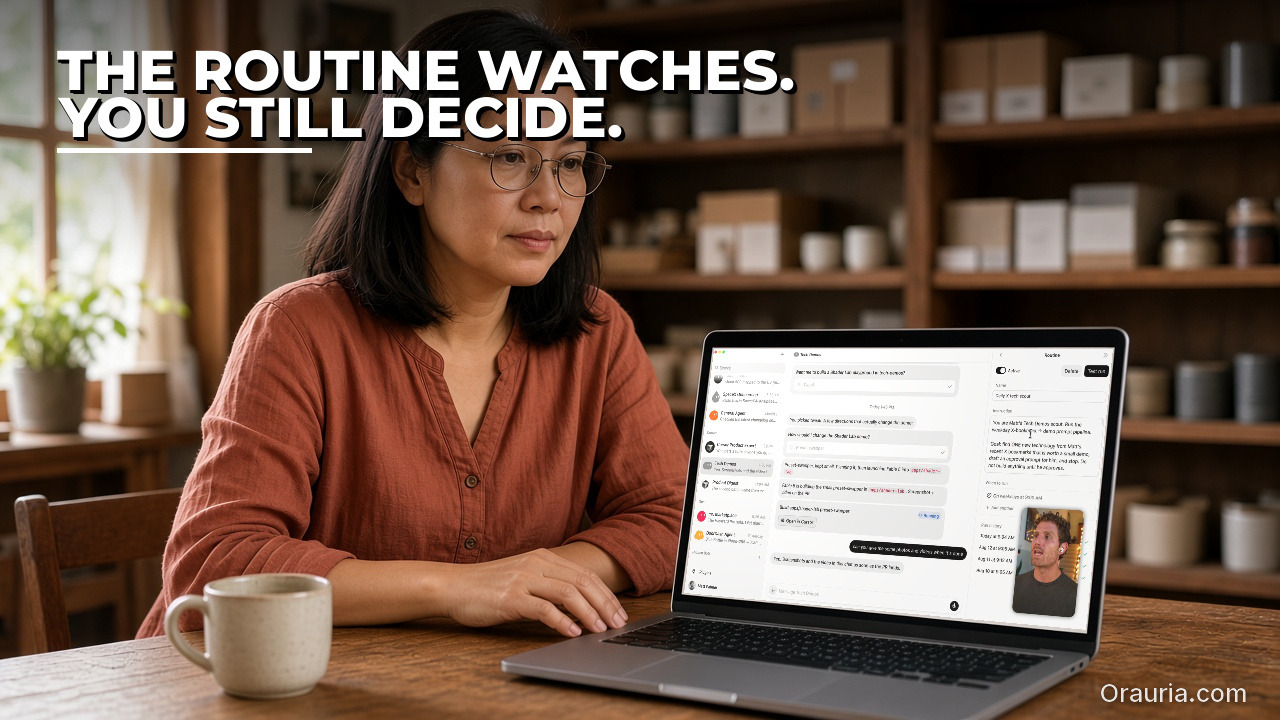
    Grok Bot Upcoming meetings list showing Taking notes and Muted status during a video call (example screen)

    How it works: joining, listening, and handing back

    Under the hood, a meeting Bot is the same Grok Bot you use in chat, with a meeting as one more place it can work.

    Joining a call

    According to the docs, you paste a Google Meet, Zoom, or Microsoft Teams link into your chat with the Bot and ask it to join and take notes. You approve the card when the Bot asks. When the meeting starts, the host admits it, and it joins with a name like “Bot name (your first name’s Bot) – transcribing”. A Bot that follows your calendar can also join scheduled meetings on its own. The visible label matters: participants can see that a note-taker is present.

    Managing upcoming meetings

    In the Bot’s details, meetings it is joining or attending appear under Upcoming, with a countdown, the next join time, or “Taking notes” while it is in the call. For a meeting you scheduled, Meeting actions include Disable Interactivity (it keeps listening and taking notes but does not answer in the meeting, and the row shows Muted), Cancel, and Quit.

    Talking to the Bot in the meeting

    You address the Bot by name in the meeting chat and it answers there. In Zoom, a private chat message gets a private answer. The docs add an important detail: if someone in the meeting asks for something the Bot held back, the Bot tells you who asked and offers to send it, and it will not share your credentials in a meeting. That is the human-in-the-loop moment you want.

    After the call

    When the call ends, the Bot posts a summary and action items in its chat. If you have Pages, a longer report goes on a page, with the link in the chat. You can ask later for the summary or transcript of a past meeting. The docs also note that meetings use the settings of the person who started them.

    Skills, routines, and drafts

    The meeting output is raw material. A skill turns it into your format: your summary headings, your action-item table, your follow-up tone. A routine can run on a schedule, for example a Friday review of the week’s meeting notes. Outbound messages follow the general approval rules: Auto Review checks actions before they run and shows an approval card when one needs you, and email from a routine waits as a draft until you press Send. The Bot proposes; you decide.

    Boundaries worth writing down

    A meeting is a room full of people who did not all choose to talk to a Bot. A few boundaries make the setup safer. Decide which meeting types the Bot may join at all: internal reviews and supplier calls are easier than sensitive HR or legal conversations, which may be better left out entirely. Decide what it may answer in the meeting chat: factual questions about the agenda are fine; anything involving prices, contracts, or files should wait for you, which matches the docs’ description of the Bot holding things back and asking you first. And decide how long notes are useful: a summary that sits in a chat forever may be more than anyone agreed to. Write these rules into the skill so they apply to every call, not just the ones where you remember.

    Memory

    Because the Bot keeps context between conversations, it can link today’s call to last week’s: “the revised timeline you promised on Monday is still open”. That is useful, and also a reason to be careful about which meetings you invite it to.

    Grok Bot asking before sharing a budget sheet requested in the meeting chat, with Allow once and Deny options (example screen)

    Setup: your first meeting with a Bot, step by step

    Here is how Anan sets it up, following the docs. Check first that your plan includes Meetings and, on a team plan, that your admin has it turned on.

    Step 1: Pick a low-stakes meeting

    He starts with an internal creative review, not a client call. Colleagues already know the plan, and a mistake costs nothing.

    Pitfall: starting with your most important client. If the summary is off, you lose trust in the tool and maybe a little trust from the client.

    Step 2: Tell people a Bot will be taking notes

    He adds one line to the invite: “A Grok Bot note-taker will join and transcribe; tell me if you’d prefer it didn’t.” Rules on recording and consent differ by country and by company. This is not legal advice; check what applies to you.

    Step 3: Paste the link and approve the card

    In his one-to-one chat with a Bot he calls “Account Desk”, he pastes the meeting link and writes: “Join this call at 10:00, take notes, and stay quiet in the meeting chat unless I address you.” He approves the card the Bot shows.

    Step 4: Admit the Bot when the call starts

    He is the host, so he admits the Bot from the waiting room. Its name ends with “transcribing”, which is easy for everyone to see.

    Pitfall: forgetting that the host must admit it. If someone else hosts, ask them in advance.

    Step 5: Read the summary and action items

    When the call ends, the summary and action items arrive in the Bot’s chat. He compares them with what he remembers, line by line, and logs any errors.

    Step 6: Ask for a follow-up draft

    He asks: “Draft the follow-up to the team based on these notes. Keep it under 150 words, list action items with owners and dates, and save it as a draft.” He edits and sends it himself.

    Pitfall: letting the first draft go out unread. The draft may repeat a misheard name or a deadline that was only floated.

    Step 7: Save the pattern as a skill

    After three or four meetings he asks the Bot to save the process as a skill called “Meeting follow-up”. The docs recommend that a skill states when to use it, required inputs and access, the sequence, how to validate the result, what to return, and what requires approval.

    Follow-up email draft waiting for Send plus a Slack post approval card in Grok Bot (example screen)

    The optimization journey: from v1 to v3

    v1: Default notes

    In the first week, Anan uses what the Bot gives by default: a summary and action items in chat. It is already better than his notebook. But the summaries are long, the action items mix “we should” ideas with real commitments, and he still writes each follow-up himself.

    What he learns: capture is solved; judgment and format are not.

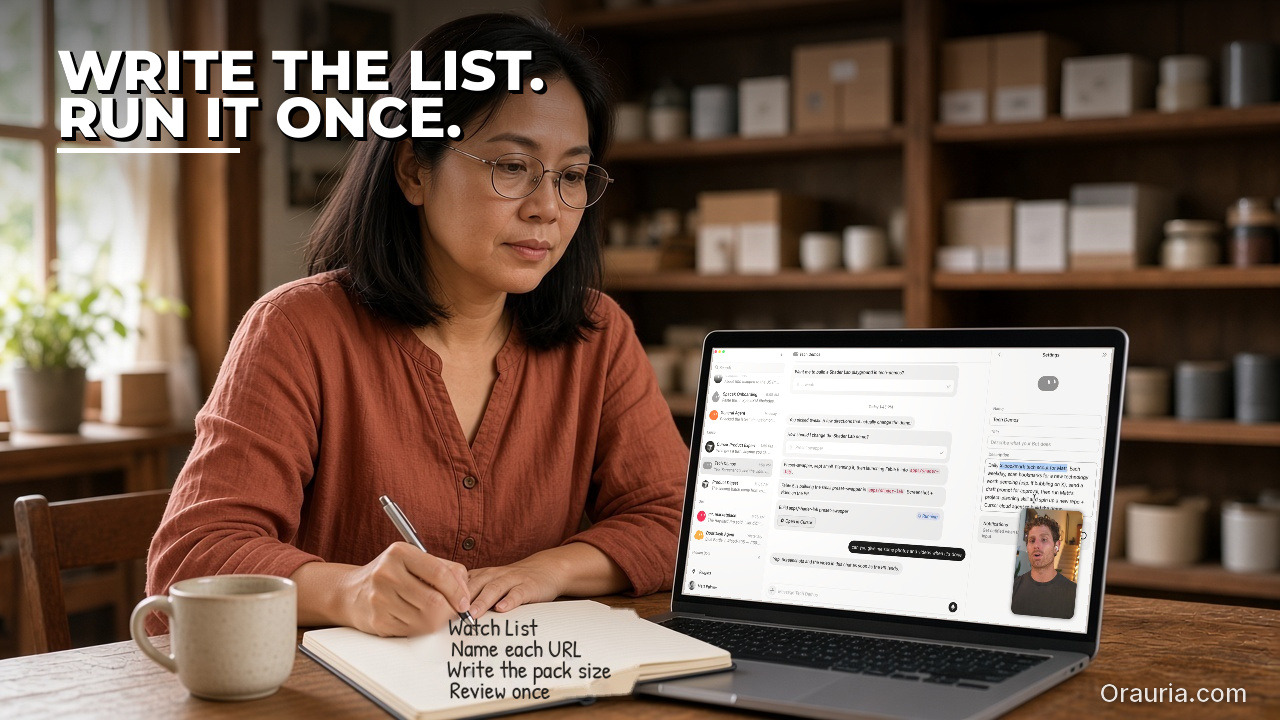
    v2: A skill with his rules

    He writes the “Meeting follow-up” skill with clear rules:

    • Summary in five bullets or fewer: decisions, open questions, risks.
    • Action items only when someone agreed to do something; ideas go to a separate “parked” list.
    • Every item has an owner; if no owner was named, write “owner: unassigned” and ask him.
    • Deadlines only when one was said; never guess a date.
    • Follow-up drafted in his tone, under 150 words, saved as a draft, never sent.
    • During client calls, Disable Interactivity: listen and take notes only.

    Now the output after each call is a short summary and a draft he can send in a few minutes.

    What he learns: the skill’s value is in the rules that separate commitments from ideas.

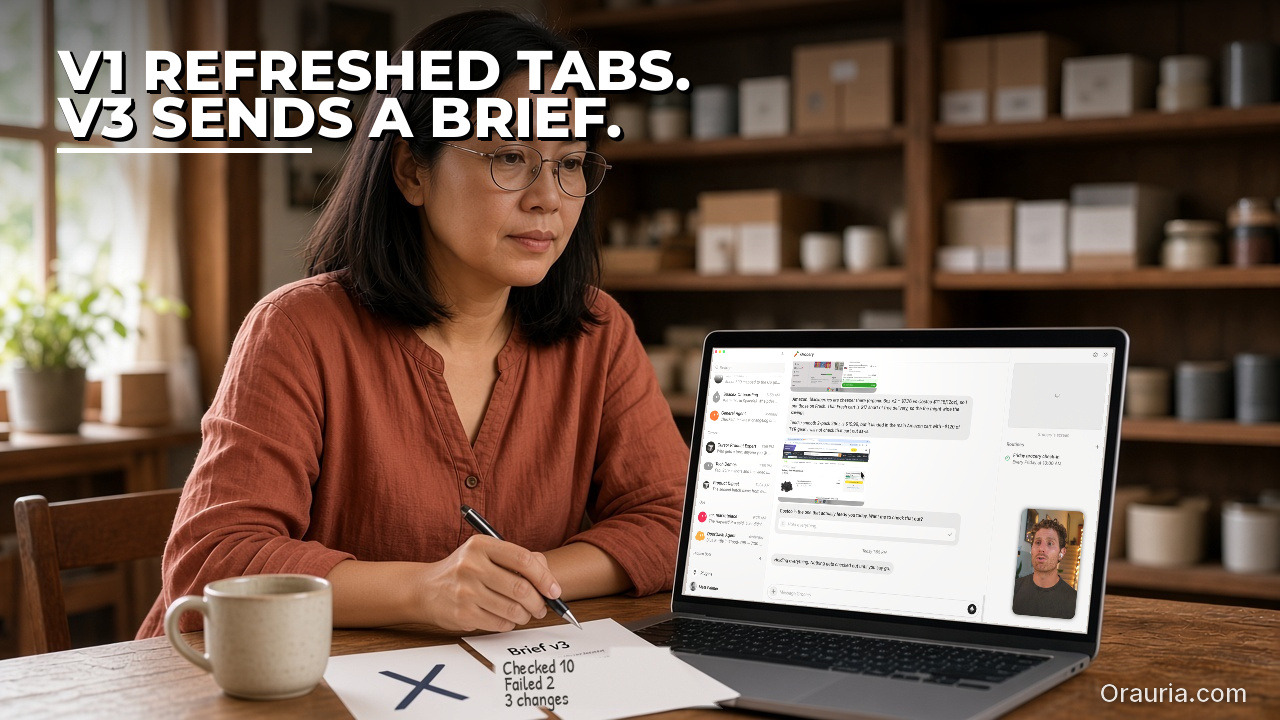
    v3: Follow-ups where the work lives

    Once the drafts are reliable, he adds two things. First, for internal meetings, the Bot prepares a short Slack post with the action items for the team channel, as a draft he approves before it posts. Second, a Friday routine reviews the week’s meeting notes and lists action items that are still open, with links back to the summaries. It posts the list in his chat and does not message anyone.

    We describe both from the docs and have not tested this exact setup. Slack posting requires the Slack app connected, and the Friday routine depends on the meeting summaries being available to the Bot.

    What he learns: the meeting is only the start. The value is in closing loops, and closing loops is safest when the Bot drafts and he sends.

    The order matters here too. He did not start with automatic Slack posts. He started with one internal meeting and a notebook to compare against.

    What to try this week

    Check that your plan includes Meetings. Pick one internal meeting you host. Tell attendees a Bot will join and transcribe. Paste the link into your chat with a Bot, ask it to join, take notes, and stay quiet unless addressed, and approve the card. Admit it when the call starts. Afterwards, compare the summary and action items with your own memory and log errors, missing items, and time to follow-up. Ask for a short follow-up draft and send it yourself. After three or four meetings, save your rules as a skill: what counts as an action item, how to handle missing owners and dates, your tone, and that nothing goes out without your approval. Only then try client calls with interactivity disabled, a Slack draft, or a Friday open-items routine.

    For more on skills and routines, read how to teach Grok Bot a browser task by showing it once, the lead-research and meeting-brief loop, and the multi-bot team guide. If your team needs meeting notes connected to a CRM, a project tool, or an internal system, send Orauria a brief and we will help you design it.


  • How to Teach Grok Bot a Browser Task by Showing It Once

    How to Teach Grok Bot a Browser Task by Showing It Once

    This article continues the practical Grok Bot series on Orauria, which began with 7 Grok Bot Tips to Schedule Posts, Filter Upwork Jobs, and Research Faster and has since covered a research workflow saved as a skill, a weekday competitor price watch, and a morning inbox, calendar, and Notion brief. This one is about a feature the earlier posts only touched: teaching a Bot a browser task by doing it once while it watches, then turning what it learned into a skill and, only later, a routine. The story is an illustrative example, not a client case study, and Orauria has no official partnership with xAI or Grok Bot.

    Facts about Grok Bot come from the public documentation at docs.x.ai, mainly the pages on skills and routines, the computer and apps, Vault and secure sign-in, and approvals, security, and privacy, checked on 12 November 2026. The docs say that Teach a task “may be enabled gradually”, so it may not be visible in your account yet. We have not run the exact workflow below end to end inside Grok Bot, and the Slack trigger and email steps in the later versions are described from the docs, not from a test. Screens shown on the laptops in this article are example compositions built on the real Grok Bot app layout, with invented sample content.

    Key takeaways. Teach a task records up to ten minutes of what you do on the Bot’s cloud computer and turns it into a draft skill. The draft is a starting point, not a finished automation: you still add decision rules, failure handling, and approval boundaries that one example cannot show. Test the skill on a safe example, run it by hand a few times, and only then attach it to a routine. Keep passwords out of the recording, and keep every order, email, and reply behind your approval.

    A ceramics studio owner rests her chin on her hand at a wooden workbench, looking at a laptop that shows an example Grok Bot skill run checking supplier stock. Hook text: Same portal. Every Monday.

    The Monday supplier portal that nobody wants to open

    Meet Linh. She is an example persona: late twenties, owner of a small ceramics studio that sells mugs, bowls, and vases from a shop counter and a simple online store. Every Monday at 8:00 she opens the same wholesale supplier portal. It has no app, no export button that works reliably, and no connector in any tool she uses. She signs in, clicks through to clay bodies, then glazes, then kiln shelves, and writes down three things for each item she uses: stock status, current price, and lead time. Then she compares that list with her own reorder sheet and decides what to order.

    It takes about forty minutes on a good day. On a bad day, the portal has moved a menu, a price has changed without notice, or she forgets to check one glaze and discovers the gap two weeks later when a batch of mugs is waiting for it. Nothing about the task is hard. It is just tedious, visual, and easy to get slightly wrong.

    Linh had tried describing the task to an AI assistant in words. The result was always a polite guess: “log in to the supplier site, check inventory, compare with your sheet.” Every real detail was missing: which menu, which columns, which items, what counts as “low”. She did not want to write a twenty-step manual for something she could do with her eyes closed.

    The “after” feeling she was looking for was simple. On Monday morning, a short list is already waiting: what changed since last week, what is low, and a draft reorder she can approve, edit, or ignore. She still decides. She just does not click through the portal anymore.

    That is the kind of task Grok Bot’s Teach a task feature is built for. According to the docs, Bots work from a persistent cloud computer with a browser, command line, and filesystem, and they can use sites that have no connector. Teach a task lets you demonstrate a browser workflow instead of describing every step.

    The same woman holds a speckled mug at a sunny cafe table; the laptop shows an example Grok Bot daily email digest routine. Hook text: Measure it. Don't guess.

    What effectiveness looks like, and how to measure your own

    It is tempting to say that teaching a Bot “saves forty minutes a week”. We will not say that, because we have not measured it for you, and the number depends on your portal, your list, and how much review you still do. What we can describe is what a good result looks like and how you can measure it yourself.

    A taught skill is effective when four things are true:

    • It reads the right things. Every item on your list is checked, and the values match what you would see if you opened the portal yourself.
    • It reports, it does not act. The output is a summary and a draft. No order is placed, no email is sent, and no setting is changed without your OK.
    • It fails loudly. If the portal is down, the layout changed, or a login expired, the Bot says so instead of reusing last week’s numbers.
    • It gets cheaper to review. After a few runs you trust the format, and checking it takes a few minutes instead of the full manual pass.

    To measure that, keep a small sheet of your own for the first four to six runs. Useful columns:

    • Date of the run, and whether it started on time.
    • Items checked vs. items on your list.
    • Values you spot-checked by hand, and how many were wrong.
    • Minutes you spent reviewing the result.
    • Minutes the old manual pass used to take (estimate it honestly once, before you start).
    • Failures: did it stop and report, or did it guess?
    • Actions taken without approval (this should always be zero).

    If after a month the spot-check errors are zero, review time is clearly lower than the manual pass, and the approval column is still empty, the skill is working. If not, the numbers tell you which part to fix: reading, reporting, or failure handling. Do not publish these numbers as a promise to anyone else. They are yours, for one portal, on one schedule.

    One more measure matters: usage. The docs note that every routine run spends usage, and that frequent schedules or broad triggers can use a lot of it. A weekly run on one portal is light. A run every two hours across ten portals is not. Check your plan before you scale up.

    The same woman points at a laptop on a studio counter; the screen shows an example Grok Bot "tell me when" lead-time monitor. Hook text: Show it once. Add the rules.

    How Teach a task works: skills, routines, and you in the loop

    Before you record anything, it helps to know the moving parts. Grok Bot uses two building blocks, as the docs describe them: a skill is a reusable set of instructions for how to do a task, and a routine tells one Bot when to run a workflow, either on a schedule or when something happens, such as a Slack message, an email to the Bot’s own address, a webhook call, or an event from GitHub, Linear, Sentry, or PagerDuty.

    The recommended order is explicit in the docs: start with a one-time task, make it reliable, save the method as a skill, and only then automate it. Teach a task is a shortcut into the second step. Instead of writing the skill from scratch, you show it.

    The agent loop on a cloud computer

    When a Bot runs a browser task, it works in a loop: look at the screen, decide the next step, act (click, type, scroll, read), then check the result. It does this on its own computer in the cloud, not on your laptop. The docs say work continues while your laptop is closed, and that files, sign-ins, and browser sessions persist between tasks. You can open the computer preview in the right-hand panel of a conversation to watch clicks, typing, and navigation as they happen.

    What the recording captures

    According to the docs, Teach a task records visible computer interaction for up to ten minutes. It does not record microphone audio, so narration is not part of the input; your typed description before you start is. When you stop, the Bot creates a skill from what it saw. That skill is a draft. The docs are clear that you should add decision rules, failure handling, and approval boundaries that may not be obvious from one example.

    What a good skill contains

    The docs list six things a useful skill states: when to use it, required inputs and access, the sequence of work, how to validate the result, what to return, and what requires approval. A demonstration gives the Bot the sequence very well. The other five usually need your words.

    Memory, logins, and secrets

    The Bot remembers your preferences and keeps sign-ins on its computer, so it does not start over each time. For the login itself, the docs describe an order: a login saved in Vault first, then a connected password manager such as 1Password, then a Secure Form that fills the page without the Bot seeing the value. If a site needs single sign-on, a passkey, a CAPTCHA, or a QR code, the Bot hands you the computer: you take over, finish only that step, and tell it to continue. The docs also warn directly: do not type secrets into a demonstration.

    Human in the loop

    Grok Bot has an Auto Review step that checks actions before they run. When one needs your OK, an approval card appears in chat with the proposed action and its inputs. The docs also say email from a routine waits as a draft until you press Send. For a reorder task, that is the boundary you want: the Bot prepares, you approve.

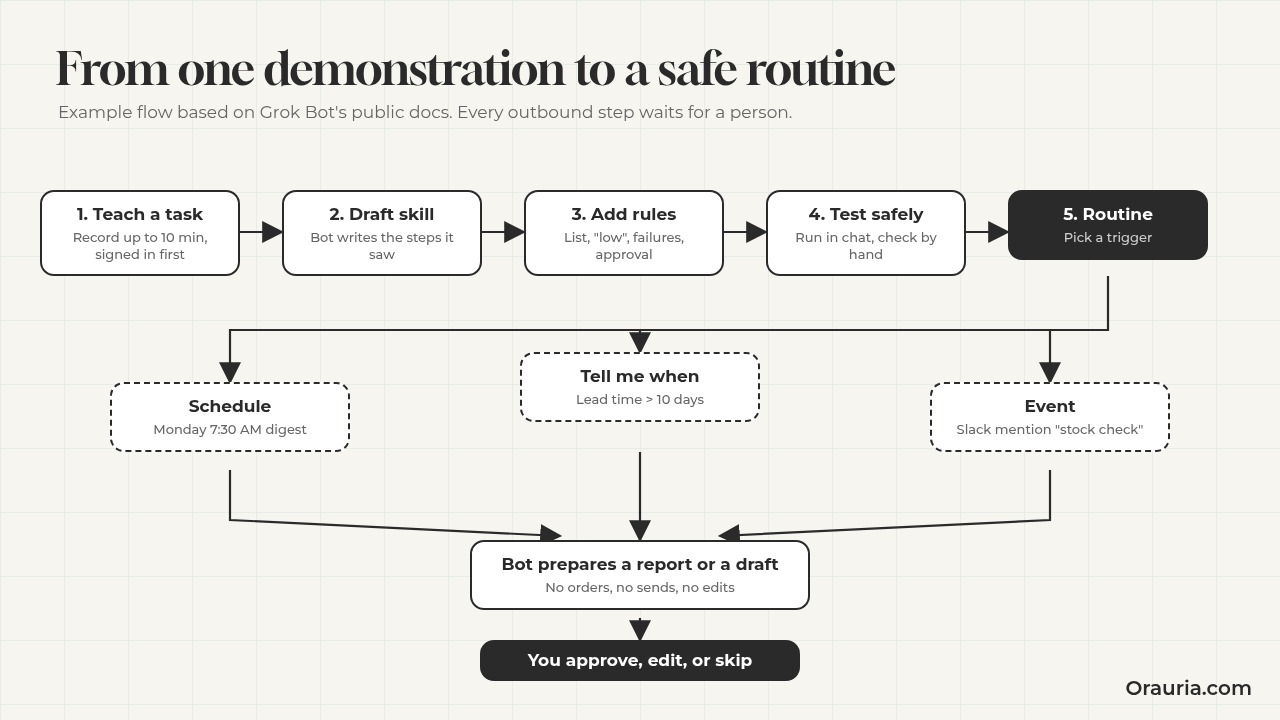
    Flow diagram: Teach a task, draft skill, add rules, test safely, routine with a schedule, a tell-me-when check, or an event trigger, then the Bot prepares a report or draft and you approve.

    Different routine shapes from the same skill

    Once a skill exists, it can sit inside different kinds of routines: a scheduled digest, a “tell me when” monitor that only speaks when a condition is met, an event-triggered reply flow that starts from a Slack mention, or a multi-step job that ends in a draft for approval. The images in this article show one example screen for each of those shapes. The skill stays the same; the trigger and the boundary change.

    The same woman types at a home desk by a window; the laptop shows an example Grok Bot Slack-triggered reply waiting for approval. Hook text: Record it. Then test it.

    Setup: teaching your first task, step by step

    Here is the sequence Linh follows, based on the steps in the docs. If Teach a task is not visible in your account yet, the docs suggest a fallback: do the task once with the Bot in chat, then ask it to create a skill from written instructions and the completed task.

    Step 1: Prepare the login before you record

    Linh saves the supplier login in Vault first (Settings, Vault, Add, Login). That way the password never appears on screen during the demonstration. If the portal uses a code sent by email, the docs say a Bot can read it from a connected Gmail or Outlook account or from its own inbox. She signs in once through the Bot’s browser so the session is ready.

    Pitfall: recording the sign-in itself. Even if the password field is masked, a typed username, a pasted code, or a visible account page can end up in what the Bot learns. Start the recording after you are signed in.

    Step 2: Open a one-to-one conversation and the computer view

    Teach a task starts from a one-to-one Bot conversation with its computer view open. Linh uses a Bot she named “Studio Ops” so all supplier work stays in one place.

    Step 3: Choose Teach a task and describe the result

    Before demonstrating, she types what she is about to show and what the result should be. Something like: “I’m going to check stock, price, and lead time for the glazes and clay bodies I use on the supplier portal. The result should be a table of those items with the three values, and a note on anything that changed or is low.”

    Pitfall: describing the clicks instead of the result. The recording already shows the clicks. The description should say what “done” looks like.

    Step 4: Perform the workflow once, slowly

    She does the task as she normally would, but slower, and on a smaller list: three glazes and one clay body. She opens each product page fully, so stock, price, and lead time are visible on screen, and avoids side trips to unrelated pages. The ten-minute limit is a good forcing function: if the task does not fit, it is probably two skills.

    Pitfall: doing it “your way” with shortcuts the Bot cannot see, such as a bookmark bar that is not on its browser or a mental rule like “skip the one with the red badge”. If a rule matters, say it in the description or add it later.

    Step 5: Stop and review the draft skill

    When she stops the recording, the Bot creates a skill. She reads it line by line. The sequence is right. What is missing is everything she knows but never did on screen: the full list of twelve items, what “low” means for her (fewer than two weeks of use at her current pace), and what to do if a product page is missing.

    Step 6: Test on a safe example

    The docs say to test a learned skill on a safe example before scheduling it. Linh asks the Bot to run the skill once in chat on the same four items, while she watches the computer view. She compares every value with the portal. Only after that does she expand to the full list.

    Pitfall: testing with write actions turned on. A test run performs real work. If your workflow could add items to a cart or submit a form, keep that step out of the skill until the read-only part is trusted.

    Step 7: Attach it to a routine, with a boundary

    When the skill is reliable, she asks the Bot that owns it to create a routine, in plain words: “Every Monday at 7:30 AM, run the Supplier stock check skill. Post the table in this conversation with changes since last week. Do not place orders or contact the supplier. If the portal is unavailable or the layout changed, report the failure instead of using old data.” The docs suggest confirming the owning Bot, the schedule and time zone, the input, the expected result, the approval boundary, and what happens when a source is missing. Schedules use the time zone in Settings, under Bot, Timezone.

    Pitfall: expecting the routine to run immediately. The docs note that a new routine waits for its next scheduled time. Use Test on the routine if it is offered, or ask the Bot to do one run in chat.

    The same woman wraps a bowl at a packing table; the laptop shows an example Grok Bot reorder email saved as a draft with a Send button. Hook text: It drafts. You approve.

    The optimization journey: from v1 to v3

    The first version of a taught skill is rarely the one you keep. Here is how Linh’s skill changes over a few weeks, as an illustrative path.

    v1: The recording as it came out

    The draft skill from the demonstration does the sequence: open the portal, go to glazes, open each item, read stock, price, and lead time, put them in a table. It covers the four items she demonstrated. The output is a plain table. There is no idea of “low”, no comparison with last week, and no instruction for failures. When she runs it on the full list, it handles the twelve items fine, but one product has been renamed by the supplier and the Bot reports it as “not found” with no suggestion.

    What she learns: the sequence was the easy part. The judgment was missing.

    v2: Rules, memory, and failure handling

    She edits the skill in chat, adding:

    • The full item list, stored in a small file on the Bot’s computer that she can update.
    • Her definition of low: fewer than two weeks of use, with her weekly use per item listed.
    • A comparison with last week’s table, saved as a file after each run, with changes highlighted.
    • Failure rules: if a page is missing, search the portal by item code and report the closest match without assuming it is the same product. If the portal does not load or the layout looks different, stop and report.
    • An explicit boundary: never add to cart, never submit a form, never message the supplier.

    Now the Monday output reads like a short brief: three items low, one price increase, one lead time that doubled, and one renamed product to confirm. She attaches it to the weekly routine described above.

    What she learns: a skill gets good when it encodes the decisions, not just the clicks.

    v3: From report to draft, and from schedule to signal

    After four clean Mondays, she makes two changes. First, the routine now ends by preparing a draft reorder email to the supplier listing the low items and quantities. It stays a draft: the docs say email from a routine waits until you press Send, and she adds her own rule that the Bot shows her the draft and the source table side by side. Second, she adds a small “tell me when” check mid-week: if the lead time on her main clay body goes above ten days, the Bot posts one message in the conversation, and stays quiet otherwise.

    She also tries an event trigger. Her studio assistant can mention the Bot in a Slack channel with “stock check” to run the skill on demand, and the Bot prepares the answer as a draft reply for approval rather than posting it directly. We describe this from the docs (Slack triggers can start a routine when the Bot or a phrase is mentioned in a channel); we have not tested this exact setup, and the docs note that a Slack trigger needs Slack connected on the account that owns the Bot.

    What she learns: the same skill can serve different shapes of automation. The trigger decides when it runs; the boundary decides what it may do. Her rule for every shape stays the same: it prepares, she approves.

    Notice what she did not do: she did not start with v3. The draft email and the Slack trigger only came after the read-only version was boring and reliable. That order is what makes the later versions safe to trust.

    What to try this week

    Pick one browser task you repeat every week on a site with no connector, and that only reads information: a supplier portal, a marketplace dashboard, a booking page, a government form status check. Save the login in Vault and sign in once before you record. Open a one-to-one conversation with your Bot, open the computer view, and look for Teach a task. Describe the result in one or two sentences, then demonstrate the task once on a small sample, in under ten minutes. Read the draft skill and add what one example could not show: the full list, your definition of “important”, what to do on failure, and a written rule that nothing is sent, ordered, or changed without your approval. Run it in chat a few times and compare every value by hand. Track runs, errors, review minutes, and approvals in a sheet you own. Only then attach it to a routine, and only then consider a draft email, a “tell me when” check, or a Slack trigger.

    If you want to see how other people in this series used skills and routines, read the research workflow skill, the competitor price watch routine, and the overview of what Grok Bot is and how Orauria extends it. If your workflow needs more than a taught skill, such as a custom connector, an MCP server for an internal system, or a Bot built around your approval rules, send Orauria a brief and we will help you design it.

  • How to Build a Morning Inbox, Calendar, and Notion Brief with Alerts in Grok Bot

    How to Build a Morning Inbox, Calendar, and Notion Brief with Alerts in Grok Bot

    This article is part of a practical Grok Bot series that began with 7 Grok Bot Tips to Schedule Posts, Filter Upwork Jobs, and Research Faster and continued through a weekly social-posting routine with Postiz, an Upwork job filter with human-reviewed proposal drafts, a research workflow that turns sources and verification into a skill, and a multi-bot team extended with Orauria. The use-case pieces so far have covered a weekday competitor price watch, a pack that turns one blog post into approved social drafts, a morning trend and industry-news digest, and a lead-research loop that leaves outreach drafts and meeting briefs. This fifth use-case stays with the same rule: a Bot can brief the morning — inbox, calendar, Notion deadlines, and a small set of alerts — while every reply, every listing change, and every decision to act stays with a person. It is written as an illustrative week, not a client case study, and it does not claim an official partnership with xAI or Grok Bot.

    Facts about Grok Bot come from public pages on x.ai/bot and docs.x.ai, including the documentation on skills and routines and the cloud computer and apps (updated 11 November 2026). We checked those sources on 12 November 2026 (Asia/Saigon, UTC+7). Official docs describe Connect apps that include Gmail, Google Calendar, and Notion, plus an Email app that gives a Bot one mail.grokbot.com address. Email from a routine waits as a draft until you press Send; there is no unattended sending. Official materials also describe triggers that can include a webhook, Slack, GitHub, Linear, Sentry, and PagerDuty, and they list Stripe among Connect apps. We have not independently verified those connections or triggers end to end in this run, and we have not independently run this exact morning-briefing workflow inside Grok Bot. Nothing in this article asks the Bot to auto-reply to customers or to change a store listing on its own.

    Key takeaways. A useful morning brief is not a Bot that forwards your inbox to you a second time, or that replies while you are still making coffee. It is a short, named skill, a weekday routine in your time zone, a one-page pass that names what needs a person, and a hard rule that drafts stay drafts. Official docs describe a persistent cloud computer with a browser, files, and a command line, plus scheduled routines that keep running while your laptop is closed. Gmail, Calendar, and Notion are documented starting points, not paths we verified in this run. Effectiveness is not a promised number of minutes saved. It is what you measure: missed deadlines the brief caught, false alarms, drafts that left the queue without approval, and replies the Bot never sent. Keep every reply, and every change to a live listing, with a person.

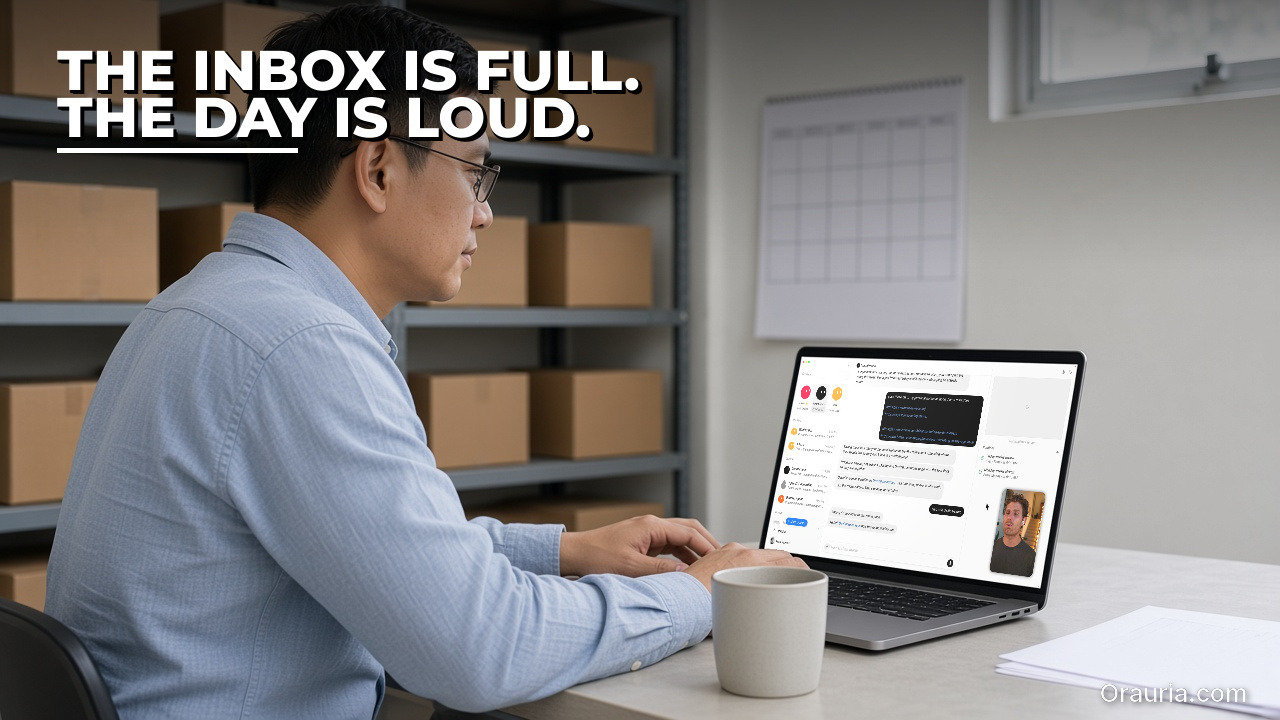
    The same man, seen over his left shoulder, types at a laptop showing the real Grok Bot search chat. Hook text: The inbox is full. The day is loud.

    The morning feeling of an inbox and a calendar that both start talking at once

    The story in this article is illustrative. Call the person Đức. He is in his mid-thirties, and he runs day-to-day operations for a small shop that sells both from a counter and from a simple online store. At 7:10 the lights in the stockroom-adjacent office are already on. The inbox has a late supplier message, two customer questions that arrived after midnight, a payment receipt, and a newsletter that looks, at a glance, like an alert. The calendar has a 9:00 call, a 10:30 delivery window, and a line that still says “follow up on last week’s delay.” Notion has three tasks due today, one of which he is no longer sure is real. Somewhere in that mix, yesterday, the public product page was slow for twenty minutes, and nobody noticed until a customer mentioned it.
    The feeling is not that the tools are missing. It is that they all start talking at once, and the first half hour of the morning is spent deciding which voice is actually a job. A forwarded inbox is not a brief. A calendar dump is not a plan. A Notion list that never gets pruned becomes a second inbox. An alert that fires on every harmless blip trains you to ignore the one that matters. Đức does not need a Bot that “handles operations.” He needs a teammate that can read the surfaces he already uses, write a short morning pass he can trust, leave any outbound message as a draft, and wake him for a small number of events that are worth waking for — a site that does not respond, a new order that needs a person, a deadline that will actually expire today.

    The week that follows is not a promise that his shop will run itself. It is a way of asking whether a careful loop can make 7:10 quieter, without giving the Bot permission to speak to a customer or to change a listing. If you already run a morning digest that waits before anything is said in public, or a research pack that leaves outreach drafts for you to send, this use-case will feel like the same standard applied to the first hour of a working day. The cost of a missed approval is simply closer to the till.

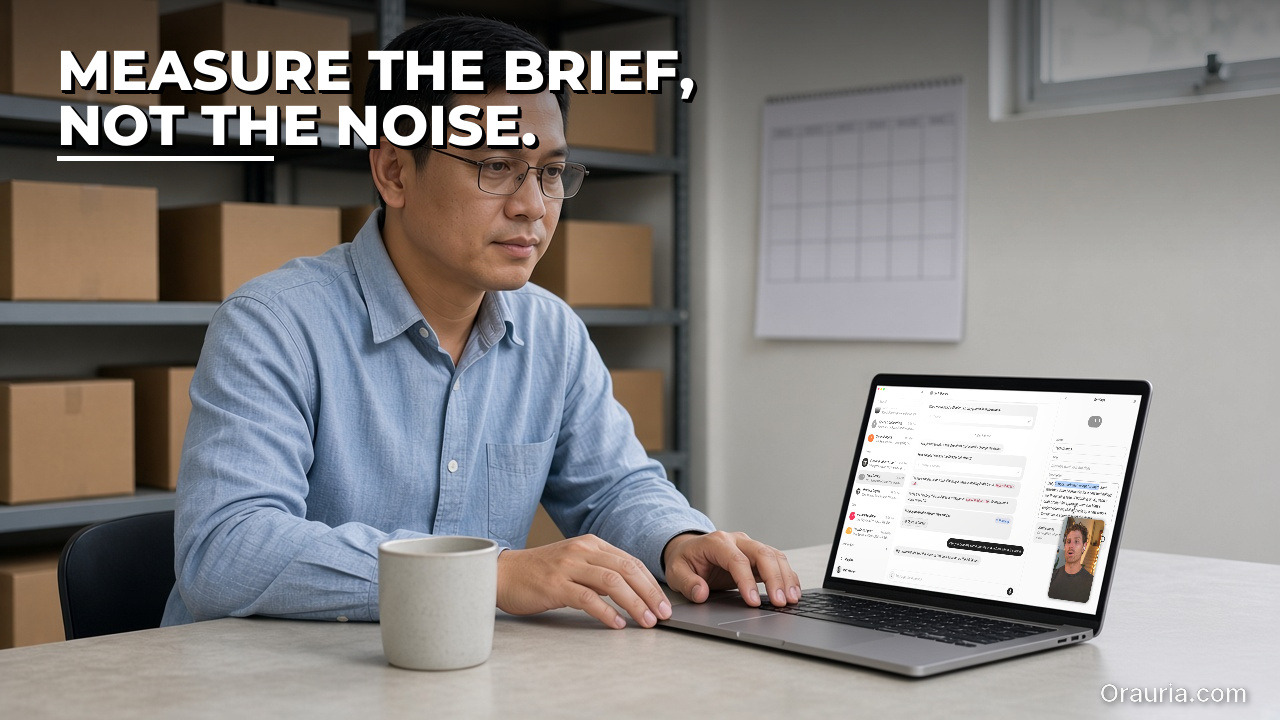
    The same man sits at a laptop showing the real Grok Bot settings panel beside a chat. Hook text: Measure the brief, not the noise.

    What effectiveness looks like, and how to measure your own morning brief

    Effectiveness here is not a number we can promise, and it is not a number you should copy from this page. Đức’s week is a story, not a benchmark. What you can do, on your own inbox and your own calendar, is decide what “a quieter morning” means before you ask a Bot to help, and then count it for a week.

    Start with misses and false comfort, not with volume. Did the brief name the deadlines that actually expired that day? Did it bury a customer message under a newsletter? Did it treat a marketing mail as an urgent alert? A pack that “summarised forty threads” and missed the one unpaid invoice is not more effective than a pack that named five items and got the important one right. Write down, each morning, the items you still had to hunt for yourself. That missed column is the first number that matters, and only you can measure it.
    Second, measure false alarms. An alert that fires because a public page was slow for twelve seconds, or because a test order arrived, will train you to snooze the channel. Count alerts that you acted on, alerts you dismissed, and alerts that were simply wrong. If you want a percentage, use your own: false alerts per ten fires, in your own week, on your own site or order path. Do not import a figure from a vendor story, including this one.

    Third, measure time, but measure the right time. The useful clock is not “how fast the Bot wrote the brief.” It is the time from “I sat down” to “I know what needs a person before 9:00, and I have not accidentally sent a reply.” If the Bot saves ten minutes of scanning and costs you twelve minutes of checking whether a summary hid a request, the loop is not yet earning its place. Track that elapsed time for five weekday mornings. After a revision of the skill, track it again. The comparison is with yourself, not with a promised average.

    Fourth, count anything that left the draft state, or changed a live listing, without your approval. Official docs say that email from a routine waits as a draft until Send. Your own rule should be stricter than hope: the number of customer replies or listing edits that went out without a human press of Send, or a human confirmation, must be zero. A connected Gmail account, which official pages list among Connect apps, is not permission to let a Bot speak as you. A connected store or Stripe account, if you later explore that documented path, is not permission to change a price or refund an order unattended. Log the queue: briefs delivered, drafts waiting, drafts sent, drafts dropped, alerts fired, alerts dismissed. The dropped column can be a success column. It means the brief was allowed to conclude that this message did not need a reply this morning.

    Fifth, measure whether the brief helped you walk into the first real hour of work. Did it give you a sourced list — this event at 9:00, this Notion task due today, this customer thread that still needs a person, this public URL that failed a check — without inventing a meeting or a task that was not there? After five mornings, mark each brief as helpful, neutral, or harmful, in your own words. There is no industry “minutes saved” hiding in that column.

    Keep the measurements in a sheet you own. A simple week log is enough: date, items the brief named, items you had to find yourself, false alerts, minutes to a usable pass, drafts sent or not, and whether anything left your queue without you. After seven days you will know if v1 is even worth improving. That is the only effectiveness story this article can honestly offer: a method for you to see your own morning clearly.

    The same man watches a laptop screen showing the real Grok Bot routines panel. Hook text: Apps can brief. You still act.

    How the loop works: inbox, calendar, Notion, alerts, and a human who still acts

    The loop has five parts, and they only work together if the last one is a person. First, a skill defines what a morning brief is allowed to contain. Second, connected apps — documented as Gmail, Google Calendar, and Notion — can supply the raw material, if you choose to connect them. Third, a small alert path watches a public URL or a documented trigger, and writes a short notice rather than taking an action. Fourth, a weekday routine leaves the pack on your desk. Fifth, you approve every reply, every skip, and every change.

    The skill should be written so that you can audit it. Give it a name, a time window (for example, everything since yesterday’s brief), and a hard output shape: a short calendar block, a short inbox block that names threads which look like they need a person, a Notion block for tasks or deadlines due today, and an alerts block that is allowed to be empty. Give it refusals: no auto-replies, no listing edits, no invented meetings, no “urgent” label unless the skill can point to a reason you wrote down. Teach a task, official docs say, may be enabled gradually; a written skill is the fallback, and it is the clearer artefact anyway, because you can read it.

    Gmail, Google Calendar, and Notion appear in the documented Connect apps. That is the starting path this article describes, and it is documented design, not a path we independently verified end to end in this run. If you connect them, keep the skill conservative. The inbox block should list, not answer. The calendar block should report events that are actually on the calendar you shared, not invent a stand-up. The Notion block should report tasks and due dates that are in the database you pointed at, and should say “not found” rather than guess. If a login, a CAPTCHA, or a human check appears on the cloud computer, official guidance is to pause and hand the computer over. Do not paste passwords into ordinary chat. The vault and the secure form exist for credentials.

    Alerts need an even tighter rule, because they are the part of the loop that interrupts you. One honest starting path is a public URL check: the cloud computer, which official docs describe as a persistent machine with a browser, can request a page you already publish and report whether it responded. That path was not independently run end to end in this article; treat it as a design you must test yourself. Official docs also describe triggers that can include a webhook, Sentry, and PagerDuty, and they list Stripe among Connect apps. An order alert might later start from a Stripe event, from an order email, or from a webhook you already trust. We have not independently verified those triggers in this run. Whatever you choose, the alert should write a short notice and stop. It should not refund, should not change a listing, and should not reply to the customer “to be helpful.”

    Outbound mail, if the brief ever produces any, stays in draft. Official docs describe an Email app at mail.grokbot.com, and they state that email from a routine waits as a draft until Send. If you later use Gmail as a documented Connect path, keep the same rule in the skill. A morning brief may leave a draft reply under a customer thread for you to accept, rewrite, or drop. It may not send the reply because the wording sounded polite.

    Underneath the artefacts is the same Grok Bot layer described in the rest of this series. Official docs describe a persistent cloud computer, shared by the Bots in a workspace, with a browser, files, and a command line. Skills and routines are documented with rate limits: 300 runs an hour across all of them, 200 an hour for each, a cap of 50 routines per Bot, and a minimum of five minutes between scheduled runs. A new routine waits for its next scheduled time; Test performs real work, so do not test a send, a refund, or a listing edit. Set the time zone in Settings, under Bot, under Timezone, so the morning pack arrives in the morning you actually have.

    The human in the loop is not a closing slogan. It is the only safe interface to a customer and to a live shop. You approve the facts in the brief, you approve the reply, and you approve the skip. A loop that cannot recommend silence — this thread does not need an answer yet, this alert is a blip, this Notion task is stale — is not yet a professional loop. The same standard already appeared in the proposal drafts that wait for review, in the social pack that must not publish without you, and in the outreach drafts that wait for Send. The morning brief is simply the place where a missed approval can reach a customer before breakfast.

    The same man works at a laptop showing the real Grok Bot cloud computer. Hook text: Connect one app. Review the pass.

    Setup experience: from one connected app to the first morning pass

    Do not start by connecting every app and turning on every alert. Start with one surface you already trust, one morning, and one pass in chat. The first goal is not a routine. It is a brief you are willing to use before 9:00.

    Write the skill first, even if it is only a page. State the job: produce a morning pass with four labelled blocks — calendar, inbox, Notion, alerts — and leave any outbound mail as a draft. State the refusals: no sending, no auto-replies, no edits to listings or prices, no invented events or tasks. Name what “needs a person” means in your shop, in your own words: a customer question, a payment problem, a delivery that will miss its window, a task due today, a public page that did not respond. If a block has nothing to report, it should say so in one line rather than invent work.

    Connect one app, not three. Many people will start with Calendar, because the events are already structured and easier to check. Official pages list Google Calendar as a Connect app; treat that as documented design, and then open the brief against the actual calendar you see. If the skill invents a meeting, or drops one that is on the page, fix the skill before you add Gmail or Notion. When you do add the inbox, start with a narrow window and a narrow rule: list threads from a labelled folder, or from a small set of senders, rather than “summarise everything.” When you add Notion, point at one database and one date property, and ask the skill to list what is due today, with a link back to the item. At each step, check the brief as if you were the operations lead, not the owner of a new automation.

    Run the first pass in chat, not on a schedule. Ask the Bot to produce this morning’s brief from the surfaces you have actually connected, and from any public URL you want checked. Then sit with the page. Open the calendar event. Open the thread. Open the Notion item. If the public URL check is part of the pass, open the site yourself and see whether the report matches. This is the slowest morning you will do, and it is the one that teaches the skill what you will not tolerate: a hidden request, an invented deadline, a polite draft that answers the wrong question, an alert that cried wolf.

    Only after the brief is clean should you look at any draft reply it left. Read it out loud. If you would not send it from your own desk, it is already too much, or already wrong. Leave it in the draft state. Press Send yourself, or do not. For the first morning, not sending is an acceptable outcome. You are testing the pack, not clearing the inbox.

    The pitfalls are predictable. The skill may treat every unread mail as urgent. It may summarise a thread and drop the sentence where the customer asked for a refund. It may copy a Notion task that was due last month and present it as today’s work. It may, if you phrase the prompt carelessly, try to reply, or to “just update the listing.” Each of those is a prompt-and-skill fix, not a reason to add more apps. Change the skill, run the same morning again, and only then add the next surface.

    Two more practical traps are easy to miss. The first is login. If the cloud browser hits a wall, stop. Hand the computer over, or drop that source for the day. The second is alert noise. A routine that checks a public URL every five minutes, which is also the documented minimum spacing between scheduled runs, can still be too loud if you alert on every hiccup. Official rate limits are enough for a modest weekday pass, but the constraint that matters is editorial, not technical. A new routine waits for its next scheduled time, and Test performs real work, so never test a send or a live change. When the first brief is one you would actually use, you have a template. That is the moment to stop for the day and read it again tomorrow, with a colder eye.

    The same man rests his chin on one hand at a laptop showing the real Grok Bot permissions panel. Hook text: V1 forwarded mail. V3 leaves a brief.

    The optimization journey: three versions of the same morning brief

    Đức’s first version, in this illustrative week, looked complete and was not usable. He connected Gmail, Calendar, and Notion on the same evening, wrote “brief my morning and flag anything urgent,” and ran it once. The Bot returned a long digest. It forwarded the shape of the inbox rather than naming the two customer threads that needed a person. It listed calendar events, then added a “suggested stand-up” that was not on the calendar. It pulled seven Notion tasks, four of which had no due date and two of which were already done. It also offered, helpfully, to draft replies to everyone and to “keep an eye on the store.” He did not let it. He also had no site check, so the slow public page from the afternoon before never appeared. V1 taught him the only lesson v1 is good for: more surfaces without a shape and a refusal list is not a brief. It is a second inbox with a confident tone. He kept the calendar block, which was mostly right, and he rewrote the skill.

    Version two added the missing spine: four labelled blocks, a “needs a person” rule, an explicit ban on sending and on listing edits, and a single public URL check. He ran it in chat for three mornings. The briefs got shorter. The calendar block matched the real day. The inbox block named threads, with subject lines he could click. The Notion block listed only items due today. The URL check reported a successful response, which he confirmed. The new failures were quieter. The skill still occasionally called a newsletter “urgent.” It once drafted a reply that apologised for a delay the customer had not mentioned. It flagged a URL “soft failure” when the page had only been slow from the Bot’s location. He also noticed the time: checking the brief still took most of the first coffee, because the inbox block was still too generous, and because he had not yet told the skill how short “short” was. V2 was honest enough to use, and still too expensive to trust at 7:10 without a sitting.

    Version three is the pack he would actually run on a weekday. The skill now has a length cap, a materiality bar, and a failure column. The calendar block is five lines. The inbox block may list at most five threads, and only those that match his written rule for “needs a person.” The Notion block is due today, or overdue, with links, and it may say that nothing is due. The alerts block is empty unless a public URL check fails twice, or a documented order event that he has actually tested later appears. Draft replies, when they exist, are one or two, and they wait. A weekday routine in his time zone prepares the pack before he arrives, and only as a brief plus drafts. It does not send, does not refund, and does not change a listing. After a week of his own logging, he can see whether missed items fell, whether false alerts stayed near zero, and whether the time to a usable pass moved in the right direction. Those figures belong in his sheet, not in this article. The qualitative change is the one you can borrow: v3 leaves a brief, and it is willing to say that this morning, nothing in the inbox needs a reply.

    The journey is not a promise that your third version will look like his. It is a way of refusing to skip v1 and v2. If you start by automating replies across a connected inbox, you will only scale the first mistake. If you start with one app, a written shape, and a draft that waits, you can afford to be wrong in private. That is the entire optimization: move the error to a place where you can still delete it, before a customer has to.

    What to try this week

    Pick one morning and one surface you already trust, often the calendar. Write a short skill with four labelled blocks, a “needs a person” rule, and a hard ban on sending, auto-replies, and listing edits. Run it once in chat. Open every event, thread, and task it names. Add a single public URL check only after the rest of the brief is clean, and treat that check as something you must verify yourself. Leave any reply as a draft, and press Send yourself only if you would sign the same words without a Bot in the room. Measure, on a sheet you own, the items the brief caught, the items you still had to find, false alerts, the time to a usable pass, and whether anything left the draft state without you. Then, and only then, consider a weekday routine that prepares the same pack as a brief plus drafts. If the loop needs a sharper skill, a checked connection to mail, calendar, or Notion, or a Bot built around your approval rules, send a brief to hire Orauria.

    Use Grok Bot for the teammate layer: the weekday pass, the named blocks, the draft that waits, the alert that stops after it has spoken to you. Keep the first sentence that a customer will read with a person. The morning gets quieter when the brief is already on the desk, and you can still decide that today, nothing needs a reply.

  • How to Research Leads, Draft Outreach Emails, and Brief Meetings with Grok Bot

    How to Research Leads, Draft Outreach Emails, and Brief Meetings with Grok Bot

    This article is part of a practical Grok Bot series that began with 7 Grok Bot Tips to Schedule Posts, Filter Upwork Jobs, and Research Faster and continued through a weekly social-posting routine with Postiz, an Upwork job filter with human-reviewed proposal drafts, a research workflow that turns sources and verification into a skill, and a multi-bot team extended with Orauria. The use-case pieces so far have covered a weekday competitor price watch, a pack that turns one blog post into approved social drafts, and a morning trend and industry-news digest. This fourth use-case stays on the same side of the line: a Bot that researches public pages, leaves outreach email drafts, and prepares meeting briefs, while every send stays with a person. It is written as an illustrative week, not a client case study, and it does not claim an official partnership with xAI or Grok Bot.

    Facts about Grok Bot come from public pages on x.ai/bot and docs.x.ai, including the documentation on skills and routines and the cloud computer and apps (updated 11 November 2026). We checked those sources on 12 November 2026 (Asia/Saigon, UTC+7). Official docs describe an Email app that gives a Bot one mail.grokbot.com address, and they are clear that email from a routine waits as a draft until you press Send. There is no unattended sending. Gmail and Google Calendar appear in the documented Connect apps; we have not independently verified those connections end to end in this run. Official materials do not describe a Bot that joins a live meeting or records one on its own. A meeting brief in this article is assembled from public pages, from calendar details you choose to share, and from notes or a transcript you provide. We have not independently run this exact lead-research and outreach workflow end to end inside Grok Bot.

    Key takeaways. A useful outreach pack is not a Bot that invents a compliment, pastes a template, and appears to have sent it. It is a short, named skill, a research pass that stays on public pages, an email that waits as a draft, and a meeting brief that can point back to a source or to a note you actually wrote. Official docs describe a persistent cloud computer with a browser, files, and a command line, plus scheduled routines that keep running while your laptop is closed. Effectiveness is not a promised reply rate. It is what you measure: sourced facts per lead, invented praise, drafts that left your queue without approval, and whether tomorrow’s meeting brief actually helped you walk into the room. Keep every send, and every decision to skip a name, with a person.

    The same woman, seen over her left shoulder, types at a laptop showing the real Grok Bot search chat. Hook text: The list is long. The facts are thin.

    The mid-morning feeling of a list that is long and a brief that is thin

    The story in this article is illustrative. Call the person Quỳnh. She is in her early forties, and she runs business development for a small B2B services firm. On a Tuesday at eleven, the conference is already two weeks behind her, and the list is still open on her desk: forty names, a few company URLs, a column of job titles that looked precise under exhibition lighting and look thin in daylight. The first meeting of the afternoon is in ninety minutes. She has a public homepage, a vague memory of a booth conversation, and a cursor blinking in an empty email.

    The feeling is specific. It is not that she has no tools. It is that the list is long and the facts are thin, and the fastest way to make the list move is the worst way: a sentence that sounds warm and is not quite true. “I loved your talk on last-mile returns.” Did they give a talk? She is no longer sure. “Your expansion into the north is impressive.” That line came from a neighbour’s booth. If she sends it anyway, she will spend the rest of the week explaining herself, or worse, she will not, and the relationship will start on a small invented fact.

    Quỳnh does not need a Bot that “does outreach.” She needs a teammate that can open the public pages she would have opened herself, write down what is actually there, refuse to decorate a gap, and leave a draft she can send, rewrite, or ignore. She also needs, before that afternoon meeting, a one-page brief: who she is seeing, what the company says about itself in public, and a short reminder from her own notes, not a transcript the Bot pretends to have recorded. The point of the week that follows is not to clear forty names in a morning. It is to find out whether a careful loop can make the next name cheaper to research, and still keep her voice in the last sentence.

    If you already run a research skill that insists on sources, or a proposal draft that waits for a human pass, this use-case will feel familiar. The new pressure is social rather than editorial. An unsourced digest embarrasses a morning brief. An unsourced compliment in a first email can follow a name around for months.

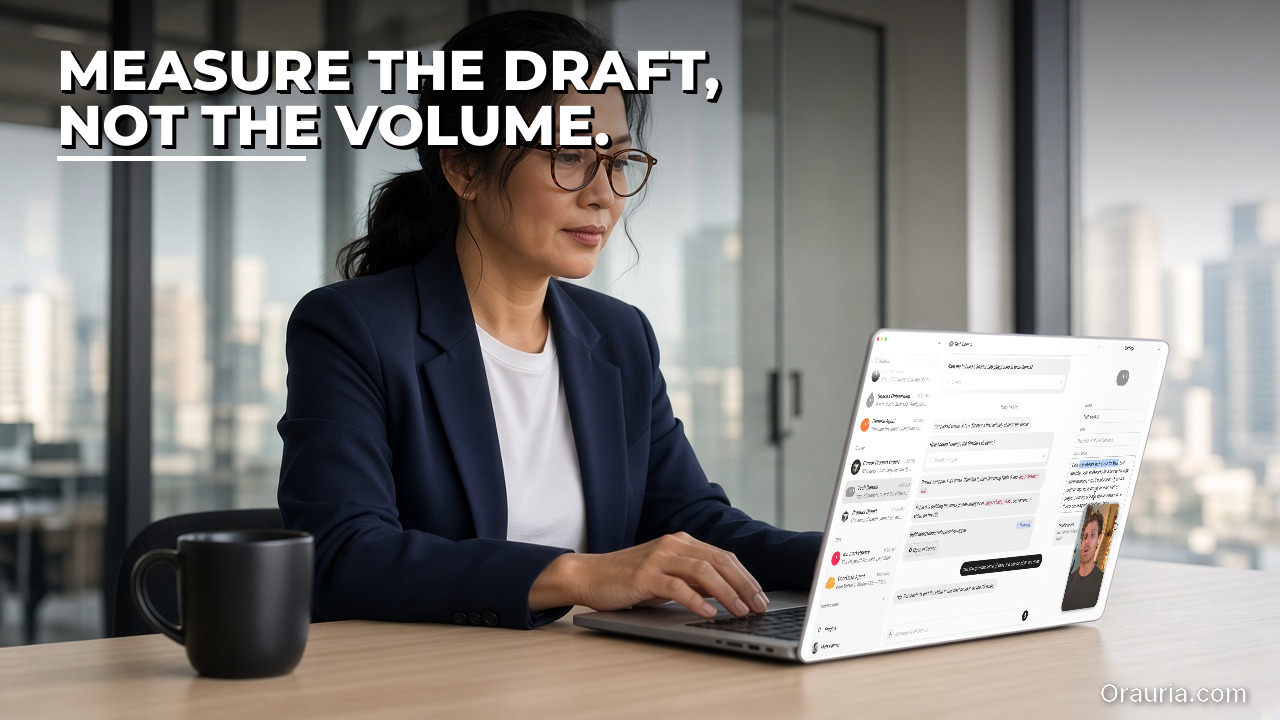
    The same woman sits at a laptop showing the real Grok Bot settings panel beside a chat. Hook text: Measure the draft, not the volume.

    What effectiveness looks like, and how to measure your own outreach pack

    Effectiveness here is not a number we can promise, and it is not a number you should copy from this page. Quỳnh’s week is a story, not a benchmark. What you can do, on your own list, is decide what “better” means before you ask a Bot to help, and then count it for a week.

    Start with coverage of the truth, not coverage of the list. For each lead the skill touches, how many claims in the brief can you click back to a public page? How many claims have no source? How many compliments would fall apart if the page were read carefully? A pack that “researched twenty accounts” and invented praise on eight of them is not more effective than a pack that researched five and stayed honest. Write that ratio down. It is the first number that matters, and only you can measure it.

    Second, measure invented or misplaced familiarity. This is the failure mode that looks like quality in a quick scan. A Bot that has read a homepage can still invent a keynote, a product launch, or a mutual contact. Treat every unprompted “I saw that you…” as a claim that must be sourced or deleted. If you want a percentage, use your own: invented familiarity per ten drafts, in your own week, on your own list. Do not import a figure from a vendor story, including this one.

    Third, measure time, but measure the right time. The useful clock is not “how fast the Bot wrote.” It is the time from “I have a name and a public URL” to “I have a brief I would actually use, and a draft I would actually send or deliberately not send.” If the Bot saves twenty minutes of searching and costs you twenty-five minutes of fact-checking, the loop is not yet earning its place. Track that elapsed time for the first five names. After a revision of the skill, track it again. The comparison is with yourself, not with a promised average.

    Fourth, count anything that left the draft state without your approval. Official docs say that email from a routine waits as a draft until Send. Your own rule should be stricter than hope: the number of messages that went out without a human press of Send must be zero. If you later connect Gmail, which official pages list among Connect apps, keep the same rule. A connected inbox is not permission to let a Bot speak as you. Log the queue: drafts waiting, drafts edited, drafts sent, drafts dropped. The dropped column is a success column. It means the research was allowed to conclude that this name should not get a note this week.

    Fifth, if you use the meeting side of the loop, measure whether the brief helped you walk into the room. Did it give you a sourced one-paragraph company snapshot, the public title of the person you are seeing, and a faithful short reminder from notes you provided? Did it invent a previous conversation? Did it claim to have joined the last call? A brief that “sounds prepared” and is wrong is worse than a thin page of links. After two or three meetings, mark each brief as helpful, neutral, or harmful, in your own words. There is no industry conversion rate hiding in that column.

    Keep the measurements in a sheet you own. A simple week log is enough: name, sources cited, unsourced claims, invented familiarity, minutes to an approved pack, sent or not, and, if there was a meeting, whether the brief helped. After seven days you will know if v1 is even worth improving. That is the only effectiveness story this article can honestly offer: a method for you to see your own loop clearly.

    The same woman watches a laptop screen showing the real Grok Bot routines panel. Hook text: The Bot prepares. You approve Send.

    How the loop works: public research, draft emails, meeting briefs, and a human who still sends

    The loop has four parts, and they only work together if the last one is a person. First, research stays on public pages. Second, a skill turns that research into a short lead brief and a draft email. Third, a meeting brief is assembled only from calendar details you share, public pages, and notes or a transcript you provide. Fourth, nothing leaves the building until you approve it.

    Public pages, in this article, means pages anyone could open without logging in as the lead: a company site, a public news item, a public talk page, a public About or leadership page. It does not mean scraping a private community, opening a colleague’s inbox, or asking the Bot to guess at a relationship that is not written down. If a login, a CAPTCHA, or a human check appears on the cloud computer, official guidance is to pause and hand the computer over. Do not paste passwords into ordinary chat. The vault and the secure form exist for credentials; this workflow should rarely need them, because the starting path is public.

    The skill is the written memory of that discipline. Give it a name you can audit, a beat (the kind of lead, the kind of firm, the kind of email you are willing to send), and a hard rule: every factual claim needs a URL or a quotation, and if the source is missing, the skill writes “not found” instead of a warmer sentence. Teach a task, official docs say, may be enabled gradually; a written skill is the fallback, and it is the clearer artefact anyway, because you can read it. Cross-link the habit to the research workflow that already treats sources and verification as part of the skill. The outreach version adds one more refusal: it will not invent a compliment to fill a silence.

    The draft email is a separate artefact from the brief. The brief is for you. The email is the thing that might become a message in someone else’s inbox, so it should be shorter, more conservative, and easier to delete. Official docs describe an Email app that gives the Bot one address at mail.grokbot.com. They also state that email composed by a routine waits as a draft until you press Send. That is the path this article starts with. You can read the draft, change the greeting, cut a paragraph, or drop the whole thing. Gmail is listed among documented Connect apps; if you later choose that path, treat it as documented design, not as something we independently verified in this run, and keep the same “draft until Send” rule in your skill. Never ask the Bot to send a batch while you sleep.

    The meeting brief is a different job, and it is easier to over-claim. A Bot can read a calendar event if you connect Google Calendar, which official pages list as a Connect app, and it can research the public pages of a named company or a named speaker. It can also summarise notes or a transcript you paste or attach. What it cannot honestly do, on the evidence of the public docs we checked, is join the meeting for you or record it without a source you provide. If a product later adds that capability, you can revise the skill. In this article, the meeting brief is a pre-read plus a summary of material you already have. That is still enough to change the ninety minutes before a call: the Bot can leave a one-page snapshot on your desk, and you can still walk in as yourself.

    Underneath the artefacts is the same Grok Bot layer described in the rest of this series. Official docs describe a persistent cloud computer, shared by the Bots in a workspace, with a browser, files, and a command line. Skills and routines are documented with rate limits: 300 runs an hour across all of them, 200 an hour for each, a cap of 50 routines per Bot, and a minimum of five minutes between scheduled runs. A new routine waits for its next scheduled time; Test performs real work, so do not test a send. Set the time zone in Settings, under Bot, under Timezone, so a morning pack arrives in the morning you actually have. A weekday routine that prepares new-lead briefs can be useful once the skill is stable. It should still leave drafts, not outbound mail.

    The human in the loop is not a slogan at the end of the page. It is the only safe interface to someone else’s attention. You approve the facts, you approve the tone, and you approve the send. You also approve the skip. If the research comes back thin, the right action is often no email at all. A loop that cannot recommend silence is not yet a professional loop. The same standard already appeared in the proposal drafts that wait for review and in the social pack that must not publish without you. Outreach is simply the place where a missed approval is hardest to unsay.

    The same woman works at a laptop showing the real Grok Bot cloud computer. Hook text: Start with a name. Check the source.

    Setup experience: from one name to the first approved draft

    Do not start with the full conference list. Start with one name you already intended to write to this week, one public URL you can open yourself, and one pass in chat. The first goal is not a routine. It is a pack you are willing to put your name under.

    Write the skill first, even if it is only a page. State the job: research this kind of lead on public pages, produce a short brief with sources, and draft one email that may not invent familiarity. State the refusals: no private data, no guessed mutual contacts, no implied “I watched your talk” unless a public talk page is in the source list, no sending. Name the output: a lead brief with bullets and URLs, a draft subject line and body, and a clear “not found” where the public record is silent. If you later want a meeting brief, add a second section that accepts only calendar facts you provide, public pages, and pasted notes. Keep the two sections from contaminating each other. A hallway memory that is not in your notes does not belong in the brief.

    Pick the first name on purpose. Choose someone whose company has a real public site, not a lead whose only footprint is a private thread. Paste the name, the title as you have it, the URL, and any note you actually wrote, labelled as your note. Ask the Bot to run the skill once, in chat, not on a schedule. Then sit with the brief as if you were the fact-checker for a newspaper, not the owner of a funnel. Open every URL. Read the sentence that was supposed to come from that page. If the page does not support the sentence, cut it or mark it. This is the slowest name you will do, and it is the one that teaches the skill what you will not tolerate.

    Only after the brief is clean should you look at the draft email. Read it out loud. If a compliment would embarrass you in a reply, it is already too much. Prefer a short, specific, and slightly plain note over a fluent paragraph that could have been written to anyone. Leave the draft in the draft state. If you are using the Email app described in official docs, that is the default for routine mail; in chat, be explicit that the Bot must not send. Press Send yourself, or do not. For the first name, not sending is an acceptable outcome. You are testing the pack, not filling a quota.

    If there is a meeting the same day, run the meeting section as a second, smaller job. Provide the event title, the time, the names you have, and any notes or transcript you are willing to share. Ask for a one-page pre-read: public snapshot, sourced, plus a faithful condensation of your notes, clearly labelled as yours. Do not ask the Bot to “catch you up on the call” if you did not give it a record of the call. If Calendar is connected later, you can start from the event instead of from a paste; treat that as a documented Connect path, not as a path we verified end to end here.

    The pitfalls are predictable, and most of them appear on the first name if you look. The skill may pad a thin page with warmth. It may turn “the company sells logistics software” into “your award-winning platform, which I have followed for years.” It may cite a URL and then summarise a different page. It may write a meeting brief that sounds as if the Bot were in the last conversation. It may, if you phrase the prompt carelessly, try to schedule or send. Each of those is a prompt-and-skill fix, not a reason to add more names. Change the skill, run the same name again, and only then add a second.

    Two more practical traps are easy to miss. The first is login. If the cloud browser hits a wall, stop. Hand the computer over, or drop that source. The second is scope creep. A routine that “checks the list every morning and sends a short note to anyone new” is not a v1. Official rate limits and the five-minute minimum between scheduled runs are enough for a modest weekday pass, but the constraint that matters is editorial, not technical. A new routine also waits for its next scheduled time, and Test performs real work, so never test a send. When the first approved pack exists, you have a template. That is the moment to stop for the day and read it again in the morning, with a colder eye.

    The same woman rests her chin on one hand at a laptop showing the real Grok Bot routines panel. Hook text: V1 invented praise. V3 leaves a draft.

    The optimization journey: three versions of the same outreach run

    Quỳnh’s first version, in this illustrative week, looked busy and was not trustworthy. She pasted twelve names from the conference list, a short instruction to “research and draft a warm note to each,” and almost nothing else. The Bot returned fluent emails. Two of them mentioned a keynote that had been given by a different speaker. One praised a product launch she could not find on the company’s site. One opened with “It was a pleasure to continue our conversation,” which flattered a handshake that had never become a conversation. She also had no meeting brief, because she had not asked for one, and at 13:40 she walked into a room with the same thin notes she had at 11:00. V1 taught her the only lesson v1 is good for: volume without a source rule is not research. It is a style applied to a gap. She did not send the twelve drafts. She kept two sentences that were actually on a homepage, and she rewrote the skill.

    Version two added the missing spine: a required source list, a “not found” rule, a split between the lead brief and the email, and an explicit ban on sending. She ran five names, one at a time, still in chat. The briefs improved. Claims came with URLs. The emails got shorter and slightly blander, which she correctly read as progress. The new failures were quieter. The skill sometimes cited a generic /about page for a specific claim that lived on a different post. It sometimes offered to “ready a follow-up sequence.” It wrote one meeting pre-read, when she finally asked, that mixed her pasted notes with a guessed agenda item she had never written down. She also noticed the time: fact-checking five packs still took most of a late morning, because she had not yet told the skill how long a brief was allowed to be, or what “enough to decide” meant. V2 was honest enough to use, and still too expensive to repeat across forty names.

    Version three is the pack she would actually run on a weekday. The skill now has a length cap, a materiality bar, and a failure column. The brief is one short company snapshot, three sourced bullets, and a list of what was not found. The email is six to ten lines, plain, and allowed to end without a flourish. The meeting brief, when she asks for one, has three labelled blocks: public pages, calendar facts she provided, and her notes, with no blending. A weekday routine prepares packs only for names she has dropped into a sheet, and only as drafts. It does not hunt new contacts on its own, and it does not send. After a week of her own logging, she can see whether unsourced claims fell, whether invented familiarity went to zero, and whether the time to an approved pack moved in the right direction. Those figures belong in her sheet, not in this article. The qualitative change is the one you can borrow: v3 leaves a draft, and it is willing to recommend that she send nothing.

    The journey is not a promise that your third version will look like hers. It is a way of refusing to skip v1 and v2. If you start by automating a twelve-name send, you will only scale the first mistake. If you start with one name, a source rule, and a draft that waits, you can afford to be wrong in private. That is the entire optimization: move the error to a place where you can still delete it.

    What to try this week

    Pick one name you already planned to write to, and one public URL. Write a short skill that must cite sources, must say “not found” when the public record is silent, and must not send. Run it once in chat. Open every link. Cut every unsourced compliment. Leave the email as a draft, and press Send yourself only if you would sign the same words without a Bot in the room. If you have a meeting, add a second pass that uses only calendar facts you provide, public pages, and notes you already have. Do not ask the Bot to join or to record. Measure, on a sheet you own, the sourced claims, the invented ones, the time to an approved pack, and whether anything left the draft state without you. Then, and only then, consider a weekday routine that prepares new packs as drafts. If the loop needs a sharper skill, a checked connection to mail or calendar, or a Bot built around your approval rules, send a brief to hire Orauria.

    Use Grok Bot for the teammate layer: the public research, the weekday prep, the draft that waits. Keep the first sentence that someone else will read with a person. The list gets lighter when the brief is already on the desk, and you can still decide that today, this name does not get an email.

  • How to Build a Morning Trend and Industry News Digest with Grok Bot

    How to Build a Morning Trend and Industry News Digest with Grok Bot

    This article is part of a practical Grok Bot series that began with 7 Grok Bot Tips to Schedule Posts, Filter Upwork Jobs, and Research Faster and continued through a weekly social-posting routine with Postiz, an Upwork job filter with human-reviewed proposal drafts, a research workflow that turns sources and verification into a skill, and a multi-bot team extended with Orauria. The use-case pieces so far have covered a weekday competitor price watch and a pack that turns one blog post into approved social drafts. This third use-case goes deeper on a morning job: a short trend and industry-news digest, built from public posts on X and from the open web, that waits for you before anything is said in public. It is written as an illustrative week, not a client case study, and it does not claim an official partnership with xAI or Grok Bot.

    Facts about Grok Bot come from public pages on x.ai/bot and docs.x.ai, including the documentation on skills and routines and the cloud computer and apps (updated 11 November 2026). We checked those sources on 12 November 2026 (Asia/Saigon, UTC+7). Official docs describe a Bot that can search and read public posts on X without connecting an account, in a read-only way. Connecting an X account through the X plugin, if you later want that path, needs X API credits. We have not independently run this exact digest workflow end to end inside Grok Bot.

    Key takeaways. A useful morning digest is not a Bot that dumps forty links into the chat and announces that “everything is trending.” It is a short, named skill, a weekday routine in your time zone, a beat list you can audit, and a brief that quotes sources, keeps links, and refuses to invent a trend. Official docs describe a persistent cloud computer with a browser, files, and a command line, plus scheduled routines that keep running while your laptop is closed. Public X and the open web are enough to start; you do not have to connect an X account to read what is already public. Effectiveness is not a promised number of stories caught. It is what you measure on your own beat list: coverage, source quality, invented or unsourced claims, duplicate stories, time to a brief you trust, and whether the Bot stayed silent in public. The Bot prepares. You still decide what is worth a comment, a share, or a longer note.

    The same man looks intent at a laptop showing the real Grok Bot search chat. Hook text: The feed is loud. The brief is quiet.

    The morning feeling of a feed that will not wait

    Meet Minh. He is not a real client. He is an illustrative founder in his mid-forties, running a small B2B brand in an industry that moves in public — trade news, competitor threads, a handful of journalists, and a noisy stretch of X before breakfast. What still wears him down is 6:50 a.m. The feeling is familiar: a tight jaw, a thumb already scrolling, five news tabs, and a vague sense that something important happened overnight and he will hear about it from a customer first. One thread looks loud. A headline is already a reprint of a reprint. A third tab is slow, and he is not sure whether the story is new or he is looking at yesterday’s announcement with a new image. In an hour he will sit in a standup and be asked “did you see that?” He does not want a speech. He wants a short brief he can defend.

    That feeling is not curiosity gone wrong. It is the specific fatigue of doing a careful job with a tool that cannot remember what “our beat” means. Minh is good at deciding what matters to his team. He is tired of re-collecting the evidence every morning. The “after” we want is quieter. Mid-morning, he opens a short digest that was waiting for him: twelve items on the beat list, nine checked, one site blocked, two posts no longer public, and four material items with a source link, a one-line why-it-matters, and a note on whether the story is original or a reprint. Nothing has been posted from his accounts. The Bot has not drafted a hot take into a scheduler. His shoulders drop a little. He still owns the next decision, but he no longer has to rebuild the morning from a raw feed before he can make it. Your industry will not be his. The feeling you want — a brief instead of an anxious scroll — is available.

    The same man sits with a blank open notebook beside a laptop showing the real Grok Bot interface. Hook text: Measure the signal, not the scroll.

    What effectiveness looks like, and how to measure your own digest

    It is tempting to judge a digest routine by how early it finishes, or by a promised count of “trends spotted.” If the Bot invents a trend, treats a reprint as breaking news, or misses the one thread your customers will mention, speed is a bad scoreboard. We will not invent a percentage improvement and pretend it came from a real newsroom. In this workflow, effectiveness is closer to a trustworthy brief than to a scroll. You can start measuring this week, in a notebook or a sheet, with five questions.

    • Coverage. Of the beats, queries, and public accounts on today’s list, how many were actually opened and recorded?
    • Source quality. How many items include a link you can reopen, a clear origin, and a note on whether you are looking at a primary post or a reprint?
    • Invented or unsourced claims. How often did the brief use words such as “trending,” “everyone,” or “the industry is moving” without a source you can check?
    • Duplicates and false alarms. How many “new” items were the same story under a new headline, a quote-tweet of a quote-tweet, or a rumor the skill should have marked as unverified?
    • Time to a usable digest, and unapproved posts. Once the routine has run, how many minutes do you still spend checking, cutting, and deciding — and did the Bot stay silent in public until you said so?

    Minh’s illustrative target — you should replace it with your own — looks like this. Before the system, a typical morning might mean twenty hurried tabs, one missed announcement, and a story he only learned because a customer forwarded it. After a few iterations, a “healthy” run might be: a brief waiting before standup, nearly every named beat checked, failures listed instead of guessed, only material items highlighted, and no public post made from the Bot. If a morning goes badly, the record should tell you whether the problem was a vague beat list, a page the Bot could not read, a threshold so loose that every loud thread looked like news, or a habit of trusting a fluent paragraph without reopening the link. That is more useful than a screenshot of a long chat that merely looks busy.

    There is one more honesty rule. Do not let the Bot congratulate you with a made-up “trend score” or a count of hours saved. Ask it to report which queries it ran, which public posts and pages it opened, what it could not verify, and what is waiting for you. The feeling of effectiveness is not “the machine already spoke for the brand.” It is “the change in the feed is visible, and the next sentence is still mine.”

    The same man watches a laptop screen showing the real Grok Bot routines panel. Hook text: X and the web. Then a human pass.

    How the loop works: public X, the web, a skill, and a human in the loop

    Under the hood, this is still a small agent loop, not an autonomous newsdesk. You give the Bot a method. It uses tools. It leaves a digest where you can find it. Only then — and only if you choose — does a story become a comment, a share, or a longer note. You do that part.

    Grok Bot is an AI teammate with a persistent cloud computer that has a browser, files, and a terminal, so work can continue after you close your laptop. Official documentation describes two pieces that fit this job. A skill is a reusable set of instructions: when to use it, required inputs, the steps, how to check the result, what to return, and what needs your approval. A routine tells one Bot when to run that work — on a schedule, or when an event happens. Routines run in the cloud while your laptop is closed. The same documentation page states hourly limits: all of your routines together can run up to 300 times an hour, and each routine up to 200 times an hour. A weekday morning digest does not need to approach those limits. Official docs also say a Bot can own up to 50 routines, that schedules must be at least five minutes apart, and that a new routine waits for its next scheduled time rather than running at the moment you create it. Use Test when you want a run now, and remember that a test performs real work.

    For this use case, the practical tools are ordinary, and one of them deserves a precise sentence. Official docs describe a Bot that can search and read public posts on X without connecting an account, and that this path is read-only. That is the starting path we recommend here. If you later connect an X account through the X plugin, official materials say that path needs X API credits; we have not independently verified that plugin in this run, so treat it as documented design to test, not as a finished recipe. The Bot’s cloud browser can also open public news pages, company blogs, and filings on a list you provide. It can write the digest as a dated file under /workspace, or as a short brief in the chat. The research discipline from the earlier article on a workflow that turns sources and verification into a skill still applies: keep the link, name the source, and flag what you could not check.

    Two boundaries matter more than the tools. First, this workflow should stick to what is already public. Official docs are clear that when a site puts up a login, a passkey, a CAPTCHA, or a human check, the Bot should pause and hand the computer to you rather than invent a workaround, and you should never paste passwords or one-time codes into ordinary chat. A digest skill should say the same in writing: if a page or a post will not load, record the failure and stop. Do not create accounts to get behind a wall, and do not ask the Bot to bypass a block. Second, “trending” is not a fact unless you can show what you measured. A loud thread can be true, stale, coordinated, or theatrical. The brief should quote what it saw, with a time and a link, and leave the judgment to you.

    Because the cloud computer — files, logins, and browser sessions — is shared by every Bot on your account, do not leave social logins, analytics passwords, or API keys in the digest folder. Use a secret card, a Connect flow, or Vault for anything that should stay private. The official docs also describe Teach a task: when the control is available, you can demonstrate a browser workflow for up to ten minutes and review the skill the Bot drafts. That capability may be enabled gradually. If you do not see it, write the steps yourself from one successful manual run. Either way, the learned or written skill is a draft until you add failure handling and a hard rule: never invent a trend, never treat a reprint as a primary source without saying so, and never post, comment, or schedule a public message without your explicit approval on that item.

    Context and memory follow the same logic as the rest of this series. Do not expect the Bot to “remember” last month’s beat from a long chat. Durable rules live in the skill. The week’s evidence lives in a dated table: beat, query or account, source URL, time captured, a one-line summary, why it might matter, a status such as checked, blocked, missing, or needs review, and a note on whether it is original or a reprint. The morning digest is a contract you can read in a few minutes: what changed enough to care about, what failed, and what still needs you.

    The same man rests a hand on a blank sheet beside a laptop showing the real Grok Bot settings panel. Hook text: Name the beat. Run it once.

    Setup experience: from a beat list to the first morning digest

    The first setup is not a five-minute trick. It is a careful evening, and the reward is that you name the job once and then improve the skill, instead of improvising the scroll every morning.

    1. Write a beat list, not a vague industry. On paper or in a sheet, list the exact public queries, accounts, and news pages you care about this month. A useful row has a name, a URL or a search phrase, a language you expect, and why this beat belongs to you. “Watch the whole industry” is not a list. Twelve named beats you can reopen by hand is a list. Start narrower than you think. A short list you can verify is more valuable than fifty tabs you will never audit.

    2. Run the method once, in front of you, before you create a routine. Give the Bot the list and a first version of the skill. Ask it to search public posts on X where that is enough, to open public pages on the list, and to write a short item for anything material — with a link, a time, and a one-line why. Sit with the computer preview open, as the official docs describe, so you can watch the work rather than hoping the chat is enough. If a site asks for a login or shows a CAPTCHA, take over for that step or, better for this job, skip the page and have the Bot record that it could not read it. Never paste a password into the chat to “just finish the digest.”

    3. Save a skill a stranger could follow. After one clean run, ask the Bot to save the method as a skill. It should say when to use it, what inputs it needs, the order of work, how to validate a source, what the digest should look like, and what requires your approval. Put the hard rules in writing. Do not invent a trend, a consensus, or a number of impressions. Do not treat a reprint as a primary source without saying so. Quote the page or the post, keep the URL and the time, and flag uncertainty. If the item is gone, blocked, or ambiguous, say so and stop. Do not post, comment, email, or schedule a public message unless you approve that exact item.

    4. Only then attach a routine, in the right time zone. Ask the Bot that should own the job to run the skill on weekday mornings, at a time that is early for you and late enough that overnight posts have usually landed. Official docs say schedules use the time zone in Settings, under Bot, labeled Timezone, and that you should open the routine and check When to run, which shows the saved schedule in words. If it does not match what you meant, edit it. A new routine will not run at creation; use Test once on a safe list, then let the next weekday be the first real morning. Keep the cadence slow. You do not need a digest every five minutes. You need a brief you will actually read before standup.

    5. Decide where the digest lives, and keep secrets off the shared computer. A dated file in /workspace is enough. If you later connect a sheet or a chat you already read, treat the first connection as a test: confirm the Bot can write only where you intended, and that it still stops before posting anywhere public. Official docs are clear that connected apps are account-wide, and that the cloud computer is shared across your Bots. Social logins and analytics sessions do not belong in the digest folder.

    Pitfalls you will see in the first week (and the ones this illustrative run shows Minh). The list was a category, not beats, so the Bot wandered into a louder but irrelevant corner of X. A reprint was written up as breaking news. A blocked page was summarized as “nothing new.” The time zone was wrong, and the digest arrived after standup. The routine tried to be helpful and drafted a reply to a journalist. Someone suggested pasting an X login into the chat when a page asked for a human. A second Bot on the same account could see the file. The morning message was a wall of links he would not read on a phone. None of these is a reason to quit. They are reasons to tighten the skill, which the next section does on purpose.

    The same man looks slightly eased at a laptop showing the real Grok Bot chat, with a tidy stack of blank pages. Hook text: V1 dumped links. V3 sends a digest.

    The optimization journey: three versions of the same morning brief

    If the first week is disappointing, that is normal. The digest is a process you revise. Here is an illustrative v1 → v2 → v3, using Minh’s morning as the example. The wording will be different for you. What matters is the shape of the revision.

    Version 1 — “Just tell me what’s trending every morning.” The prompt is short and ambitious. The Bot glances at a loud corner of the feed, pastes a fluent paragraph into the chat, and offers to “post a quick take.” A rumor without a link is written as a shift in the market. Two reprints of the same announcement appear as two stories. After v1, Minh’s feeling is a familiar irritation. Faster than twenty tabs, maybe, but he cannot defend a line if a colleague asks for the source, and he does not want the Bot anywhere near his accounts. Measured honestly, coverage is uneven, and the brief is not a digest he can audit.

    Version 2 — There is a beat list, but the brief is still noisy. Minh gives the Bot exact queries and public pages and asks for a table. A week improves. The Bot no longer wanders as far. The skill now says it must wait for approval before posting. New problems show up. Every slightly popular thread looks like a trend, so the brief is long. Failures are still sometimes written as “quiet morning.” The first scheduled run is late because the time zone followed a laptop that was set to the wrong zone. The same launch is recorded three times under three headlines. Review time shrinks, then grows again, because he is still the person stitching the digest back together by hand.

    Version 3 — A skill, a materiality bar, a source policy, and a short digest. Each run now reads a named beat list and writes to a named file. An item is only “material” if it matches a beat, has a link, and clears a bar he chose — for example a primary announcement, a factual correction, or a thread from a named account on the list — and reprints are labeled as reprints. If a page is blocked, missing, or ambiguous, the row is marked as such and no trend is invented. The morning message is short: checked, failed, material items, links, times, and a reminder that nothing was posted. In this illustrative v3 week, Minh reads the digest with coffee, reopens two links, ignores a noisy thread the skill correctly left out, and writes one note to his team in his own words. “Optimization” here is that: fewer surprises, a shorter review, and a morning brief that is still his.

    When you revise, change one constraint at a time and keep a dated copy of the skill. The earlier articles in this series are the same discipline in other jobs — a posting routine, a job filter, a research method, a small Bot team, a price watch, a social pack. If a story later needs a visual or a tighter brief for the team, that is the creative layer we sketched in What Grok Bot Is, and How Orauria Extends It for Product Creative. If you want a connector, a sharper skill, or a Bot that watches a beat list you already trust and still stops for your approval, you can hire Orauria to build it.

    What to try this week

    You do not need to watch an entire industry. Pick eight to twelve public beats — queries, accounts, or news pages — write why each one belongs to you, and run the method once while you watch the computer. Save a skill that forbids invented trends and forbids posting without your approval. Measure coverage, unsourced claims, and duplicates on one week of digests. Then write v2: a materiality bar, a reprint label, a failure column, and a weekday routine in the time zone where you actually start the morning. Only then consider a slower second pass, or a short alert in a chat you already read, for items above a higher bar. If the loop needs a sharper skill, a tested X-plugin path, or a Bot built around your beat list and your approval rules, send a brief to hire Orauria.

    Use Grok Bot for the teammate layer: the beat list, the weekday run, the sourced brief. Keep the first public sentence with a person. The morning gets lighter when the digest is already waiting, and you can still say that today, nothing needs a reply.

  • How to Turn One Blog Post into Social Posts with Grok Bot, Orauria, and Postiz

    How to Turn One Blog Post into Social Posts with Grok Bot, Orauria, and Postiz

    This article is part of a practical Grok Bot series that began with 7 Grok Bot Tips to Schedule Posts, Filter Upwork Jobs, and Research Faster and continued through a weekly social-posting routine with Postiz, an Upwork job filter with human-reviewed proposal drafts, a research workflow that turns sources and verification into a skill, and a multi-bot team extended with Orauria. The first use-case piece showed how to watch competitor prices and public stock signals on a weekday routine. This second use-case goes deeper on another weekly job: turning one finished blog post into a pack of social drafts for Facebook, Instagram, TikTok, and X, with Orauria for the visuals and Postiz for the queue. It is written as an illustrative week, not a client case study, and it does not claim an official partnership with xAI or Grok Bot.

    Facts about Grok Bot come from public pages on x.ai/bot and docs.x.ai, including the documentation on skills and routines and the cloud computer and apps (updated 11 November 2026). We checked those sources on 12 November 2026 (Asia/Saigon, UTC+7). We have not independently run this exact repurposing workflow end to end inside Grok Bot. Postiz is described from its official Grok Bot plugin path, as in the earlier posting-routine article, and has not been end-to-end tested in this run. Connecting Orauria as an MCP server inside Grok Bot is documented design, not an independently verified recipe; Orauria’s public /mcp page lists Cursor, Claude, and Codex, and does not list Grok Bot as a verified client. A practical first path is the Bot’s cloud browser, after you have signed in yourself.

    Key takeaways. A useful repurposing loop is not a Bot that pastes the same blog paragraph into four caption boxes and offers to “just post it.” It is a short, named skill that reads one canonical URL or file, writes platform-specific drafts a stranger could actually publish, requests or files a visual for each item, and stops before anything is scheduled. Official docs describe a persistent cloud computer with a browser, files, and a command line, plus scheduled routines that keep running while your laptop is closed. Orauria is the creative layer for stills and carousels; Postiz is the queue, and only after you approve the pack. Effectiveness is not a promised lift in reach. It is what you measure on your own pack: coverage across the four channels, on-voice accuracy, invent-nothing discipline, visual completeness, review time, and zero unapproved publishes. The Bot prepares. You still decide what goes out.

    The same woman looks at a laptop and a small stack of blank pages on the desk. The screen shows the real Grok Bot chat. Hook text: The post is done. The channels are empty.

    The Friday feeling of a finished article and four empty channels

    Meet An. She is not a real client. She is an illustrative content lead in her early thirties, working at a small home-and-living brand that already publishes a careful blog. What still wears her down is Friday at 4:30 p.m. The article is live. The CMS tab is green. And the four channels that are supposed to carry the same idea — Facebook, Instagram, TikTok, and X — are empty. A designer is waiting on a square crop that does not exist. A manager will ask, on Monday, why the post “didn’t get any support.” An can feel the familiar tightness in her chest: she will either stay late and improvise four captions that all sound like the same paragraph, or she will promise herself she will do it on Sunday night, which is how last month’s article never got a single follow-up post.

    That feeling is not a lack of ideas. It is the specific fatigue of doing a careful job twice, with tools that do not share a method. An is good at the article. She is tired of rediscovering, every Friday, how a Facebook post, an Instagram carousel, a TikTok hook, and an X thread are not the same object. The “after” we want is quieter. Monday morning she opens a short pack that was waiting for her: one Facebook post with a clear first line and a link, an Instagram caption plus a slide outline, a TikTok hook with a three-beat spoken script, two X posts that do not invent a statistic, and a visual brief or an Orauria still sitting next to each item. Nothing has been scheduled. Nothing has been published. Her shoulders drop a little. She still owns the approve button, but she no longer has to rebuild the pack from a blank caption box before she can use it. Your brand will not be hers. The feeling you want — a pack instead of four empty channels — is available.

    The same woman sits with a blank open notebook beside a laptop showing the real Grok Bot interface. Hook text: Measure the pack, not the word count.

    What effectiveness looks like, and how to measure your own pack

    It is tempting to judge a repurposing routine by how many captions it produced, or by a promised jump in impressions. If the Bot invents a “five times more engagement” line, copies the same paragraph into four boxes, or schedules a draft you have not seen, volume is a bad scoreboard. We will not invent a percentage improvement and pretend it came from a real brand. In this workflow, effectiveness is closer to a trustworthy pack than to a vanity metric. You can start measuring this week, in a notebook or a sheet, with five questions.

    • Pack coverage. Of the four channels you asked for, how many items actually arrived as a finished draft — and how many were an explicit, dated skip rather than a silent gap?
    • On-voice accuracy. When you reread the source article, how many claims, names, prices, and links in the pack can you point back to a sentence on the page? How many were softened, swapped, or invented?
    • Platform fit. Did each item respect the job of that channel — length, hook, CTA, and format — or did you receive the same paragraph four times with a different heading?
    • Visual completeness. Does every item have a real asset, a named Orauria output, or a brief specific enough to produce one? How often did the pack say only “add an image later”?
    • Time to an approved pack, and unapproved sends. Once the drafts are waiting, how many minutes do you still spend correcting, cutting, and deciding — and did anything get scheduled or published before you said yes to that exact item?

    An’s illustrative target — you should replace it with your own — looks like this. Before the system, a typical Friday might mean one exhausted Facebook paste, three empty channels, and a Monday question she cannot answer. After a few iterations, a “healthy” run might be: a pack waiting before the week opens, all four channels drafted or deliberately skipped, no invented numbers, a visual attached or briefed for each item, and a Postiz queue that is still empty until she approves. If a week goes badly, the record should tell you whether the problem was a vague brief, a source the Bot did not actually open, a template so loose that every caption sounded like a blog intro, a visual that never arrived, or a habit of letting the plugin schedule “to be helpful.” That is more useful than a screenshot of a long chat that merely looks busy.

    There is one more honesty rule. Do not let the Bot congratulate you with a made-up reach forecast or a count of hours saved. Ask it to report which URL or file it read, which claims it reused, which it refused to invent, which visuals are ready, and what is still waiting for your approval. The feeling of effectiveness is not “the machine posted for us.” It is “the pack is complete, the claims are ours, and the next click is still mine.”

    The same woman watches a laptop screen showing the real Grok Bot routines panel. Hook text: The Bot drafts. You still approve.

    How the loop works: a skill, Orauria for visuals, Postiz for the queue, and a human in the loop

    Under the hood, this is still a small agent loop, not an autonomous social team. You give the Bot a method. It uses tools. It leaves a pack where you can find it. Only then — and only if you choose — does an item move into a scheduler, and only then do you, or a person you designate, press the last approval. You do that part.

    Grok Bot is an AI teammate with a persistent cloud computer that has a browser, files, and a terminal, so work can continue after you close your laptop. Official documentation describes two pieces that fit this job. A skill is a reusable set of instructions: when to use it, required inputs, the steps, how to check the result, what to return, and what needs your approval. A routine tells one Bot when to run that work — on a schedule, or when an event happens. Routines run in the cloud while your laptop is closed. The same documentation page states hourly limits: all of your routines together can run up to 300 times an hour, and each routine up to 200 times an hour. A weekly repurposing run does not need to approach those limits. Official docs also say a Bot can own up to 50 routines, that schedules must be at least five minutes apart, and that a new routine waits for its next scheduled time rather than running at the moment you create it. Use Test when you want a run now, and remember that a test performs real work.

    For this use case, the practical tools are ordinary, and two of them need an honest label. The Bot’s cloud browser can open a public article URL you provide, or it can read a draft you saved under /workspace. It can write the pack as a dated folder of text files, or as a single brief you can review in the chat. Orauria is the layer we already sketched in What Grok Bot Is, and How Orauria Extends It for Product Creative: stills, carousels, and other product-creative outputs that match the article. A first, conservative path is to open Orauria in the Bot’s cloud browser after you have signed in yourself. Official docs are clear that when a site puts up a login, a passkey, a CAPTCHA, or a human check, the Bot should pause and hand the computer to you rather than invent a workaround, and you should never paste passwords or one-time codes into ordinary chat. Connecting Orauria through MCP inside Grok Bot is documented design, not something we have independently verified in this run, so treat that path as a test to perform, not as a finished recipe. Postiz remains the official plugin path described in the earlier weekly social-posting routine. We have not end-to-end tested Postiz in this run. The hard rule does not depend on that test: the skill must not schedule or publish anything until you approve the exact item. A queue you have not reviewed is not a queue. It is a risk.

    Two boundaries matter more than the tools. First, the pack must not invent. If the article does not contain a statistic, a discount, a testimonial, or a “best in the market” claim, the caption must not grow one. If a product name, a price, or a URL is ambiguous, the skill should quote the source, flag the uncertainty, and stop. Second, because the cloud computer — files, logins, and browser sessions — is shared by every Bot on your account, do not leave social-network passwords, ads-manager sessions, or API keys in the pack folder. Use a secret card, a Connect flow, or Vault for anything that should stay private. A Postiz key belongs in that private path, not in ordinary chat.

    The official docs also describe Teach a task: when the control is available, you can demonstrate a browser workflow for up to ten minutes and review the skill the Bot drafts. That capability may be enabled gradually. If you do not see it, write the steps yourself from one successful manual run. Either way, the learned or written skill is a draft until you add failure handling and a hard rule: never invent a claim, never attach the wrong product image, and never schedule or publish to a channel without your explicit approval on that item.

    Context and memory follow the same logic as the rest of this series. Do not expect the Bot to “remember” last month’s brand voice from a long chat. Durable rules live in the skill: the audience, the words you will not say, the CTA pattern, the channels in the pack, and the approval gate. The week’s evidence lives in a dated folder: source URL, claims reused, claims refused, drafts by channel, visual files or briefs, and a status such as drafted, needs review, approved, scheduled, or skipped. The Monday pack is a contract you can read in a few minutes: what is ready, what is missing, and what still needs you.

    The same woman reviews a single blank sheet beside a laptop showing the real Grok Bot settings panel. Hook text: Start with one URL. Review the pack.

    Setup experience: from one URL to the first approved pack

    The first setup is not a five-minute trick. It is a careful afternoon, and the reward is that you name the job once and then improve the skill, instead of improvising four captions every Friday.

    1. Pick one canonical post and write the pack brief, not a vague mood. Choose a single published URL, or a finished draft already in /workspace. Beside it, write the audience, the one action you want, the claims you will not invent, and the four channels you want this week. “Make this article go viral on social” is not a brief. “This URL, these four channels, this CTA, no new statistics” is a brief. Start narrower than you think. One article you can verify is more valuable than a backlog you will never audit.

    2. Run the method once, in front of you, before you create a routine. Give the Bot the URL and a first version of the skill. Ask it to open the public page — or to read the file — and to draft one item per channel, each with a hook, a body, a CTA, and a note about the visual it needs. Sit with the computer preview open, as the official docs describe, so you can watch it read the source rather than hoping the chat is enough. If a site asks for a login or shows a CAPTCHA, take over for that step, or save a clean local copy of the article and point the Bot at the file. Never paste a password into the chat to “just finish the pack.”

    3. Save a skill a stranger could follow. After one clean run, ask the Bot to save the method as a skill. It should say when to use it, what inputs it needs, the order of work, how to check every claim against the source, what each channel’s draft should look like, how visuals are requested or filed, and what requires your approval. Put the hard rules in writing. Do not invent a statistic, a discount, a testimonial, or a ranking. Do not paste the same paragraph into four boxes and call it a pack. Quote the source, keep the URL, and flag uncertainty. If the page will not load, say so and stop. Do not schedule, publish, or send a customer-facing message unless you approve that exact item.

    4. Make the visual path real, then stop for approval. For each draft, the pack should hold either a finished still or a brief specific enough to produce one: aspect ratio, subject, text that must not be invented on the image, and the product or scene that must appear. If you use Orauria in the cloud browser, sign in yourself when the login appears, and watch the first image come back. If you later test an MCP connection, treat the first run as a test: confirm the Bot can request only what you intended, and that it still stops before anything is scheduled. Official docs are clear that connected apps and the cloud computer are account-wide. Creative logins do not belong in the pack folder.

    5. Only then involve Postiz, in the right time zone, and only after you approve the pack. The earlier article on a weekly posting routine with Postiz is the queue layer. In this use case, Postiz should see items only after you have approved the copy and the visual. Open the routine — if you attach one — and check When to run, which official docs say shows the saved schedule in words, in the time zone under Settings, Bot, Timezone. If it does not match what you meant, edit it. A new routine will not run at creation; use Test once on a safe pack, then let the next scheduled slot be the first real run. Keep the cadence slow. You do not need a new pack every hour. You need a Monday morning set you will actually read.

    Pitfalls you will see in the first week (and the ones this illustrative run shows An). The brief was a mood, not a URL, so the Bot summarized a different article. Four captions arrived as the same paragraph with four headings. A “3x more durable” line appeared that was not in the source. The visual was a generic lifestyle crop with a misspelled word on the image. The Bot offered to “just schedule it in Postiz.” The time zone followed a laptop set to the wrong zone, and a test post landed on a Sunday afternoon. Someone suggested pasting a social login into the chat when a page asked for a human. A second Bot on the same account could see the folder. The Monday message was a wall of prose she would not read on a phone. None of these is a reason to quit. They are reasons to tighten the skill, which the next section does on purpose.

    The same woman looks slightly resolved at a laptop showing the real Grok Bot cloud computer. A tidy stack of blank pages sits on the desk. Hook text: V1 pasted the blog. V3 ships a pack.

    The optimization journey: three versions of the same repurposing run

    If the first week is disappointing, that is normal. The pack is a process you revise. Here is an illustrative v1 → v2 → v3, using An’s Friday as the example. The wording will be different for you. What matters is the shape of the revision.

    Version 1 — “Just turn this blog into social posts.” The prompt is short and ambitious. The Bot opens something that looks related, pastes a fluent paragraph into the chat four times, and offers to “get it live today.” A statistic that was never in the article appears in the TikTok hook. The Instagram caption is the blog’s introduction with emoji. There is no visual, only a note to “add a pretty image.” After v1, An’s feeling is a familiar irritation. Faster than a blank box, maybe, but she cannot defend a line if a customer asks where it came from, and she does not want the Bot anywhere near the scheduler. Measured honestly, coverage is sloppy, and the pack is not something she can approve.

    Version 2 — There are channel templates, but the pack is still messy. An gives the Bot the exact URL and asks for four distinct shapes: a Facebook post with a link, an Instagram carousel caption, a short TikTok script, and two X posts. A week improves. The Bot no longer wanders into a different article. The skill now says it must wait for approval before scheduling. New problems show up. The claims are mostly accurate, but one caption still upgrades “durable” into “the most durable in its class.” The visuals arrive late, or as a single square used four times, including on a TikTok item that needed a vertical frame. A test in Postiz is left “ready to publish” because someone assumed approval had already happened. Review time shrinks, then grows again, because she is still the person stitching the pack back together by hand.

    Version 3 — A skill, a claims check, a visual for each item, and a queue that waits. Each run now reads a named URL or file and writes to a named folder. A caption is only “ready” if every claim can be pointed back to the source, the channel shape is right, and a visual exists or is briefed with an aspect ratio. If the page will not load, or a claim cannot be verified, the item is marked as such and no sentence is invented. The Monday message is short: four items, what was refused, which visuals are attached, and a reminder that nothing was scheduled. In this illustrative v3 week, An reads the pack with coffee, cuts one adjective, swaps one still, approves three items, and leaves TikTok for a reshoot. “Optimization” here is that: fewer surprises, a shorter review, and a pack that is still hers.

    When you revise, change one constraint at a time and keep a dated copy of the skill. The earlier articles in this series are the same discipline in other jobs — a posting routine, a job filter, a research method, a small Bot team, a weekday price watch. If you want a tighter skill, a tested Orauria connection, or a Bot that builds a pack around a catalog you already trust and still stops for your approval, you can hire Orauria to build it.

    What to try this week

    You do not need to empty a backlog. Pick one published article, write the audience and the claims you will not invent, and run the method once while you watch the computer. Save a skill that forbids new statistics and forbids scheduling or publishing without your approval. Measure coverage, invented claims, visual gaps, and review time on one pack. Then write v2: a distinct shape for each of the four channels, a visual brief or an Orauria still per item, and a Postiz queue that stays empty until you say yes. Only then consider a slower weekly routine in the time zone where you actually start the week. If the loop needs a sharper skill, a tested connection, or a Bot built around your brand voice and your approval rules, send a brief to hire Orauria.

    Use Grok Bot for the teammate layer: the source, the pack, the first drafts, the visual requests. Use Orauria for the stills and carousels. Use Postiz for the queue, after you approve. Keep the last publish with a person. The Friday afternoon gets lighter when the pack is already waiting, and you can still say no.

  • How to Monitor Competitor Prices and Stock Every Day with a Grok Bot Routine

    How to Monitor Competitor Prices and Stock Every Day with a Grok Bot Routine

    This article is part of a practical Grok Bot series that began with 7 Grok Bot Tips to Schedule Posts, Filter Upwork Jobs, and Research Faster and continued through a weekly social-posting routine with Postiz, an Upwork job filter with human-reviewed proposal drafts, a research workflow that turns sources and verification into a skill, and a multi-bot team extended with Orauria. This piece goes deeper on one everyday operations job: watching competitor prices and public stock signals on a weekday routine, then leaving you a brief you can act on. It is written as an illustrative week, not a client case study, and it does not claim an official partnership with xAI or Grok Bot.

    Facts about Grok Bot come from public pages on x.ai/bot and docs.x.ai, including the documentation on skills and routines and the cloud computer and apps (updated 11 November 2026). We checked those sources on 12 November 2026 (Asia/Saigon, UTC+7). We have not independently run this exact competitor-watch workflow end to end inside Grok Bot.

    Key takeaways. A useful price-and-stock watch is not a Bot that refreshes five product tabs while you stand at the counter. It is a short, named skill, a weekday routine in your time zone, a durable table of what changed, and a rule that the Bot never invents a price when a page will not load. Official docs describe a persistent cloud computer with a browser, files, and a command line, plus scheduled routines that keep running while your laptop is closed. Google Sheets is a documented Connect app if you want the table off the computer; a file in /workspace is enough to start. Effectiveness is not a promised number of hours saved. It is what you measure on your own watch list: coverage, failed pages, true changes caught, false alarms, and the minutes it takes you to read a brief you trust. The Bot prepares. You still decide whether a price on your own shop moves.

    The same woman looks weary at the laptop, with a small stack of printed pages on the desk. The screen shows the real Grok Bot chat comparing prices. Hook text: The same five pages every morning.

    The morning feeling of checking the same five product pages

    Meet Mai. She is not a real client. She is an illustrative owner of a small home-goods shop, in her late thirties, who already knows her bestsellers by touch. What still wears her down is the half hour before the shutter goes up. At 7:40 a.m., the feeling is familiar: a tight jaw, a phone in one hand, five competitor product pages open, and a notebook where yesterday’s prices are already a little smudged. One rival has a sale badge that was not there on Tuesday. Another page says “only a few left,” which might be true and might be theatre. A third site is slow, and she is not sure whether the price changed or she is looking at the wrong pack size. A customer will ask, in less than an hour, why a nearby shop is cheaper on the same ceramic set. Mai does not want a speech. She wants to know whether the change is real.

    That feeling is not laziness. It is the specific fatigue of doing a careful job with a tool that cannot remember yesterday. Mai is good at deciding. She is tired of re-collecting the evidence. The “after” we want is quieter. Mid-morning, she opens a short brief that was waiting for her: twelve URLs on the watch list, ten checked, one site blocked, one page no longer found, and three material changes with the old price, the new price, the captured time, and a link she can reopen. Nothing on her own shop has moved. The Bot has not messaged a supplier or updated a listing. Her shoulders drop a little. She still owns the next decision, but she no longer has to rebuild the table from memory before she makes it. Your catalog will not be hers. The feeling you want — a brief instead of five anxious tabs — is available.

    The same woman calmly writes a table in a notebook beside a laptop showing the real Grok Bot interface. Hook text: Measure the change, not the refreshes.

    What effectiveness looks like, and how to measure your own watch list

    It is tempting to judge a monitoring routine by how early it finishes, or by a promised number of hours returned to the shop floor. If the Bot invents a price, misses a pack-size change, or treats a stuck page as “no change,” speed is a bad scoreboard. We will not invent a percentage improvement and pretend it came from a real store. In this workflow, effectiveness is closer to a trustworthy brief than to a stopwatch. You can start measuring this week, in a notebook or a sheet, with five questions.

    • Coverage. Of the SKUs and URLs on today’s watch list, how many were actually opened and recorded?
    • Failed or stale pages. How often did a page 404, fail to load, show a login or a CAPTCHA, or disagree with a pack size or currency you already recorded?
    • True changes caught. When you later reopen a sample of pages yourself, how many real price or public stock changes did the brief include — and how many did it miss?
    • False alarms. How many “changes” were really a shipping note, a crossed-out list price, a different colorway, or a temporary badge the Bot treated as a new selling price?
    • Time to a usable brief. Once the routine has run, how many minutes do you still spend checking, correcting, and deciding — and did the Bot stay stopped until you said so?

    Mai’s illustrative target — you should replace it with your own — looks like this. Before the system, a typical morning might mean five hurried tabs, a missed sale on Thursday, and a price she only noticed because a customer mentioned it. After a few iterations, a “healthy” run might be: a brief waiting before she opens, nearly every URL checked, failures listed instead of guessed, only material changes highlighted, and no listing on her own shop touched. If a morning goes badly, the record should tell you whether the problem was a vague watch list, a page the Bot could not read, a threshold so tight that every badge looked like a crisis, or a habit of trusting a fluent sentence without reopening the link. That is more useful than a screenshot of a long chat that merely looks busy.

    There is one more honesty rule. Do not let the Bot congratulate you with a made-up “market index” or a count of hours saved. Ask it to report which URLs it opened, which prices and public stock phrases it recorded, what it could not verify, and what is waiting for you. The feeling of effectiveness is not “the machine repriced the shop.” It is “the change is visible, and the next click is still mine.”

    The same woman watches a laptop screen showing the real Grok Bot routines panel. Hook text: The routine watches. You still decide.

    How the loop works: a skill, a scheduled routine, and a human in the loop

    Under the hood, this is still a small agent loop, not a fully autonomous pricing department. You give the Bot a method. It uses tools. It leaves work where you can find it. Only then — and only if you choose — does a price on your own channels move. You do that part.

    Grok Bot is an AI teammate with a persistent cloud computer that has a browser, files, and a terminal, so work can continue after you close your laptop. Official documentation describes two pieces that fit this job. A skill is a reusable set of instructions: when to use it, required inputs, the steps, how to check the result, what to return, and what needs your approval. A routine tells one Bot when to run that work — on a schedule, or when an event happens. Routines run in the cloud while your laptop is closed. The same documentation page states hourly limits: all of your routines together can run up to 300 times an hour, and each routine up to 200 times an hour. A weekday morning watch does not need to approach those limits. Official docs also say a Bot can own up to 50 routines, that schedules must be at least five minutes apart, and that a new routine waits for its next scheduled time rather than running at the moment you create it. Use Test when you want a run now, and remember that a test performs real work.

    For this use case, the practical tools are ordinary. The Bot’s cloud browser can open public product pages on a list you provide. It can record what it finds in a file under /workspace, or, if you have connected it, in Google Sheets, which official docs describe as a Connect app that can read and edit cells the authorized Google account can already edit. Finding files in Drive uses the Google Drive app. We have not independently verified a Sheets connection inside Grok Bot in this run, so treat that path as documented design to test, not as a finished recipe. A local sheet in the shared workspace is a sound first version. Because the cloud computer — files, logins, and browser sessions — is shared by every Bot on your account, do not leave marketplace passwords, payment logins, or API keys in that folder. Use a secret card, a Connect flow, or Vault for anything that should stay private.

    Two boundaries matter more than the tools. First, this workflow should stick to pages that are public. Official docs are clear that when a site puts up a login, a passkey, a CAPTCHA, or a human check, the Bot should pause and hand the computer to you rather than invent a workaround, and you should never paste passwords or one-time codes into ordinary chat. A competitor-watch skill should say the same in writing: if a page will not load, record the failure and stop. Do not create accounts to get behind a wall, and do not ask the Bot to bypass a block. Second, public “stock” language is only a signal. “In stock,” “only three left,” or a disappeared buy button can be true, stale, or theatrical. The brief should quote what the page said, with a time, and leave the judgment to you.

    The official docs also describe Teach a task: when the control is available, you can demonstrate a browser workflow for up to ten minutes and review the skill the Bot drafts. That capability may be enabled gradually. If you do not see it, write the steps yourself from one successful manual run. Either way, the learned or written skill is a draft until you add failure handling and a hard rule: never change your own listings, never contact a supplier, and never send a customer-facing message without your explicit approval on that item.

    Context and memory follow the same logic as the rest of this series. Do not expect the Bot to “remember” last month’s prices from a long chat. Durable rules live in the skill. The week’s evidence lives in a dated table: URL, SKU or product name, pack size, currency, previous price, new price, public stock phrase, time captured, and a status such as checked, blocked, missing, or needs review. The morning brief is a contract you can read in a few minutes: what changed enough to care about, what failed, and what still needs you.

    The same woman writes a Watch List in a notebook: name each URL, write the pack size, review once. The laptop shows the real Grok Bot settings panel. Hook text: Write the list. Run it once.

    Setup experience: from a watch list to the first morning brief

    The first setup is not a five-minute trick. It is a careful morning, and the reward is that you name the job once and then improve the skill, instead of improvising the five tabs every day.

    1. Write a watch list, not a vague category. On paper or in a sheet, list the exact product pages you care about this month. A useful row has a URL, the name you use in your shop, the pack size or variant that must match, and the currency you expect. “Watch ceramics on the market” is not a list. Twelve URLs you can reopen by hand is a list. Start narrower than you think. A short list you can verify is more valuable than fifty links you will never audit.

    2. Run the method once, in front of you, before you create a routine. Give the Bot the list and a first version of the skill. Ask it to open each public page, record price and any public stock phrase, and compare the result with yesterday’s table — or with a baseline you type in today. Sit with the computer preview open, as the official docs describe, so you can watch navigation rather than hoping the chat is enough. If a site asks for a login or shows a CAPTCHA, take over for that step or, better for this job, skip the page and have the Bot record that it could not read it. Never paste a password into the chat to “just finish the list.”

    3. Save a skill a stranger could follow. After one clean run, ask the Bot to save the method as a skill. It should say when to use it, what inputs it needs, the order of work, how to validate a row, what the brief should look like, and what requires your approval. Put the hard rules in writing. Do not invent a price, a discount, or a stock count. Do not treat a list price and a selling price as the same thing. Quote the page, keep the URL and the time, and flag uncertainty. If the page is gone, blocked, or ambiguous, say so and stop. Do not update your own shop, send email, or post to a channel unless you approve that exact item.

    4. Only then attach a routine, in the right time zone. Ask the Bot that should own the job to run the skill on weekday mornings, at a time that is early for you and late enough that most product pages have settled. Official docs say schedules use the time zone in Settings, under Bot, labeled Timezone, and that you should open the routine and check When to run, which shows the saved schedule in words. If it does not match what you meant, edit it. A new routine will not run at creation; use Test once on a safe list, then let the next weekday be the first real morning. Keep the cadence slow. You do not need a check every five minutes. You need a brief you will actually read.

    5. Decide where the table lives, and keep secrets off the shared computer. A dated file in /workspace is enough. If you later connect Google Sheets, treat the first connection as a test: confirm the Bot can edit only the sheet you intended, and that it still stops before changing anything in your selling channels. Official docs are clear that connected apps are account-wide, and that the cloud computer is shared across your Bots. Marketplace logins, ads-manager sessions, and payment credentials do not belong in the watch-list folder.

    Pitfalls you will see in the first week (and the ones this illustrative run shows Mai). The list was a category, not URLs, so the Bot compared the wrong variant. A sale badge was recorded as the new regular price. A blocked page was summarized as “unchanged.” The time zone was wrong, and the brief arrived after she had already opened the shop. The routine tried to be helpful and drafted a price change for her own listing. Someone suggested pasting a login into the chat when a site asked for a human. A second Bot on the same account could see the file. The morning message was a wall of prose she would not read on a phone. None of these is a reason to quit. They are reasons to tighten the skill, which the next section does on purpose.

    The same woman works beside a page marked with a large X and a Brief v3 sheet. The laptop shows the real Grok Bot interface. Hook text: V1 refreshed tabs. V3 sends a brief.

    The optimization journey: three versions of the same price watch

    If the first week is disappointing, that is normal. The watch is a process you revise. Here is an illustrative v1 → v2 → v3, using Mai’s shop as the example. The wording will be different for you. What matters is the shape of the revision.

    Version 1 — “Just check the competitors every morning.” The prompt is short and ambitious. The Bot opens a few pages it considers similar, pastes a fluent paragraph into the chat, and offers to “keep her prices competitive.” Yesterday’s ceramic set gets compared with a different pack size. A page that did not load is skipped in silence. After v1, Mai’s feeling is a familiar irritation. Faster than five tabs, maybe, but she cannot defend a number if a customer asks, and she does not want the Bot anywhere near her own listings. Measured honestly, coverage is uneven, and the brief is not a table she can audit.

    Version 2 — There is a list, but the table is still messy. Mai gives the Bot exact URLs and asks for a spreadsheet. A week improves. The Bot no longer wanders off into a vaguely related product. The routine at least waits for her approval before touching her shop, because the skill now says so. New problems show up. Every tiny badge looks like a change, so the brief is noisy. Failures are still sometimes written as “no change.” The first scheduled run is late because the time zone followed a laptop that was set to the wrong zone. Two colorways share a confusing title, and one row overwrites the other. Review time shrinks, then grows again, because she is now the person stitching the table back together by hand.

    Version 3 — A skill, a change threshold, a failure policy, and a short brief. Each run now reads a named list and writes to a named file or sheet. A change is only “material” if the selling price moved by a threshold she chose, or if the public stock phrase crossed a line she defined — for example from in stock to unavailable — and the pack size still matches. If a page is blocked, missing, or ambiguous, the row is marked as such and no number is invented. The morning message is short: checked, failed, material changes, links, times, and a reminder that her own listings were not touched. In this illustrative v3 week, Mai reads the brief with coffee, reopens two links, ignores a noisy badge the skill correctly left out, and changes nothing until she has walked the shop floor. “Optimization” here is that: fewer surprises, a shorter review, and a watch that is still hers.

    When you revise, change one constraint at a time and keep a dated copy of the skill. The earlier articles in this series are the same discipline in other jobs — a posting routine, a job filter, a research method, a small Bot team. The creative layer, if a price change later needs new product images, is the layer we sketched in What Grok Bot Is, and How Orauria Extends It for Product Creative. If you want a connector, a tighter skill, or a Bot that watches a catalog you already trust and still stops for your approval, you can hire Orauria to build it.

    What to try this week

    You do not need to watch an entire market. Pick eight to twelve public product pages, write the pack size and currency beside each URL, and run the method once while you watch the computer. Save a skill that forbids invented prices and forbids touching your own listings. Measure coverage, failures, and false alarms on one week of briefs. Then write v2: a material-change threshold, a failure column, and a weekday routine in the time zone where you actually open the shop. Only then consider a slower second pass, or a short alert in a chat you already read, for changes above a higher bar. If the loop needs a sharper skill, a tested Sheets connection, or a Bot built around your catalog and your approval rules, send a brief to hire Orauria.

    Use Grok Bot for the teammate layer: the list, the weekday run, the table, the first brief. Keep the last price change on your own shop with a person. The morning gets lighter when the evidence is already waiting, and you can still say no.

  • How to Build a Multi-Bot Team in Grok Bot and Extend It with Orauria

    How to Build a Multi-Bot Team in Grok Bot and Extend It with Orauria

    This is the last article in a five-part series that began with 7 Grok Bot Tips to Schedule Posts, Filter Upwork Jobs, and Research Faster. The earlier deep dives covered a weekly social-posting routine with Postiz, an Upwork job filter with human-reviewed proposal drafts, and a research workflow that turns sources and verification into a skill. This capstone puts those jobs on a small Bot team, and extends the team when you need product creative — written as an illustrative week, not as a client case study, and without any claim of official partnership with xAI or Grok Bot.

    Facts about Grok Bot come from public pages on x.ai/bot and docs.x.ai, including the documentation on skills and routines and the cloud computer and apps (updated 11 November 2026). Facts about Orauria’s MCP tools come from orauria.com/mcp. We checked those sources on 12 November 2026 (Asia/Saigon, UTC+7).

    Key takeaways. A useful multi-bot setup is not “one chat that does everything.” It is a few named Bots, each with a narrow job, a written handoff, and a person who still approves what leaves the studio. The official docs are clear that the cloud computer — files, sign-ins, and browser sessions — is shared across every Bot on your account, so secrets do not belong in a shared folder. Effectiveness is something you measure on your own team: failed handoffs, review time, rework when the wrong Bot touched a job, and how long an approved brief takes to become a reviewed image — not a promised lift in output. Product creative is a different layer. Today you can open Orauria Studio in the Bot’s cloud browser. Adding Orauria as a custom Remote HTTPS connector inside Grok Bot is documented design, not an independently verified recipe. The first version of a team is usually one overloaded Bot. The third version is usually the one that holds.

    The same woman looks down at a messy stack of papers on the studio table. Hook text: One chat used to hold everything.

    The morning feeling of one chat that holds everything

    Meet Lan — an illustrative small-team lead, not a real named client. She is in her mid-thirties and runs a small product brand out of a shared studio. The work is real: a weekly calendar, a little research before a launch, the occasional freelance brief, and product images that have to look consistent. The part that drains her is not any one of those jobs. It is the feeling, at 8:30 a.m., that all of them live in a single chat. A caption from last week sits next to a half-checked source. A product photo request is buried under a draft proposal. Someone on the team asks which Bot was supposed to finish the brief, and Lan is not sure she can point to a file and a status without opening five threads.

    The emotion is not a lack of tools. It is the particular fatigue of being the only person who can still see the whole week. Lan is good at deciding. She is tired of retrieving. The after we are aiming for is quieter. Mid-morning, she opens a short digest: the research Bot has left a sourced note waiting for her; the social Bot has queued drafts against approved ideas; the creative Bot has placed two packshot options in a folder, still marked “awaiting review.” Nothing has been published, sent, or spent. She spends half an hour approving, rejecting, and sending one item back. The tightness in her shoulders is gone, replaced by a smaller, sturdier feeling: the team is in motion, and she is still the person who decides what leaves the studio. Your week will not look exactly like hers. The feeling you want — a handoff you can see, not a chat you have to hunt through — can.

    The same woman calmly writes in a notebook at the studio table. Hook text: Measure the handoff, not the noise.

    What effectiveness looks like, and how to measure your own team

    It is tempting to judge a Bot team by how much it “got done,” or by a promised number of hours returned to the studio. Volume is a poor scoreboard if the wrong Bot finished the work, or if an image went out unreviewed. We will not invent a percentage improvement and pretend it came from a real brand. Effectiveness, in this workflow, is closer to operations than to a burst of output. You can start measuring this week, with a notebook or a Sheet, using five questions:

    • Handoff failures. How often did a Bot start from a stale file, a missing brief, or a draft that had not been approved yet?
    • Review time. How many minutes did you, the lead, spend approving, editing, or rejecting, once the Bots had done their first pass?
    • Wrong-Bot rework. How many items had to be redone because the social Bot wrote a research claim, or the research Bot tried to generate an image, or one Bot overwrote another’s folder?
    • Creative cycle time. From an approved brief to a reviewed image sitting in a folder, how long did it take — and how many of those images were sent back?
    • Shared-computer incidents. How often did a secret, a login, or a private file show up somewhere it should not, because the cloud computer is shared?

    Lan’s illustrative targets, which you should replace with your own, look like this. Before the split, a typical week might mean one overloaded chat, two rushed posts, a brief finished late, and a product image that still was not reviewed by Thursday. After a few iterations, a “healthy” week might be a morning digest she can finish in a short coffee, one or two items sent back, zero publishes without her, and a creative handoff that starts only after the brief is marked approved. If a week falls short, the notes tell you whether the problem was an unclear job, a missing handoff status, a Bot reaching into the shared computer, or a habit of skipping review. That is more useful than a screenshot of a busy chat.

    One more rule of honesty: do not let any Bot congratulate you with a made-up productivity forecast. Ask for a short report of what each Bot did, what it could not do, what is waiting on you, and whether it touched a file or a secret it should not have. The feeling of effectiveness is not “the machines ran the studio.” It is “I can see the handoffs, and I still hold the last click.”

    The same woman reviews a page with a pen, still the person who decides. Hook text: Many Bots. One person decides.

    How the loop works: many Bots, a shared computer, and a human in the loop

    Under the hood, this is still a set of small agent loops, not a fully autonomous company. You give each Bot a job and a boundary. It uses tools. It leaves work in a place the next Bot — and you — can find. Then, and only then, something may be scheduled, sent, or exported — by you.

    Grok Bot is an AI teammate with a persistent cloud computer — a browser, files, and a terminal — so work can continue after you close your laptop. Official documentation describes two complementary pieces. A skill is a reusable set of instructions: when to use it, required inputs, the steps, how to check the result, what to return, and what needs your approval. A routine tells one Bot when to run that work, on a schedule or when an event happens. Routines run in the cloud while your laptop is closed. The same docs page (updated 9 November 2026) publishes rate limits: all of your routines together can run up to 300 times an hour, and each routine up to 200 times an hour. A small team of weekly or daily jobs does not need to come close to those limits.

    You can run more than one Bot on the same account, and that is the point of this design: one Bot for research, one for the social queue, one for product creative, perhaps one more later if a job truly splits. Official documentation is equally clear about a consequence that many first teams miss. The cloud computer is shared across every Bot on your account, including files, sign-ins, and browser sessions. Connected apps are account-wide as well. A Postiz key, an Upwork session, or an Orauria token in a file sitting in /workspace is visible in a way you may not intend. Secrets belong in a secret card, a Connect flow, or a plugin prompt — never in the shared research folder, never in Slack, and never in a chat “just this once.”

    Context and memory follow the same logic. A Bot will not reliably “remember the brand” from a long chat last month, and it should not be expected to remember another Bot’s private thread. Put the durable rules in that Bot’s skill. Put the week’s raw material in a folder with a status: draft, approved, waiting on creative, rejected. The handoff is a written contract: what file, what status, what the next Bot may do, and what still needs you. Without that contract, “a team of Bots” is just several chats reaching into the same drawers.

    Product creative is the extension layer, not a replacement for the teammate layer. Orauria is an AI creative studio for product marketing. Its documented MCP tools, listed on orauria.com/mcp, include generate_image, generate_video, chat, list_models, get_wallet, and get_task. Workflow Builder, Fashion Poses, upscale, and Chrome extensions are not MCP tools. As of 12 November 2026, that MCP page documents clients such as Cursor, Claude, and Codex; it does not list Grok Bot as a verified client. Grok Bot’s own docs explain how to add a custom Remote HTTPS connector. In principle, that is the documented way to point a Bot at a remote MCP server, and a reasonable server URL to try is https://orauria.com/api/mcp rather than any http:// example. We have not independently verified that this connection completes inside Grok Bot. Treat a successful connector as something to test, not as a finished how-to. The path you can use today is to open Studio in the Bot’s cloud browser, keep the approval step, and file the results in the same handoff folder.

    The human-in-the-loop step is not a formality, and it becomes more important as the team grows. In this design a Bot may draft, file, and even place work in a queue. It must not publish a post, submit a proposal, spend Connects, or export a campaign visual as final without your explicit confirmation. If you ever feel the system is “so good we can skip review,” that is usually the week a wrong SKU, a stale claim, or an image from the wrong brief would have left the studio.

    The same woman writes a Team Checklist in a notebook: name each job, write the handoff, review once. Hook text: Name the jobs. Draw the lines.

    Setup experience: from one overloaded Bot to a first clean handoff

    The first setup is a morning of careful work, not a five-minute trick. The payoff is that you name the jobs once, then improve the skills and the handoff instead of improvising every week.

    1. Map jobs, not tools. On paper, list the work that actually repeats: for example research, social scheduling, and product creative. Do not start by asking “how many Bots can I create?” Start by asking “which jobs should never share a prompt.” If two jobs need different rules, different approval gates, or different secrets, they probably need different Bots.

    2. Create one narrow Bot per job, with a skill you can read. Give each Bot a plain name — Research, Social, Creative — and a skill that says what it reads, what it writes, where it files, and what it must never do. The social Bot should not invent sources. The research Bot should not publish. The creative Bot should not start from an unapproved brief. Ask each Bot to show you its skill text and save it. Run each one once by hand, on a single item, while you watch.

    3. Write the handoff before you add routines. Create a small set of folders or a Sheet with a status column: inbox, in review, approved, waiting on creative, done, rejected. The contract is boring on purpose. A research note is not “done” until you mark it approved. A social draft may read only from approved ideas. A creative run may read only from approved briefs and a named product. Include the hard rule in every skill: never publish, send, or export as final without explicit approval of the exact item.

    4. Treat the shared computer as a design constraint. Before you connect Postiz, Upwork, Studio, or any other tool, decide where secrets live. Walk through one harmless test: can a second Bot see a file you did not intend to share? If yes, move the secret and tighten the folder names. Then try the creative path you can use today — open Studio in the creative Bot’s browser, generate from an approved brief, and save the result to the handoff folder. If you later try a custom Remote HTTPS connector to Orauria, treat it as a test, and stop if authentication fails. Do not invent a workaround that pastes an API token into a shared file.

    5. Run one full handoff, then consider routines. Pick a single product or a single week. Let the research Bot leave a short sourced note. Approve it. Let the social Bot draft from that note. Approve or reject. Let the creative Bot make one image from the same approved brief. Review it. Only then attach slow routines — for example a weekday morning digest in your timezone. Official docs are clear that routines keep running when your laptop is closed. Set the timezone explicitly. Keep the cadence slow.

    Pitfalls we see in the first week (and that Lan hits in this illustrative run). One mega-Bot was still doing all four jobs under a new name. Two Bots wrote to the same file and overwrote a brief. A secret sat in /workspace and appeared in another Bot’s run. The creative Bot started before the brief was approved. A routine published, or tried to, because “schedule” was left undefined. Someone treated the Orauria connector as a finished recipe. Timezones drifted. The morning digest was a wall of prose she would not read on her phone. None of these are reasons to give up. They are reasons to tighten the jobs and the handoff, as the next section does on purpose.

    The same woman works beside a page marked with a large blue X and a rewritten page. Hook text: V1 was one Bot. V3 is a team.

    The optimization journey: three versions of the same team

    If the first week feels disappointing, that is normal. A team is a process you revise. Here is an illustrative v1 → v2 → v3, using Lan’s studio as the example. Your wording will differ; the shape of the revisions is what matters.

    Version 1 — “One Bot that does everything.” The prompt is short and ambitious. The Bot, eager to be useful, mixes a research claim, a caption, and a request to generate an image in the same reply, then offers to publish the caption. Context from last week’s proposal leaks into this week’s product brief. Lan’s feeling after v1 is a familiar irritation: this is faster than a blank page, but she cannot tell what is approved, and she does not trust it with the brand. The measurement, if she is honest, is a high rework rate and a handoff that does not exist.

    Version 2 — Split Bots, still a messy table. Lan creates three Bots and pastes a narrower skill into each. The week gets better. The research Bot stops trying to write captions. The social Bot waits, at least in the prompt, for approval. New problems show up: the folders have no status, so the creative Bot starts from a draft brief; two Bots can still see the same secret; the morning messages arrive as three long chats she has to reconstruct; one Bot overwrites a file because the names collided. Review time drops a little, then rises again, because she is now the person stitching the team together by hand.

    Version 3 — Jobs, a handoff contract, a digest, and a creative gate. Each skill now names its folder, its allowed inputs, and a hard stop if the status is not approved. The morning message becomes one compact digest: Bot, item, status, waiting on her. The creative Bot may run only against a brief she has marked approved, and it files options as “awaiting review,” never as final. Shared-computer rules sit in every skill: no secrets in the folders, no extra logins “just this once.” In this illustrative v3 week, Lan reviews the digest in a short sitting, one social draft is sent back for voice, two images wait for her, and nothing leaves the studio unreviewed. That is what “optimized” means here: fewer surprises, a shorter review, and a team you still own.

    When you revise, change one constraint at a time and keep dated copies of the skills. The earlier articles in this series are the raw material for those skills: the posting routine, the Upwork filter, the research method. The creative layer is the one we sketched in What Grok Bot Is, and How Orauria Extends It for Product Creative. As of 12 November 2026, adding Orauria as a custom Remote HTTPS connector inside Grok Bot is documented design, not an independently verified recipe, so do not treat it as a finished how-to. The path you can use today is Studio in the Bot’s cloud browser, or hire Orauria to build it if you want a connector, a set of skills, or a creative Bot built around your catalog, your folders, and your approval rules.

    What to try this week

    You do not need a twelve-Bot organogram. Pick two jobs that should never share a prompt, write a narrow skill for each, and run one handoff with you in the loop. Measure failed handoffs and review time for a single week. Then write v2 — status folders, no unattended publishing, secrets off the shared computer — and only then add a slow morning digest. If the loop needs a sharper skill, a verified connector, or a product-creative Bot built around your catalog, send a brief to hire Orauria.

    Use Grok Bot for the teammate layer: the jobs, the handoffs, the first drafts. Use Orauria, when you need it, for the product-creative layer. Keep a person on the last click. The morning feels lighter when the team is already in motion, and when you can still say no.

  • How to Build a Research Workflow with Grok Bot: Sources, Verification, and a Skill

    How to Build a Research Workflow with Grok Bot: Sources, Verification, and a Skill

    The first article in this series, 7 Grok Bot Tips to Schedule Posts, Filter Upwork Jobs, and Research Faster, mapped seven practical tips, including a short look at researching in minutes instead of hours, and at turning a good run into a skill. This piece goes deeper on those two tips together. It is a setup and optimization guide for a research workflow with source discipline, a verification pass you still own, and a skill you can run again — written as an illustrative brief, not as a client case study, and without any claim of official partnership with xAI or Grok Bot.

    Facts about Grok Bot come from public pages on x.ai/bot and docs.x.ai, including the documentation on skills and routines and the cloud computer and apps (updated 11 November 2026). We checked those sources on 12 November 2026 (Asia/Saigon, UTC+7).

    Key takeaways. A useful research loop does not “write the report while you sleep” and call the work done. It gathers sources you can reopen, extracts claims you can check, and returns a short brief with a source list and a clearly marked uncertainty column. Effectiveness is something you measure on your own brief — citation coverage, claims that failed a check, time to a first sourced draft, and how quickly the next similar question starts — not a promised number of hours saved. The technical core is a simple agent loop: a skill that holds your method, the Bot’s cloud computer and browser as tools, a one-off run or a cautious routine, and a human in the loop before anything is sent or published. The first version of that loop will sound fluent and still be thin. The third version is usually the one you can defend.

    The same man works later at night in the study, looking weary beside a stack of printed pages. Hook text: The tabs used to multiply.

    The late-night feeling of too many tabs

    Meet Huy — an illustrative independent consultant, not a real named client. He is in his forties, and he is good at the work of turning a messy question into a brief a client can use. The part that still drains him is the night before. At 11 p.m. the feeling is familiar: a tight jaw, a browser full of tabs, notes in three places, and a sentence in the draft that starts with “I think I read somewhere.” Tomorrow morning there is a workshop. The brief is supposed to be calm and sourced. Instead it is a pile: official documentation mixed with a blog post from 2023, a screenshot with no URL, and a confident paragraph he would not want to defend if someone asked “where is that from?”

    The emotion is not laziness. It is the particular shame of knowing better and still running out of time. Huy has told juniors, more than once, to cite their sources. On the nights when the question is new and the clock is loud, he still skims, copies, and hopes. The after we are aiming for is quieter. Late afternoon, Huy closes the laptop on a short brief: a one-page answer, a claims table with URLs and the date he checked them, two items flagged as unverified, and a note that the official docs were silent on one point, so the brief does not invent an answer. The tightness in his jaw is gone, replaced by a smaller, sturdier feeling: he can walk into the room and show his work. Your brief will not look exactly like his. The feeling you want — a document you can defend, not a pile of tabs — can.

    The same man calmly writes a simple table in a notebook at the study desk. Hook text: Measure the brief, not the hours.

    What effectiveness looks like, and how to measure your own brief

    It is tempting to judge a research system by “how fast it wrote the report,” or by a promised number of hours returned to your week. Speed matters, but a fluent page with invented citations is not research. We will not invent a percentage improvement and pretend it came from a real consultancy. Effectiveness, in this workflow, is closer to the quality of a brief you can inspect than to a stopwatch. You can start measuring on the next question, with a notebook or a Sheet, using five questions:

    • Time to a sourced draft. How many minutes from a written question to a first brief that already has sources attached, before you start polishing the prose?
    • Citation coverage. Of the claims that would matter if they were wrong, how many have a URL, a title, and a date you actually opened?
    • Verification rework. How many claims failed a check — the page did not say that, the date was old, the source was a blog treated as official docs — and were fixed or flagged before the brief left your desk?
    • Gaps owned, not filled. How often did the run admit that the sources were thin, instead of inventing a tidy answer?
    • Reuse. After you saved the method as a skill, how much faster did the next similar question start — not because the Bot remembered last month’s chat, but because the method was already written down?

    Huy’s illustrative targets, which you should replace with your own, look like this. Before the system, a typical brief might mean a late-night pile of tabs, a draft finished at midnight, and a morning spent quietly removing sentences he could not source. After a few iterations, a “healthy” run might be a sourced first draft in a sitting, almost every material claim carrying a URL and a check date, one or two items flagged instead of forced, and a next brief that starts from the skill rather than from a blank page. If a run falls short, the notes tell you whether the problem was a vague question, a missing official source, a habit of accepting fluent language, or a skipped verification pass. That is more useful than a screenshot of a long answer that felt fast.

    One more rule of honesty: do not let the Bot congratulate you with a made-up “confidence score” or a count of hours saved. Ask it to report the question it answered, the sources it opened, the claims it could not verify, and what is waiting on you. The feeling of effectiveness is not “the machine researched for me.” It is “I can see the sources, and I still hold the last line.”

    The same man compares two printed pages with a pen, verifying a claim. Hook text: Verify before you trust it.

    How the loop works: sources, verification, and a human in the loop

    Under the hood, this is a small agent loop, not a magic “write me a report” button. You give the Bot a question, a boundary, and a method. It uses tools. It brings a brief back for approval. Then, and only then, the brief may be sent or published — by you.

    Grok Bot is an AI teammate with a persistent cloud computer — a browser, files, and a terminal — so work can continue after you close your laptop. Official documentation describes two complementary pieces. A skill is a reusable set of instructions: when to use it, required inputs, the steps, how to check the result, what to return, and what needs your approval. A routine tells one Bot when to run that work, on a schedule or when an event happens. Routines run in the cloud while your laptop is closed. The same docs page (updated 9 November 2026) publishes rate limits: all of your routines together can run up to 300 times an hour, and each routine up to 200 times an hour. A weekly research watch, or a one-off brief, does not need to come close to those limits.

    The tool layer for research is mostly the cloud computer itself. The Bot can open pages in its browser, save notes and source files to a folder, and draft the brief in a document you can reread. That is different from asking it to “just remember” what a website said last month. A page can change. A date matters. A URL you can reopen is a source; a fluent paraphrase with no link is not. If a page requires a login, prefer a connected official app when one exists, and do not store passwords in a file in /workspace or in ordinary chat. The cloud computer is shared across every Bot on your account — files, sign-ins, and browser sessions included — so credentials belong in a secret card or a Connect flow, never in the research folder.

    The academic core of the skill is a source hierarchy and a verification pass, not a longer prompt. Write the hierarchy into the skill in your own words. A practical default looks like this. Prefer primary and official pages first: documentation, statutes, company or product pages, filings, or the original paper. Treat reputable secondary reporting as support, not as a substitute for the primary page when the primary page exists. Treat blogs, social posts, and undated summaries as leads to be checked, not as proof. Every material claim in the brief should carry a source, a date the page was checked, and a short note if the source is unofficial or incomplete. If two good sources disagree, the brief should say so, rather than pick a winner in a confident voice.

    Verification is a separate step, not a vibe. After the first draft, the Bot should reopen the cited URL — or tell you it could not — and check that the page actually supports the sentence. If it does not, the claim is revised, cut, or flagged. Invented citations are a hard failure: a URL that does not exist, a date that was never on the page, a quote that cannot be found. The skill should say so, plainly. Context and memory belong in the skill and in the folder of saved sources, not in a long chat from last month. The method is what you reuse. The pages are what you can check.

    A routine is optional, and it should be narrower than a one-off brief. A one-off run is the right shape for a new question. A routine is the right shape for a defined watch — for example, once a week, reopen a short list of official pages you already trust, and report only what changed. Do not schedule a vague “research the industry every morning.” You will get noise, and you will stop reading the output.

    The human-in-the-loop step is not a formality. It is the difference between a teammate and an unsupervised author. In this design the Bot may gather, extract, and draft. It must not send the brief to a client, publish it, or present an unverified claim as settled fact. If you ever feel the system is “so good we can skip the check,” that is usually the week a dated number, a misread official page, or a confident sentence with no source would have left your desk.

    The same man writes a Source Checklist in a notebook in the quiet study. Hook text: Set the method. Run it once.

    Setup experience: from a question to the first sourced brief

    The first setup is a morning of careful work, not a five-minute trick. The payoff is that you do it once, then improve the skill instead of improvising every night.

    1. Write the question before you open a tab. In a short document, name the decision the brief is supposed to support, the audience, the time horizon, and what is out of scope. “What changed in Grok Bot’s official docs on skills and routines this month, and what should we not claim?” is a question. “Research AI agents” is not. A vague question is the most common reason a first run returns a fluent, unsourced tour of the obvious.

    2. Make a boring, reliable inbox for sources. On the Bot’s cloud computer, create a folder — for example /workspace/research/inbox — or a connected Sheet with columns for URL, title, date checked, source type, and a one-line note. If you already have two or three official pages you trust, put them there first. Ask the Bot to add new sources to the folder as files or notes, not only as links inside a chat. The folder is what you will verify against.

    3. Write a narrow skill, not a manifesto. Say how to use the source hierarchy, that every material claim needs a URL and a check date, that invented citations are forbidden, that disagreement must be reported, and that a thin source list is a reason to stop and flag a gap, not a reason to invent. Ask for a compact brief plus a claims table and a source appendix. Add the hard rule: never send, publish, or present the brief as final without your explicit approval. Ask the Bot to show you the skill text and save it. Run it once by hand, on a single narrow question, while you watch.

    4. Do the verification pass, then consider a routine. Read the brief against the live pages, not only against the table. Click the URLs. If a source 404s, or does not say what the sentence says, fix it before you keep the skill. When that feels safe, you may attach a cautious routine for a defined watch list — for example Monday morning in your timezone — that reopens known official pages and reports changes only. Official docs are clear that routines keep running when your laptop is closed. Set the timezone explicitly. Keep the cadence slow.

    Pitfalls we see in the first week (and that Huy hits in this illustrative run). The prompt was “write a complete report,” so the Bot filled gaps with confident language and no links. A citation looked real and was not. A 2023 blog post was treated as current official documentation. The question was too broad, and the brief was a wall of prose he would not read on a phone. The verification step was skipped because the writing “sounded right.” A login page appeared, and someone suggested pasting a password into the chat. A second Bot on the same account could see files on the shared computer. None of these are reasons to give up. They are reasons to tighten the skill, as the next section does on purpose.

    The same man works beside a crossed-out page and a rewritten page. Hook text: V1 was a pile. V3 is a skill.

    The optimization journey: three versions of the same research skill

    If the first run feels disappointing, that is normal. A research method is a process you revise. Here is an illustrative v1 → v2 → v3, using Huy’s brief as the example. Your wording will differ; the shape of the revisions is what matters.

    Version 1 — “Research this topic and write a report.” The prompt is short and optimistic. The Bot, eager to be useful, returns a fluent five-page overview, with a confident tone, a few generic references, and at least one number that is not attached to a page Huy can open. Huy’s feeling after v1 is a familiar irritation: this is faster than a blank page, but it is not something he can take into a workshop. The measurement, if he is honest, is poor citation coverage and a high rework rate. Almost every important sentence has to be checked by hand, and some cannot be checked at all.

    Version 2 — URLs, dates, and a claims table. Huy pastes a source rule into the skill, points the Bot at the inbox folder, and adds the sentence “Every material claim must include a URL and the date you opened it. Never invent a citation. Flag what you cannot verify.” The brief gets better. The Bot stops writing unsourced tour-guide paragraphs. Review time drops because Huy can click through a table instead of hunting for origins. New problems show up: the table is long because there is no source hierarchy, so a blog post sits beside official docs as if they were equal; the Bot quotes a page without a verification pass, and one quote is slightly stronger than the source; the morning output is a wall of notes he does not want to reread; the skill still tries to “complete” the brief when the official page is silent.

    Version 3 — Hierarchy, a verification pass, gaps, and a short brief. The skill now names the source hierarchy, requires a second pass that reopens each cited URL, and adds a fallback: if a material question has no adequate official or primary source, do not invent an answer — say the brief is incomplete on that point and stop. The output becomes a compact brief, a short claims table, and an appendix of sources. Unverified or unofficial items sit in a clearly marked column. In this illustrative v3 run, Huy has a one-page brief by late afternoon, almost every material claim carries a URL and a check date, two items are flagged because the official docs were silent, and no invented citation survives the verification pass. He then asks the Bot to save the method as a skill with a name he will recognize next time. That is what “optimized” means here: fewer surprises, a shorter review, and a brief you can still defend. The skill is the reusable part. The next similar question starts from a method, not from a pile of tabs.

    When you revise, change one constraint at a time and keep a dated copy of the skill. If you later want a second Bot to turn a verified brief into product images, a deck, or a case-study visual, that is a different layer — the one we sketched in the first tips article, and in What Grok Bot Is, and How Orauria Extends It for Product Creative, where Orauria’s Studio and MCP tools can extend Grok Bot for product creative. As of 12 November 2026, adding Orauria as a custom Remote HTTPS connector inside Grok Bot is documented design, not an independently verified recipe, so do not treat it as a finished how-to. The path you can use today is to open Studio in the Bot’s cloud browser, or to hire Orauria to build it if you want a connector, a skill, or a research-plus-creative Bot built around your sources and your approval rules. The last article in this series, How to Build a Multi-Bot Team in Grok Bot and Extend It with Orauria, goes deeper on a multi-bot team and that creative handoff.

    What to try this week

    You do not need a twelve-chapter research engine. Write one narrow question, make a sources folder, and run a skill that demands URLs, dates, and a verification pass, with you in the loop. Measure citation coverage and rework on a single brief. Then write v2 of the skill — hierarchy, no invented citations, flag the gaps — and only then consider a slow weekly watch on pages you already trust. If the loop needs a sharper skill, a second Bot, or a handoff into product creative, send a brief to hire Orauria.

    Use Grok Bot for the teammate layer: the gathering, the first draft, the claims table. Use official pages and primary sources as the ground truth. Keep a person on the last line. The late-night tabs get lighter when the brief already shows its work, and when you can still say “we do not know that yet.”

  • How to Filter Upwork Jobs and Draft Proposals with Grok Bot

    How to Filter Upwork Jobs and Draft Proposals with Grok Bot

    The first article in this series, 7 Grok Bot Tips to Schedule Posts, Filter Upwork Jobs, and Research Faster, mapped seven practical tips, including a short look at filtering Upwork jobs. This piece goes deeper on that one tip. It is a setup and optimization guide for a job-filtering system with a scoring rubric you own, proposal drafts you still review, and a hard rule that nothing is submitted until you confirm — written as an illustrative week, not as a client case study, and without any claim of official partnership with xAI or Grok Bot.

    Facts about Grok Bot come from public pages on x.ai/bot and docs.x.ai, including the documentation on skills and routines and the cloud computer and apps (the Connect apps page was updated 11 November 2026). Facts about Upwork’s official MCP server come from upwork.com/ai/mcp (updated 10 November 2026) and Upwork’s help articles on using AI agents through MCP and MCP rate limits. We checked those sources on 12 November 2026 (Asia/Saigon, UTC+7).

    Key takeaways. A useful Upwork filter does not “apply while you sleep.” It searches or reads an inbox you control, applies a rubric you wrote, and returns a short shortlist plus draft proposals for you to accept, edit, or reject. Upwork’s official MCP can search and draft, but it does not score jobs on its own, and Connects are spent only when you confirm a proposal. Effectiveness is something you measure on your own pipeline — shortlist quality, review time, rework, and Connects spent below your own threshold — not a promised reply rate. One important caveat, stated plainly below: Grok Bot can add a custom Remote HTTPS connector, but Upwork says hosted or web-based agents that are not on its approved list may not be able to complete OAuth yet. We did not verify the connection end-to-end in this run. The scoring skill still works if you paste or save job posts yourself, and you should not scrape Upwork in a browser.

    The same woman works late under a dimmer lamp with a messy stack of printed pages and a phone face-down. Hook text: Eleven pm used to mean scrolling.

    The 11 p.m. scroll that never quite ends

    Meet Trang — an illustrative freelance product designer, not a real named client. She is good at the work. The part that drains her is the marketplace. At 11 p.m. the feeling is familiar: a tight jaw, a thumb that keeps scrolling, and a private promise that “just two more jobs” will be the last. Some posts are vague. Some want a full design system for a budget that would barely cover a week. Some look perfect until the tenth line asks for a free test. She spends Connects anyway, because the quiet fear is that a good job is sliding by while she sleeps. She writes proposals after midnight, in a voice that sounds a little too eager, and wakes up wondering which ones she should not have sent.

    The emotion is not greed. It is the particular loneliness of freelance hope: if she stops looking, she might miss the one client who would have been a fit. The after we are aiming for is quieter. Morning, Trang opens a short summary: five jobs scored against a rubric she wrote, two of them clearly below her line, three with a draft proposal that cites a real project from her portfolio and a note about one claim she still needs to check. She spends twenty minutes rejecting one, tightening two, and confirming nothing until the words are hers. The tightness in her jaw is gone, replaced by a smaller, sturdier feeling: she is still the person who decides where her Connects go. Your week will not look exactly like hers. The feeling you want — a review instead of a midnight rescue — can.

    The same woman calmly writes a simple score table in a notebook and holds a ruler. Hook text: Measure your pipeline, not hope.

    What effectiveness looks like, and how to measure your own pipeline

    It is tempting to judge a filter by reply rate, hire rate, or “how many proposals went out.” Those numbers move for many reasons — season, profile strength, pricing, luck — and we will not invent a percentage improvement and pretend it came from a real freelancer. Effectiveness, in this workflow, is closer to a pipeline you can inspect than to a lucky week. You can start measuring this week, with a notebook or a Sheet, using five questions:

    • Shortlist discipline. Of the jobs that entered your inbox or search, how many did you actually shortlist, and did the list stay inside a cap you chose — for example five?
    • Review time. How many minutes did you spend accepting, editing, or rejecting, once the Bot had done the first pass?
    • Rework. How many drafts did you send back, and for what reason — off-voice, overclaimed fit, wrong portfolio piece, ignored a red flag?
    • Connects below the line. How many Connects did you spend on jobs that scored under your own threshold, or that you would not have pursued after a sober morning read?
    • Process failures. How often did a run come back empty, hit a rate limit, invent a fit, or try to submit without you?

    Trang’s illustrative targets, which you should replace with your own, look like this. Before the system, a typical week might mean a late-night scroll, eight rushed proposals, and a lingering sense that half of them were a stretch. After a few iterations, a “healthy” week might be a morning shortlist of five, two or three drafts actually confirmed, a review that fits in a short coffee, and zero Connects spent on jobs she had already marked as a hard no. Reply rate, if she tracks it, is her own measurement over several weeks — never a number the Bot is allowed to forecast. If a week falls short, the notes tell you whether the problem was a vague rubric, a noisy search, a habit of raising every score, or a skipped approval step. That is more useful than a screenshot of one client who wrote back.

    One more rule of honesty: do not let the Bot congratulate you with made-up odds of winning. Ask it to report the jobs it considered, the score against your rubric with a one-line reason, what it could not judge, and what is waiting on you. The feeling of effectiveness is not “the machine applied for me.” It is “I can see the shortlist, and I still hold the last click.”

    The same woman reviews a printed draft with a pen, laptop facing away. Hook text: Your rubric. Your last click.

    How the loop works: a rubric, official tools, and a human in the loop

    Under the hood, this is a small agent loop, not a magic “apply all” button. You give the Bot a job and a boundary. It uses tools, or it reads an inbox you filled. It brings a shortlist and drafts back for approval. Then, and only then, a proposal may be submitted — by you.

    Grok Bot is an AI teammate with a persistent cloud computer — a browser, files, and a terminal — so work can continue after you close your laptop. Official documentation describes two complementary pieces. A skill is a reusable set of instructions: when to use it, required inputs, the steps, how to check the result, what to return, and what needs your approval. A routine tells one Bot when to run that work, on a schedule or when an event happens. Routines run in the cloud while your laptop is closed. The same docs page (updated 9 November 2026) publishes rate limits: all of your routines together can run up to 300 times an hour, and each routine up to 200 times an hour. A twice-daily job shortlist does not need to come close to those limits, and, as we will see, Upwork has its own, stricter search limits you should respect first.

    The tool layer, when it is available, should be Upwork’s official MCP server — not a browser script, and not an unofficial plugin that asks for your Upwork password. Upwork hosts that official server at https://mcp.upwork.com/mcp and describes it as the only official connector for AI agents. Authentication is OAuth 2.1 with your own Upwork account; Upwork does not accept API keys for this connector. For freelancers, the documented capabilities include a dashboard snapshot (invitations, offers, messages, matched jobs, Connects balance), search by skill, category, budget, or type, saving jobs, and generating a proposal draft grounded in your profile and the job, with review before submitting. Upwork is explicit: Connects only apply when you confirm, and most write actions are drafts until you confirm. Binding financial or contract actions finish on upwork.com. A person confirms every binding action in the current release.

    Two official limits on “scoring” matter for this article. First, Upwork MCP does not add its own scores or rankings; search results come back in the order you choose, or from Upwork’s own Best Matches and Most Recent feeds. Second, Upwork says your AI agent can sort, filter, and summarize using criteria you give it, but it should not rank, score, or pick jobs using its own criteria — you decide which jobs to pursue. The rubric in this guide is therefore yours. You write it. The Bot applies those explicit criteria as a decision aid and a shortlist. It does not get to invent a “best job” of its own, and you do not outsource the decision.

    Now the caveat you should read before you spend an evening on setup. Grok Bot’s documentation (updated 11 November 2026) explains how to add a custom Remote HTTPS connector: a name, a server URL, optional headers, and optional OAuth client fields, saved from Connect apps. In principle, that is the documented way to point a Bot at a remote MCP server. Upwork’s own FAQ, however, lists Claude, ChatGPT, Cursor, and Codex as the agents with first-party setup guides, and it states that web-based or hosted agents that are not on the approved list may not be able to connect yet, because hosted agents need an approved OAuth callback URL. Grok Bot runs as a hosted teammate with a cloud computer. We have not independently verified that the Upwork OAuth sign-in completes inside Grok Bot. Treat a successful connection as something to test, not as a finished recipe. If the sign-in fails, stop. Do not fall back to logging into Upwork in the Bot’s browser and scraping the site: Upwork says it conducts automated enforcement for bots and browser tools that access the website, while use of the official MCP, within its terms and rate limits, is the supported path.

    The fallback that always works is unglamorous and honest. You — or a supported desktop agent, if you already use one — save or paste job posts into a folder or a Sheet on the Bot’s cloud computer. The skill reads that inbox, applies your rubric, and drafts proposals for the top few. A routine can still remind you, or process whatever landed in the folder, without touching Upwork’s website. Context and memory belong in the skill and in that inbox, not in a long chat from last month: your positioning, rate range, a short list of portfolio pieces you may cite, hard disqualifiers, and the sentence “Never submit a proposal or spend Connects without my explicit confirmation of the exact text.” The cloud computer is shared across every Bot on your account, so session cookies, passwords, and OAuth secrets do not belong in /workspace or in Slack.

    If a live official connection does work in your account, keep the routine conservative. Upwork allows scheduled read-only searches if your agent supports them, and it warns that frequent runs can consume a large part of a daily search limit (the help article, checked 12 November 2026, lists search and discovery at 15 requests per minute, 150 per hour, and 750 per day, shared across all of your agents). If Upwork starts refusing or slowing requests, pause the schedule rather than retrying. Two thoughtful runs a day are enough for this design.

    The human-in-the-loop step is not a formality. It is the difference between a teammate and an unsupervised applicant. In this design the routine may search, score against your rubric, and draft. It must not submit. If you ever feel the system is “so good we can skip review,” that is usually the week a wrong rate, a copied claim, or a job you were never qualified for would have cost you Connects.

    The same woman writes a Filter Checklist in a notebook at the apartment desk. Hook text: Set the filter. Watch the first run.

    Setup experience: from a written filter to the first shortlist

    The first setup is a morning of careful work, not a five-minute trick. The payoff is that you do it once, then improve the skill instead of improvising every night.

    1. Write the rubric before you touch a connector. On paper or in a document, name the work you actually want, the budget or rate range you will consider, client signals that matter to you (for example a clear scope, a written brief, a history of hiring), and hard disqualifiers (unpaid tests, “build everything for $50,” a job that is mostly a different craft). Give each criterion a simple weight, and decide a minimum total below which you will not draft a proposal. This is your criteria, not the Bot’s taste.

    2. Try the official connector, and have a fallback ready. In Grok Bot, first look under Connect apps for an official Upwork listing. If there is none, you can try adding https://mcp.upwork.com/mcp as a custom Remote HTTPS connector and completing the Upwork OAuth screen if it appears. If it appears and you finish sign-in, ask the Bot to pull a harmless read — for example your Connects balance or a short search you already run by hand — and stop if anything looks wrong. If OAuth does not complete, use the inbox fallback: create a folder such as /workspace/upwork/inbox and put three or four real job posts there yourself. An empty inbox is the most common reason a first run invents “perfect” jobs.

    3. Write a narrow skill, not a manifesto. Say where to read jobs, how to apply your rubric (quote the weights), what to do with a hard disqualifier, how many items may appear on the shortlist, that drafts may cite only portfolio pieces you listed, and the hard rule: never submit, never spend Connects, never send a message, never boost a profile, unless you have confirmed the exact action. Ask the Bot to show you the skill text and save it. Run it once by hand, on a single job, while you watch.

    4. Draft only the top of the shortlist, then consider a routine. For the first week, let the skill return a compact table — job title, your score, one-line reason, red flags, a recommended yes/no — and a draft only for the top two or three yeses. Read every draft against the original post. When that feels safe, you may attach a routine, for example early morning and late afternoon in your timezone, that processes new inbox items or, if and only if the official connector is working, runs a narrow saved search. Official Grok Bot docs are clear that routines keep running when your laptop is closed. Set the timezone explicitly. Keep the cadence slow.

    Pitfalls we see in the first week (and that Trang hits in this illustrative run). A third-party listing promised “auto-apply” and asked for a password; she declined. The Bot treated “draft a proposal” as “submit it.” The rubric existed only as “find good jobs,” so everything scored as an 8. A draft cited a case study she does not have. The search was so broad it burned through early requests. Someone suggested signing in through the Bot’s browser “just this once.” The routine ran at the wrong local time. A second Bot on the same account could see files on the shared computer. None of these are reasons to give up. They are reasons to tighten the skill, as the next section does on purpose.

    The same woman works beside a crossed-out notebook page and two rewritten pages. Hook text: V1 said yes to everything.

    The optimization journey: three versions of the same scoring skill

    If the first run feels disappointing, that is normal. A filter is a process you revise. Here is an illustrative v1 → v2 → v3, using Trang’s week as the example. Your wording will differ; the shape of the revisions is what matters.

    Version 1 — “Find me good jobs and write proposals.” The prompt is short and optimistic. The Bot, eager to be useful, treats almost every post as a fit, writes five proposals in a generic enthusiastic voice, offers to submit the first one, and invents a “similar project” that is not in her portfolio. Trang’s feeling after v1 is a familiar irritation: this is faster than a blank page, but it is not her judgment, and she does not trust it with Connects. The measurement, if she is honest, is a high rework rate and a shortlist that is not short.

    Version 2 — Rubric, inbox, and a ban on submitting. Trang pastes her criteria and weights into the skill, points the Bot at the inbox, and adds the sentence “Never submit a proposal or spend Connects. Return a shortlist and drafts only.” The week gets better. The Bot stops inventing work she does not do. Review time drops because the drafts at least sound closer to her. New problems show up: scores still cluster high because she never defined a hard no; the Bot drafts a proposal for every item on a ten-job list; the morning summary is a wall of prose she does not want to read on her phone; one “8/10” ignored a client who asked for an unpaid sample.

    Version 3 — Hard disqualifiers, a cap, evidence, and a short report. The skill now names hard disqualifiers that set the score to zero, a shortlist cap of five, and a rule that a proposal is drafted only for the top three items that clear her minimum. Every score must cite a short piece of evidence from the job post, and any claim about her past work must map to a portfolio item she listed — if it cannot, the Bot must flag it instead of inventing one. The morning message becomes a compact table: title, score, reason, red flag, draft yes/no, waiting on her. In this illustrative v3 week, five jobs are scored by morning, two are hard nos, two drafts are confirmed after a light edit, one draft is sent back because the hook overclaimed her industry experience, and no Connects are spent below her line. That is what “optimized” means here: fewer surprises, a shorter review, and a pipeline you still own.

    When you revise, change one constraint at a time and keep a dated copy of the skill. If you later want a second Bot to help with product images or a case-study visual for a proposal, that is a different layer — the one we sketched in the first tips article, and in What Grok Bot Is, and How Orauria Extends It for Product Creative, where Orauria’s Studio and MCP tools can extend Grok Bot for product creative. As of 12 November 2026, adding Orauria as a custom Remote HTTPS connector inside Grok Bot is documented design, not an independently verified recipe, so do not treat it as a finished how-to. The path you can use today is to open Studio in the Bot’s cloud browser, or to hire Orauria to build it if you want a connector, a skill, or a creative Bot built around your portfolio and your approval rules.

    What to try this week

    You do not need a fully automatic apply engine, and you should not want one. Write your rubric first. Try the official Upwork MCP path, and if Grok Bot cannot complete the sign-in, use a folder of jobs you saved yourself — do not scrape the site. Run the skill once with you in the loop. Measure shortlist size, review time, and Connects spent below your line for a single week. Then write v2 of the skill — weights, hard nos, no unattended submitting — and only then consider a slow routine. If the loop needs a sharper skill, a second Bot, or a product-creative handoff, send a brief to hire Orauria.

    Use Grok Bot for the teammate layer: the filter, the first draft, the morning summary. Use Upwork’s official tools, when they are actually connected, for search and draft-confirm. Keep a person on the last click. The 11 p.m. scroll gets lighter when the shortlist is already waiting, and when you can still say no.