Author: admin

  • Creator Playbook: Narrative Systems, Not One-Off Posts

    Creator Playbook: Narrative Systems, Not One-Off Posts

    Most creator burnout with AI is not about tools. It is about starting from zero every post.

    New hook. New face almost. New lighting world. New caption energy. The algorithm may reward the spike. The audience cannot form a memory. You become a content lottery — occasionally brilliant, never cumulative.

    An AI content creator workflow that scales is a narrative system: a small set of arcs, a locked character/world kit, format slots that repeat, and weekly gates that protect coherence. One-off posts are expenses. Narrative systems are assets.

    Key Takeaways

    >

    – Buffer’s 26-week study of 100K+ users found creators who posted in 20+ weeks saw about 450% more engagement per post than those who posted in four weeks or fewer (Buffer, 2025–2026).

    – Consistency compounds more than heroic volume. Moving from sporadic to a steady weekly rhythm is the steepest gain curve.

    – A narrative system has four parts: arc, character/world kit, format slots, curator gate.

    – AI accelerates production inside the system. Without the system, AI accelerates sameness and drift.

    This playbook sits with Face Consistency Is Character Design and The 3-Line Brief. Freelancers serving multiple brands can map the same spine across clients — see One Workflow Template for Five Clients.

    Why Do One-Off AI Posts Feel Busy but Flat?

    Because each upload asks the audience to re-learn who you are.

    One-off habit Narrative system habit
    New world every post Recurring worlds
    New face energy Locked character kit
    Hook without sequel Arcs with episodes
    Random formats Slot map
    Publish then forget Weekly set review

    Buffer’s consistency research is blunt: showing up across weeks beats rare spikes. Creators who posted consistently for 5–19 weeks still earned about 3.4× more engagement per post than the least consistent group. AI does not change that math. It only makes it easier to produce volume that still fails to compound.

    Algorithms distribute posts. Audiences distribute memory. Narrative systems optimize for memory; one-offs optimize for the next upload anxiety.

    What Is a Narrative System for Creators?

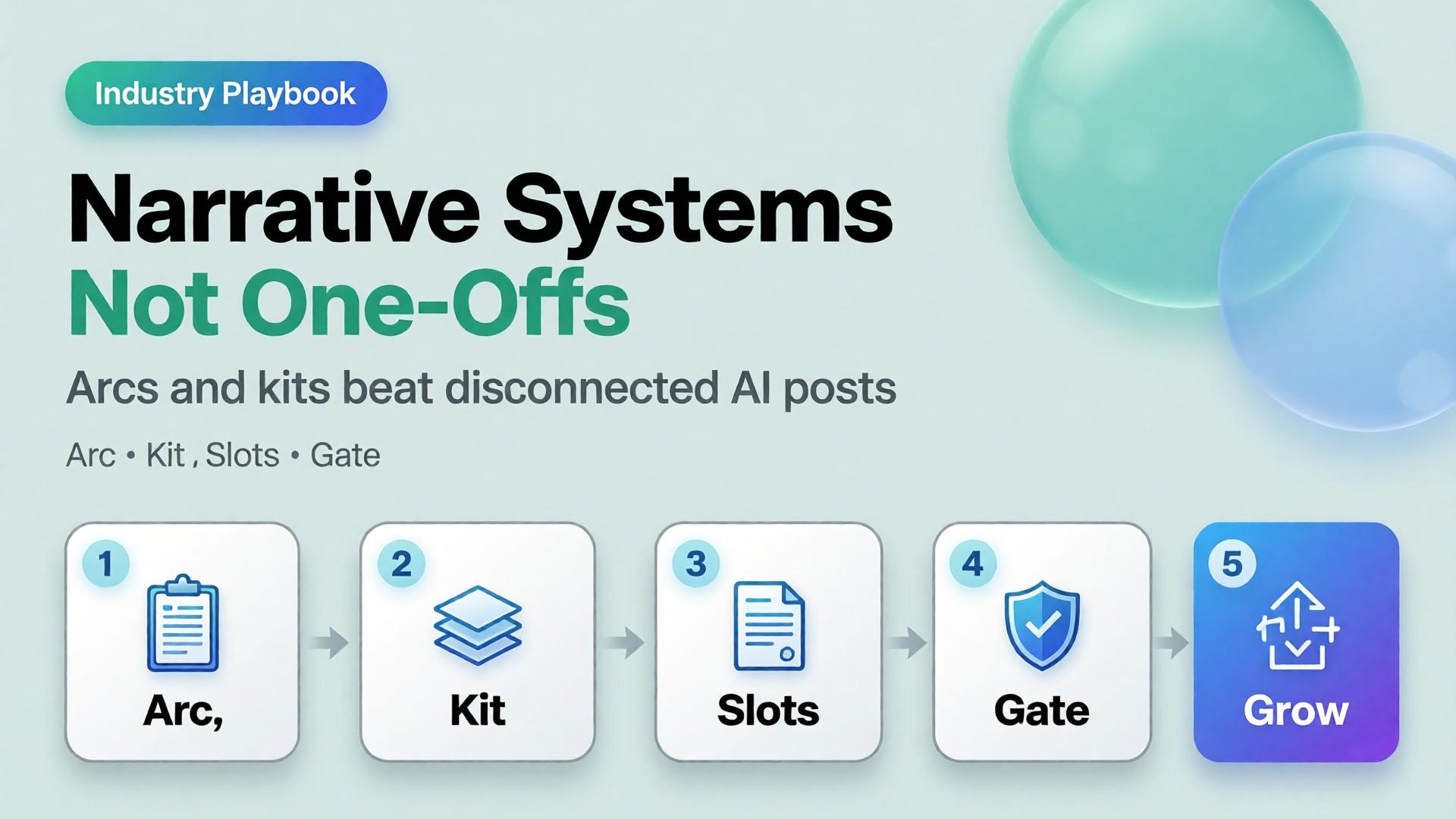
    A narrative system is a reusable production architecture:

    1. Arc — the story season (4–8 weeks)
    2. Kit — character, palette, light, product rules
    3. Slots — repeating format jobs (feed, Story, Reel, banner…)
    4. Gate — who can reject “pretty but off-brand”

    It is SCENE at calendar scale. Each episode gets a brief. The season gets a bible.

    Build the Arc Before the Prompt

    Pick one season thesis (one sentence)

    Examples:

    • 30 days of desk-lunch upgrades for busy founders
    • One outfit, eight lives — wardrobe as world-building
    • From shelf photo to craving — F&B education for DTC buyers

    If you cannot say the thesis without commas, you have three arcs pretending to be one.

    Define episode types (not topics)

    Episode type Job Cadence
    Hook New viewer entry 1–2× / week
    Proof Trust / demo 1× / week
    Depth Save / share 1× / week
    Soft CTA Convert 1× / week
    Community Reply / stitch fuel ongoing

    Topics rotate inside types. Types stay stable. That is how an AI content creator workflow stays recognizable when tools change.

    The Kit: What Must Repeat So Stories Can Change

    Without a kit, every episode renegotiates identity — the brand consistency trap in creator form.

    Minimum kit:

    • Character anchors (if a face appears) — see face consistency playbook
    • Palette + light logic
    • Three recurring locations / sets
    • Product handling rules
    • Caption voice (sentence length, POV, CTA style)

    Adobe’s 2026 Creators’ Toolkit Report found 57% of creators still edit AI outputs moderately or extensively before publish. Editing inside a kit is craft. Editing without a kit is damage control.

    Format Slots: Produce Once, Ship Many

    Do not invent a new production for every ratio. Assign jobs:

    Slot Ratio Narrative job
    Feed 1:1 or 4:5 Episode poster
    Story 9:16 Behind-the-arc / poll
    Reel 9:16 Motion beat of the episode
    Carousel multi Proof sequence
    Banner / email wide Season reminder
    Marketplace / store compliance + brand Always-on identity

    This is the creator version of marketplace banner thinking — one master, many jobs — not twelve unrelated renders.

    Weekly Operating Rhythm

    A sustainable default for most creators in 2026 is not “post until collapse.” Buffer and industry frequency guides cluster meaningful gains around steady weekly presence, with many teams landing near 3–5 posts/week as a quality-safe band depending on platform.

    Example week inside a narrative system

    Day System action Output
    Mon Arc check + 3-line briefs 4 episode briefs
    Tue Generate masters in one kit 6–10 frames
    Wed Adapt slots (crop/extend) Feed + Story + Reel covers
    Thu Curator gate Kill drift / keep winners
    Fri Publish + reply block Posts + community
    Sun Set review + archive Update kit with winners

    Notice what is missing: “open AI and hope.” Hope is not a workflow stage.

    How AI Fits Without Taking Over the Story

    Use AI for:

    • Variant volume inside a locked kit
    • Format adaptation
    • Background / set exploration before lock
    • First drafts of captions you will voice-edit

    Do not use AI for:

    • Replacing the season thesis
    • Recasting your face every episode
    • Inventing a new brand world mid-arc
    • Publishing without a set review

    Model choice comes after direction — same rule as choose the image model after creative direction.

    Soft CTA

    Design narrative systems as workflows, not vibes: Orauria Workflow · Gallery

    Frequently Asked Questions

    What is an AI content creator workflow?

    It is a repeatable system for planning, generating, adapting, and publishing creator content with AI — built around arcs and kits, not isolated prompts.

    How is a narrative system different from a content calendar?

    A calendar schedules dates. A narrative system defines what must stay the same so scheduled posts accumulate meaning. You need both; calendar without system is a to-do list.

    How long should a creator arc run?

    Four to eight weeks is a practical season. Shorter arcs rarely compound. Longer arcs need mid-season kit reviews to prevent drift.

    Do I need to post every day?

    No. Buffer’s data emphasizes consistent weeks over extreme daily volume. A sustainable rhythm you can keep beats a heroic week you abandon.

    Can freelancers use narrative systems for clients?

    Yes — keep the system spine fixed and swap kits per client. That is the core of multi-client workflow templates.

    What kills narrative systems fastest?

    Publishing exceptions without updating the bible — “just this one off-brand Reel.” Exceptions become the new default in two weeks.

    Conclusion

    One-off AI posts spend attention. Narrative systems invest it.

    Write a season thesis. Lock a kit. Define episode types. Fill format slots from masters. Gate the week as a set. Let AI multiply inside the rules — not rewrite the rules nightly.

    The creators who win with AI in 2026 will not be the ones who generate the most. They will be the ones whose audience can finish the sentence: this is another chapter of…


    References

    1. Buffer, Buffer Data — consistency study (100K+ users, 26 weeks). https://buffer.com/resources/buffer-data/
    2. Buffer, How to Grow on Social Media in 2026. https://buffer.com/resources/creator-growth-playbook/
    3. Buffer, How Often to Post on Social Media in 2026. https://buffer.com/resources/social-media-frequency-guide/
    4. Adobe, 2026 Creators’ Toolkit Report, June 16, 2026. https://news.adobe.com/news/2026/06/creators-toolkit-report-2026
  • From Shelf Photo to Hero Shot: F&B Creative Direction with AI

    From Shelf Photo to Hero Shot: F&B Creative Direction with AI

    The photo starts on a phone, under fluorescent aisle light, next to three competing labels. By Friday someone asks for a “hero shot” for the PDP and a lifestyle scene for ads. The team pastes the shelf photo into an AI tool and prompts make it professional food photography. What comes back looks expensive — and wrong. Condensation in the wrong place. A label that almost matches. Steam that belongs to another dish.

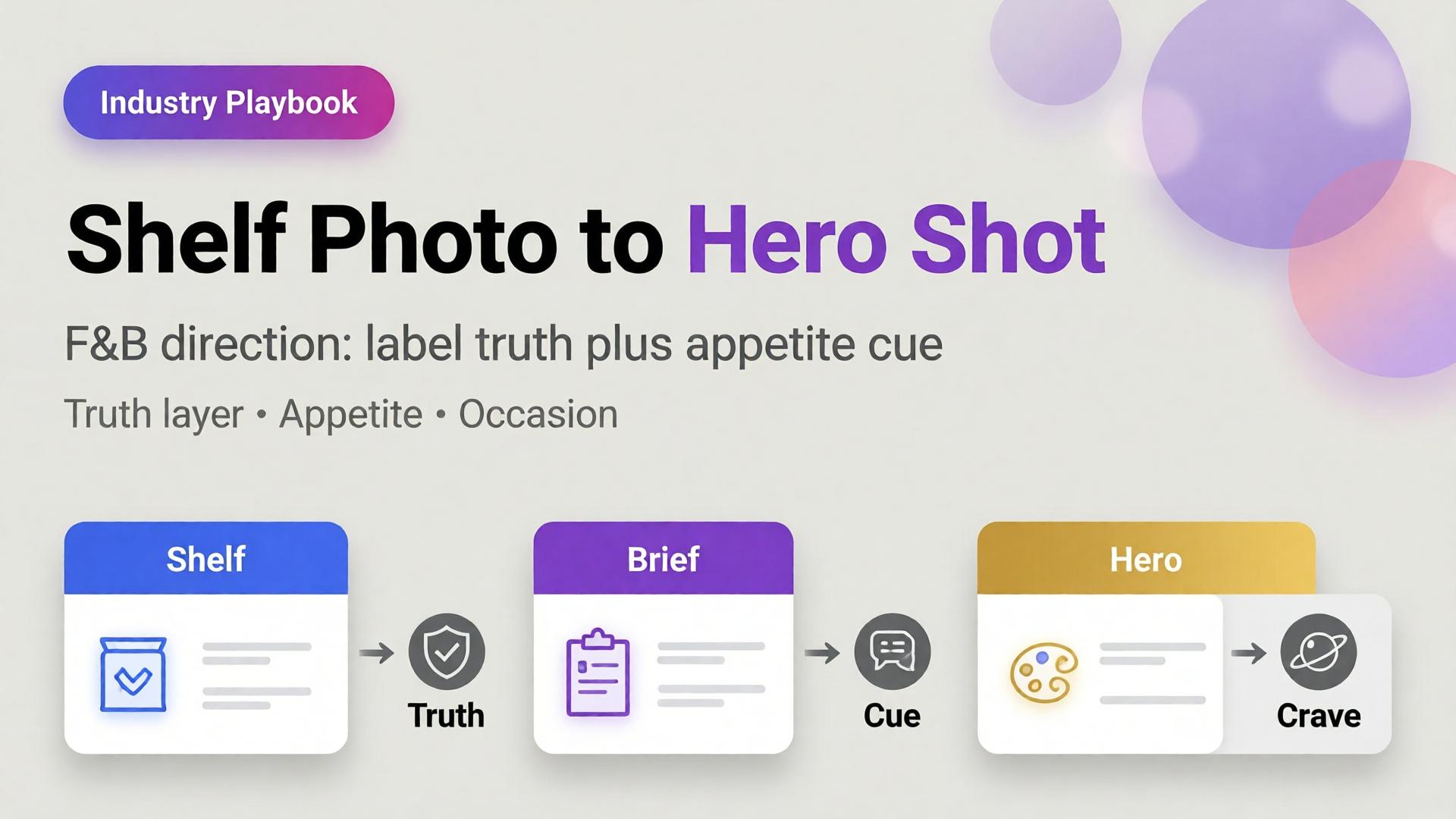
    AI food product photography does not fail because shelf photos are low quality. It fails because teams skip creative direction: what job the hero must do, which appetite cues are non-negotiable, and which truths the label must keep.

    Key Takeaways

    >

    – Shelf photos are reference truth, not final creative. Treat them as geometry + label fidelity inputs.

    – Products with high-quality photos convert dramatically better than weak imagery — Salsify analysis cited across 2026 roundups puts the lift near 94% versus low-quality photos (Lumepixa / Salsify, 2026).

    – Listings with 5+ images show about 50% higher conversion than thinner galleries in large listing studies (Catchlab, via 2026 image stats roundups).

    – F&B heroes need a dual layer: compliance/clarity + appetite scene. White-only catalogs leave money on the table; fantasy-only heroes break trust.

    This is the F&B sibling of Lifestyle Context Mapping for Beauty. Parent frame: AI Ecommerce Design Is Not AI Image. Packshot discipline: Packshot Thinking.

    Why Do Shelf Photos Fail as Heroes?

    A shelf photo answers one question: what is on the shelf?

    A hero shot answers another: why should I crave this now?

    Shelf photo job Hero shot job
    Identify SKU Create appetite
    Show real packaging Stage desire + truth
    Survive fluorescent light Sell a moment
    Capture available angles Own the PDP first impression

    AI that “beautifies” without a brief usually invents a third job: look like stock food. That third job converts poorly because it belongs to no brand and no meal occasion.

    In F&B, the hero is not a prettier packshot. It is a negotiated truth: label fidelity plus appetite fiction that the product can still keep.

    What Creative Direction Does F&B Need Before AI?

    Borrow SCENE, then specialize:

    SCENE part F&B translation Example
    Story Meal occasion Weeknight reset, weekend brunch, post-gym
    Context Surface + vessel Ceramic bowl, iced glass, picnic board
    Emotion Appetite cue Crunch, melt, chill, steam, pour
    Narrative PDP role Hero, ingredient proof, serve suggestion
    Extension Channel crop 1:1 feed, 9:16 Story, wide banner

    Write this before generation. The shelf photo becomes the SKU reference. The SCENE brief becomes the world.

    The Dual-Layer F&B Gallery

    F&B teams that win online run two layers — same logic as visual commerce 2026:

    Layer A — Truth / compliance

    • Front label readable
    • Color true to SKU
    • Cap, seal, and fill level honest
    • Marketplace-safe background when required

    Layer B — Appetite / conversion

    • Condensation, pour, steam, crumb, melt — only if true to product physics
    • Hand or utensil for scale
    • Plating that matches the real serve
    • Light that matches the occasion (morning juice ≠ late-night chocolate)

    Lifestyle additions commonly lift conversion in the 15–30% range over packshot-only layouts in industry A/B aggregates (2025–2026 ecommerce photography roundups). F&B is especially sensitive because appetite is emotional and returns are visual — items that “look different in person” remain a top return driver across categories.

    From Phone Shelf Photo to Hero: A 7-Step Playbook

    1. Shoot for reference, not Instagram

    Straight-on label. Avoid heavy tilt. Include one 3/4 if the package has depth. Capture the barcode side only if needed for ops — not for the hero.

    2. Write the non-negotiable label truths

    Logo lockup, flavor name, regulatory marks, claim badges. If AI rewrites a word, the asset is dead for marketplaces.

    3. Choose one appetite cue

    Not five. Pick pour, steam, bite, condensation, or plating. Multiple cues usually look like a food-magazine collage.

    4. Lock light logic

    Cold drinks: cooler key, specular highlights. Bakery: warmer key, soft shadow. Spicy / savory: deeper contrast. Changing light mid-batch is how catalogs look like three restaurants.

    5. Generate heroes from reference + brief

    Use the shelf photo as product lock. Use the SCENE brief as world lock. If the model invents a new label, reject — do not “fix in Photoshop later” as a habit.

    6. Build the five-image minimum

    Catchlab-style listing research consistently favors richer galleries. A practical F&B set:

    1. Clarity hero (truth)
    2. Appetite hero (desire)
    3. Serve / pour moment
    4. Ingredient or texture macro
    5. Lifestyle or table context

    7. Channel-adapt before you regenerate

    Crop the approved hero into Story and banner jobs. Regeneration is for new angles — not new identities of the same bottle. Same mindset as phone-to-campaign workflow.

    What Must Never Drift in AI Food Imagery?

    Element Why it matters Fail signal
    Label typography Legal + brand Misspellings, melted letters
    Package geometry Recognition Warped bottle / can proportions
    Fill level / contents Trust Soup that looks empty; chips that look inflated
    Allergen / claim badges Compliance Missing or invented marks
    Food physics Appetite credibility Steam on iced drinks; melt on shelf-stable

    Studio food photography still costs hundreds per SKU once styling and retouching enter the quote; AI compresses unit cost when direction is clear — industry writeups in 2026 routinely cite 60–80% cost reductions versus traditional shoots for catalog-scale work. Cost only helps if rejected assets stay rejected.

    Occasion Mapping for F&B (Beauty’s Sister Grid)

    Beauty maps rituals. F&B maps occasions:

    Occasion Hero cue Avoid
    Breakfast Soft daylight, simple plate Nightlife bokeh
    Desk lunch Compact, clean, portable Banquet excess
    Dinner share Family board, steam Clinical white only
    Gym / recovery Condensation, citrus, motion Heavy garnish clutter
    Gift / premium Material, ribbon, quiet luxury Street-food grit

    Map 4–6 occasions for the brand, not per SKU. Then swap the product reference through the same worlds — batch thinking for catalogs that keep growing.

    When Should You Still Book a Real Food Shoot?

    AI direction wins for:

    • Catalog scale and seasonal flavor swaps
    • Channel crops and ad variants
    • Background / lifestyle exploration after label lock

    Real shoots still win for:

    • Flagship hero campaigns where texture is the product (artisanal crumb, fresh seafood sheen)
    • Regulatory edge cases and packaging redesign launches
    • Hero SKUs where returns risk is extreme if appetite oversells

    Hybrid is the default mature strategy — not ideology.

    Soft CTA

    Turn shelf references into directed packshots and heroes inside one workflow: Orauria Packshot · Studio Guide

    Frequently Asked Questions

    Can AI turn a phone shelf photo into a marketplace-ready hero?

    Yes — if label truth is locked and the brief defines the hero job. Without those, AI produces pretty stock that fails compliance or trust.

    How many images should an F&B PDP show?

    Aim for at least five: clarity, appetite, serve, texture, context. Richer galleries correlate with stronger conversion in large listing studies.

    What is the biggest AI mistake in food photography?

    Inventing appetite cues the product cannot keep — fake steam, impossible melt, or garnishes that imply a different recipe.

    Should every F&B SKU get a lifestyle scene?

    Every hero SKU should. Long-tail SKUs can inherit occasion templates with swapped references once the brand kit is locked.

    How is F&B different from beauty context mapping?

    Beauty maps daily rituals on the same face/body. F&B maps meal occasions and food physics. Both need a grid before generation; the rows differ.

    Do I need white-background shots for food marketplaces?

    Often yes for the main image. Treat white as Layer A. Appetite scenes belong in secondary slots and ads — not as a replacement for truth.

    Conclusion

    Shelf photos are not the enemy. Undirected AI is.

    Write the occasion. Lock the label. Pick one appetite cue. Build dual-layer galleries. Adapt approved heroes before you regenerate. Reject physics lies even when they look delicious.

    AI food product photography becomes a growth system when creative direction arrives before the model — not after the disappointment.


    References

    1. Lumepixa, AI Product Photography Statistics 2026 (citing Salsify / Business Dasher; Catchlab listing study). https://lumepixa.app/blog/ai-product-photography-statistics
    2. Lumepixa, Product Image Statistics 2026. https://lumepixa.app/blog/ecommerce-product-image-statistics
    3. Adobe, 2026 Creators’ Toolkit Report, June 16, 2026. https://news.adobe.com/news/2026/06/creators-toolkit-report-2026
  • Face Consistency Across 12 Formats Is Character Design

    Face Consistency Across 12 Formats Is Character Design

    You generate a strong face for Tuesday’s Reel. Wednesday’s Story looks related. Thursday’s carousel looks like a cousin. By Friday’s marketplace banner, followers comment: is that a different person?

    That is not a model failure. That is a design failure.

    AI character consistency is not a filter you toggle after the prompt. It is character design — the same discipline animation studios and game teams use before a single frame ships. Creators who treat the face as a lucky seed will keep losing identity across formats. Creators who write a character bible first can ship the same person across twelve placements without the audience noticing the pipeline.

    Key Takeaways

    >

    – Face consistency across formats is a character design problem, not a prompt trick. Lock identity rules before you open the generator.

    – Adobe’s 2026 Creators’ Toolkit Report found 57% of creators say AI outputs need moderate or extensive editing before publish — and 42% say AI-generated work makes distinctive voices harder to surface (Adobe, 2026).

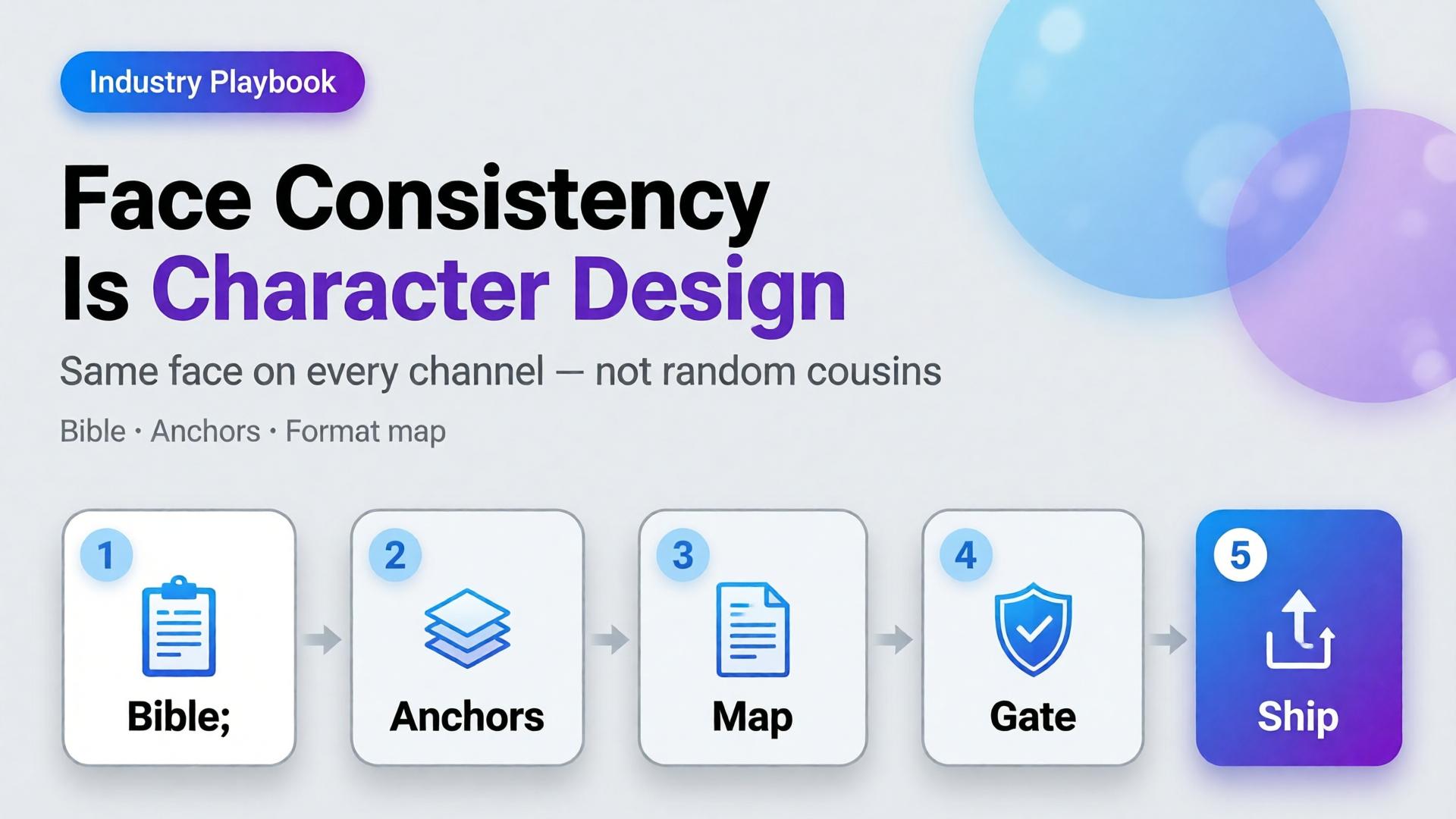
    – A workable kit has three layers: character bible, reference pack, format map (12 placements, one identity).

    – Curator gates beat more seeds. One approved face family scales; twenty “almost right” faces destroy trust.

    This is an industry playbook for creators, KOLs, and brand teams who put a human face in front of products. If you need the failure autopsy, read Brand Consistency Trap. If you need when to lock references versus explore, read Reference Images vs AI Explore. This article answers: how do you keep one face alive across twelve formats?

    Why Does Face Drift Break Creator Trust Faster Than Bad Lighting?

    Lighting mistakes look amateur. Face drift looks dishonest.

    Followers forgive a soft shadow. They do not forgive a jawline that migrates every post. The brain treats facial identity as a continuity contract. Break it and engagement does not just drop — recognition resets. You are introducing a new spokesperson every week without meaning to.

    Creators feel this as “the model changed my face again.” The deeper issue is upstream: there was no locked character. Every generation started from vibes instead of a bible.

    Audience trust for AI-assisted creators is not “was this generated?” It is “is this the same person I already know?” Face consistency is continuity, not aesthetics.

    What Is Character Design for AI Creators?

    Character design means deciding — in writing and in images — what must never change, what may change, and what is forbidden.

    Layer Lock forever Soft rules Never do
    Face geometry Eye distance, jaw, nose bridge Expression intensity Age jumps, ethnicity drift
    Hair Base cut + color family Styling for scene Random length each post
    Skin Undertone, freckle map Makeup level Plastic smoothness one day, heavy pores the next
    Wardrobe world Signature palette Outfit per format Brand-clash logos
    Age / era Apparent age band Season styling Teen ↔ mid-30s oscillation

    If you cannot fill this table in ten minutes, you are not ready to batch. You are ready to explore — once — then lock.

    Citation capsule: Distinctive creator voices are already under pressure. Adobe’s 2026 survey found 42% of creators believe AI-generated work makes it harder for distinctive voices to surface. Face drift accelerates that problem by dissolving the one asset audiences use to recognize you.

    The 12-Format Map: Same Face, Different Jobs

    Consistency does not mean identical crops. It means identical identity under different jobs.

    # Format Job Face rule
    1 Feed 1:1 Stop scroll Full face, strong eye contact
    2 Feed 4:5 Depth / product hold Face + product in same plane
    3 Story 9:16 Immersion Closer crop, same bone structure
    4 Reel cover Click Peak expression from approved set
    5 Thumbnail Search / browse High-contrast, readable at 120px
    6 Carousel keyframe Sequence Same lighting family across slides
    7 Live avatar / talking head Trust Strict reference lock
    8 Product demo still Proof Hands + face optional; no new identity
    9 Marketplace banner Store ID Smaller face, brand-safe crop
    10 Email hero Click-through Calm expression, clear silhouette
    11 Ad variant A/B Test hooks Same face, different props only
    12 Long-form cover Authority Most “portrait bible” accurate

    Write the map once. Every new campaign inherits it. That is how narrative systems stay coherent when volume rises.

    How Do You Build a Character Bible That Survives AI?

    Step 1 — Capture three anchor references

    Not twenty. Three:

    1. Neutral front (passport energy)
    2. Three-quarter with soft smile
    3. Profile or strong side light

    These become the identity spine. Everything else is a variation, not a rewrite.

    Step 2 — Write the non-negotiables in one paragraph

    Example: East Asian woman, apparent late 20s, warm undertone, soft freckles across nose bridge, straight dark hair to collarbone, almond eyes with slight monolid, no beauty marks, natural brows.

    If the paragraph is longer than six lines, you are over-specifying fashion and under-specifying face.

    Step 3 — Separate explore mode from production mode

    Exploration is allowed before lock — moodboards, casting tests, style worlds. After lock, switch to reference-heavy mode. Production is not the time to “see what the model invents.”

    Step 4 — Assign a curator gate

    Someone (you, or a teammate) must reject outputs that break identity even if they look prettier. Pretty-but-wrong is how brands wake up with twelve spokespersons.

    Gate Pass Fail
    Bone structure Matches anchors Soften / reshape
    Hair identity Same family New cut / color
    Age read Same band Younger/older leap
    Skin map Same marks / freckles Clean slate skin
    Expression Approved range New “character personality”

    Adobe’s finding that 57% of creators still edit AI outputs heavily is not a reason to skip direction. It is a reason to edit against a checklist, not against taste alone.

    What Breaks Face Consistency in Practice?

    Five patterns show up constantly in creator pipelines:

    1. Prompt adjective stacking — “beautiful, glamorous, cinematic, ultra detailed” invites the model to redesign the face toward a beauty average.
    2. Style refs stronger than face refs — a lighting moodboard overpowers identity when weights are wrong.
    3. Format panic — regenerating from scratch for 9:16 instead of cropping/extending an approved master.
    4. Multi-model hopping without re-locking — each model has a different face prior; hopping without anchors guarantees drift.
    5. Batch publishing without a set review — each image looks fine alone; the grid looks like a casting call.

    These map to the broader brand consistency trap. Face is simply the highest-stakes version.

    Playbook: Ship One Face Across a Week of Content

    1. Monday — Lock — approve three anchors + character paragraph
    2. Monday — Map — fill the 12-format table for the week
    3. Tuesday — Masters — generate 6–8 hero frames in one lighting family
    4. Wednesday — Adapt — crop/extend masters into Story, Reel cover, banner; regenerate only when crop fails
    5. Thursday — Curate — reject identity breaks; keep expression range tight
    6. Friday — Publish set — review the week as a contact sheet, not as singles
    7. Sunday — Archive — save winners into the character kit for next week

    This is the same spine freelancers use when one workflow serves five clients — swap the character kit, keep the gates.

    When Should You Redesign the Character on Purpose?

    Sometimes drift is a feature — new season, new brand deal, new persona arc. Redesign deliberately:

    • Announce the change in content (glow-up, season 2, brand collab era)
    • Rebuild anchors; do not “nudge” the old face into a new identity
    • Freeze the old kit; do not mix eras in the same week

    Accidental redesign reads as error. Intentional redesign reads as storytelling — which belongs in your narrative system.

    Soft CTA

    Build character kits and format maps inside a production system, not twelve disconnected tabs. Explore Orauria’s creative workflow for ecommerce and creator teams: Orauria solutions · Gallery

    Frequently Asked Questions

    What is AI character consistency?

    It is the practice of keeping the same facial identity, hair family, and age read across many generated images and formats. It is achieved with a character bible, reference anchors, and curator gates — not by hoping the next seed matches.

    How many reference images do I need for a stable face?

    Three strong anchors beat twenty weak ones. Add scene refs after identity is locked. More images help only when they reinforce the same person.

    Can I keep one face across different AI image models?

    Yes, if you re-lock with the same anchors in each model and treat the first approved outputs as the new production set. Hopping models mid-campaign without anchors is the fastest path to cousins.

    Should every format show the full face?

    No. Marketplace banners and some product demos may use smaller face presence or hands-only. The rule is: if a face appears, it must be the same face.

    How is this different from brand consistency?

    Brand consistency covers palette, light, and scene world. Character consistency is the human identity layer inside that brand. You need both; face drift can break a brand even when colors are perfect.

    What is the biggest mistake creators make with AI faces?

    Treating each post as a new casting session. Character design decides once, then produces many times.

    Conclusion

    Face consistency across twelve formats is not a prompt setting. It is character design — anchors, non-negotiables, format jobs, and a curator who rejects prettier lies.

    Write the bible. Lock three references. Map the twelve placements. Adapt masters before you regenerate. Review the week as a set.

    The creators who scale AI without losing their audience are not the ones with the luckiest seeds. They are the ones who decided who they are — then refused to renegotiate every Tuesday.


    References

    1. Adobe, 2026 Creators’ Toolkit Report, June 16, 2026. https://news.adobe.com/news/2026/06/creators-toolkit-report-2026
    2. Adobe, Inaugural Creators’ Toolkit Report (Adobe MAX 2025), October 28, 2025. https://news.adobe.com/news/2025/10/adobe-max-2025-creators-survey
  • Upscale After QA: Marketplace Image Sharpening Without Fake Detail

    Upscale After QA: Marketplace Image Sharpening Without Fake Detail

    The listing looks soft on mobile zoom. Someone drops the file into an upscaler. Edges crisp. The logo grows new serifs. A seam appears that the product does not have. The marketplace still rejects the crop — or worse, accepts it and returns spike later.

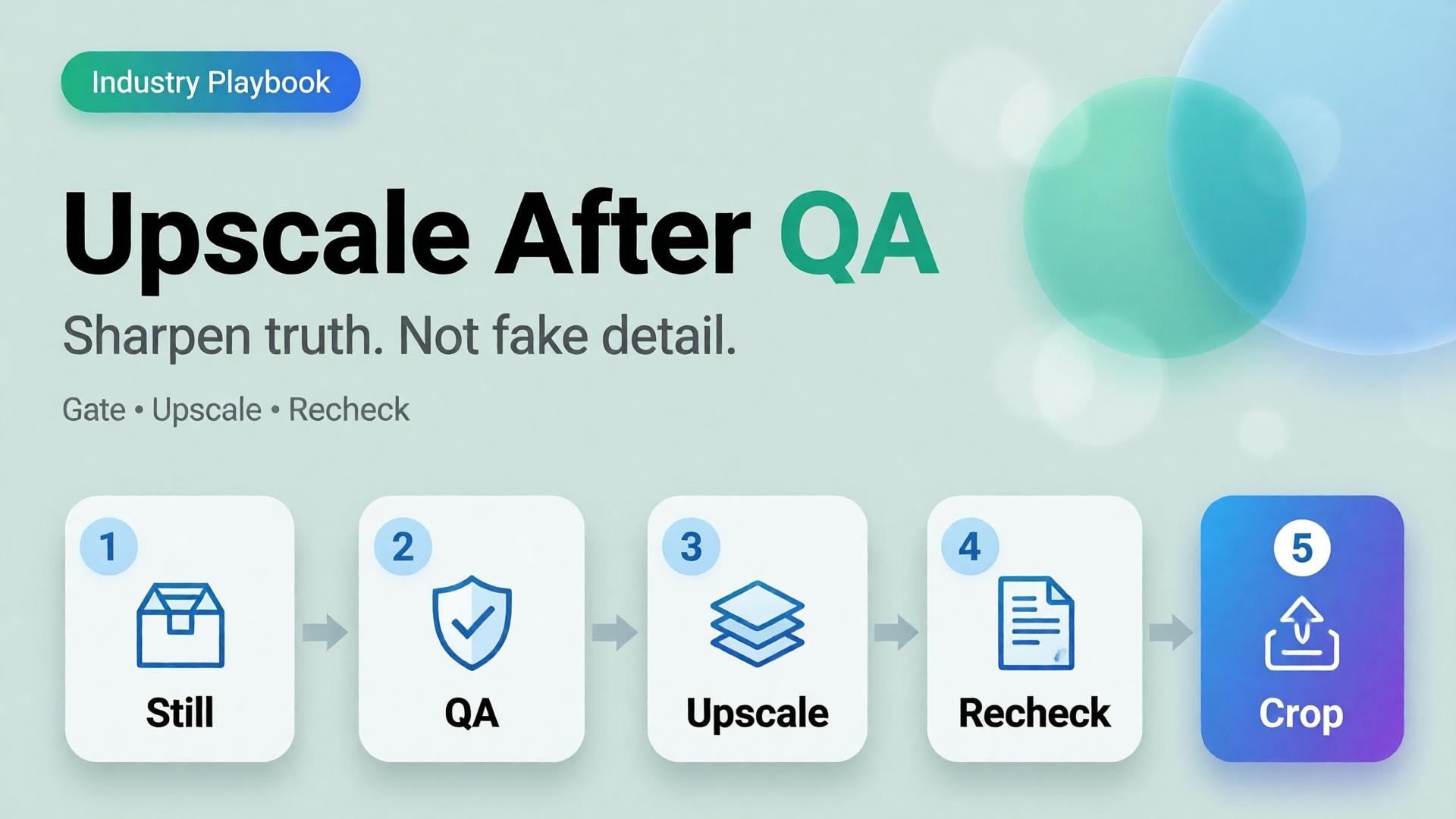
    AI product image upscale is not a magic “make HD” button. It is the Upscale node in a workflow: sharpen only what already passed geometry and label QA.

    Key Takeaways

    >

    – Upscale amplifies truth and lies equally. QA before sharpen.

    – Products with high-quality photos convert far better than weak imagery in 2026 roundups (Salsify-cited ~94% lift vs low-quality) — but “sharp fakes” are not high quality (Lumepixa, 2026).

    – Place Upscale after Generate gates in node thinking — never as forgiveness for a bad reference.

    – Marketplace min resolution is a delivery constraint, not a creative strategy.

    Why Do Teams Upscale Too Early?

    Because resolution is measurable and fidelity is judgment.

    Early upscale habit What actually happens
    Soft phone photo → 4K Soft lies become sharp lies
    Rejected AI still → upscale Warped type becomes confident warped type
    Every crop upscaled Hours spent polishing variants that should die
    Upscale instead of reshoot/ref Reference problem becomes production debt

    Phone-to-campaign discipline still starts with a usable reference (workflow mindset). Upscale cannot invent a better capture — only a bolder one.

    Marketplace buyers do not reward megapixels. They reward zoom that still matches the unboxing. Upscale without QA is how you fail that contract in high resolution.

    The QA Gate Before Upscale

    Run this checklist on the winner still only:

    Geometry

    • Silhouette matches physical SKU
    • No melted corners, stretched labels, floating caps

    Typography / print

    • Brand wordmarks readable and correct
    • No invented ingredients, seals, or stars

    Material

    • Fabric / plastic / glass reads plausible
    • No “plastic skin” or fake micro-contrast

    Compliance

    • Background rules for the target marketplace
    • Required margins for the crop job

    Fail any row → regenerate or recapture. Do not upscale.

    This is the same honesty bar as packshot thinking.

    Where Upscale Belongs in the Graph

    Upload → Brand Style → Generate → QA gateUpscale → Crop / Localize

    Node Allowed to change
    Generate Scene within brief
    QA Nothing — only pass/fail
    Upscale Apparent resolution / mild denoise
    Crop Framing only

    If Upscale changes identity, your tool is not upscaling — it is regenerating without permission.

    Playbook: Marketplace Delivery Without Fake Detail

    1. Approve master at working resolution (enough to judge label truth)
    2. Run QA checklist with a second pair of eyes when claims are legal-sensitive
    3. Upscale once to the strictest channel need (do not chain 2× → 2× → 2× blindly)
    4. Re-check typography at 100% zoom after upscale
    5. Crop for feed / PDP / cover from the upscaled master
    6. Archive both pre- and post-upscale for dispute / rollback

    For multi-market text, localize on the approved master path (image localization) and re-QA text regions after any sharpening.

    When Not to Upscale

    • Source is already sharp enough for the channel
    • Detail is mostly AI hallucination risk (tiny badges, dense nutrition panels)
    • You need a new angle — shoot/generate the angle instead
    • The soft look is intentional mood (then deliver mood at native res)

    Soft CTA

    Build honest packshots before you sharpen them: Packshot · Ecommerce

    Frequently Asked Questions

    Does AI upscaling improve conversion?

    Only when it improves clarity of a true product image. Sharp false detail can hurt trust and increase returns.

    Should every SKU be upscaled?

    No. Upscale when the channel requires resolution you lack after QA. Skip when native resolution already clears the bar.

    Upscale before or after cropping?

    Usually upscale the approved master, then crop — so all ratios share one sharpened truth. Re-QA critical text after crop if glyphs sit near edges.

    How is this different from choosing a higher-tier image model?

    Model choice happens at Generate. Upscale is a delivery node. Do not confuse them — see choose image model after direction.

    What is the biggest upscale mistake on marketplaces?

    Using upscale to “save” a failed label. Marketplaces and buyers both punish confident errors.

    Conclusion

    Sharpen after you trust.

    QA the still. Upscale once. Re-check the type. Crop for channels. Never ask an upscaler to invent honesty.

    That is how AI product image upscale supports marketplace growth — without shipping beautiful fiction.


    References

    1. Lumepixa, AI Product Photography Statistics 2026. https://lumepixa.app/blog/ai-product-photography-statistics
    2. Lumepixa, Product Image Statistics 2026. https://lumepixa.app/blog/ecommerce-product-image-statistics
    3. Adobe, 2026 Creators’ Toolkit Report, June 16, 2026. https://news.adobe.com/news/2026/06/creators-toolkit-report-2026
  • Cross-Border Catalogs: Localize Product Images Without Breaking Brand

    Cross-Border Catalogs: Localize Product Images Without Breaking Brand

    You launch in one language. Then marketplace ops asks for EN, VI, TH, and ID versions of the same banner by Friday. Someone regenerates the whole scene four times. The bottle changes shape. The light shifts. The brand kit quietly dies.

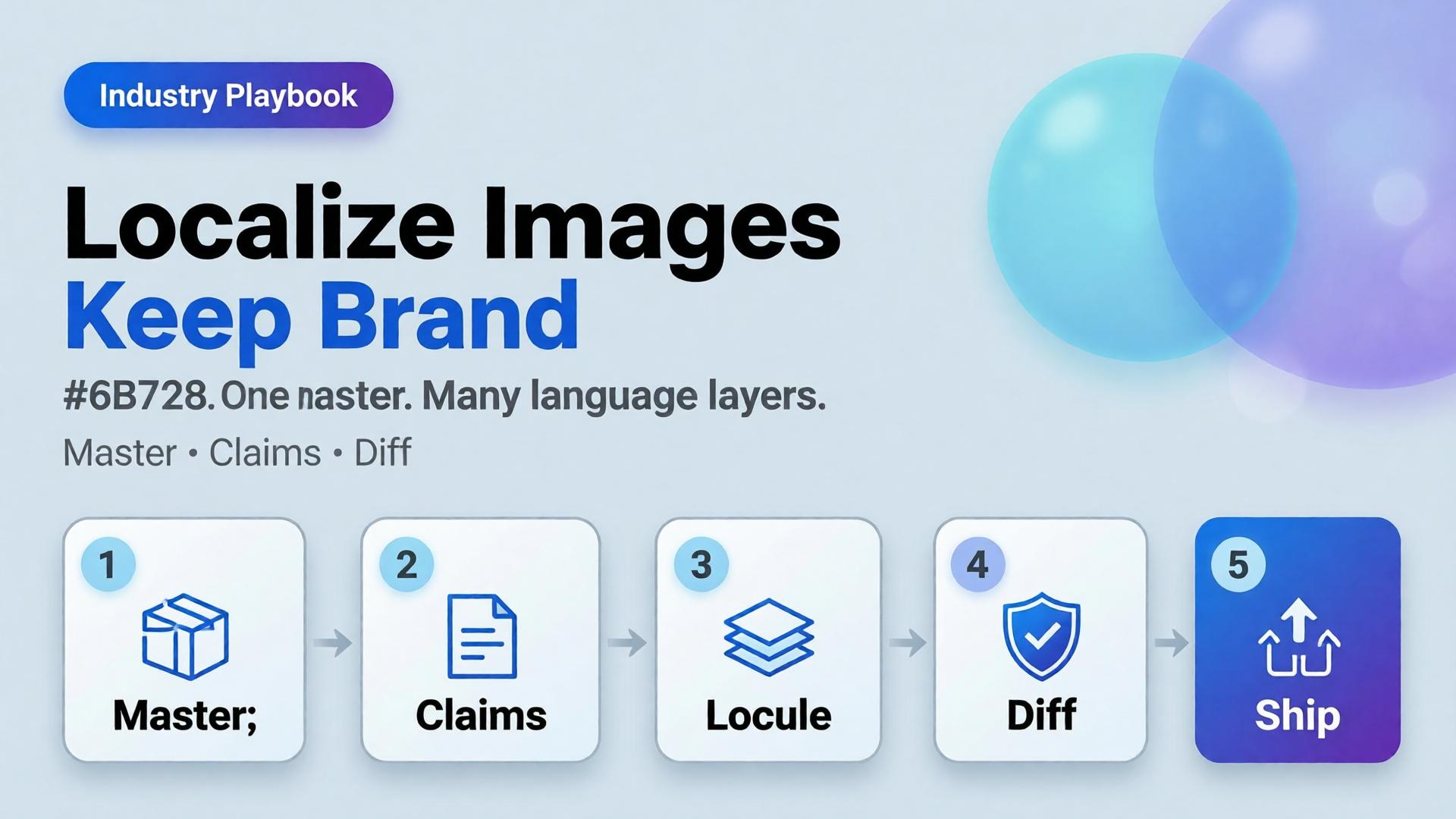
    AI ecommerce image localization is not “translate and pray.” It is a production rule: one visual master, many language layers — with gates that protect SKU truth and brand identity across borders.

    Key Takeaways

    >

    – Rebuild-per-language is how catalogs fracture. Localize text and claims, not the entire world, unless the market truly needs a new scene.

    – High-quality product imagery remains a conversion lever in 2026 roundups (Salsify-cited lifts vs weak photos); localization must not destroy that quality (Lumepixa, 2026).

    – Treat localization as a node after Brand Style + Generate — never as a fresh creative brief.

    – Legal claims, units, and badge rules are market-specific gates — not prompt adjectives.

    Why Do Per-Language Regenerations Break Brands?

    Because generation optimizes for a new pretty frame, not for identity continuity.

    Rebuild-per-language Master + localize
    New light each market Same light family
    Label drift risk × N One Truth gate
    Four art directions One kit
    Slow QA Diff-check text regions

    Cross-border teams do not need more models. They need batch thinking applied to locales.

    Localization fails when teams translate campaign vibes instead of translating claims. Vibes can stay global. Claims must go local.

    What Should Stay Global vs Go Local?

    Keep global (master layer)

    • Product geometry and packshot truth
    • Brand palette and light logic
    • Scene world / lifestyle context (unless culturally wrong)
    • Character identity if a face is used

    Localize deliberately

    • In-image headlines and CTAs
    • Promotional badges and price callouts
    • Measurement units and regulatory lines
    • Marketplace-required disclaimers

    Redesign only when required

    • Cultural taboo in scene
    • Model casting rules by market
    • Category compliance that forbids the original composition

    If you redesign every time, you do not have a localization system. You have N brands.

    Playbook: Master → Locale Pack

    Step 1 — Ship a language-agnostic master

    Prefer compositions with clear text safe zones (marketplace banner thinking). Avoid burning essential claims into tiny packaging type you cannot legally alter.

    Step 2 — Extract a claim sheet per market

    Field EN VI Notes
    Hook line Char limit
    Offer badge Color locked
    Unit line oz ml Compliance
    Disclaimer Legal review

    Step 3 — Localize as a gated node

    Input: approved master + claim sheet. Output: locale variants. Gate: geometry unchanged, brand kit intact, text correct, no new product.

    Step 4 — Diff review, not vibes review

    Flip EN ↔ VI on the same crop. If the bottle moved, reject — even if Vietnamese typography looks nicer.

    Step 5 — Archive locale packs with the kit

    Next drop swaps SKU refs, reuses locale claim templates. That is how cross-border catalogs scale.

    Where AI Helps — and Where It Lies

    Helps: rapid text replacement in safe zones, layout fitting, bulk varianting after master lock.

    Lies: rewriting packaging legal text “to look native,” inventing certificates, changing ingredient panels, or “improving” the product silhouette while translating.

    Packshot honesty still applies (packshot thinking). A localized ad that misrepresents the SKU creates returns in every language.

    Soft CTA

    Keep one ecommerce creative system across markets: Ecommerce solutions · Marketplace Banners

    Frequently Asked Questions

    What is AI ecommerce image localization?

    It is the practice of adapting in-image text and market claims on a locked visual master so catalogs stay consistent across languages and marketplaces.

    Should every market get a unique lifestyle scene?

    Only when culture or compliance demands it. Default to one world, many language layers.

    Can AI translate text printed on the product package?

    Treat package print as high risk. Prefer accurate photography of the real SKU for Truth frames; localize marketing overlays separately.

    How do I QA localized images quickly?

    Side-by-side diff against the master. Check geometry first, typography second, claim accuracy third.

    Where does this sit in a workflow builder?

    After Generate and before Upscale/Crop variants — localization should not invent a new product.

    Conclusion

    Cross-border growth should multiply locales, not multiply identities.

    Lock a master. Write claim sheets. Localize as a node. Diff-check like a skeptic. Keep the bottle the same bottle.

    That is AI ecommerce image localization that scales — without quietly founding a new brand in every language.


    References

    1. Lumepixa, AI Product Photography Statistics 2026. https://lumepixa.app/blog/ai-product-photography-statistics
    2. Adobe, 2026 Creators’ Toolkit Report, June 16, 2026. https://news.adobe.com/news/2026/06/creators-toolkit-report-2026
  • Choose the Video Model After Creative Direction

    Choose the Video Model After Creative Direction

    The Slack thread starts the same way every week: “Should we use Veo, Kling, or Seedance?” Nobody has written the shot list. Nobody has locked the product reference. Nobody has decided whether the clip is a hook, a demo, or a proof. Credits disappear. The cut still feels generic.

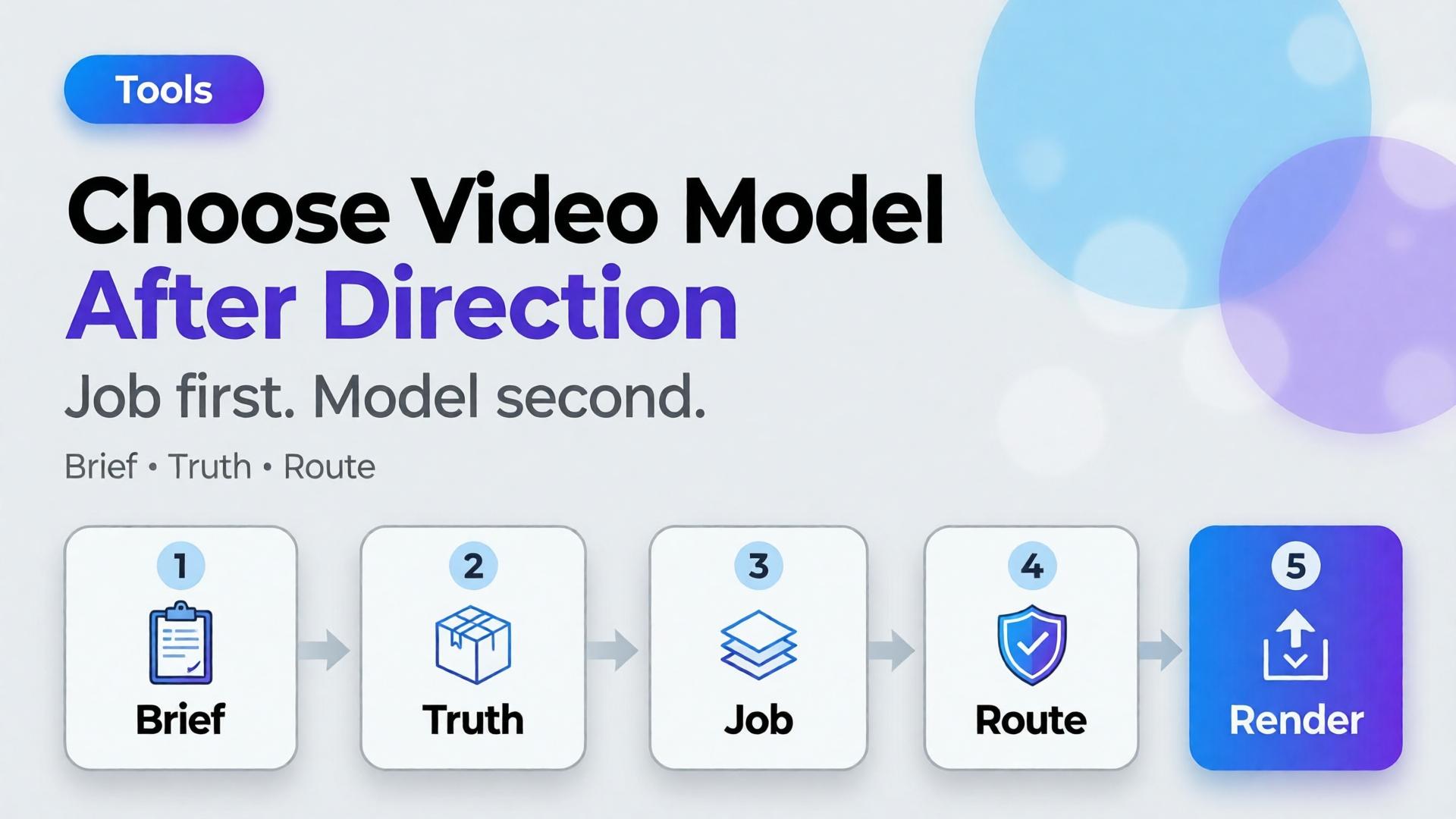
    Choose the AI video model after creative direction. Model choice is a bottleneck decision — the same rule as choosing an image model, applied to motion.

    Key Takeaways

    >

    – Video model debates fail when the job is undefined. Define scene job, duration, audio need, and product fidelity first.

    – Adobe’s 2026 Creators’ Toolkit Report found 57% of creators still edit AI outputs moderately or extensively before publish — video is not exempt (Adobe, 2026).

    – Match models to bottlenecks: cinematic continuity, product-locked motion, fast ad variants — not brand loyalty to a name.

    – Direction tools first: 3-line brief + SCENE + TikTok Shop scene types.

    Why Does “Which Video Model?” Come Too Early?

    Because models are visible and briefs are invisible.

    Early question Real question you skipped
    Which model is best? What job is the clip doing?
    Who has the best motion? Must the SKU stay label-true?
    Who is cheapest per second? How many variants do we need this week?
    Who has native audio? Do we need VO, SFX, or silent cutdowns?

    Teams that scatter tools feel busy. Teams that lock direction ship.

    Video AI does not fail at “realism.” It fails at job fit. A gorgeous camera move that hides the product is still a failed ecommerce clip.

    What Must Be Locked Before You Pick a Model?

    1. Scene job

    Borrow the Shop five if needed: hook / truth / demo / proof / offer. One clip, one primary job.

    2. Product truth level

    • Strict: label, geometry, color must hold (PDP, Shop card, compliance-adjacent)
    • Flexible: mood and world matter more than micro-label (brand film, awareness)

    3. Duration + cut plan

    3s hook vs 15s demo vs 30s story. Model choice changes when you need many short variants vs one hero take.

    4. Audio plan

    Silent + caption, native generated audio, or bring-your-own VO. Do not discover this after render.

    5. Source path

    Text-to-video vs image-to-video from an approved still. Image-to-video inherits your packshot / hero still discipline.

    Write these five lines. Then talk about models.

    Bottleneck → Model Family (Not a Leaderboard)

    Names change quarterly. Bottlenecks do not.

    Bottleneck What you optimize Typical fit (2026 pattern)
    Cinematic camera language Moves, lighting continuity Strong generalist cinematic models
    Product-locked motion SKU fidelity from a still Image-to-video with strict refs
    Fast ad variant volume Many hooks from one brief Fast / cheaper motion models
    Native audio sync Dialogue / SFX in-model Models with AV generation
    Typography / UI in frame On-screen text stability Prefer post text or models strong at glyphs

    Treat the table as a routing sheet, not a forever ranking. Re-test when a new model drops — after the brief, not instead of it.

    How Do Image and Video Choices Connect?

    Bad video often starts as a bad still.

    1. Lock still with image-model discipline (after direction)
    2. Pass Truth gate on the still
    3. Only then image-to-video for Demo / Hook motion
    4. Keep Crop / cutdowns as a node, not a new identity

    If the still fails label QA, no video model will “fix” it honestly.

    Playbook: One Hour Before You Spend Credits

    1. Write 3-line brief + scene job
    2. Attach brand kit + product ref
    3. Decide strict vs flexible fidelity
    4. Pick path: T2V vs I2V
    5. Route to model family by bottleneck
    6. Generate 2–3 takes max before curator gate
    7. Edit for job — do not regenerate to avoid editing

    Adobe’s edit-rate data is a reminder: plan the gate. Do not outsource judgment to the next seed.

    Soft CTA

    Explore motion and stills inside one creative workspace after direction is clear: Gallery · Studio Guide

    Frequently Asked Questions

    What is the best AI video model for ecommerce ads?

    There is no universal best. The best model is the one that fits your bottleneck after creative direction — fidelity, speed, cinematic language, or audio.

    Should I pick the video model before the image model?

    No. Lock still direction and product truth first when the clip is product-led. Awareness films can start from text, but ecommerce usually should not.

    Is image-to-video always safer for products?

    Safer for identity when the still is approved. Not automatic — motion can still warp labels. Gate outputs.

    How is this different from choosing an image model?

    Same principle, different failure modes. Video adds duration, camera language, and audio. The order — direction before model — stays identical.

    How many models should a team standardize on?

    Usually one default per bottleneck, not one model for everything. Document the routing sheet so freelancers do not reinvent it weekly.

    Conclusion

    Veo vs Kling vs Seedance is a late question.

    Job, truth level, duration, audio, source path — then model. Choose the AI video model after creative direction, the same way you choose image models after the brief. Direction is strategy. Models are routing.


    References

    1. Adobe, 2026 Creators’ Toolkit Report, June 16, 2026. https://news.adobe.com/news/2026/06/creators-toolkit-report-2026
    2. Adobe, Inaugural Creators’ Toolkit Report (Adobe MAX 2025), October 28, 2025. https://news.adobe.com/news/2025/10/adobe-max-2025-creators-survey
  • Fashion Lookbook on Zero Budget: A 3-Day Playbook for Small Brands

    Fashion Lookbook on Zero Budget: A 3-Day Playbook for Small Brands

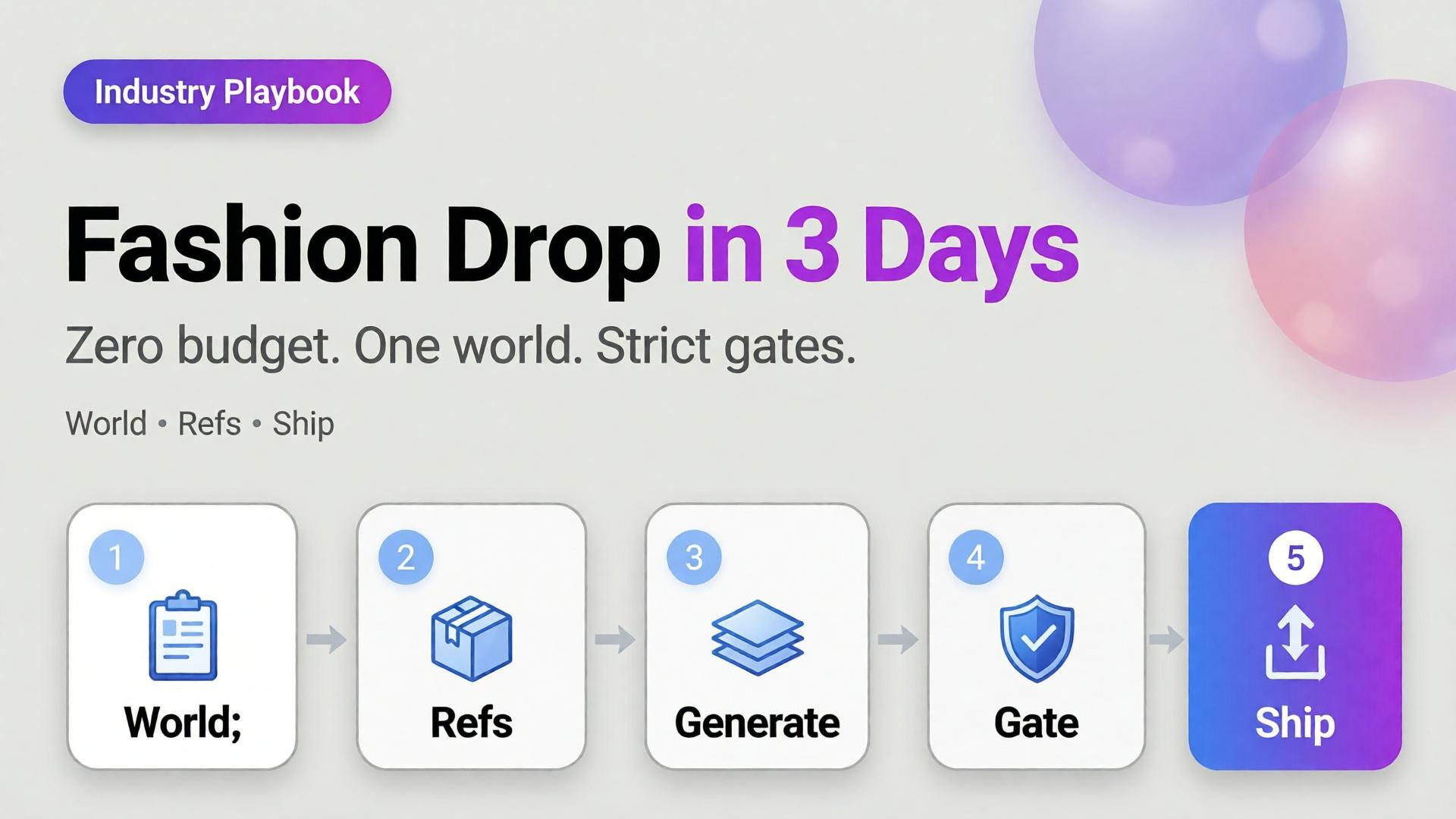
    You have twelve SKUs, one phone, no studio booking, and a drop date that will not move. The agency quote is a fantasy. The Instagram moodboard is a trap. What you need is not “more AI fashion.” You need a three-day playbook that produces a coherent lookbook without a budget line for production.

    AI fashion lookbook small brand success is almost never about the prettiest single render. It is about one world, honest garment references, and curator gates that kill cousins before they publish.

    Key Takeaways

    >

    – Zero budget does not mean zero direction. It means world + refs + gates instead of studio days.

    – Pillar idea still holds: a lookbook needs a world, not a studio.

    – Adobe’s 2026 report: 57% of creators say AI outputs need moderate or extensive editing before publish — plan curator time into the three days (Adobe, 2026).

    – Reuse one character / light family across outfits; change garments, not identity — see face consistency when a model face repeats.

    This is the SME fashion spoke under lookbook thinking. Experiment sibling: 1 outfit × 8 scenes.

    What Does “Zero Budget” Actually Mean?

    It means you will not buy:

    • Studio day
    • Pro model booking (optional: founder / friend as anchor face)
    • Agency art direction retainer

    It does not mean you skip:

    • A written world paragraph
    • Flat-lay or on-hanger garment refs
    • A reject pile

    Zero budget without gates produces a folder of beautiful strangers wearing almost-your-clothes.

    Small brands fail AI lookbooks when they try to buy agency aesthetics with scrap references. The fix is fewer scenes, stricter world, better refs — not a bigger model.

    The 3-Day Playbook

    Day 1 — World, kit, references (no heavy generating)

    Morning — Write the world (10 lines max)

    • Place (rooftop golden hour / concrete stair / apartment window)
    • Season and light logic
    • Emotion (sharp calm / weekend ease / night out)
    • No-go (neon cyber, beach club, marble bathroom if off-brand)

    This is lookbook thinking compressed — world before wardrobe.

    Afternoon — Capture garment truth

    For each SKU:

    • Front flat or hanger
    • Back / detail if print or hardware matters
    • Color in daylight if possible

    Phone is enough. Crooked is okay. Lying labels are not.

    Evening — Lock character decision

    Gate end of Day 1: world paragraph approved, refs named, face decision frozen.

    Day 2 — Generate inside the world (not across the planet)

    Morning — Scene map (not 30 ideas)

    Pick 6–8 scenes max for the drop:

    Scene Job
    Hero standing Catalog recognition
    Walk / motion freeze Life in garment
    Detail crop Fabric / stitch truth
    Seated / lean Attitude
    Pairing / layer Styling story
    Wide environmental World proof

    Use SCENE in one line per scene — skip novel-length prompts.

    Afternoon — Reference-heavy generation

    • Garment ref always on
    • World locked
    • Explore mode only for background micro-variants after one hero scene passes

    Read reference vs explore before you “just try something wild.”

    Evening — Hard curator pass

    Reject:

    • Wrong sleeve length / neckline
    • Fabric that turned into another mill
    • Face cousins
    • World leaks (suddenly beach)

    Adobe’s 57% edit rate is your calendar: leave hours for rejects, not only for generates.

    Day 3 — Adapt, sequence, ship

    Morning — Build the lookbook sequence

    Order matters: world establish → hero SKUs → detail breaths → closer.

    Afternoon — Channel crops

    • Lookbook PDF / site grid
    • 4:5 feed
    • 9:16 story/reel covers

    Same masters; different jobs — do not regenerate a new identity per ratio.

    Evening — Publish set review

    View the full set as one brand. If SKU seven looks like a different label, it does not ship.

    Clothes Variants Without a Reshoot

    When you need a second colorway:

    1. Keep pose / world / character locked
    2. Swap only the garment reference
    3. Gate color accuracy against the real SKU
    4. Do not “prompt the color” from memory

    That is the small-brand version of zero-reshoot varianting — still honesty-first.

    What to Skip on Purpose

    Skip Why
    20 scene ideas Dilutes world
    New face per outfit Breaks memory
    Luxury stock locations you cannot own Feels rented
    Text-heavy fashion posters in hero frames AI typography risk
    Publishing every “good enough” frame Volume ≠ lookbook

    Batch thinking still applies: one kit, many SKUs — not one prompt per hanger.

    Soft CTA

    Build listing and lookbook stills from real garment refs in one creative workspace: Listing Images · Gallery

    Frequently Asked Questions

    Can a small brand really ship an AI fashion lookbook in three days?

    Yes — if Day 1 is discipline (world + refs), Day 2 is gated generation, and Day 3 is sequence and crops. Skipping Day 1 guarantees chaos.

    How is this different from general AI lookbook thinking?

    The pillar explains why world beats studio. This playbook is the calendar for SMEs with no budget line.

    Do I need a professional model?

    No. Hands-only or one consistent anchor face often reads more honest for small brands than a rotating cast of AI faces.

    How many outfits can I cover in three days?

    Typically one drop family (8–15 SKUs) if refs are ready. More SKUs need the same world but extra curator hours — not extra worlds.

    What if garment fidelity keeps failing?

    Improve references and lighting truth before changing models. Most “model problems” are ref problems.

    Should I mix AI looks with real phone photos?

    Yes — phone truth for ecom details, AI for world extension, clearly sequenced. Hybrid sets often feel more trustworthy than all-AI fantasy.

    Conclusion

    Zero budget is not a creative death sentence. It is a constraint that forces lookbook thinking.

    Day 1: world and refs. Day 2: generate inside gates. Day 3: sequence and ship. Change outfits, not identity. Reject cousins. Crop masters instead of reinventing them.

    That is how a small brand ships an AI fashion lookbook that looks like a brand — not like a weekend with a random image model.


    References

    1. Adobe, 2026 Creators’ Toolkit Report, June 16, 2026. https://news.adobe.com/news/2026/06/creators-toolkit-report-2026
    2. Adobe, Inaugural Creators’ Toolkit Report (Adobe MAX 2025), October 28, 2025. https://news.adobe.com/news/2025/10/adobe-max-2025-creators-survey
  • E-commerce Ad Creative: 5 Scene Types That Convert on TikTok Shop

    E-commerce Ad Creative: 5 Scene Types That Convert on TikTok Shop

    TikTok Shop does not reward “pretty product on marble.” It rewards readable intent in the first second — then enough truth that a tap does not feel like a trap.

    Most AI ecommerce batches fail here: every frame is a vague lifestyle. The hook looks like the demo. The demo looks like the offer. The offer looks like stock. Buyers scroll. You regenerate. Nothing compounds.

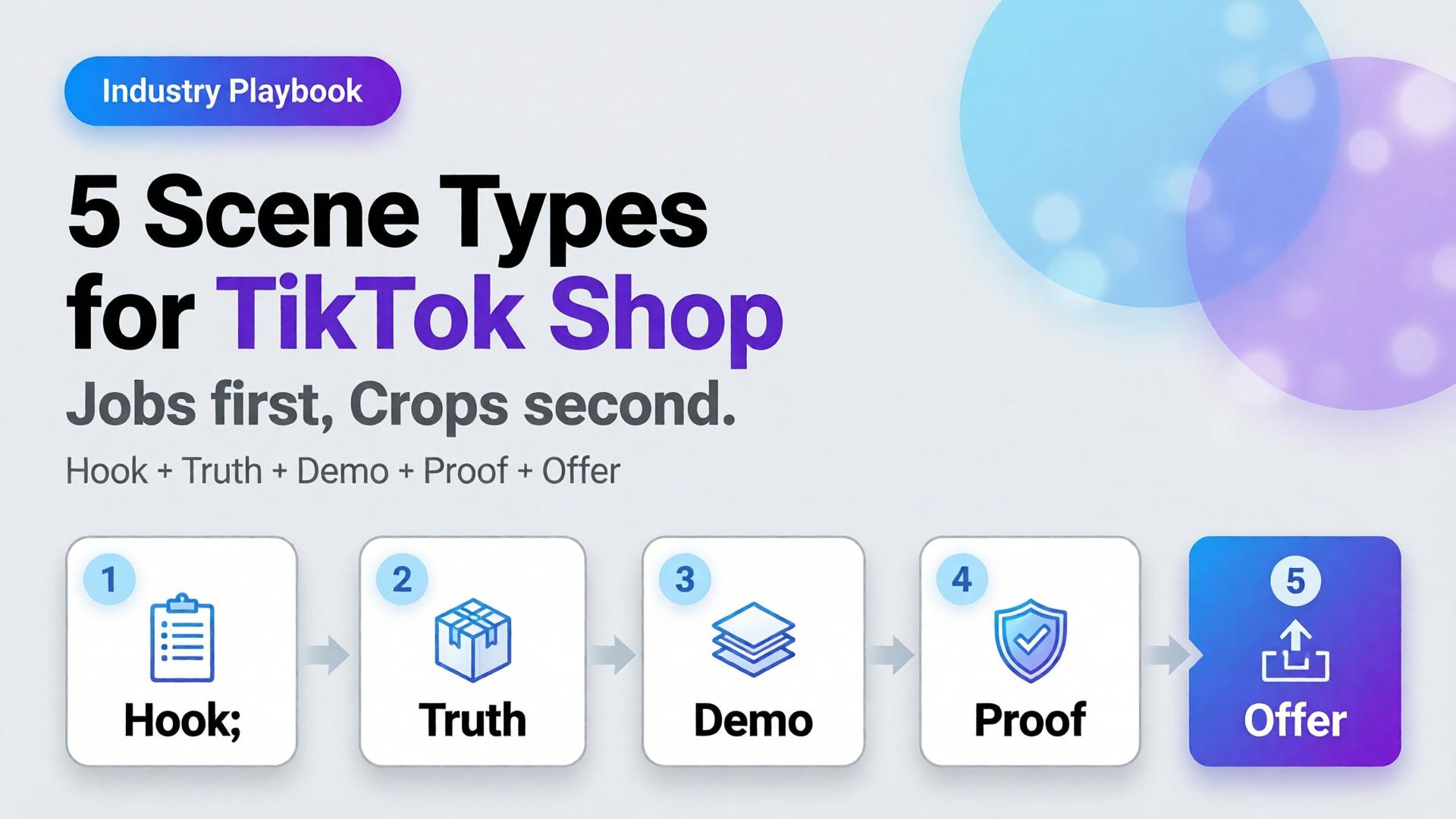
    AI TikTok Shop product images work when you cast scenes by job, not by aesthetic. Five scene types cover almost every SKU drop: hook, truth, demo, proof, offer.

    Key Takeaways

    >

    – Treat TikTok Shop creative as a scene system, not a single hero crop.

    – Listings and ads with richer visual coverage convert more strongly — large listing studies show 5+ images correlating with ~50% higher conversion versus thin galleries (Catchlab via 2026 image stats roundups).

    – High-quality product photography still shows outsized lifts versus weak imagery in Salsify-cited analyses (~94% better conversion vs low-quality photos in 2026 roundups).

    – Pair scene types with ratio families (1:1, 4:5, 9:16) — scene job first, crop second.

    Sibling to marketplace banner thinking. Parent frame: AI Ecommerce Design Is Not AI Image. Story structure: SCENE.

    Why Do Random Lifestyle Renders Underperform on TikTok Shop?

    Because the feed is a conversation, not a catalog wall.

    Buyer second Question If your image answers nothing
    0–1s Why pause? Scroll
    1–3s What is it really? Distrust
    3–8s How does it work / look on me / in use? Bounce
    CTA Why buy now? Save for later forever

    A single “aesthetic” AI frame usually answers only the pause — and sometimes not even that. Scene types map to the questions in order.

    On TikTok Shop, clarity is a growth hack. Aspiration without truth reads as dropship. Truth without a hook never gets seen.

    The 5 Scene Types (Jobs, Not Vibes)

    1. Hook — stop the scroll

    Job: Pattern interrupt that still belongs to your brand.

    • Strong silhouette, motion freeze, unexpected scale, bold color block
    • Product recognizable within one beat
    • No tiny label text as the hook

    Fail mode: generic luxury room that could sell anyone’s bottle.

    2. Truth — show the real SKU

    Job: Marketplace-grade honesty. Geometry, label, color.

    This is packshot thinking inside the ad system — front / 45° / detail as needed.

    Fail mode: AI-rewritten typography, warped proportions, beauty that lies.

    3. Demo — show the use

    Job: Hands, pour, wear, open, apply — the verb of the product.

    • One action per frame
    • Match real physics (no fake steam on shelf-stable drinks)

    Fail mode: model posing beside product with zero interaction.

    4. Proof — reduce risk

    Job: Texture macro, size reference, kit contents, before/after only if honest.

    Proof is not fake UGC. It is visual evidence the PDP will keep.

    Fail mode: invented reviews as image text; exaggerated results.

    5. Offer — carry the deal without killing trust

    Job: Price, bundle, or urgency laid on a still-true product frame.

    • Safe zones for text
    • Same product identity as Truth scene

    Fail mode: redesigning the product to make room for a sticker.

    How Do Scene Types Map to Ratios?

    Use banner thinking — one master direction, many crops:

    Scene Best first ratio Also ship
    Hook 9:16 4:5
    Truth 1:1 4:5
    Demo 9:16 4:5
    Proof 1:1 4:5
    Offer 9:16 + 1:1 cover/wide if store needs

    Do not invent five unrelated worlds. Invent five jobs inside one brand kit.

    Playbook: One SKU, One Day

    1. Write the five jobs in one line each (hook idea, truth angle, demo verb, proof detail, offer frame)
    2. Lock reference — phone or studio plate that survives Truth gate
    3. Generate Hook + Demo in explore-limited mode after kit lock
    4. Generate Truth + Proof reference-heavy — reject label drift
    5. Build Offer from Truth master + text safe zone
    6. Crop to 9:16 / 4:5 / 1:1 from winners (node: Crop)
    7. Contact-sheet review — do the five still look like one brand?

    This is the TikTok Shop version of phone → campaign.

    What Changes by Category?

    Category Hook bias Demo bias Proof bias
    Beauty Texture / glow ritual Application Shade / skin-safe honesty
    Fashion Outfit world On-body movement Fabric macro / fit
    F&B Condensation / pour Serve moment Ingredient / label truth
    Gadgets Scale / unbox silhouette Feature in hand Port / detail accuracy

    Beauty teams already map rituals in lifestyle context mapping. TikTok Shop simply forces the order of jobs into the feed.

    Soft CTA

    Produce Shop-ready scene families and ratio sets in one workspace: Marketplace Banners · Ecommerce

    Frequently Asked Questions

    What are the best AI TikTok Shop product images?

    Images assigned to clear jobs — hook, truth, demo, proof, offer — with locked product fidelity and consistent brand kit across ratios.

    Do I need video if I have strong still scene types?

    Stills still matter for Shop cards, carousels, and ads. Video helps demo and hook; it does not replace Truth and Proof frames.

    How many scenes should I generate per SKU?

    Start with one winner per type (five). Expand variants only after the five jobs pass a set review.

    Is this the same as marketplace banner thinking?

    Banner thinking solves ratios. Scene types solve narrative jobs. You need both: job first, then crop.

    Can AI lifestyle replace packshots on TikTok Shop?

    No. Lifestyle without Truth increases returns and distrust. Keep a truth layer even when the hook is cinematic.

    What is the biggest AI mistake on TikTok Shop creatives?

    Generating twelve “nice” lifestyles with no demo verb and no label-true hero — volume without jobs.

    Conclusion

    TikTok Shop does not buy your moodboard. It buys scenes that do jobs.

    Hook to earn the pause. Truth to earn trust. Demo to earn understanding. Proof to remove fear. Offer to invite the tap. Crop each winner into the ratios the channel demands.

    That is how AI TikTok Shop product images stop looking like stock — and start behaving like a sales system.


    References

    1. Lumepixa, AI Product Photography Statistics 2026 (Salsify / Catchlab citations). https://lumepixa.app/blog/ai-product-photography-statistics
    2. Lumepixa, Product Image Statistics 2026. https://lumepixa.app/blog/ecommerce-product-image-statistics
    3. Adobe, 2026 Creators’ Toolkit Report, June 16, 2026. https://news.adobe.com/news/2026/06/creators-toolkit-report-2026
  • Node Thinking: Upload, Brand Style, Generate, Upscale, Crop

    Node Thinking: Upload, Brand Style, Generate, Upscale, Crop

    Most ecommerce creative “pipelines” are not pipelines. They are tab archaeology: upload in one tool, restyle in another, upscale somewhere else, crop in Canva, rename in Drive, lose the brief by Thursday.

    That is why the same SKU looks like three brands across feed, story, and PDP. The model did not forget your brand. You never stored the path.

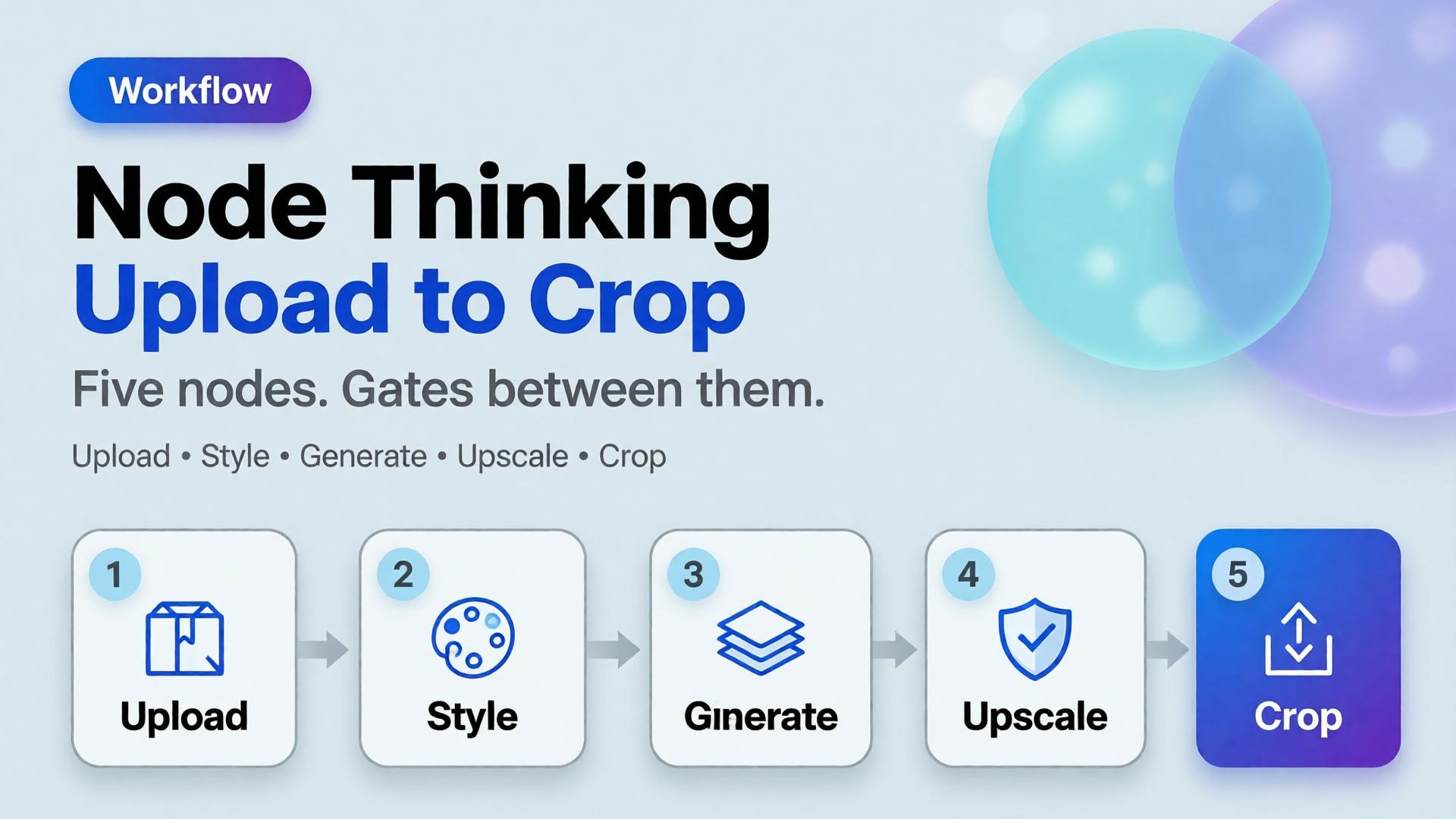
    AI workflow builder ecommerce work starts when you stop treating each step as a separate app and start treating it as a node — a named job with inputs, rules, and a gate before the next job runs.

    Key Takeaways

    >

    Node thinking means every creative step is a contract: input asset, brand rule, output job, pass/fail gate.

    – Adobe’s 2026 Creators’ Toolkit Report found 60%+ of creators juggle multiple creative AI tools in a quarter — sprawl without a builder is how identity drifts (Adobe, 2026).

    – The default ecommerce spine is five nodes: Upload → Brand Style → Generate → Upscale → Crop.

    – Save the graph, not just the JPEG. Next drop should reuse the path with a new reference.

    This article extends From Phone Photo to Campaign. That post is the SME mindset. This one is the builder pattern freelancers and design leads need when volume rises — sibling to one workflow for five clients.

    Why Do “Pipelines” Still Feel Like Chaos?

    Because teams automate pixels before they name jobs.

    Habit What it optimizes What breaks
    New chat per task Speed today No memory tomorrow
    Tool hopping by vibe Novelty Brand drift
    Crop last, think never File delivery Wrong focal job per ratio
    Upscale everything Sharpness Amplifies bad geometry
    No gate Throughput Pretty failures ship

    Scattered stacks feel powerful until Friday’s format request. Then Orauria vs scattered AI stack becomes a lived experience, not a blog title.

    A workflow builder does not make you faster at prompting. It makes you slower at skipping gates — which is how catalogs stay coherent.

    What Is Node Thinking?

    Node thinking is the habit of describing creative production as a graph:

    1. Each node has a single job
    2. Each node declares required inputs
    3. Each node enforces brand or geometry rules
    4. Each node ends with a curator gate (pass / reject / regenerate)
    5. Edges are intentional — not “whatever tab is open”

    It is the production twin of a 3-line brief: brief sets direction; nodes execute it without renegotiating identity every step.

    The Five-Node Ecommerce Spine

    1. Upload — lock the reference truth

    Job: ingest the honest product reference (phone packshot, shelf photo, studio plate).

    Gate:

    • Label readable?
    • Geometry usable?
    • Color approximately true?

    Fail here and every later node invents a product.

    2. Brand Style — lock the world rules

    Job: attach palette, light logic, no-go list, character rules if a face appears.

    This is where batch thinking lives. Without Brand Style as a node, Generate becomes fashion roulette.

    Gate:

    • Kit selected?
    • Season / campaign tag set?
    • Forbidden styles listed?

    3. Generate — create against the brief, not against vibes

    Job: produce candidates for a named slot (hero, lifestyle, demo still) using SCENE or a 3-line brief.

    Gate:

    • Matches brief job?
    • Product fidelity hold?
    • No new brand personality?

    Adobe’s finding that 57% of creators still edit AI outputs heavily is not an excuse to skip direction. It is why Generate must be gated — editing without a checklist just polishes drift.

    4. Upscale — sharpen only what already passed

    Job: increase resolution for marketplace or print-adjacent crops.

    Gate:

    • Did upscale invent texture or typography?
    • Edges still true to package?

    Never upscale rejects. Upscale is not forgiveness.

    5. Crop — assign channel jobs

    Job: express one approved master as a ratio family — feed, story, cover — without redesigning the scene.

    This is marketplace banner thinking as a node, not a Friday panic.

    Gate:

    • Focal subject survives each ratio?
    • Logo / claim safe zones clear?
    • Same campaign read across sizes?

    How Do You Draw the Graph for a Real Drop?

    Example: 20 SKUs, one brand kit, TikTok Shop + marketplace cover.

    Node Runs once per Output
    Upload SKU Reference locked
    Brand Style Drop Kit attached to all SKUs
    Generate SKU × scene family 2–3 candidates
    Upscale Winners only Delivery masters
    Crop Master × channel Feed / Story / Cover set

    Notice Brand Style is once per drop, not once per SKU. That single decision is what keeps soul at catalog scale.

    Node Thinking vs Prompt Thinking

    Prompt thinking Node thinking
    “Make it better” “Pass Upload gate”
    New adjectives each time Fixed kit + slot brief
    Hope the model remembers Graph stores the path
    Deliver files Deliver a reusable system
    Freelancer rebuilds Monday Freelancer swaps kit slot

    Freelancers who bill for setup hours are usually missing node thinking. The template is the product — see freelancer workflow playbook.

    What Belongs Outside the Default Spine?

    Add nodes only when the job is real:

    • Background remove before Generate when marketplace compliance demands it (background removal)
    • Character lock when a face repeats across formats
    • QA packshot checklist when geometry risk is high (packshot thinking)
    • Translate / localize text-in-image for cross-border — as a gated node, not a surprise regenerate

    Do not add nodes for novelty. Every node is a place identity can break.

    Soft CTA

    Build ecommerce creative as a graph, not a scavenger hunt: Orauria Workflow · Studio Guide

    Frequently Asked Questions

    What is an AI workflow builder for ecommerce?

    It is a system that chains creative jobs — reference ingest, brand style, generation, upscale, crop — with rules and gates so catalogs stay coherent across channels.

    Do I need software called “workflow builder” to practice node thinking?

    No. Node thinking is a design discipline. A builder product makes the graph durable; a spreadsheet of stages with pass/fail still beats tab chaos.

    Where should creative direction sit in the graph?

    Before Generate. Direction is an input to the Generate node (brief + kit), not a vibe applied after upscale.

    How is this different from phone-to-campaign workflow?

    Phone-to-campaign is the journey metaphor for SMEs. Node thinking is the engineering pattern for repeating that journey without rebuilding it.

    Should every SKU regenerate from scratch?

    No. Reuse Brand Style and Crop recipes. Swap Upload references. Regenerate only when the scene family or product truth changes.

    What is the biggest failure mode?

    Skipping gates because a frame “looks fine alone.” Nodes exist so you review the path, not just the PNG.

    Conclusion

    Upload. Brand Style. Generate. Upscale. Crop.

    Five nodes. One brand kit. Gates between them. That is AI workflow builder ecommerce in practice — not another prompt trick.

    Save the graph. Next week’s drop should inherit it. The teams that scale AI creative are not the ones with the most tabs open. They are the ones who named the jobs — and refused to ship anything that failed a gate.


    References

    1. Adobe, 2026 Creators’ Toolkit Report, June 16, 2026. https://news.adobe.com/news/2026/06/creators-toolkit-report-2026
    2. Adobe, Inaugural Creators’ Toolkit Report (Adobe MAX 2025), October 28, 2025. https://news.adobe.com/news/2025/10/adobe-max-2025-creators-survey
  • Choose the Image Model After Creative Direction

    Choose the Image Model After Creative Direction

    Editorial cover for Choose the Image Model After Creative Direction
    Editorial cover for Choose the Image Model After Creative Direction

    The most expensive question in ecommerce creative Slack is also the most premature: “Which model should we use — Nano Banana, GPT Image, or Seedream?” Teams debate price and aesthetics for an hour. Nobody has written the buyer question, the angle set, or the ratio family. Then every model “fails,” because the brief was never a brief.

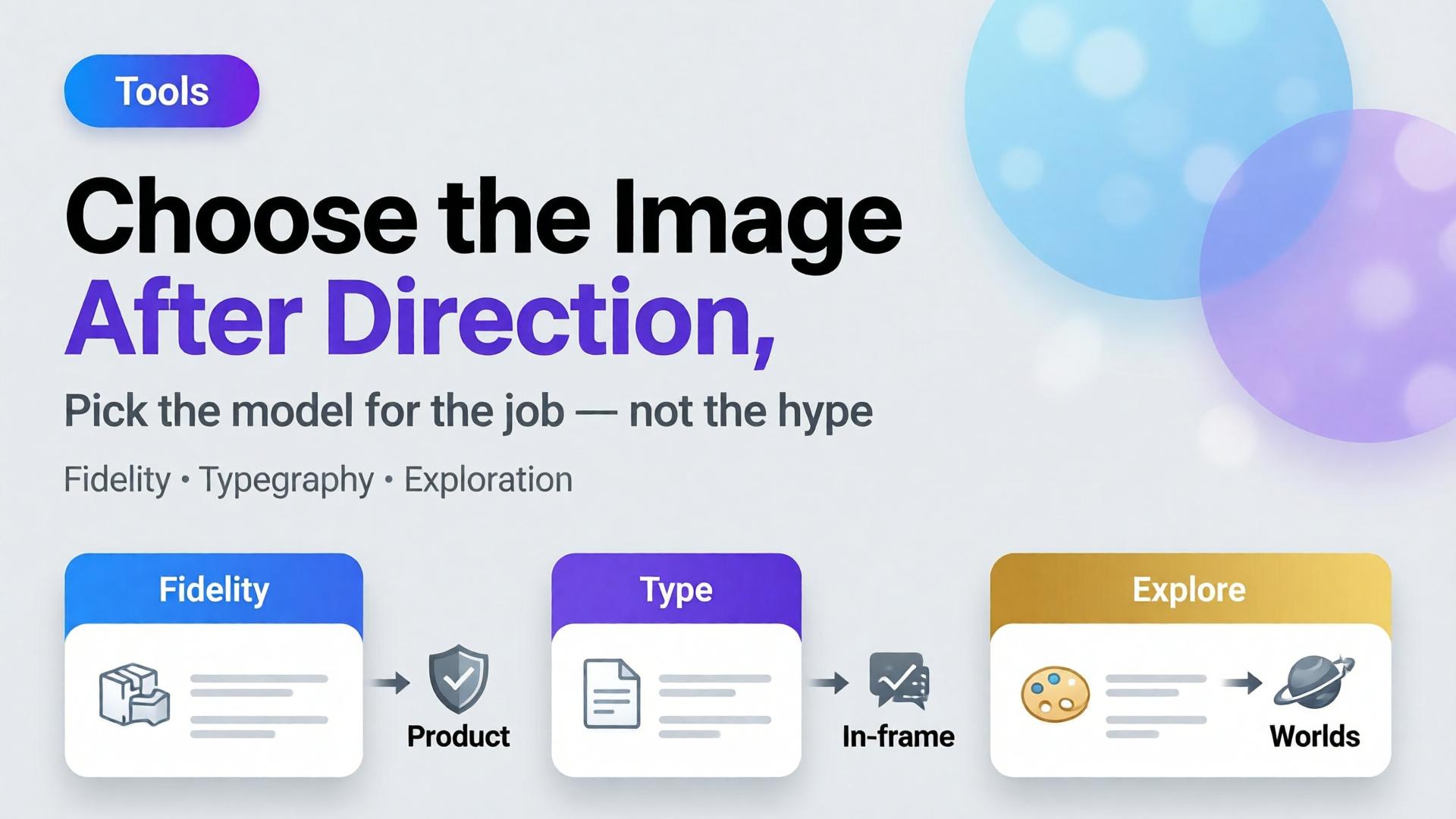
    Choose the AI image model after creative direction. Model choice is a bottleneck decision — not a brand strategy.

    Key Takeaways

    • Models optimize different failure modes: geometry fidelity, in-frame typography, mood exploration. Pick the failure you refuse to accept.
    • Adobe’s 2026 Creators’ Toolkit Report: 57% of creative AI outputs still need moderate or extensive editing — model shopping without QA criteria just moves the rework around.
    • Write a 3-line creative direction, lock reference rules (reference vs explore), then select the model.
    • On Orauria, those models live in one Studio with Brand Style, Prompt Library, and Workflow — so switching models does not mean switching brands.

    This post is deliberately in tools-when-needed. Tools matter — after thinking. If you want the ecommerce system view, start with AI Ecommerce Design Is Not AI Image.

    What Goes Wrong When You Pick the Model First?

    Three predictable messes:

    1. Beauty without trafficking. The export looks like a campaign. The label does not match the PDP. Media ops rejects it.

    2. Prompt theater. Long prompts try to compensate for a missing angle plan. You burn credits explaining what a packshot family should have defined.

    3. Stack sprawl. Each model lives in a different tab with a different login. Brand color drifts. That is the scattered-stack problem named in Orauria vs scattered AI tools.

    “Best model” is not a property of the model. It is a property of the bottleneck you are hiring it to clear.

    The Bottleneck Framework (Hire the Model for a Job)

    Bottleneck You need Model tendency to try first*
    SKU must stay true Pack-shot fidelity, stable proportions Fast fidelity-oriented image models (e.g. Nano Banana-class)
    Claim must live in pixels Legible in-frame type, promo lockups Typography-strong image models (e.g. GPT Image-class)
    World must feel new Scene variety, campaign mood, exploration Exploratory / high-aesthetic models (e.g. Seedream-class)
    Many ratios, one board Consistent product block across sizes Fidelity model + banner recompose workflow
    Catalog scale Repeatable prompts + Brand Style Any solid model inside one workspace

    \*Class labels, not endorsement rankings. Re-test quarterly — model behavior moves. Your QA checklist should move slower than Twitter takes.

    Before You Touch a Model: Four Locks

    1. Creative direction (3 lines)

    Who buys, where they see it, what emotion closes the gap. Template in The 3-Line Brief.

    2. Reference policy

    When to force the upload vs let the model explore — reference images vs AI explore. Packshots almost always force reference. Mood campaigns may explore after a moodboard (moodboard before render).

    3. Channel job

    PDP angle? Meta feed? Story? Cover? If you need all three, read feed → story → cover before generating anything.

    4. QA scoreboard

    Write fail conditions in advance:

    • Label illegible at phone width → fail
    • Cap color drift vs reference → fail
    • Burned-in text required but mushy → fail (switch model class)
    • Scene beautiful but wrong category world → fail (direction, not model)

    A Practical Decision Path

    Need in-frame promo typography?
      YES → typography-strong model (GPT Image-class)
      NO  ↓
    Need listing-true geometry from a packshot?
      YES → fidelity-first model (Nano Banana-class)
      NO  ↓
    Need new worlds / campaign mood from a loose brief?
      YES → exploratory model (Seedream-class)
      NO  → revisit the brief — you are underspecified

    Then generate small. One SKU. One ratio. Score against the QA board. Only then batch.

    How Orauria Keeps Model Choice From Becoming Brand Chaos

    Orauria is an all-in-one creative workspace: multiple image models, Brand Style, Character Library, Prompt Library, and Workflow in one account (Studio Guide).

    That architecture matters for this article’s thesis:

    • Switch models without switching brand kits
    • Store the winning prompt next to the SKU, not in a private Notion graveyard
    • Hand outputs to Workflow for cutout, upscale, and marketplace crops (background removal, marketplace banners)
    • Browse real creative in Gallery when you need direction inspiration before you pick an engine

    You are not marrying a model. You are hiring a station on the line.

    Worked Example: Electrolyte Pouch Prospecting

    Direction: Gym-bag fuel; no sugar crash; sweaty-honest, not luxury spa.

    Locks: White-bg packshot reference; no in-frame price; Meta 1:1 first.

    Bottleneck: Product must survive phone width; hook lives in primary text.

    Model hire: Fidelity-first class for the product block → then banner recompose for 4:5 and 9:16.

    If marketing later demands “$30 OFF” inside the image: do not torture the fidelity model — switch to a typography-strong class for that variant only. Keep Brand Style identical so the two variants still feel related.

    Frequently Asked Questions

    Is Nano Banana “better” than GPT Image for ads?

    Better at what? Fidelity jobs and typography jobs are different hires. Run both against your QA scoreboard for one SKU before you write policy for the whole catalog.

    Should I use the same model for packshots and lifestyle?

    Often yes for brand coherence; sometimes no when the lifestyle needs heavier world-building. Keep Brand Style constant either way.

    How often should we revisit model choice?

    When QA fail rates climb, pricing changes, or a new channel appears — not every time a launch blog post drops. Direction changes more often than engines should.

    Where do video models fit (Veo, Kling, Seedance)?

    Same rule: choose after direction and storyboard. Video is a later station. Static packshot + banner truth still comes first for most ecommerce tests.

    Can Prompt Library replace creative direction?

    No. Prompts encode a direction. They cannot invent one. Save prompts after the three-line brief exists.

    Soft next step

    Write the three-line brief for one SKU, define the QA fail list, then open Orauria Studio Guide and run two model classes side by side. Steal composition ideas from Gallery — then pick the engine that clears your bottleneck, not the internet’s favorite name this week.