Category: Industry Playbooks

Applied AI creative thinking per industry — fashion, beauty, F&B, ecommerce, and creator workflows.

  • How to Build a Virtual Influencer Channel from One Trending Pin

    How to Build a Virtual Influencer Channel from One Trending Pin

    A lot of “build a million-view channel” advice starts at the posting calendar. That is the wrong end of the problem. If the person on camera is not yours, you do not have a channel. You have a mood board with a publish button.

    This is a playbook for the other starting point: find a pin that is already traveling, turn it into a detailed prompt, invent a virtual influencer who can come back tomorrow, and generate the first still in Orauria Studio. A million views is the ambition of a consistent character, not a result we are reporting here. We generated one frame. The rest of the grid is work you still have to do.

    The reference under this walkthrough is a pin by constructo.LJ — a polished mirror selfie on a cream bouclé ottoman, blush champagne dress, a tall geometric wall sculpture catching a warm halo. It is a useful study in pose, light, and set design. It is not a person you get to clone.

    The playbook at a glance

    1. Install the Chrome extension.
    2. Find a pin whose composition is doing real work — light, set, pose — not just a pretty face.
    3. Run Image to prompt and copy the result.
    4. Invent the character: a name, a beat, a voice, and a face that is not the person in the pin.
    5. Lock that character in Studio, generate the first still, and treat it as frame one of a grid, not a finished channel.

    First, install the extension

    Image to prompt only works after you install the Chrome extension AI Assistant Copilot – Orauria. Get it from the Chrome Web Store before you start hunting for a reference. Once it is on, the right-click menu on Pinterest will be waiting for you.

    Find a pin that’s already traveling

    You are not looking for a photograph to reproduce. You are looking for a system: a pose that reads in a 4:5 crop, a room that can host more than one outfit, light you can return to. The constructo.LJ pin is a good example of that kind of structure. Credit the author, then leave her likeness behind.
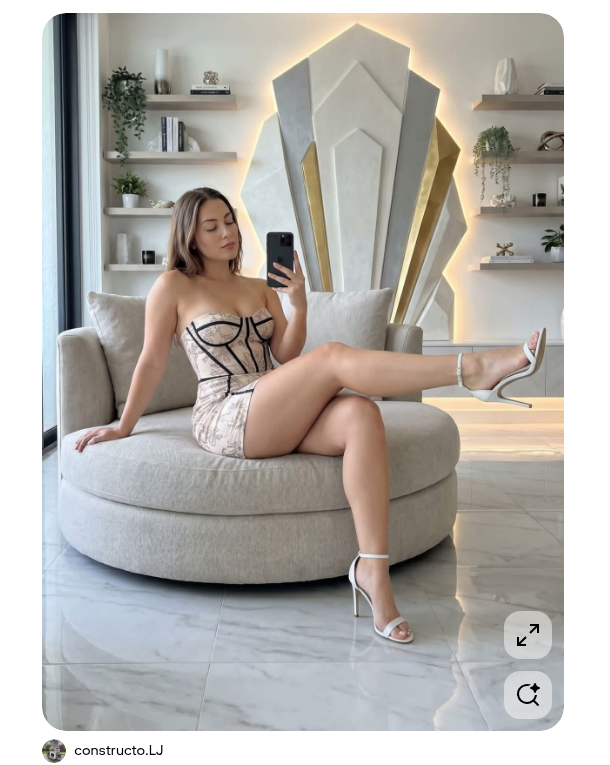
    A Pinterest pin by constructo.LJ: a woman in a blush champagne mini dress sits sideways on a large cream ottoman, taking a mirror selfie in a contemporary living room with a tall geometric wall sculpture.
    The reference pin, by constructo.LJ. Study the pose, the set, and the light. Do not treat the person in the frame as a character you can ship.

    On Pinterest, right-click the image, open AI Assistant Copilot – Orauria, and choose Image to prompt.
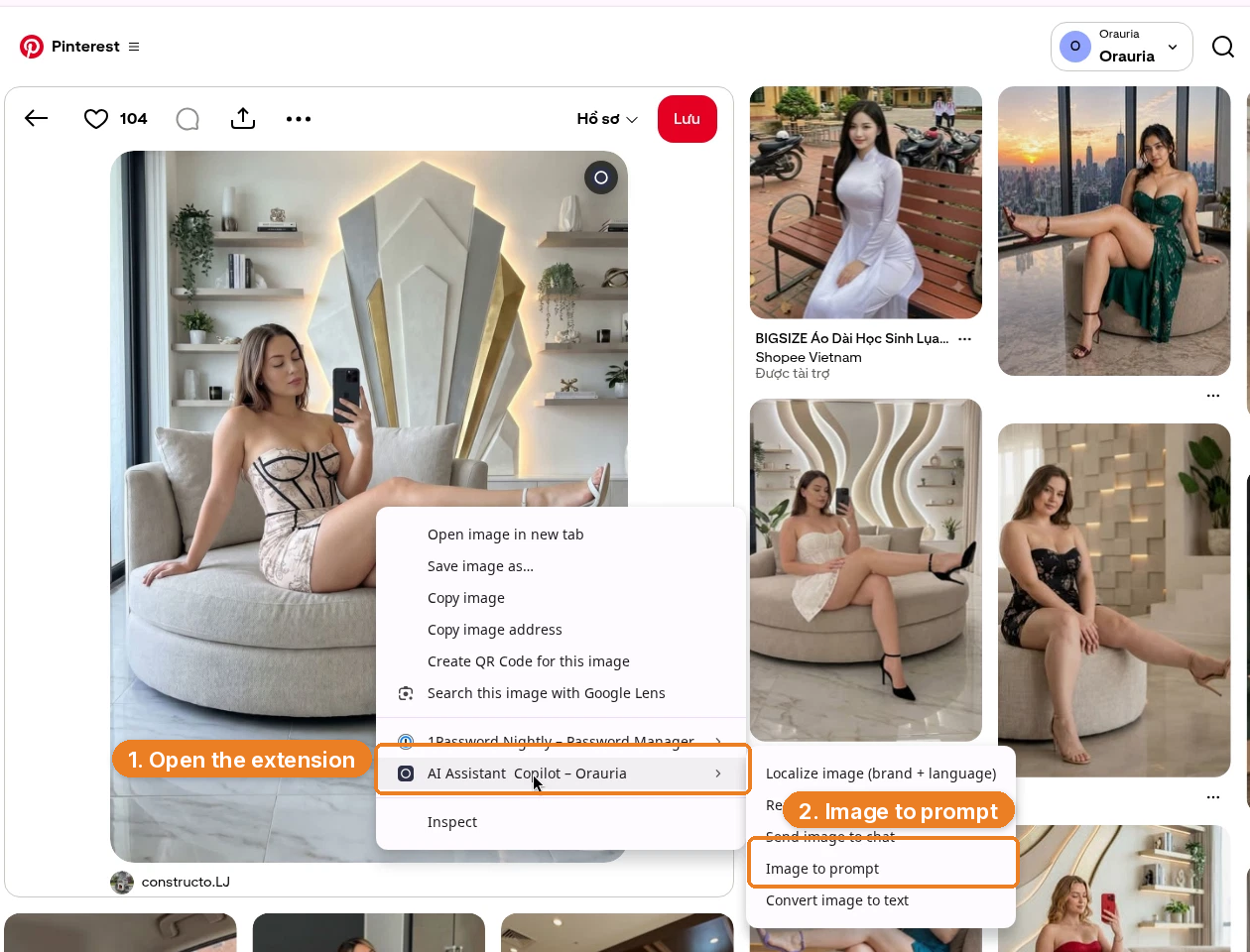
    Right-click menu on the Pinterest pin, with AI Assistant Copilot – Orauria and Image to prompt highlighted.
    Right-click the pin, open the extension, then click Image to prompt.

    The panel analyzes the picture — you will see Analyze image and a short “Preparing image…” state — then returns a detailed prompt with a Copy button.
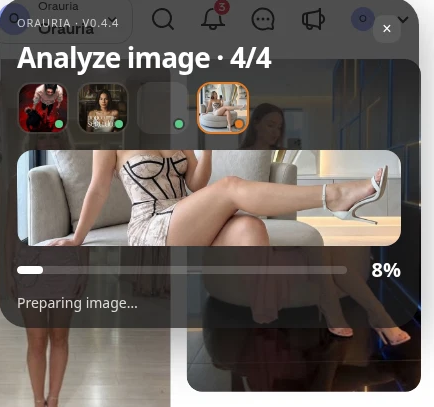
    The Orauria extension panel analyzing the pin, showing Analyze image and a progress bar.
    The extension reads the image before it writes the prompt. Give it a moment.
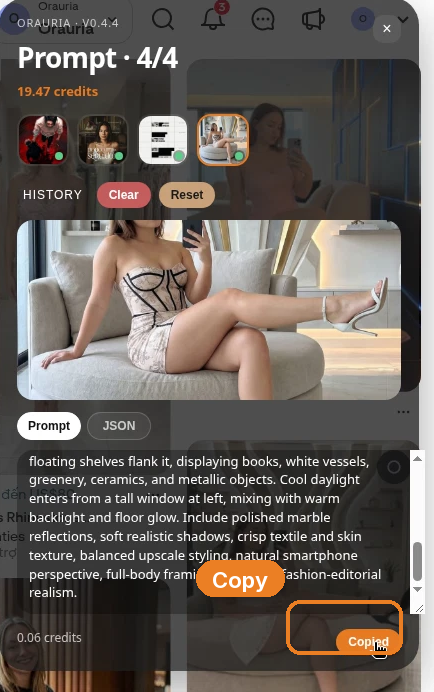
    The Prompt panel showing the generated description of the ottoman selfie, with the Copy button highlighted.
    Copy the prompt, then rewrite it until the person in it is someone you invented.

    This is the prompt we got back, almost in full. It is a solid production brief. It is also still a description of the woman in someone else’s pin.

    Photorealistic vertical 4:5 mirror-selfie photograph of one light-skinned adult woman, ethnicity not clearly identifiable, with shoulder-length light brown hair, seated sideways on a large rounded cream bouclé ottoman in a luxurious contemporary living room. She holds a black smartphone in her right hand near her face and looks down calmly, while her left hand rests on the seat. Her pose is elongated and relaxed: one bare leg crosses horizontally across the ottoman toward the right edge, and the other leg descends toward the marble floor. She wears a fitted pale blush champagne mini dress with a delicate floral print, structured corset construction, dramatic black piping and seam lines, plus white ankle-strap stiletto sandals. Behind her, center a very tall symmetrical geometric wall sculpture made from layered angular white and silver panels with narrow gold side inserts, surrounded by a soft warm LED halo. Minimal floating shelves flank it, displaying books, white vessels, greenery, ceramics, and metallic objects. Cool daylight enters from a tall window at left, mixing with warm backlight and floor glow. Include polished marble reflections, soft realistic shadows, crisp textile and skin texture, balanced upscale styling, natural smartphone perspective, full-body framing, and clean fashion-editorial realism.

    Keep the room. Keep the 4:5 crop, the marble, the haloed sculpture, the way the pose fills the frame. Change the person. If a first generation still feels close to the reference — and in this demo, the wardrobe and the set stayed very close — push further: hair, face shape, age range, styling, even the phone-in-the-mirror beat, until you would not tag the original pin if you saw the two images side by side.

    Invent the character, then lock her in Studio

    A virtual influencer is not “the prompt, again, on Tuesday.” She is a person you can describe when she is off-camera: a name, a city, a kind of room she keeps returning to, a way of captioning a still. Do that work in writing before you generate anything you might post.

    Then open Orauria Studio:

    • Studio, Canvas, History, Avatar & Character, Skills
    • Under Media type, choose Image, then Single
    • In the composer, set Aspect ratio, Resolution, and Quality to Adaptive, and use the TT Image 2.5 model
    • Generate with the send button, or Ctrl+Enter

    The important control for this playbook is Avatar & Character. In this demo we attached an existing character, Seated Presenter Half-body – Woman 09, so the same face can come back in later stills. That is the difference between a one-off pretty picture and the first post in a grid.
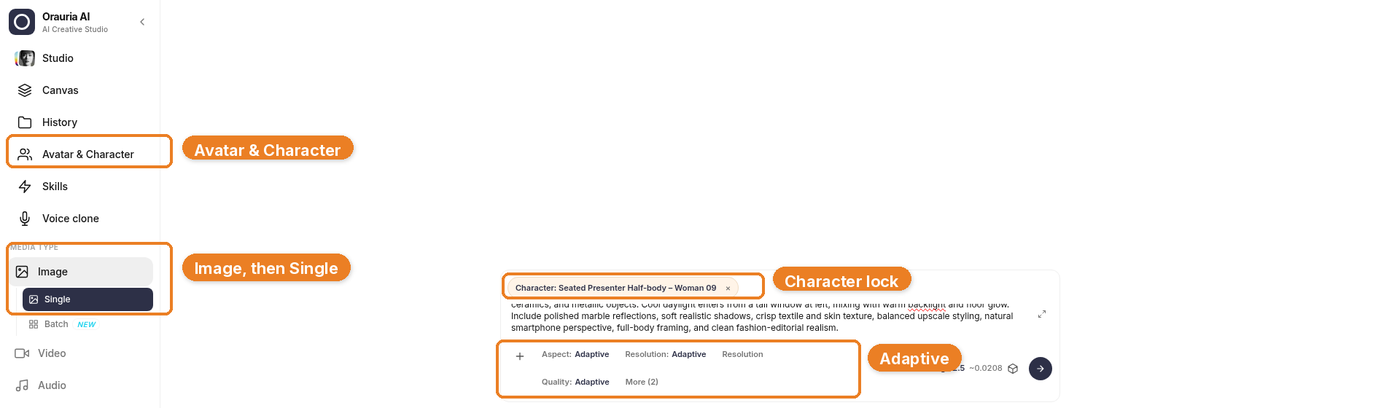
    Orauria Studio with Avatar & Character, Image then Single, the character chip, and Adaptive settings highlighted.
    Paste the rewritten prompt, attach your character, and leave Aspect ratio, Resolution, and Quality on Adaptive. The sidebar should be on Image, then Single.

    Generation takes a few seconds; the result then appears in the chat. Stay on TT Image 2.5 and let it finish.

    The still that came back kept the ottoman, the sculpture, the dress, and the mirror-selfie geometry. That is useful: it means the prompt understood the system. It is also a warning. A consistent virtual KOL still has to be a person you invented, not a polished reprint of the pin. If the first frame is too close, do not post it. Tighten the character description and generate again.
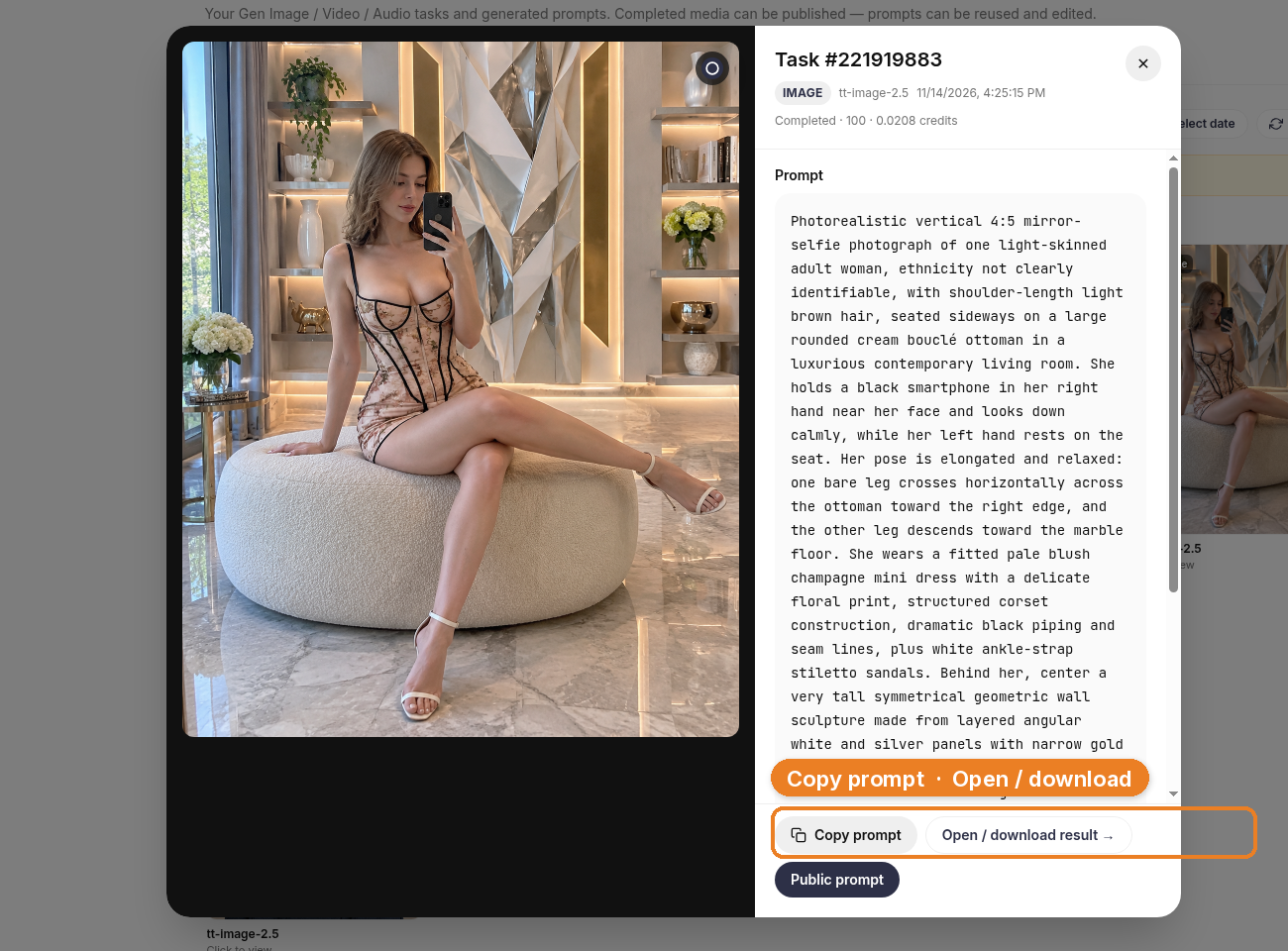
    The generated still in Studio History under TT Image 2.5: a woman in a floral corset mini dress seated on a cream ottoman in the same kind of contemporary living room, with Copy prompt and Open / download result visible.
    Frame one, in Studio. The set held. The character lock is how you ask her to come back; it is not a license to ship a lookalike.

    What this looks like on a channel

    The layout below is a full Instagram-style interface, so you can see the shape of a popular post. The likes, comments, and follower counts are fictional — they are not results from this channel, and this is not a live post. The small Illustration label is there for the same reason.
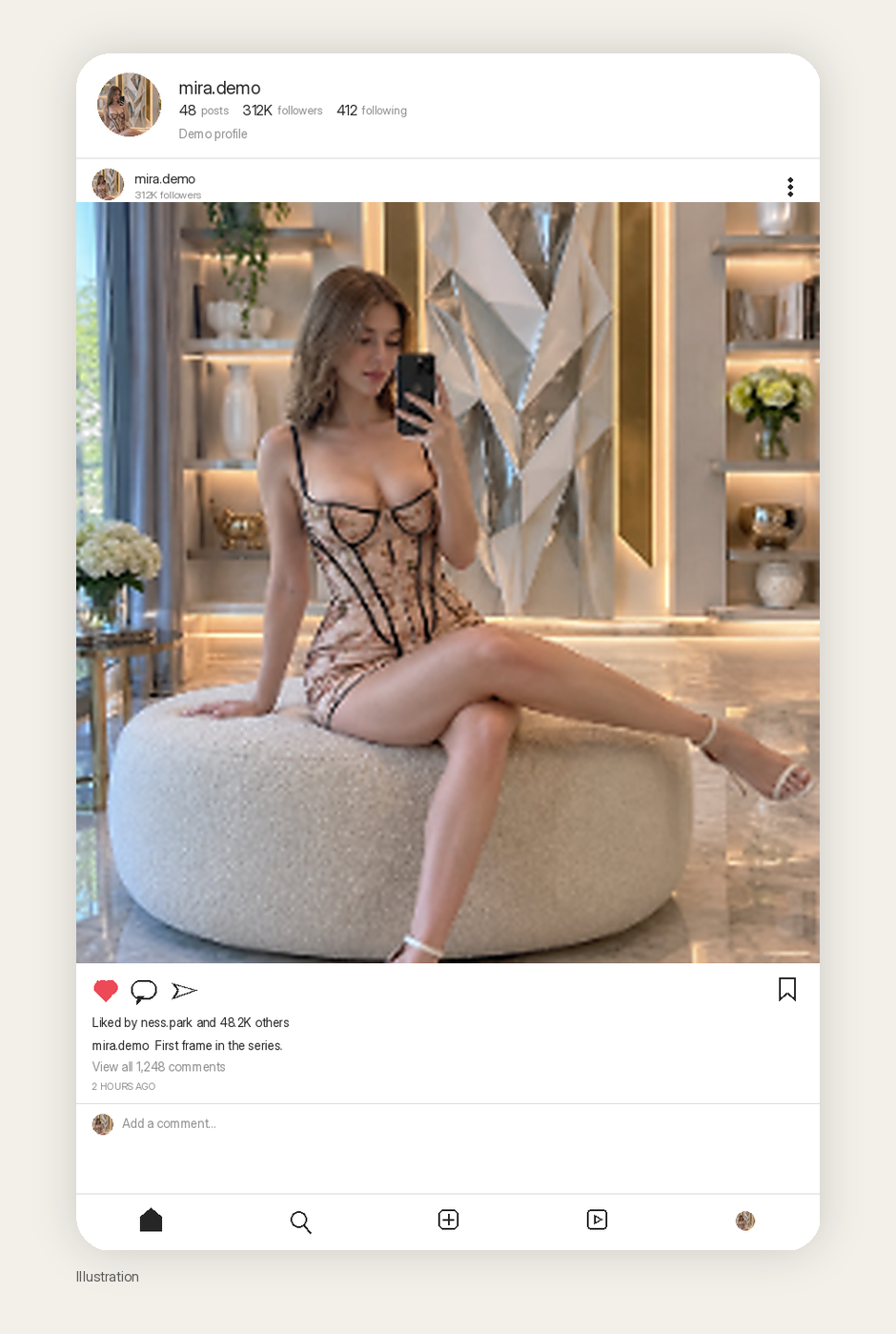
    Illustration of a realistic Instagram-style post using the generated still, with fictional high engagement and a small Illustration label.
    Illustration. A realistic Instagram-style post of the first still. The likes, comments, and follower counts are fictional, not results from this channel.

    The more honest picture of a virtual-influencer channel is a grid with room to grow. One real still, and empty cells standing in for the outfits, rooms, and captions you have not made yet.
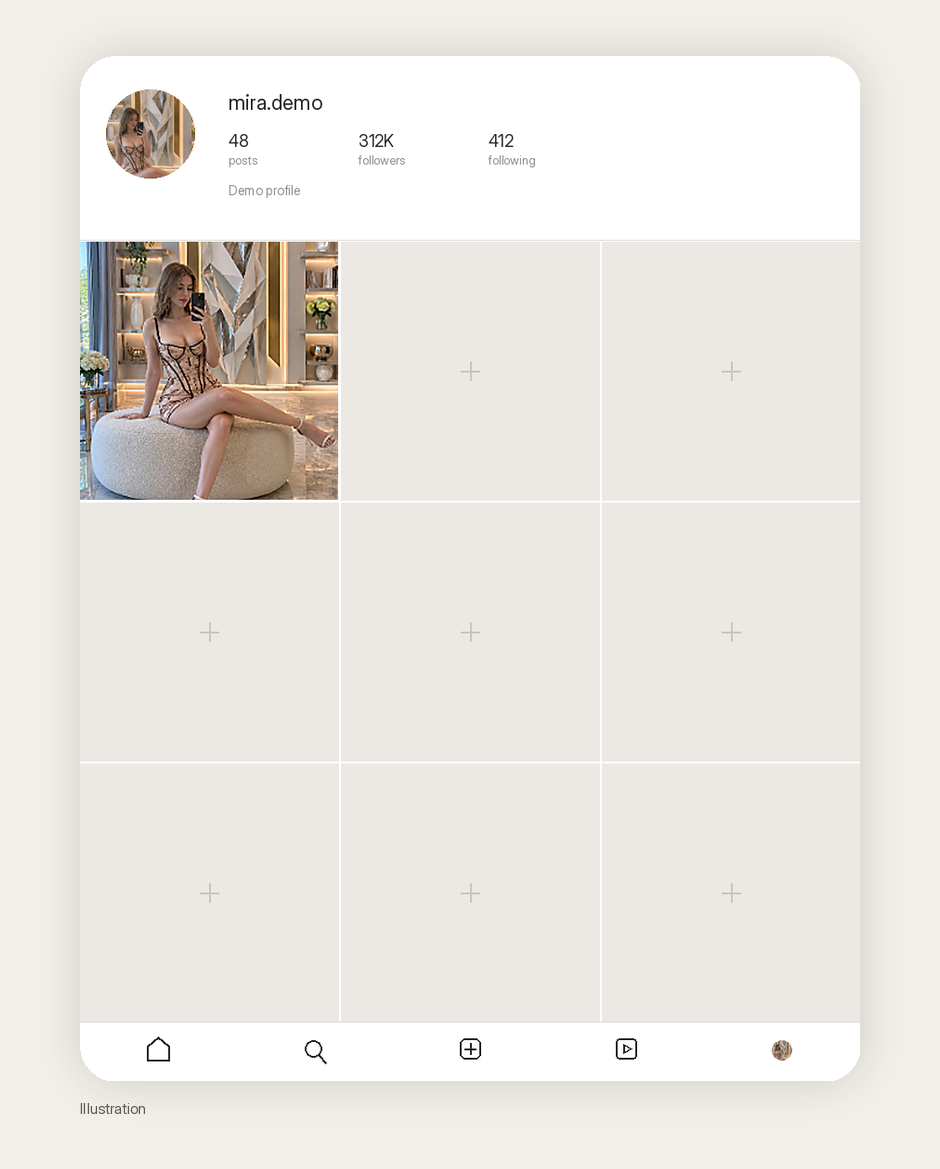
    Illustration of a realistic Instagram-style profile grid with the generated still in the first cell, fictional follower counts, and empty placeholder cells. Caption: Illustration.
    Illustration. A consistent-character grid starts with one frame you would stand behind. The follower count is fictional. The empty cells are the actual work.

    If you want a channel that can grow toward serious reach, the character has to survive a second room, a second outfit, and a second caption voice. That is the job Avatar & Character is for. Image to prompt gives you the first brief. It does not give you the next eight stills by magic, and it does not give you a million views.

    What to make second

    The first still is a test, not a launch. Before you schedule anything, decide what “the same person, tomorrow” looks like on paper.

    Stay in the room once. Change the dress, or the time of day, or whether she is on the phone. Then move her to a second location that still feels like her life — a kitchen counter, a car park at dusk, a doorway — and keep the face, the age, the hair, and the way she holds herself. That is what the Avatar & Character lock is for. If the second frame looks like a sister instead of the same woman, the lock is not tight enough, or the prompt is arguing with it.

    Write captions in one voice, too. A virtual influencer who sounds like three interns on rotation will not hold a grid together, even if the face does. You do not need a novel. You need a person who would plausibly say the same kind of thing next week.

    Do not generate forty near-duplicates and call it a month of content. Cull hard. The empty cells in the mockup are not a failure of the demo. They are the actual queue.

    What this playbook is not

    It is not a case study of an account we grew. It is not permission to copy a real person’s face, even when the pin is flattering and the pose is perfect. And it is not a promise that locking a character in Studio will make the first frame look wildly different from the reference — you still have to write that difference in.

    Credit constructo.LJ for the pin that taught the structure. Then go invent someone else.

    Start here

    You only need one good pin and one honest rewrite to start. Install AI Assistant Copilot – Orauria from the Chrome Web Store, run Image to prompt on a composition you actually want to live in for a month, invent the person who belongs in that room, and lock her in Studio before you generate a second frame.

    Start here: orauria.com, and the Chrome Web Store listing for AI Assistant Copilot – Orauria.

  • What still counts as real AI product photography in 2026

    What still counts as real AI product photography in 2026

    Search AI product photography and most results sell the same fantasy: type a prompt, skip the light, publish. That is not photography. Photography — even when AI sits in the pipeline — is still about how light hits a physical object and whether a stranger on Amazon can trust what they see.

    Orauria’s job in that pipeline is not “invent a prettier bottle.” It is to help you turn a truthful capture into the rest of the commercial set. This article is about the photography half of that bargain: what you must still get right in camera (or on a phone), and what AI should never be allowed to invent.

    Key Takeaways

    • AI product photography fails when the source image has no usable light, edge, or label data — AI cannot recover truth that was never captured.
    • White-background Main Images are a discipline (specular control, soft shadow, readable type), not a background-remove button.
    • Hard categories (glass, foil, clear liquids, fine jewelry, wrinkled apparel) need a real shoot or a better source — not more prompts.
    • Use AI to expand angles, scenes, and formats after identity is locked; keep studio days for brand film and impossible materials.
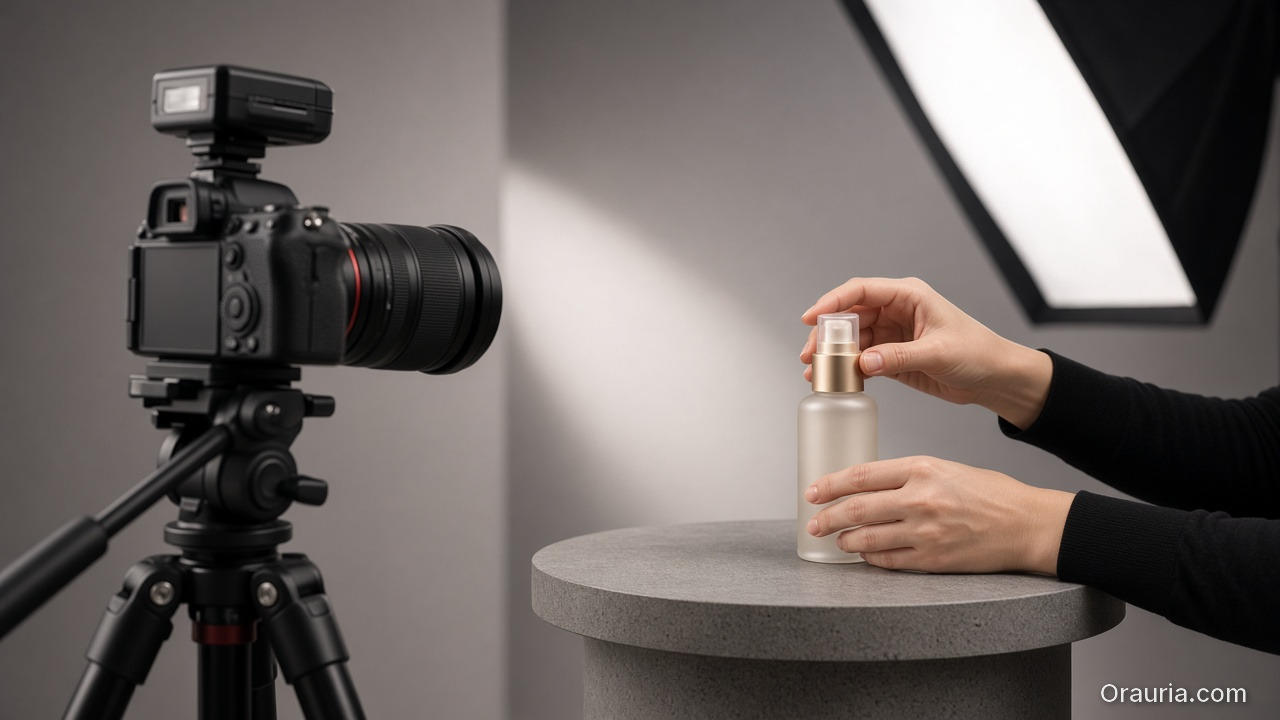
    A camera on a tripod and a softbox photographing a cosmetic bottle being adjusted by hand

    Photography intent is different from “generator” intent

    People who type AI product photography usually want one of three jobs:

    1. Replace a day rate for catalog white / three-quarter packs.
    2. Fix bad phone light without renting a softbox.
    3. Scale a proven hero shot across variants and seasons.

    Those are photography problems. They are not the same as asking a text-to-image model for “luxury skincare on marble.” If your brief still starts with a moodboard and no SKU photo, you are shopping for art direction — not product photography. For the kit / campaign framing, see AI generated product images for ecommerce. For tool-shaped search language, see AI product image generator.

    The useful question is not “Can AI shoot my product?” It is: Which photons do I still need from the real object before AI is allowed to touch the file?

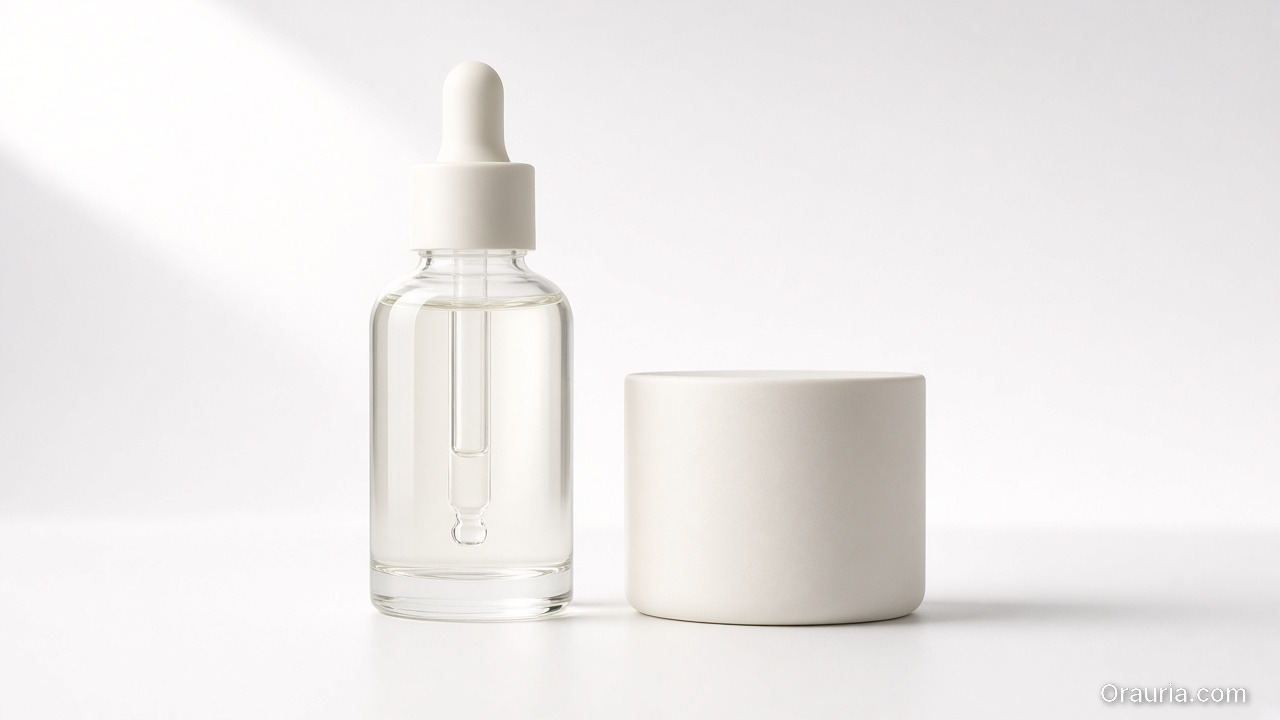
    Clear serum dropper bottle and cream jar on a seamless white background with soft contact shadows

    White background is a lighting test, not a cutout

    Amazon-style white Main Images punish three photography mistakes AI tools often hide poorly:

    Failure What the buyer sees Fix before AI
    Hard specular blowout Plastic looks wet / fake Diffuse key; kill glare on logo foil
    Contouring shadow too dark Product “sinks” into white Lift fill; keep a soft contact shadow
    Label mush at 100% zoom Returns and bad reviews Closer capture; sharper focus on type

    If your “AI white background” output still has frayed edges, gray cast, or melted barcode/type, the model is guessing. Guessing is not photography. Re-shoot or re-capture until edges and type survive a phone-screen zoom.

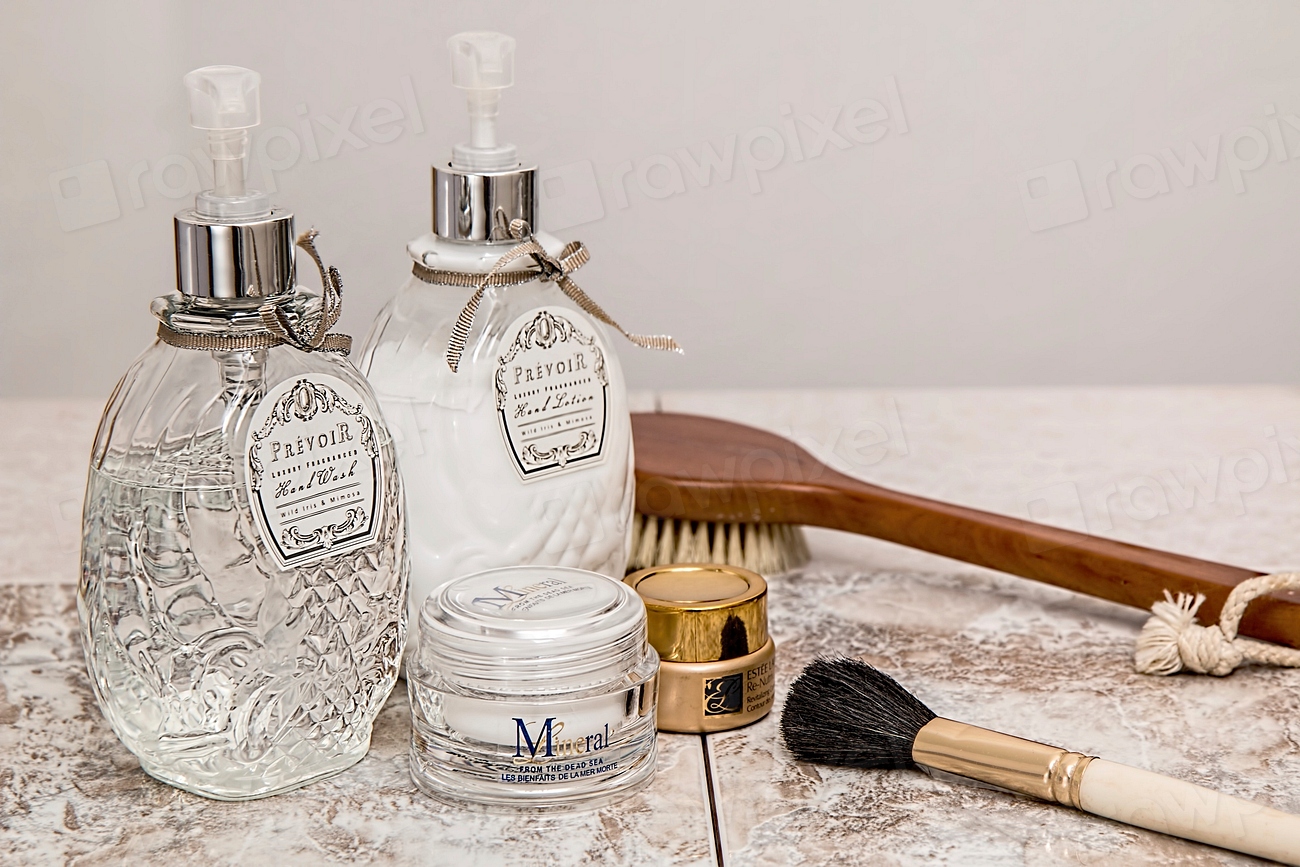
    Glass skincare bottles, a cream jar and a gold compact on a stone surface, showing typography and mixed materials

    Category difficulty: when AI expansion is honest

    Category AI expansion after one good source Still shoot for real
    Matte cartons, boxes, sachets Strong Rarely
    Opaque bottles with flat labels Strong Color-critical SKUs
    Glass / clear liquids Weak–medium Always for hero
    Metal / chrome / foil stamping Weak Always for hero
    Apparel on hanger / flat lay Medium Fit and fabric drape
    Jewelry / tiny hardware Weak Macro and sparkle

    Rule of thumb used by catalog teams: if the material’s value signal is how light moves across it (glass, metal, silk), budget a real capture. If the value signal is shape + print + color block, a clean phone packshot plus disciplined AI expansion is often enough for listing and ads.

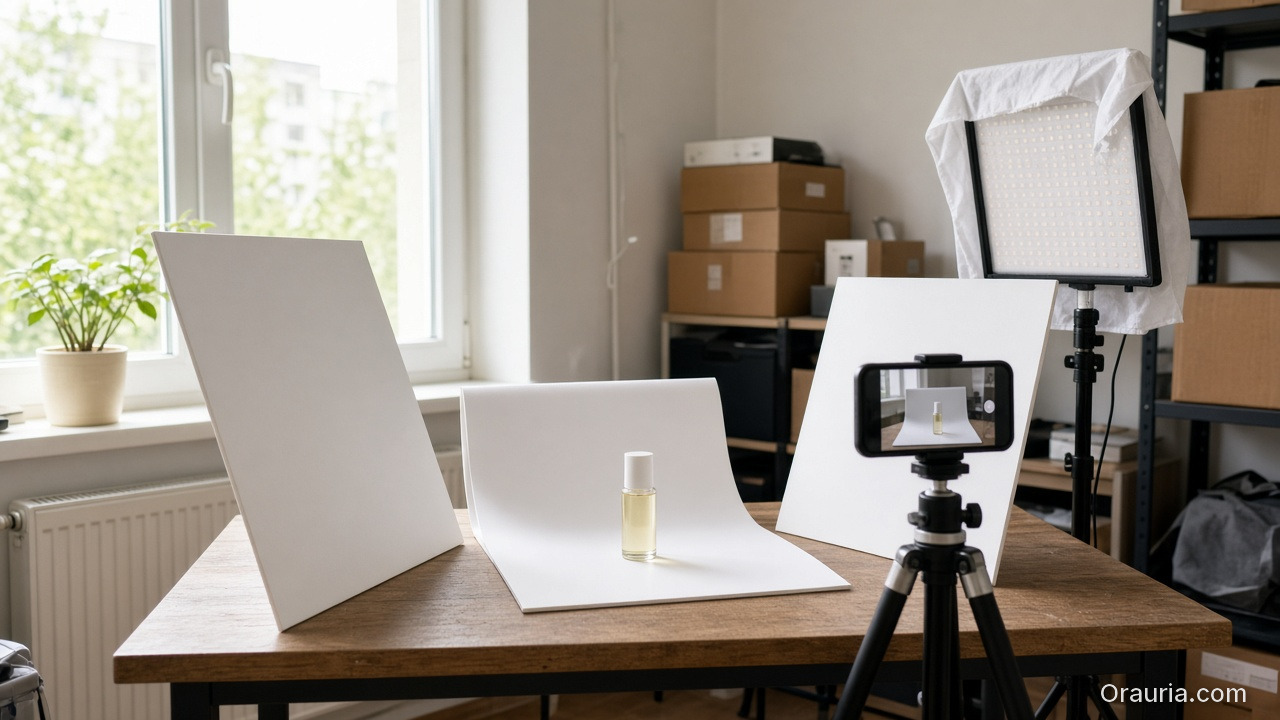
    Apartment table by a window with foam boards, a product on a white sweep, a phone on a tripod and a diffused LED panel

    A hybrid shoot plan that respects photography

    1. One truthful hero — same angle you would approve from a studio: level, labeled side readable, no motion blur. Austin kitchen window + white foam board is fine if the physics are right.
    2. Lock identity in writing — Pantone/hex of carton, logo do-not-warp, “no extra foil,” “cap must stay matte black.”
    3. Expand only after lock — alternate angles, lifestyle tables, seasonal props, 9:16 ad crops.
    4. Refuse silent redesign — if AI invents a new lid silhouette or “improves” the logo, discard. That is not photography; that is product fraud in slow motion.
    5. Channel QA like a photographer — check white purity, soft shadow, type legibility, and mobile thumbnail recognition before Amazon or Shopify publish.

    Formats still matter commercially (1:1 · 4:5 · 3:4 · 9:16 · 16:9), but they are exports of a photographic decision — not the decision itself. Angle systems without a studio day: Packshot thinking.

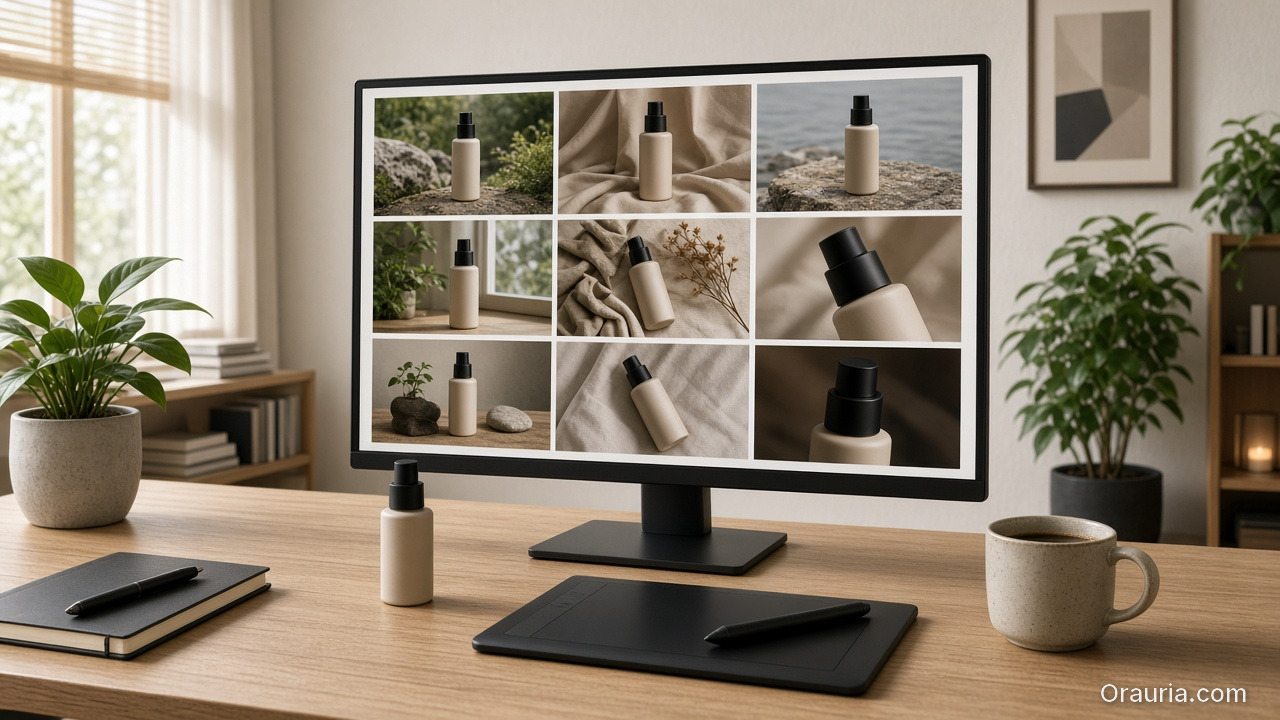
    A computer monitor showing a grid of product photos beside the physical bottle, a tablet and a coffee cup on a wooden desk

    What Orauria is for in this workflow

    Orauria is an AI Creative Studio for Product Marketing: one product image → photos, ads, social, short video → campaign pack. In photography terms: you bring the truthful capture; the system helps you build the commercial set without drifting the SKU. Soft CTA only after the craft is clear — not instead of it.

    Create Your First Product Kit →

    FAQ

    Can AI product photography replace a studio entirely?

    For matte catalog SKUs and rapid ad variants, often yes after one good source. For glass, metal, jewelry, or brand hero film, keep a real shoot. Hybrid is the adult answer.

    Why does my AI white background look “plasticky”?

    Usually speculars and edge light were wrong in the source, or the model filled missing highlight data. Fix capture geometry before regenerating.

    What should I put in the identity brief?

    Exact packaging color, logo integrity, proportion locks, materials that must not be “beautified,” and claims you refuse to imply in lifestyle scenes.

    Conclusion

    Treat AI product photography as a chain: capture truth → lock identity → expand commercial frames → QA like a photo lead. If you skip the first link, every downstream “AI photo” is cosplay.

    Create Your First Product Kit →

  • AI Product Image Generator: Build Sell-Ready Product Creatives, Not Random Art

    AI Product Image Generator: Build Sell-Ready Product Creatives, Not Random Art

    If you searched for an AI product image generator, you do not need another art toy. You need a system that turns one real product photo into listing and ad creatives that still look like your SKU.

    A useful AI product image generator for US ecommerce: upload a phone or packshot → get white-background Main Images, lifestyle frames, and Meta-ready crops — while packaging, logo, color, and shape stay locked. No Brooklyn studio day required. No “pretty but wrong bottle” returns.

    Key Takeaways

    • About 75% of shoppers rely on product photos when deciding to buy (Weebly, industry compilation 2026).
    • Moving from one image to a 5–7 image set (angles + lifestyle) is repeatedly linked to higher conversion in industry summaries (Statista / 2025–2026 compilations).
    • Tool intent fails when “generator” means Midjourney vibes forced onto Amazon Main Image rules.
    • Checklist: real source → identity lock → job-based outputs → formats 1:1 · 4:5 · 3:4 · 9:16 · 16:9.
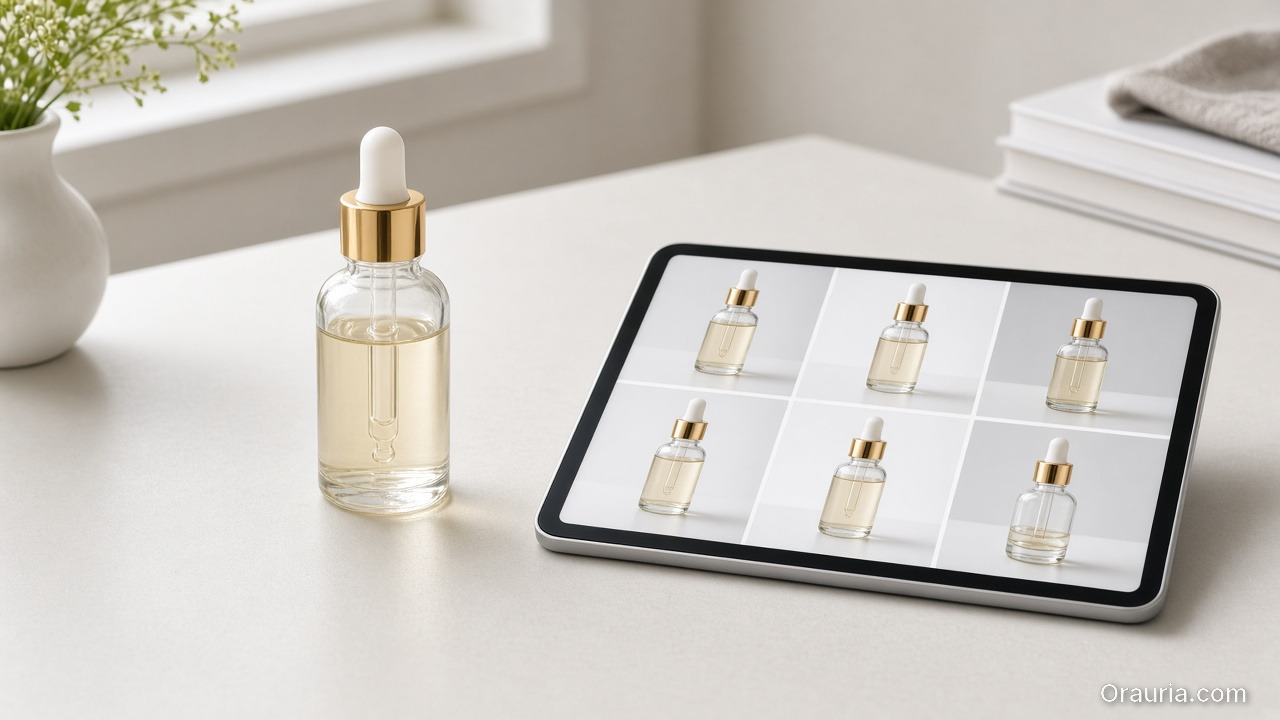
    A serum bottle on a desk beside a tablet showing a grid of consistent catalog shots of the same bottle

    What should an AI product image generator actually do?

    Art generator Ecommerce AI product image generator
    Input Text prompt Real product photo
    Output One pretty frame Channel kit (Amazon, Shopify, Meta…)
    Constraint Aesthetic Product identity
    Success Likes CTR, ROAS, fewer returns

    Related hub framing: AI generated product images for ecommerce.

    “Generator” is the wrong noun if it only generates files. The right product generates a publishable set.

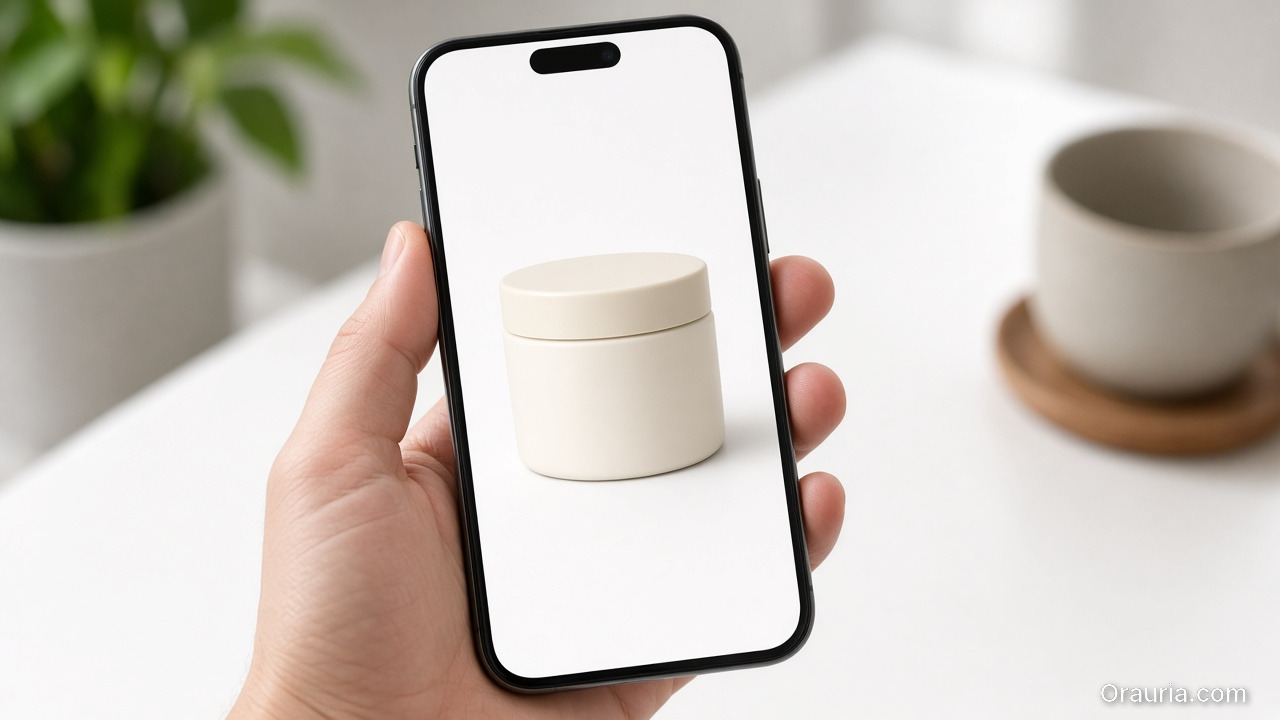
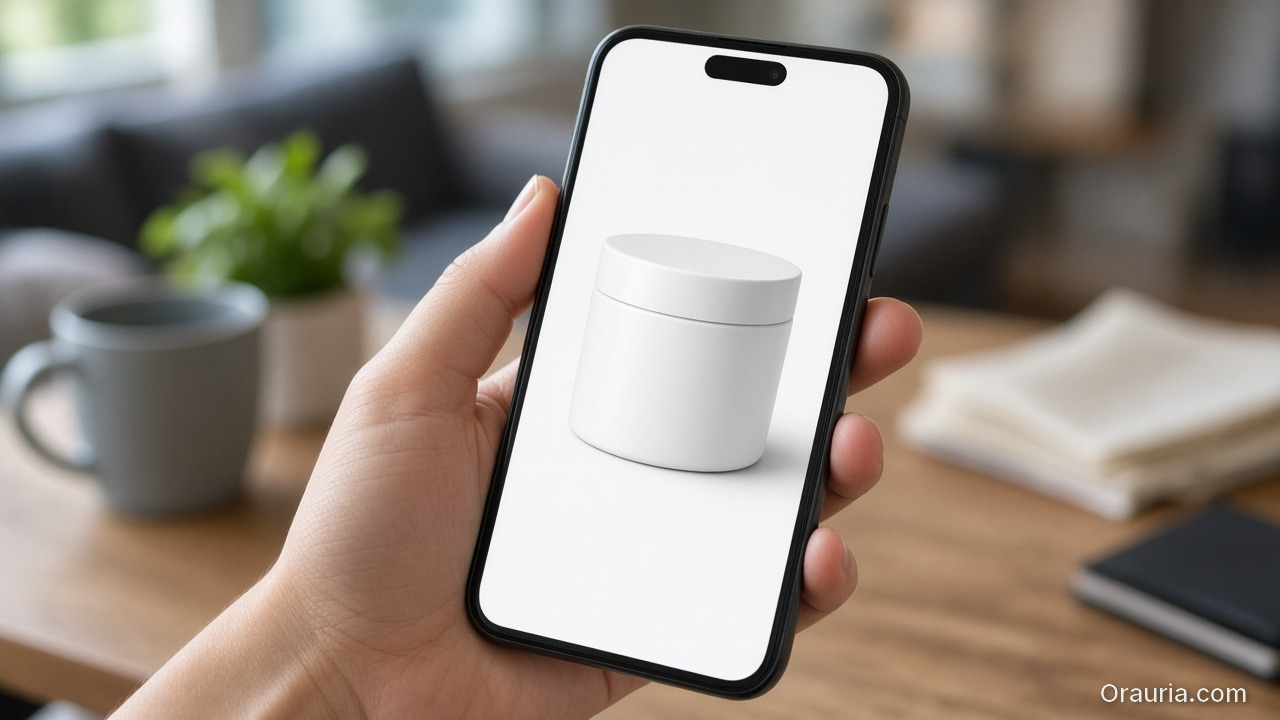
    A hand holding a phone that shows a clean white-background photo of a cream jar, as a shopper would see a listing

    Why generic generators burn Amazon and Shopify listings

    Roughly 22% of returns tie to items looking different than photos (Weebly / industry compilations). Drifted logos and wrong carton color fail Main Image trust and A+ modules.

    Lifestyle + packshot often lifts conversion about 15–30% versus white-only galleries (2026 A/B summaries). Your generator must output a set, not one hero.

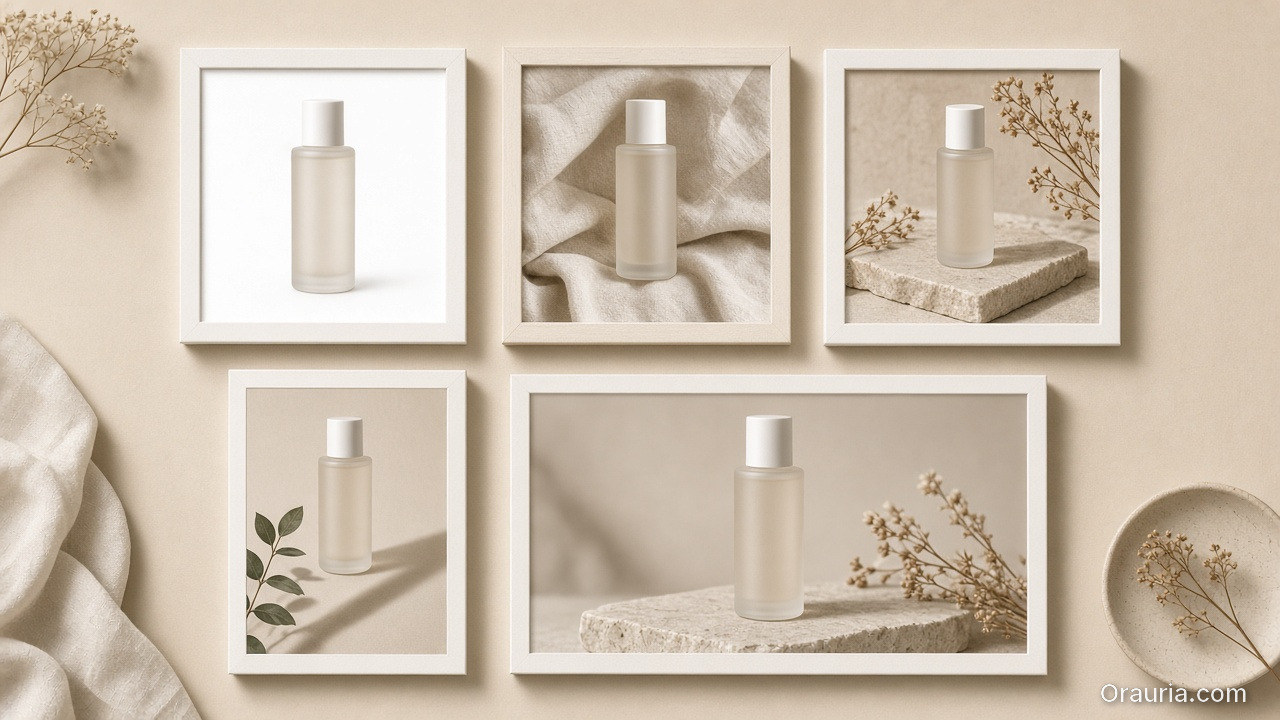
    Five framed views of the same bottle as a white packshot, lifestyle scenes and a wide campaign crop

    One upload → product kit

    Stage Job Ships to
    Studio / white Clean Main Image Amazon.com, catalog
    Lifestyle Use context Shopify PDP, Meta
    Marketplace Listing rules Walmart, Etsy, eBay
    Social ad Scroll stop IG, TikTok, FB
    Campaign Seasonal Prime Day, Black Friday

    USPs under any tool landing:

    1. One Product → Multiple Creatives
    2. Keep Your Product Consistent
    3. Built for Ecommerce
    4. From Product Photo to Ad
    5. Multiple Formats — 1:1 · 4:5 · 3:4 · 9:16 · 16:9
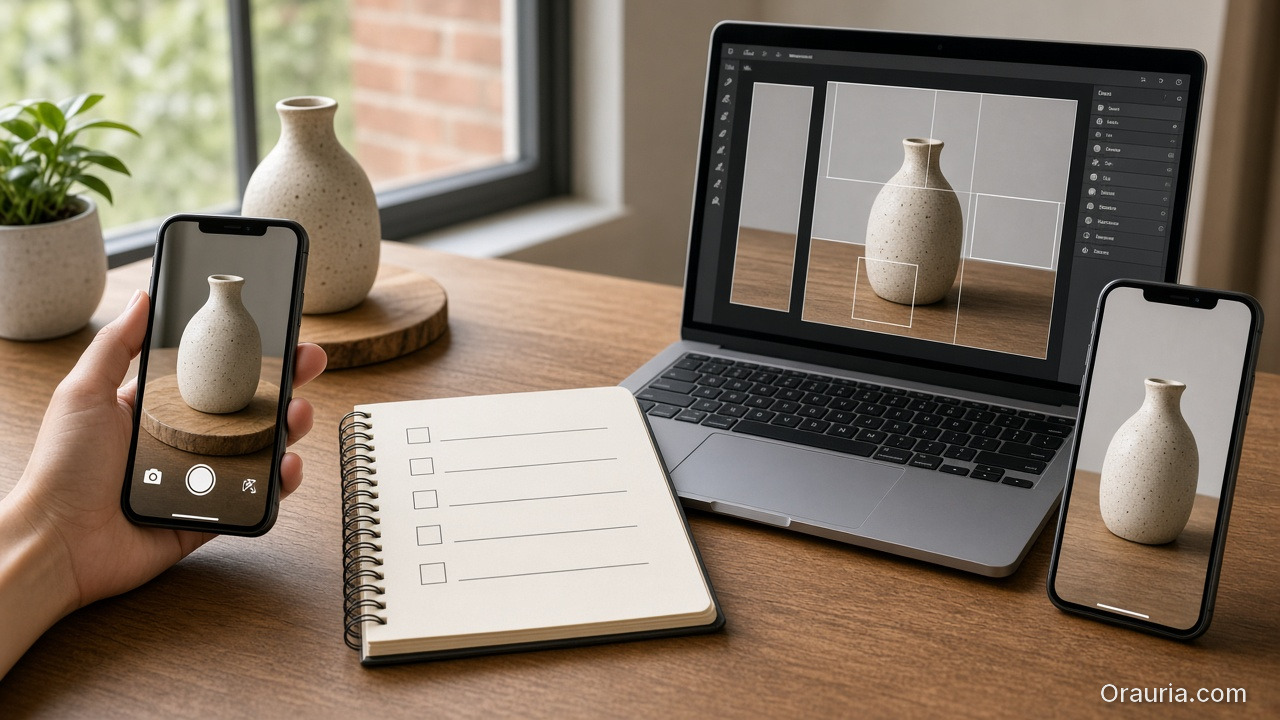
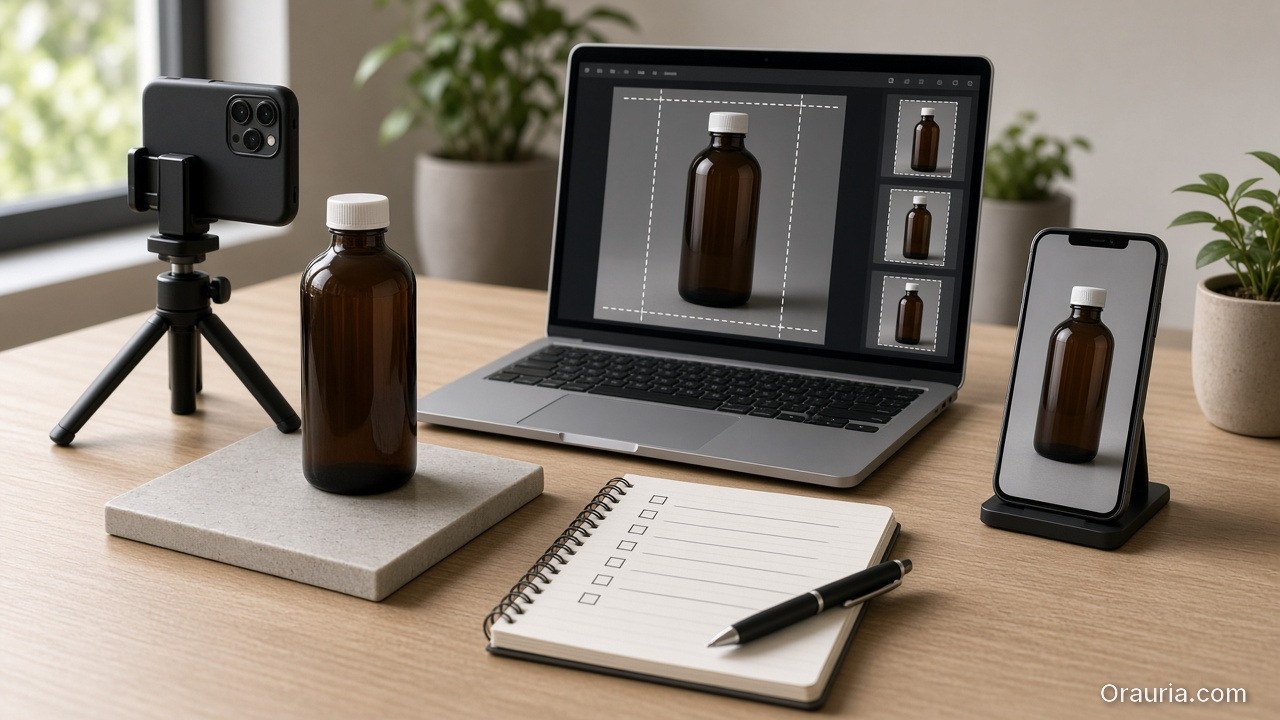
    A desk workflow with a phone capturing a vase, a checklist notebook, a laptop cropping frames and a vertical phone preview

    How to run an AI product image generator (5 steps)

    1. Honest source — even light, readable label, no watermark (LA apartment kitchen phone shot is fine).
    2. Identity lock — color, logo, proportion, hard no-gos.
    3. Generate by job — not “make it prettier.”
    4. Aspect-aware export — Amazon 1:1 white; Reels 9:16; banners 16:9.
    5. QA — mobile recognition, label fidelity, no fake claims.

    See Packshot thinking.

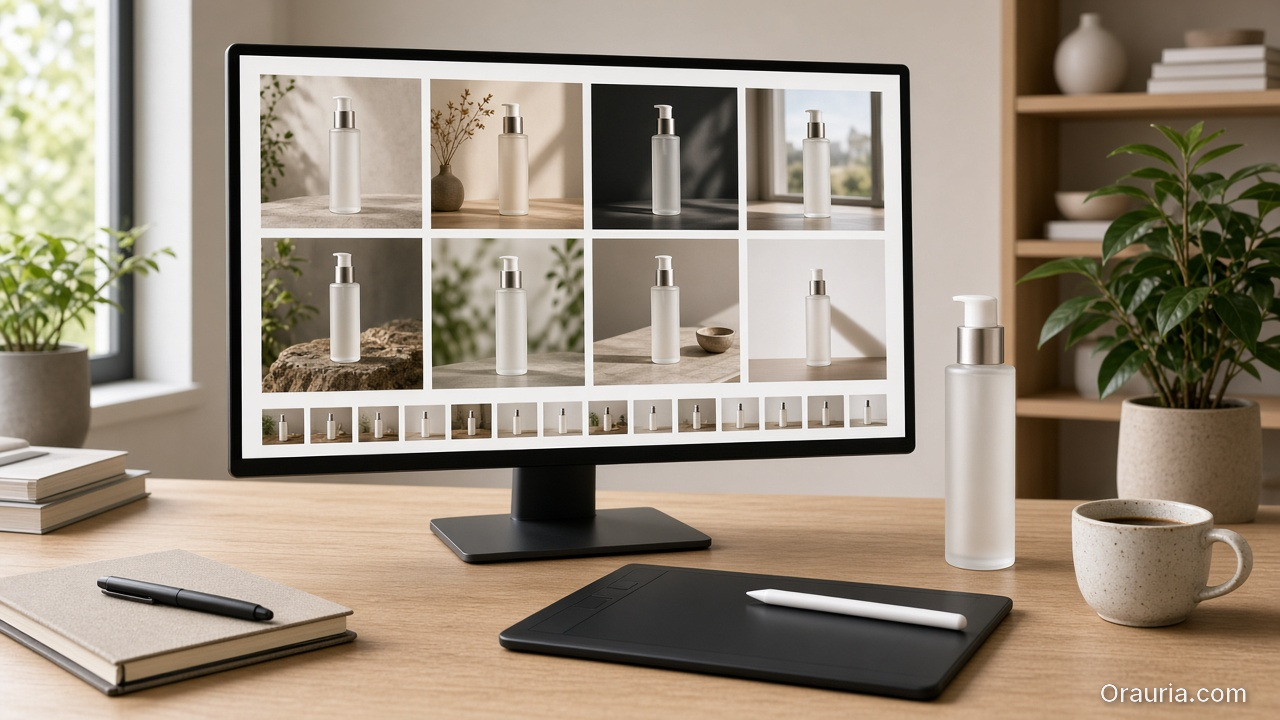
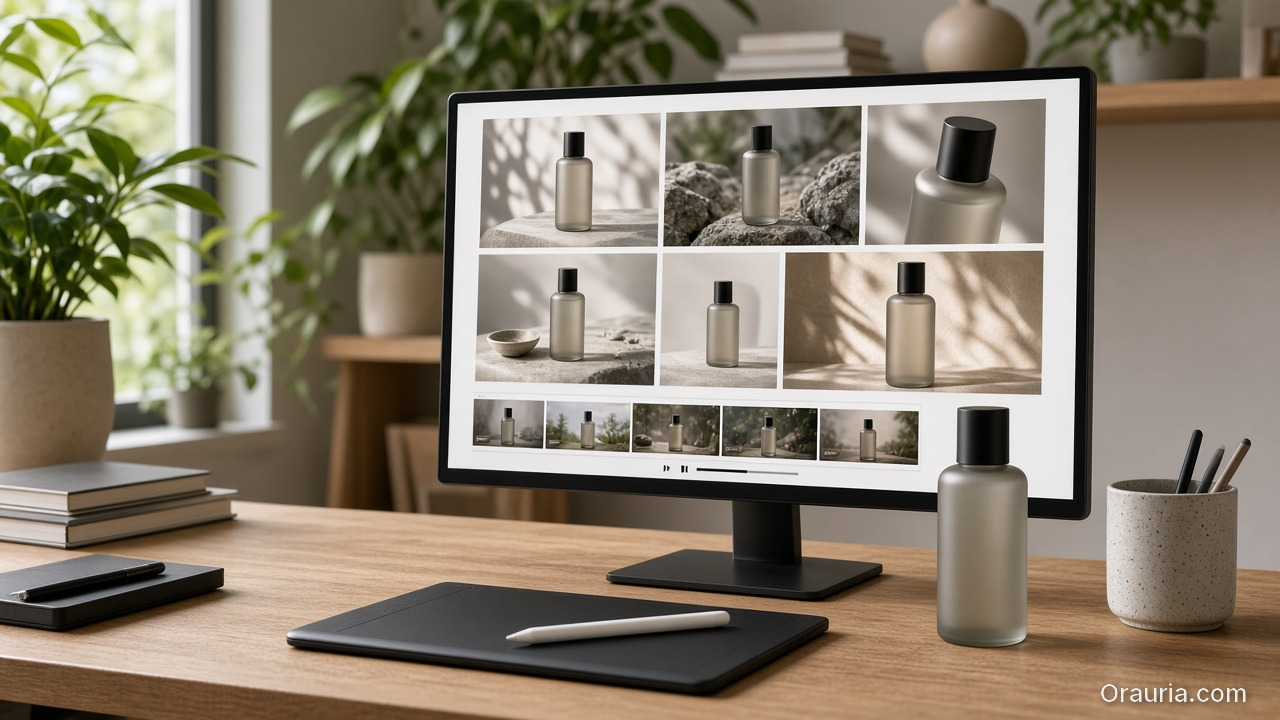
    A monitor showing a campaign grid of the same bottle beside the physical bottle, a tablet and a cup on a wooden desk

    Orauria

    Orauria is an AI Creative Studio for Product Marketing: one product image → photos, ads, social, short video → campaign pack. Not “another generator.” A product → ecommerce content system.

    Create Your First Product Kit →

    FAQ

    Is an AI product image generator allowed on Amazon?

    Yes if images represent the real item and follow current Amazon image policies. Prefer clean Main Images; use AI for lifestyle and secondary expansion.

    How is this different from background removal?

    Removal is one step. A real generator outputs lifestyle, ads, multi-aspect exports, and identity lock across the kit.

    Do I need advanced prompts?

    Not if the workflow is upload → pick image job → generate. The commercial brief matters more.

    Conclusion

    Pick your best Shopify or Amazon SKU, run one kit through the five jobs above, and A/B the Main Image for 7–14 days.

    Create Your First Product Kit →

  • AI Generated Product Images for Ecommerce: From One Photo to a Sell-Ready Kit

    AI Generated Product Images for Ecommerce: From One Photo to a Sell-Ready Kit

    Don’t generate random AI images. Generate product creatives that are ready to sell.

    AI generated product images for ecommerce means this: upload one real product photo → get a kit of studio packshots, lifestyle scenes, Amazon listing frames, and Meta/TikTok ads — while keeping packaging, logo, color, and product shape intact. No downtown studio day in Brooklyn. No photographer day rate in Austin. No Canva scramble every time you need a 9:16 crop for Reels.

    Key Takeaways

    • Online shoppers lean hard on visuals: about 75% say they rely on product photos when deciding to buy (Weebly, industry compilation 2026).
    • Multi-image listings typically convert better than single-image listings; industry summaries show clear lifts when you move from one shot to a 5–7 image set with angles + lifestyle (Statista / 2025–2026 compilations).
    • The 2026 failure mode for US sellers: treat Midjourney, Flux, or GPT Image like an art toy, then force-fit the output onto Amazon Main Image rules — instead of building a product → content kit.
    • Winning checklist: clean source photo → identity lock → job-based outputs (studio / lifestyle / ads / marketplace) → aspect-aware export (1:1 · 4:5 · 3:4 · 9:16 · 16:9).
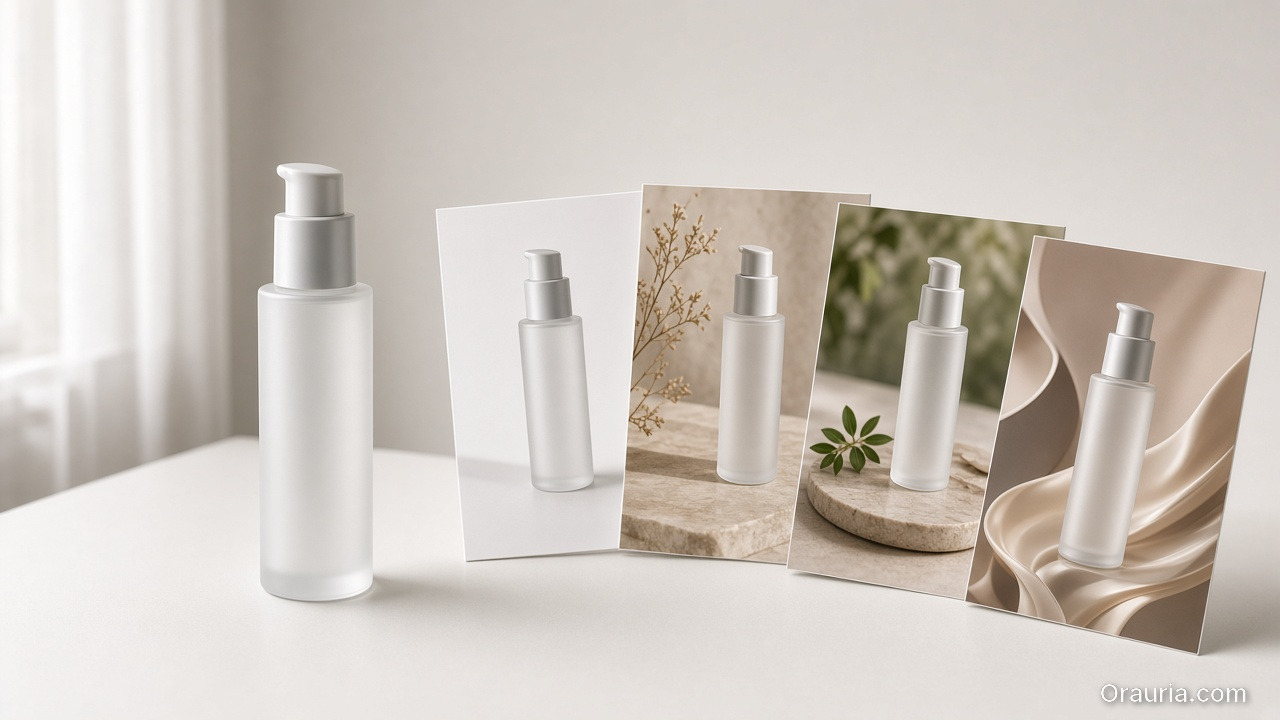
    An unlabeled pump bottle on a white table beside printed packshot and lifestyle photos of the same bottle

    What Are AI Generated Product Images for Ecommerce?

    AI generated product images for ecommerce are commercial visuals expanded from a real product photo — built for listings, paid ads, and social — not freeform text-to-image art.

    Art generator (Midjourney, Flux…) Ecommerce product imagery
    Input Text prompt / mood board Real product photo (phone or packshot)
    Goal Pretty / viral frame Sell-ready assets
    Constraints Few — aesthetics first Keep shape, label, color, proportion
    Output One-off files Channel kit (Amazon, Shopify, Meta…)
    Success metric Likes, aesthetic Listing CTR, ROAS, fewer returns

    If you need the broader frame — ecommerce design ≠ “make an AI image” — read AI Ecommerce Design Is Not AI Image.

    US brands do not lack image models. They lack a publishing system: one SKU in → many channel creatives out, same product identity.

    A shopper holding a smartphone that shows a clean white-background photo of an unlabeled cream jar

    Why “Beautiful” AI Images Still Fail on Amazon and Shopify

    A gorgeous render that drifts from the real SKU burns trust and drives returns. Roughly 22% of returns tie to items looking different in person than in photos (Weebly / industry compilations).

    Three failure modes US teams hit every week:

    1. Identity drift — melted logos, off-brand carton color, warped bottle proportions (fatal on Amazon Main Image and A+ modules).
    2. One file for every channel — a square that looks fine on Etsy dies when cropped for Instagram Reels or TikTok Shop.
    3. No angle system — one hero beauty shot, no detail, no scale, no lifestyle, no proof.

    Lifestyle plus packshot commonly lifts conversion about 15–30% versus white-background-only galleries (2026 A/B industry summaries). You need a set, not one “premium” render.

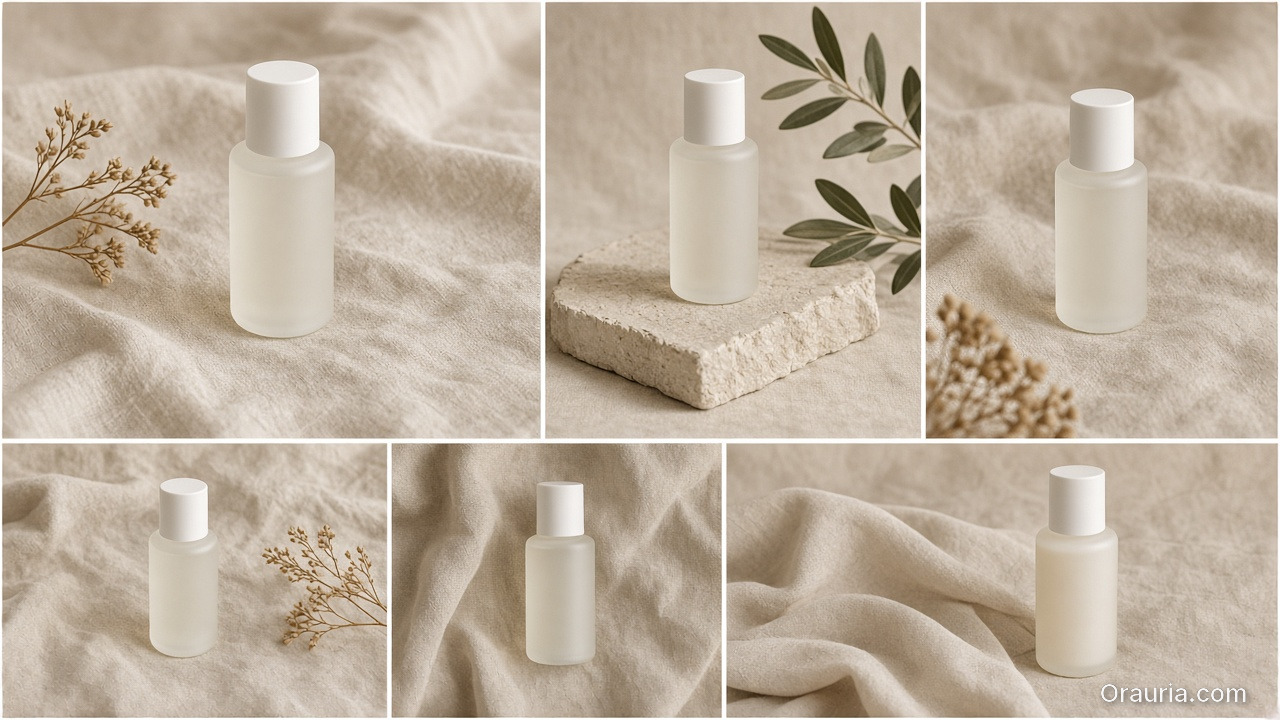
    A six-frame grid of the same frosted bottle styled on beige linen with botanicals and stone

    One Product. An Entire Content Kit.

    Orauria’s positioning — and the right brief for any US DTC or Amazon seller:

    AI Product Photography, Built for Ecommerce.

    Or the sharper line:

    Don’t generate random AI images. Generate product creatives that are ready to sell.

    Pipeline: upload once, sell everywhere

    Pipeline stage Job of the image Where it ships
    Studio / Packshot Clean, premium, controlled background Amazon Main Image, Shopify PDP hero, catalog
    Lifestyle Scene Product in a believable US home / use context PDP gallery, Meta ads, email
    Marketplace Image Listing-optimized frames Amazon, Walmart Marketplace, Etsy, eBay
    Social Ad Scroll-stopping creative Instagram, Facebook, TikTok, Pinterest
    Campaign Creative On-brand promo / seasonal Prime Day, Black Friday, A+ Content, landing pages

    Put these USPs under any hero for this keyword:

    1. One Product → Multiple Creatives — one SKU photo becomes a full selling set.
    2. Keep Your Product Consistent — packaging, logo, color, and shape stay true.
    3. Built for Ecommerce — Amazon, Shopify, Etsy, TikTok Shop, Walmart, your site, and social.
    4. From Product Photo to Ad — packshot → lifestyle → promo banner → social ad.
    5. Multiple Formats — 1:1 · 4:5 · 3:4 · 9:16 · 16:9.
    A desk with a phone on a tripod, an amber bottle, a laptop showing crop frames, and a phone preview

    How to Create AI Generated Product Images for Ecommerce (5 Steps)

    Step 1: Start with an honest source photo

    Source quality sets the ceiling. Aim for:

    • Even light — no blown highlights on the label
    • Front angle + optional 45°
    • No watermark, no heavy Instagram filter
    • Simple background (white seamless, craft paper, clean desk)

    A clean phone photo from a Los Angeles apartment kitchen or a Chicago warehouse shelf is enough. A studio day is optional. Packshot thinking is not. See Packshot Thinking: Enough Angles Without a Studio Day.

    Step 2: Lock product identity before you “beautify”

    Before lifestyle or ads, freeze:

    • Brand / packaging color
    • Logo and on-label text (do not invent claims)
    • Shape, proportion, material (matte, gloss, glass)
    • Hard no-gos (variant SKU, restricted claims, regulated badges)

    No identity lock = every generation is a slightly different product — a policy and return risk on Amazon.com.

    Step 3: Generate by job, not by vibe

    Per SKU, ship at least:

    1. 1–2 studio / pure white frames (Amazon Main Image friendly)
    2. 2–3 lifestyle scenes (how Americans actually use it — bathroom vanity, backyard patio, desk setup)
    3. 1 detail / texture crop
    4. 1 social ad frame with safe space for headline + CTA
    5. 1 marketplace / banner crop for seasonal pushes (Prime Day, Black Friday, Cyber Monday)

    Do not ask AI to “make it prettier.” Ask: which purchase question does this frame answer? (What does it look like? How do I use it? How big is it? Why not the cheaper listing?)

    Step 4: Export aspect-aware for US channels

    Channel Suggested ratio Notes
    Amazon Main Image 1:1 (white background) Product fills most of the frame; follow current Amazon image rules
    Amazon secondary / A+ 1:1 or 16:9 modules Infographic + lifestyle; keep claims accurate
    Shopify PDP 1:1 or 4:5 Hero + gallery
    Etsy listing 1:1 or 4:5 Lifestyle often wins for handmade / home
    Instagram / Facebook feed 1:1 or 4:5 Lifestyle + ad variants
    Reels / TikTok / Stories 9:16 Protect UI safe zones
    YouTube / site banners 16:9 Seasonal campaign heroes

    Blind-cropping one master file usually wrecks composition. Generate aspect-aware from the start. For multi-crop systems, see One Product: Feed, Story, Cover, Marketplace Banners.

    Step 5: QA before you hit Publish (return firewall)

    Sixty-second checklist:

    • [ ] Product is recognizable in one second on mobile
    • [ ] Logo / label readable, not warped
    • [ ] Color matches the physical SKU (no “sales filter”)
    • [ ] No fake claims in-frame (free gifts, % off, FDA-style badges you do not have)
    • [ ] File weight sane for mobile PDP load
    • [ ] Lighting family matches the rest of the gallery

    For Amazon-specific gallery structure, pair this with Amazon Listing Image System.

    Where US Sellers Actually Ship These Images

    American brands usually need the same SKU across:

    • Amazon.com — white Main Image + secondary angles + A+ modules
    • Shopify / WooCommerce — PDP hero, lifestyle gallery, trust shots
    • Etsy — lifestyle-forward galleries for home, craft, apparel
    • Walmart Marketplace / eBay — clean catalog frames + variant consistency
    • TikTok Shop (US) — listing stills + vertical creatives for ads and live
    • Meta Ads + Google — angle and background variants for creative testing

    One kit keeps the brand from “changing face” between Amazon and Instagram. Seasonal refreshes — back-to-school in August, Halloween in October, holiday in November–December — should remix the same identity, not reinvent the product.

    Lifestyle scenes that read “US” without feeling fake

    Use believable American contexts, not generic stock fantasy:

    • Skincare on a bright bathroom vanity (not a European château marble cliché)
    • Coffee gear on a Brooklyn apartment counter or a Portland cafe-style wood table
    • Outdoor gear on a Colorado trailhead or Austin backyard patio
    • Home goods in a Midwest living room with soft afternoon window light

    The scene sells aspiration. The product identity still has to match what ships from your 3PL in New Jersey or California.
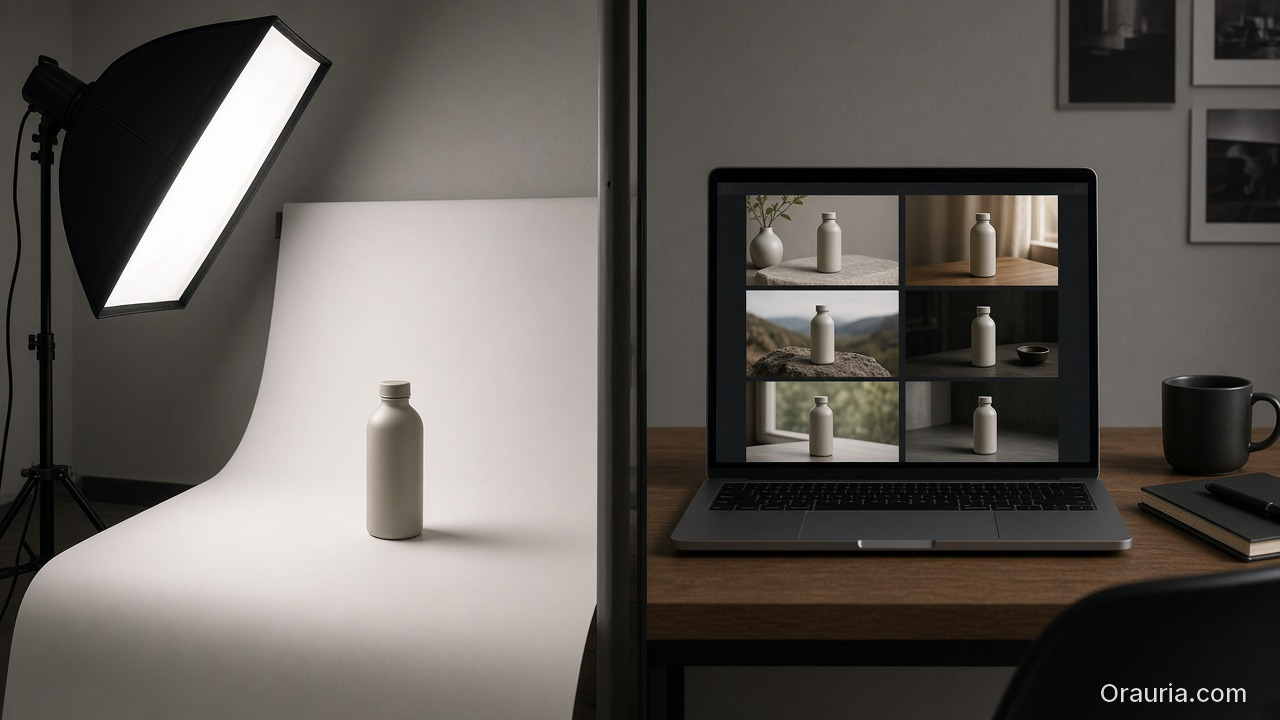
    A real product studio with a softbox and sweep next to a laptop showing a grid of generated bottle scenes

    When to Use a Real Studio vs AI

    Situation Do this
    Launching 30–100 SKUs on a lean budget AI product imagery + clean phone/packshot sources
    Prime Day / Black Friday creative refresh AI variants of lifestyle + banners from locked packshots
    National brand campaign, tricky materials (chrome, glass, sheer fabric) Hybrid: shoot a few hero stills, AI-scale the rest
    Claims that must be photographically true (texture, fill level, size) Real photo for truth; AI only for context — never invent details

    AI does not replace every shoot in Los Angeles or New York. It replaces the scale bottleneck: creatives × SKUs × channels that a three-person DTC team cannot hand-build before the sale calendar.
    A creative studio desk with a large monitor showing a campaign grid of the same beige bottle

    Orauria: From Product Photo to Campaign Pack

    Orauria is an AI Creative Studio for Product Marketing: upload one product image → generate product photos, ads, social posts, and short videos — then export a campaign pack for Shopify, Amazon, TikTok Shop, and more.

    We are not selling “another AI image generator.” We sell a product → ecommerce content system:

    • One upload → many consistent creatives
    • Product identity held across listing and ads
    • Formats ready for US selling channels

    CTA: Create Your First Product Kit →

    Want the workspace framing? What Is Orauria? AI Creative Workspace for Ecommerce.

    FAQ — AI Generated Product Images for Ecommerce

    Can I use AI product images on Amazon?

    Yes — if they still represent the real item and follow Amazon’s current image and AI-disclosure policies. Keep truthful Main Image standards (typically pure white background, product as the focus). Use AI to expand lifestyle, secondary angles, and A+ visuals — not to invent a different product.

    How is this different from background removal?

    Background removal is one step. AI generated product images for ecommerce also means lifestyle, ads, banners, multi-aspect exports, and identity lock across the whole kit.

    How many images should each listing have?

    In practice, 5–7 images (angles + detail + lifestyle) often balances better than a single hero or a 12-image decision-fatigue gallery. Measure on your own Amazon and Shopify traffic.

    Do I need advanced prompting?

    Not if the tool is ecommerce-native (upload product → pick image job → generate). The commercial brief matters more than prompt poetry: channel, job, identity lock, format.

    Is Midjourney enough for Amazon and Shopify?

    It can produce beautiful frames. It usually lacks identity lock + multi-format + marketplace pipeline. Treat art models as an engine layer; you still need a product kit / selling workflow on top.

    Conclusion

    AI generated product images for ecommerce win when you measure sell-through and listing trust — not how “AI-looking” a single frame feels on Behance.

    Remember three moves:

    1. Lock identity from a real source photo
    2. Generate by job (studio → lifestyle → marketplace → social ad)
    3. Export the right formats and QA before publish

    Next step: pick your best-selling SKU on Amazon or Shopify, build one product kit with the five image jobs above, then A/B the Main Image or PDP hero for 7–14 days.

    Create Your First Product Kit →

  • Beauty Catalogs Across Languages: Shade Truth First, Claims Second

    Beauty Catalogs Across Languages: Shade Truth First, Claims Second

    Beauty goes global faster than packaging teams can reshoot. The failure mode is familiar: regenerate the whole lifestyle for each language, watch the foundation shade drift, and discover marketplace complaints that “the bottle looked different.”

    AI beauty catalog localization extends cross-border image rules (ecommerce localization) with a beauty-specific law: shade and formula cues are sacred; marketing claims are what you translate.

    Key Takeaways

    • Never “re-beautify” the SKU while translating overlays — color match is the product.
    • Keep ritual contexts from beauty lifestyle mapping; swap language layers, not bathrooms every market.
    • Claim sheets per locale beat prompt translation.
    • Upscale only after shade QA (upscale after QA).
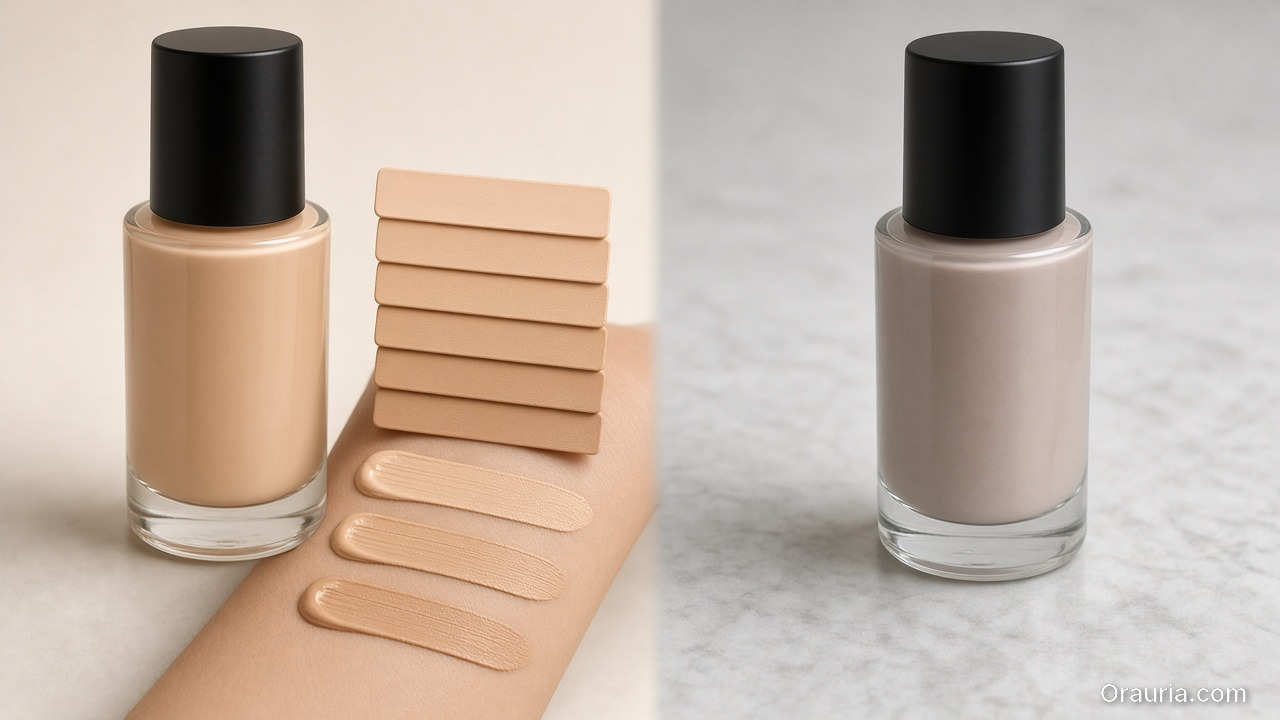
    A warm beige foundation bottle with matching shade chips and arm swatches on the left, versus a cooler mismatched bottle on the right

    Why Is Beauty Localization Harder Than Soft Goods Copy?

    Because buyers purchase color and texture promises.

    Safe to localizeDangerous to regenerate
    Promo badgesFoundation shade
    Hook linesSerum tone in bottle
    Units / legal linesCap and label print fidelity
    Ingredient callouts (approved)“Glow” that changes undertone

    If localization changes undertone, you did not translate — you SKU-swapped.

    In beauty, mistranslation is annoying. Mishade is a return. Treat color like a regulatory asset.

    Beauty Localization Stack

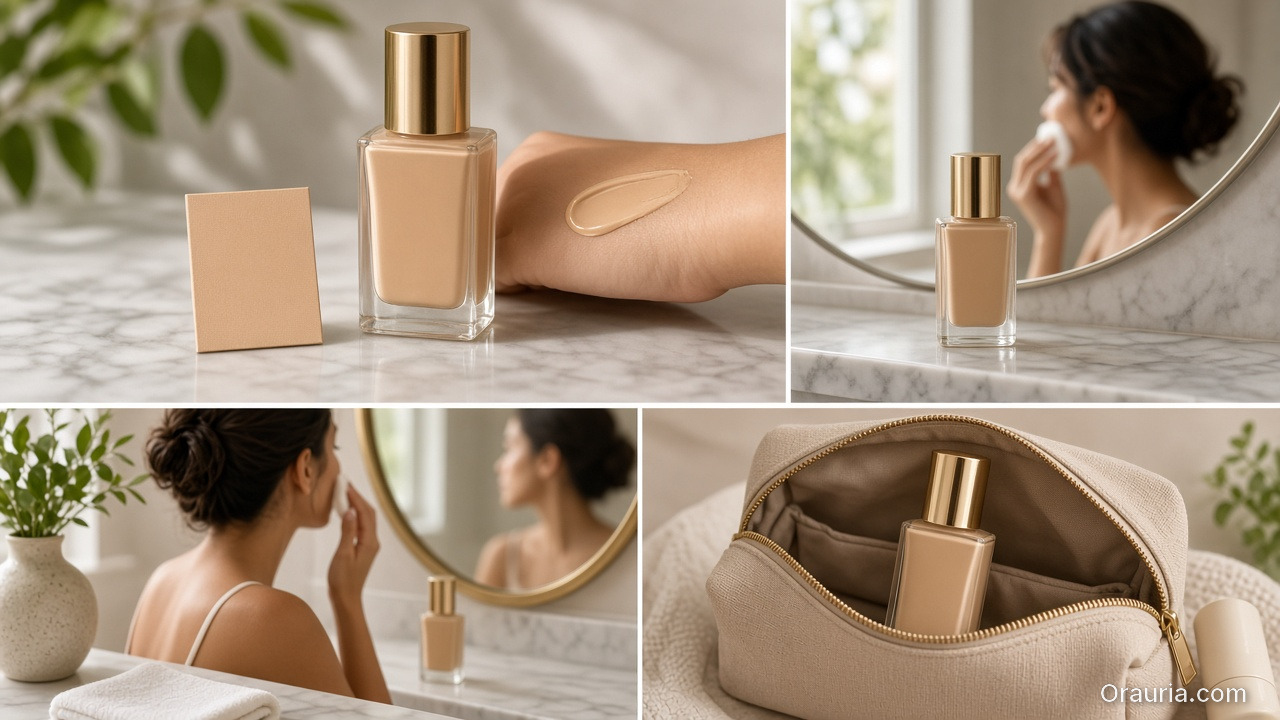
    A foundation packshot with a shade chip and arm swatch, plus ritual stills at a morning mirror and in a travel pouch

    Master layer (global)

    • Packshot truth (packshot thinking)
    • Shade chip / arm swatch if used
    • Ritual scene family (morning mirror, bag, travel)
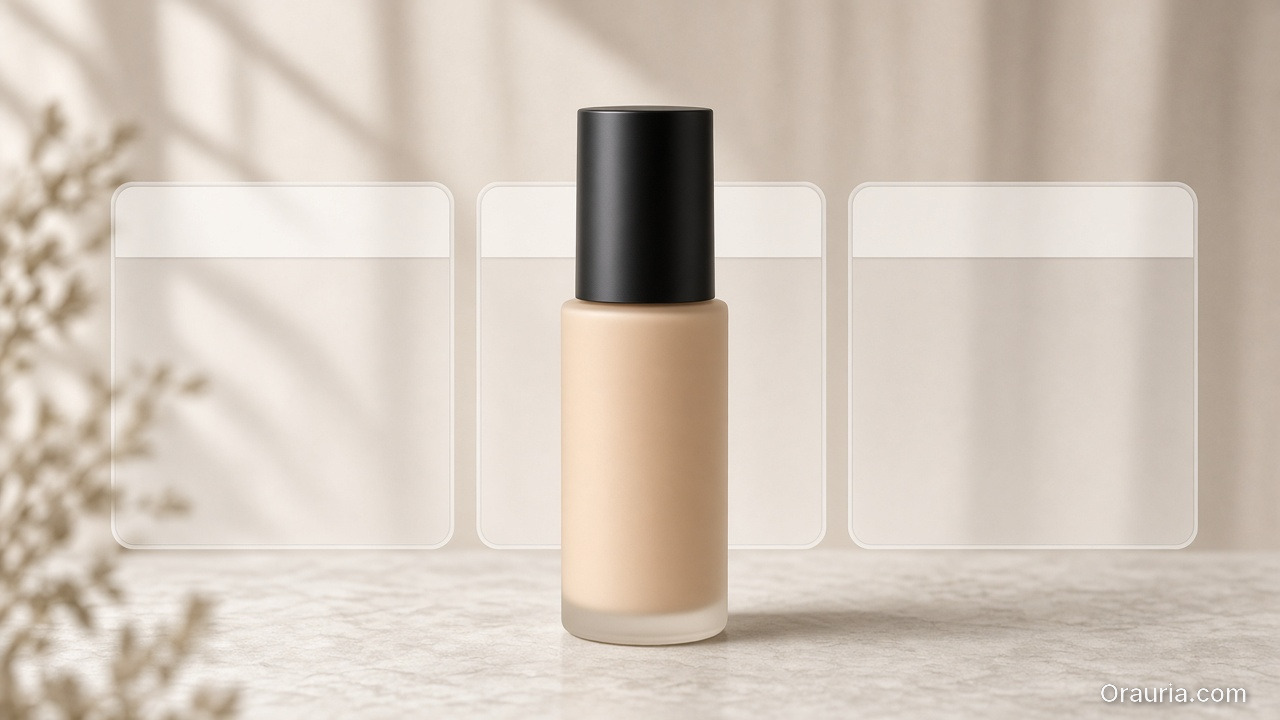
    The same foundation bottle in front of three empty overlay frames with blank safe-zone strips and no letters

    Claim layer (per locale)

    • Hook, offer, disclaimer, unit system
    • Character limits per marketplace
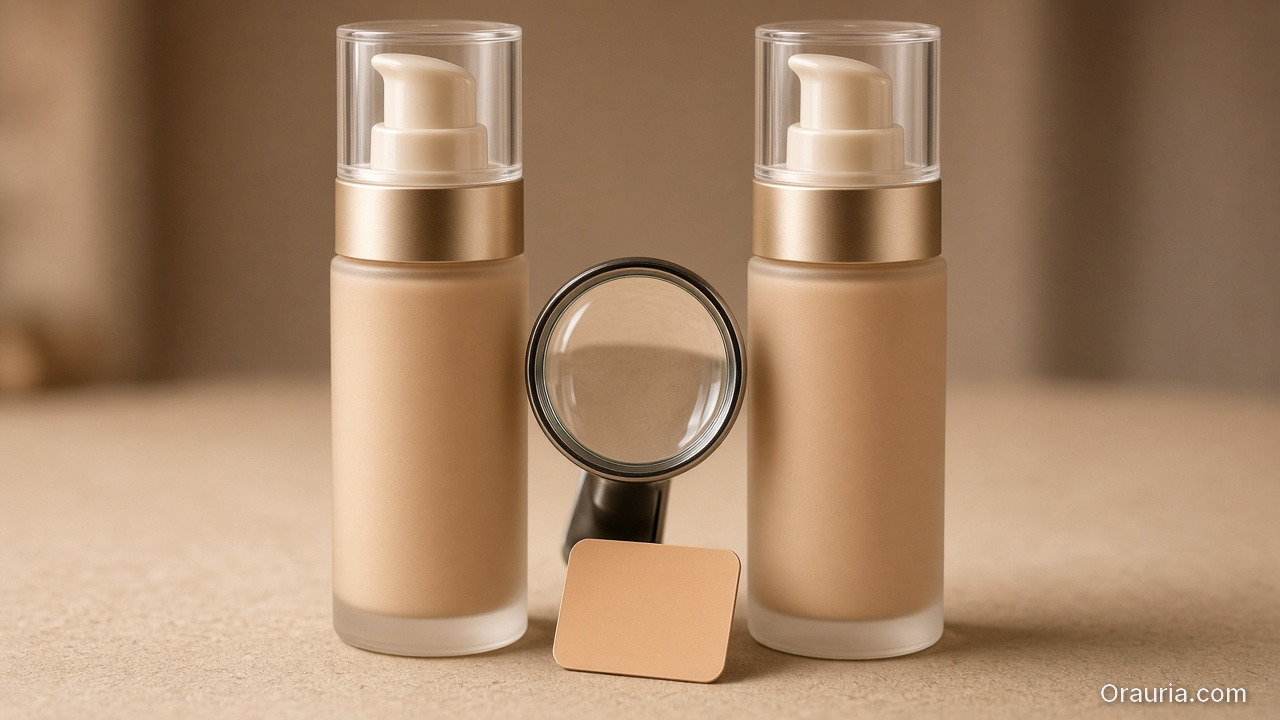
    Two nearly identical foundation pump bottles side by side with a loupe and a shade chip confirming the color is unchanged

    Gate

    • Side-by-side diff: bottle geometry + shade unchanged
    • Text accuracy reviewed by market owner
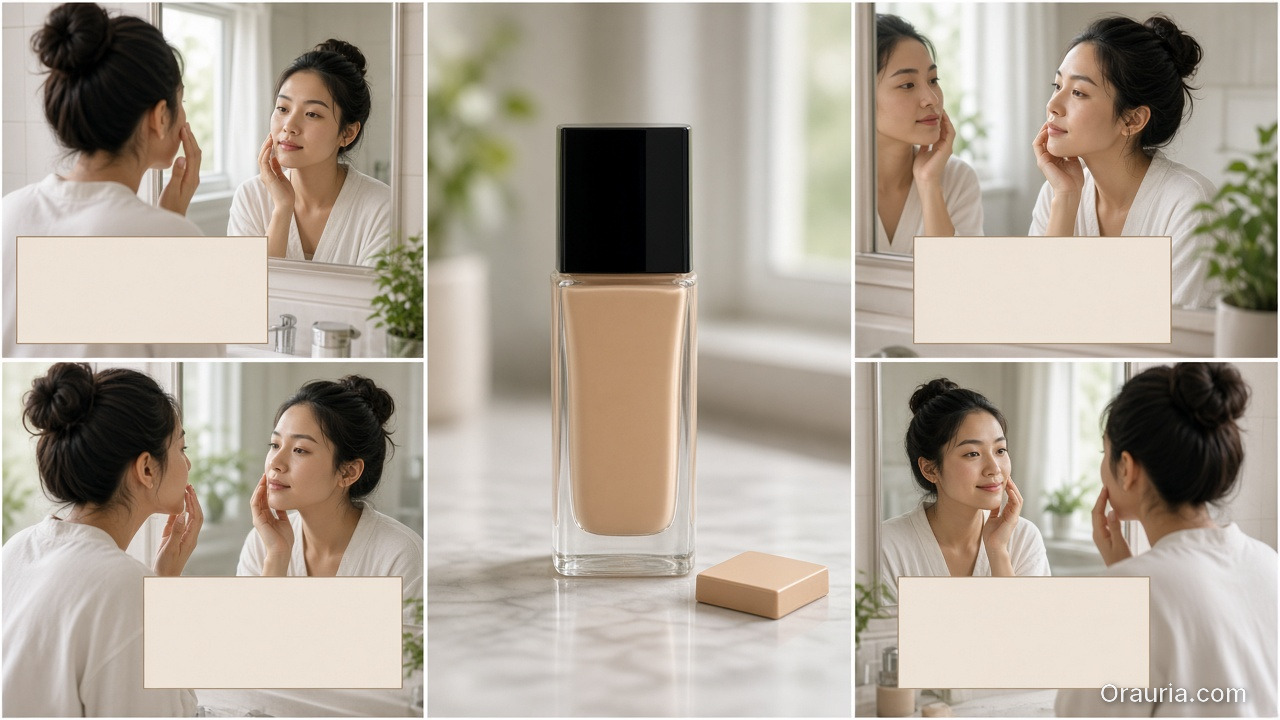
    A locked foundation bottle at the center, surrounded by four same-ritual frames with empty typography-safe bands and identical shade

    Playbook: One Shade, Many Languages

    1. Approve shade-true master stills
    2. Build claim sheet EN → target locales
    3. Localize overlays in safe zones only
    4. Diff QA against master
    5. Attach locale packs to the brand kit for the next SKU drop
    6. Keep ritual contexts stable across languages unless culture blocks a scene

    Soft CTA

    Keep beauty catalogs coherent across markets: Ecommerce · Packshot

    Frequently Asked Questions

    How is this different from general ecommerce image localization?

    Same master-and-layer system — with stricter shade/texture gates and beauty ritual contexts.

    Can AI translate text on the physical label?

    High risk. Prefer real packaging photography for Truth; localize marketing frames separately.

    Should every market get new lifestyle bathrooms?

    Only when culture requires it. Default to one ritual kit + language layers.

    What should QA zoom on first?

    Shade, pump/cap geometry, then translated claims.

    Conclusion

    Translate claims. Protect shade.

    Master first. Locale layers second. Diff always. That is AI beauty catalog localization that grows markets without multiplying undertones.


    References

    1. Lumepixa, AI Product Photography Statistics 2026. https://lumepixa.app/blog/ai-product-photography-statistics
    2. Adobe, 2026 Creators’ Toolkit Report, June 16, 2026. https://news.adobe.com/news/2026/06/creators-toolkit-report-2026
  • Seasonal Swim Campaigns with AI: Fast Drops Without Losing the World

    Seasonal Swim Campaigns with AI: Fast Drops Without Losing the World

    Swim drops do not wait for studio weather. Colors change weekly. Cuts multiply. The brand that regenerates a new beach every SKU looks like a stock site by mid-season.

    AI swimwear campaign images scale when you freeze a season world, swap garment refs, and gate fit — the same spine as a zero-budget lookbook, tuned for sun, water, and fabric cling.

    Key Takeaways

    • Seasonal speed comes from one world × many SKUs, not one prompt × many worlds.
    • Swim fabrics exaggerate fit errors — treat try-on gates seriously (virtual try-on ads).
    • Map campaign scenes with SCENE: hero stand, waterline, detail, motion freeze, shade/lifestyle.
    • Keep batch kit rules for palette and light across the season.
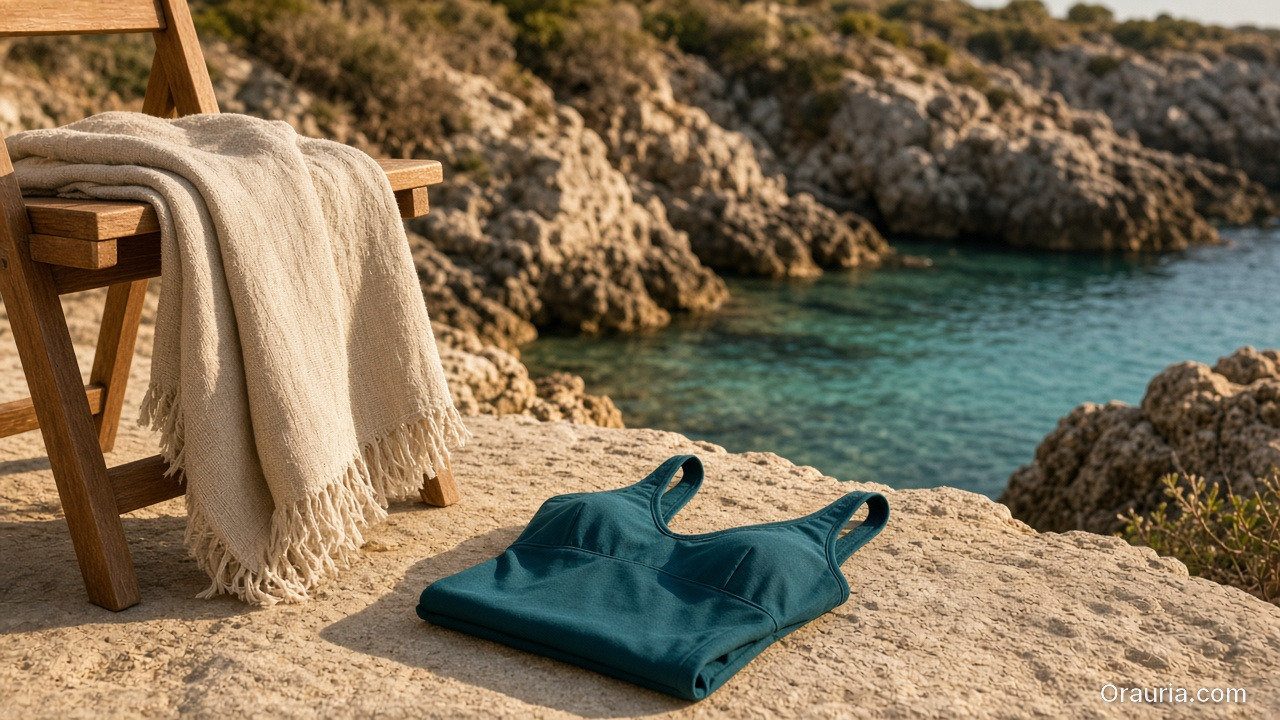
    A locked rocky-coast swim world with two coordinated one-piece suits on a chair and towel, versus three mismatched stock-like beaches, a night pool, and a foggy shore

    Why Do Seasonal AI Sets Look Cheap Mid-Campaign?

    Because time pressure invites world hopping.

    Fast bad habitSeason-safe habit
    New beach per colorwayOne locked coast/pool kit
    New model per drop weekOne character family
    Explore-first alwaysRefs-first after week one
    Publish every generateCurator gate on cling/fit

    Speed without a kit is just accelerated drift.

    Seasonal commerce rewards recognizable weather. Shoppers should feel “same summer, new cut” — not “new planet every Thursday.”

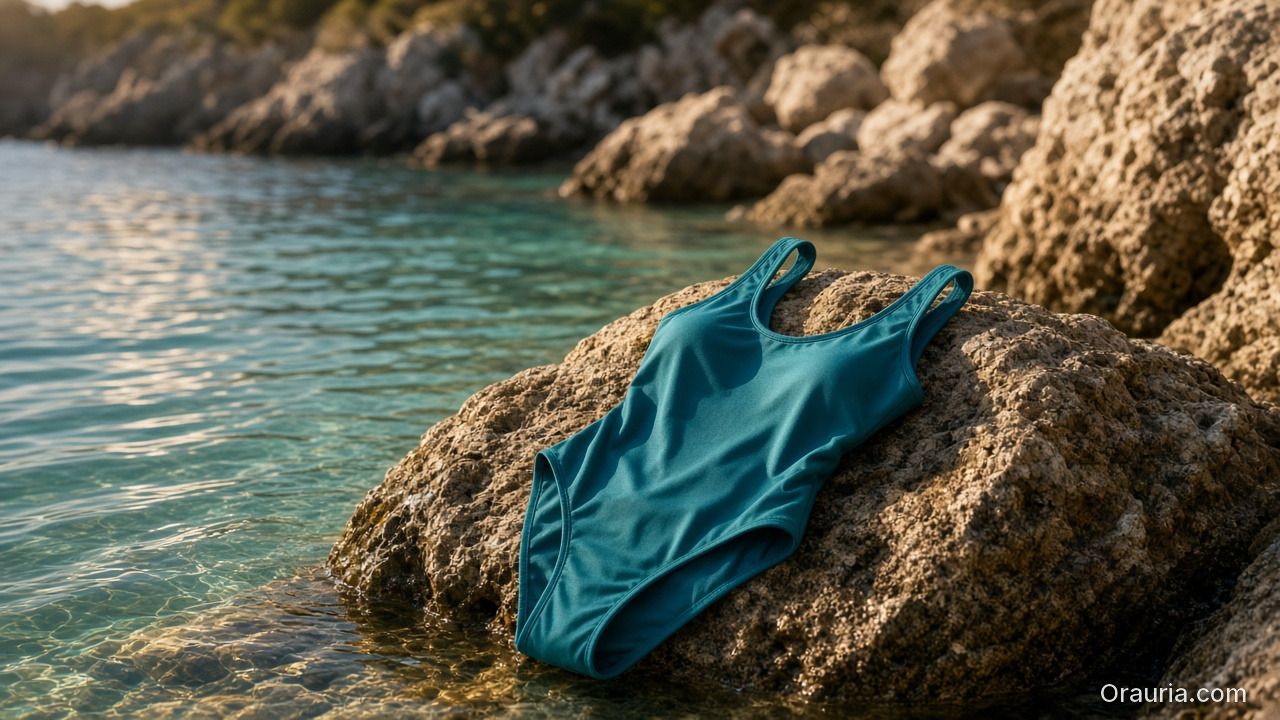
    A teal one-piece, linen towel, and teak chair on sun-warmed coastal rock, with a locked rocky cove and turquoise water behind

    Season World Checklist

    Lock before the first SKU batch:

    • Location class (pool / rocky coast / urban sun)
    • Time of day + light temperature
    • Water presence rules (wet fabric yes/no)
    • Prop kit (towel, chair) — minimal
    • Character / body anchors

    Write it in ten lines. Reuse all season.

    Playbook: Weekly Swim Drop

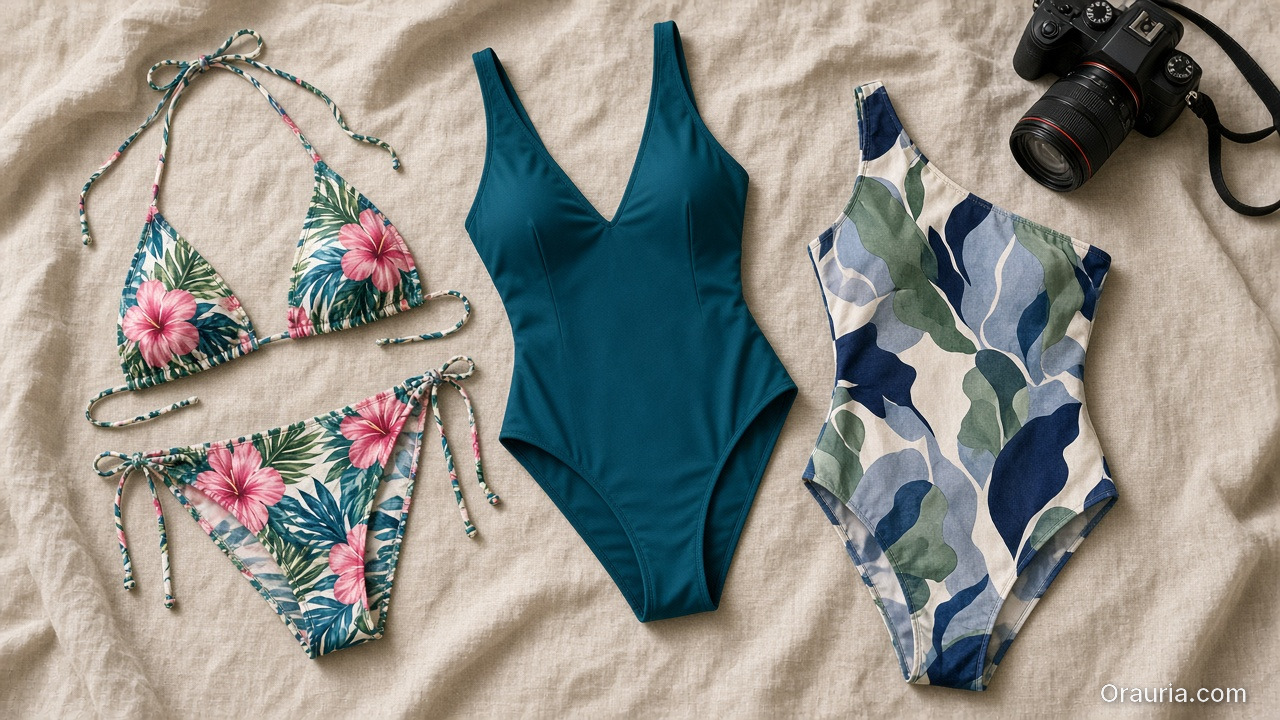
    Flat-lay of a floral bikini, a solid teal one-piece, and a printed one-piece on linen, with a camera for garment references

    Monday — Refs

    Photograph or flat-lay each new cut. Capture print scale.

    A teal one-piece swimsuit displayed as a hero still on a sunlit rock at the turquoise waterline of a locked rocky cove

    Tuesday — Generate in-world

    On-body + hero stills with garment lock. No new locations.

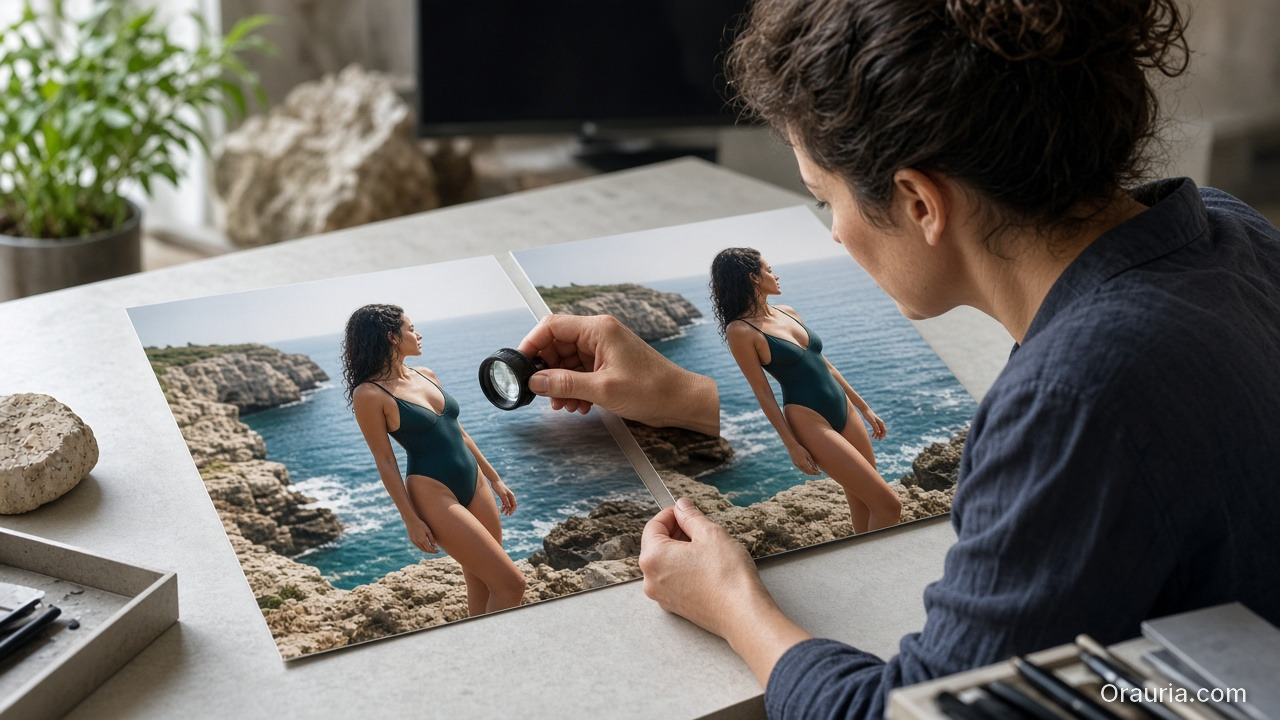
    A curator at a studio desk comparing two nearly identical coastal swim campaign prints with a loupe, no captions on the prints

    Wednesday — Gates

    • Fit/cling accuracy
    • Print placement
    • Character continuity
    • World leak check (suddenly indoor marble)

    Thursday — Channel crops

    Feed / Story / Shop hooks from winners (scene jobs).

    Friday — Archive

    Winners enter the season kit for next colorway swaps.

    Soft CTA

    Ship seasonal listing and campaign stills from locked worlds: Listing Images · Photography

    Frequently Asked Questions

    How many scenes does a swim campaign need?

    Five strong in-world scenes beat fifteen unrelated beaches. Expand SKUs, not planets.

    Wet look — generate or shoot?

    If wet drape matters to the SKU story, brief it explicitly and QA cling. Do not invent wetness that misrepresents fabric.

    Can I reuse last year’s world?

    Yes if brand season identity continues. Update props lightly; keep light logic if it still matches the collection.

    What breaks swim AI images most?

    Print drift on small patterns and strap geometry errors. Zoom those first.

    Conclusion

    Seasonal swim is a world business.

    Lock summer once. Swap cuts weekly. Gate fit. Crop for channels. That is how AI swimwear campaign images stay fast without looking rented from a stock library.


    References

    1. Adobe, 2026 Creators’ Toolkit Report, June 16, 2026. https://news.adobe.com/news/2026/06/creators-toolkit-report-2026
    2. Lumepixa, AI Product Photography Statistics 2026. https://lumepixa.app/blog/ai-product-photography-statistics
  • Virtual Try-On Ads: Fit Storytelling, Not Face Filters

    Virtual Try-On Ads: Fit Storytelling, Not Face Filters

    Virtual try-on promises “see it on me.” Too many AI ads deliver “see a stranger wearing almost your SKU.” Necklines drift. Sleeve lengths invent themselves. The face is gorgeous — and the garment is fiction.

    AI virtual try-on ads work when you treat try-on as fit storytelling: garment truth first, character second, filter effects never.

    Key Takeaways

    • Try-on is a garment fidelity problem with a human in frame — not a beauty filter with clothes attached.
    • Lock garment refs like hard goods lock geometry (hard goods QA); lock faces like character design.
    • Use try-on for Demo / Proof jobs in Shop scene types — not as every hook.
    • Zero-reshoot colorways: swap garment refs inside one pose world (3-day lookbook).
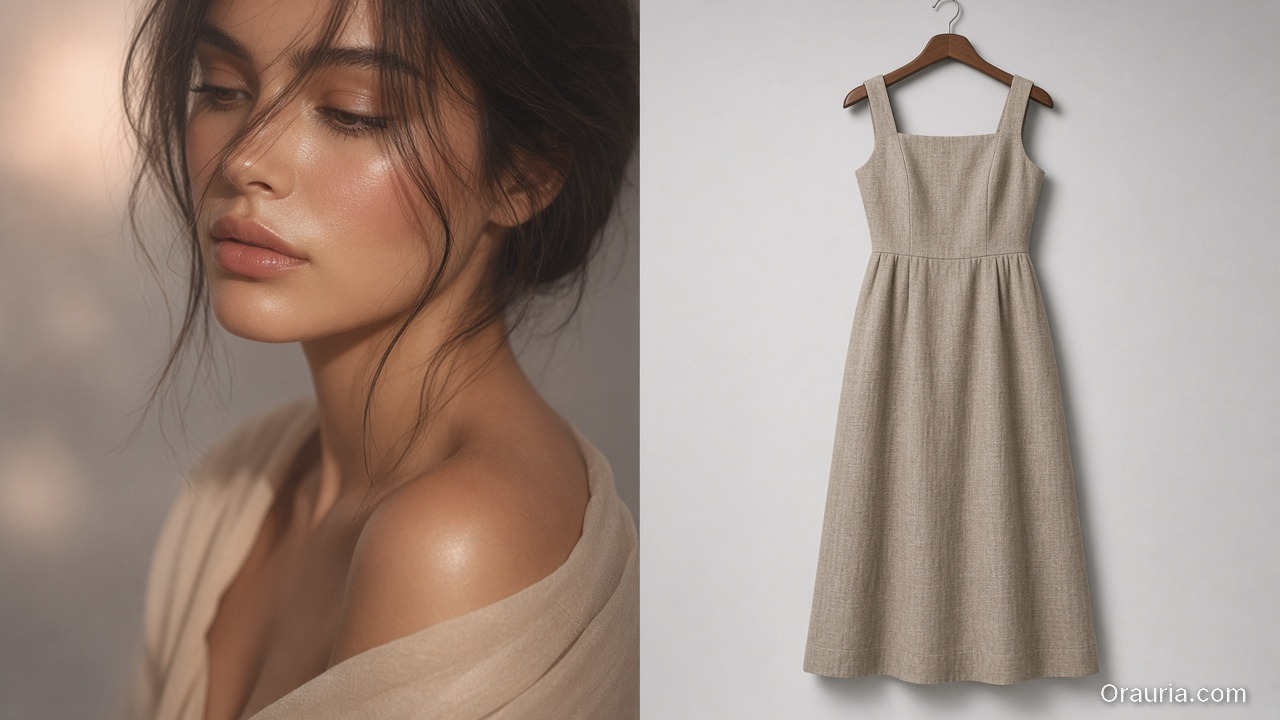
    A glamorous face-and-shoulder beauty crop beside a sharply different square-neck linen dress on a hanger

    Why Do Try-On Ads Fail After the Click?

    Because the ad sold a face mood and the PDP shows a different garment.

    Ad promisePDP realityResult
    Perfect drapeStiffer fabricReturn
    Shorter hemTrue lengthDistrust
    Model body matchSize chart ignoredSize chaos
    New face every frameBrand amnesiaLow recall

    Try-on without gates burns paid traffic.

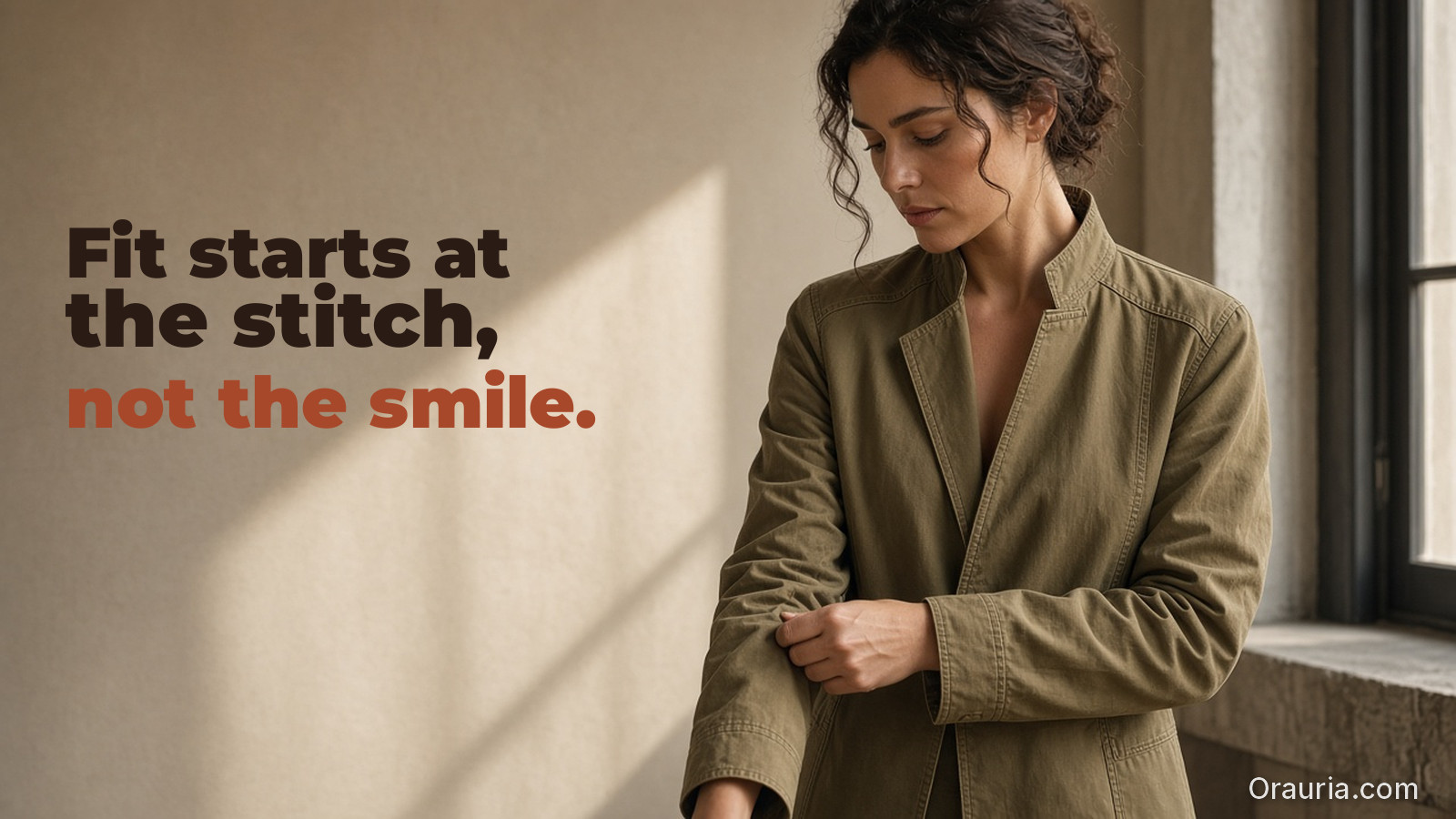
    Shoppers forgive AI skin. They do not forgive AI seam lines. Fit storytelling starts at the stitch, not the smile.

    What Must Be Locked for Honest Try-On?

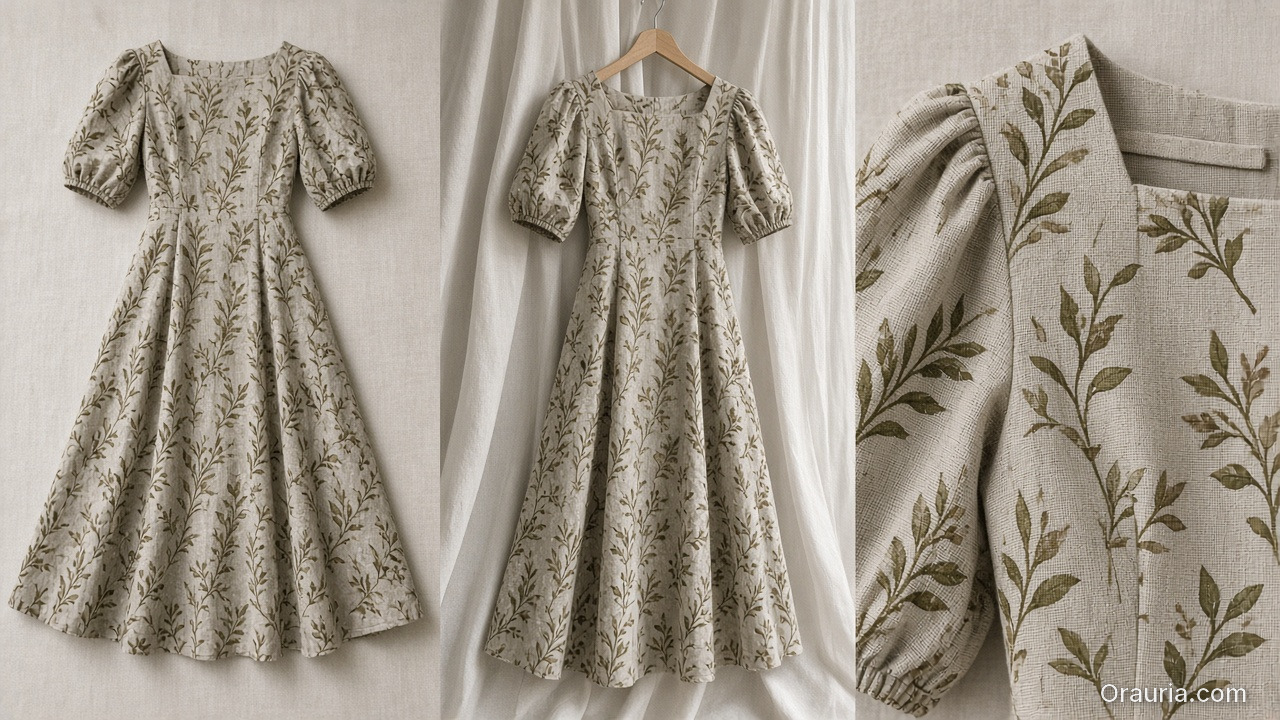
    The same printed midi dress shown flat, on a hanger, and in a close crop of neckline, sleeve, and print scale

    Garment bible

    • Silhouette, neckline, sleeve, length, closure
    • Print scale and placement
    • Fabric category (knit / woven / sheer)
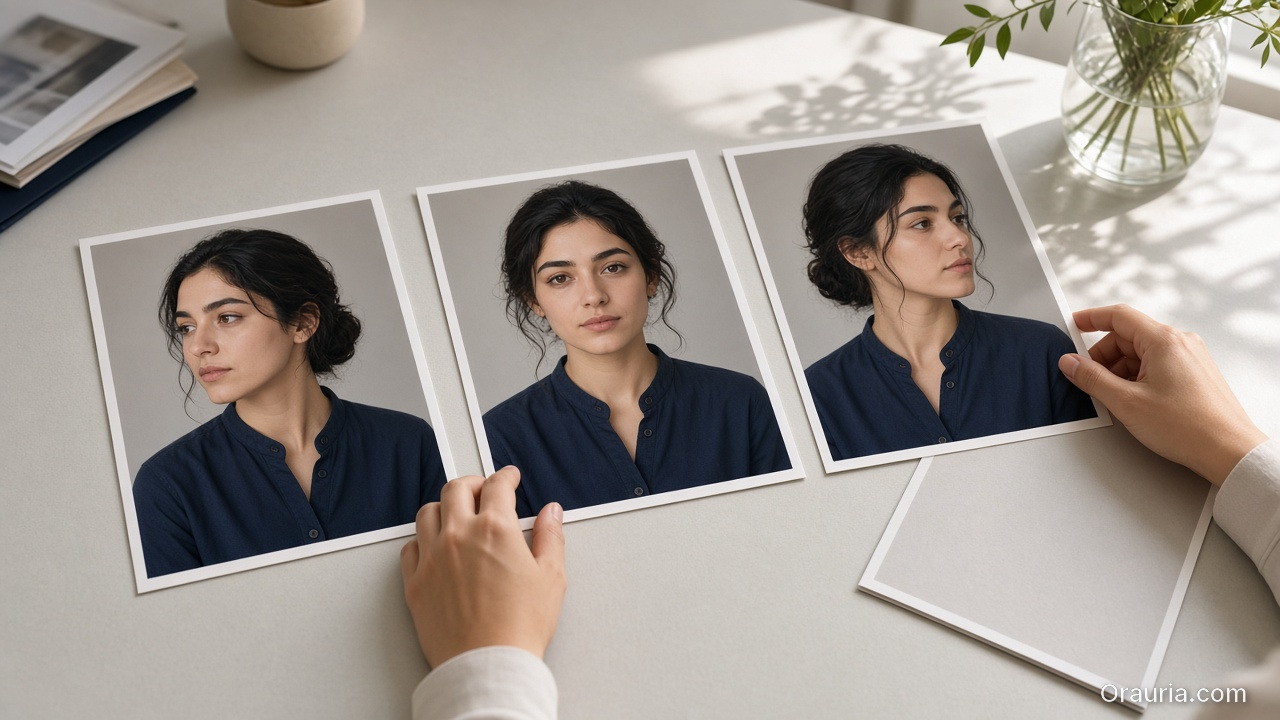
    Three consistent mid-shot prints of the same person in a navy shirt on a studio desk, with one rejected print face-down

    Character rules (if face/body shown)

    • One anchor identity across the set
    • Body proportions stable enough for size intuition
    • No “new cousin” every creative
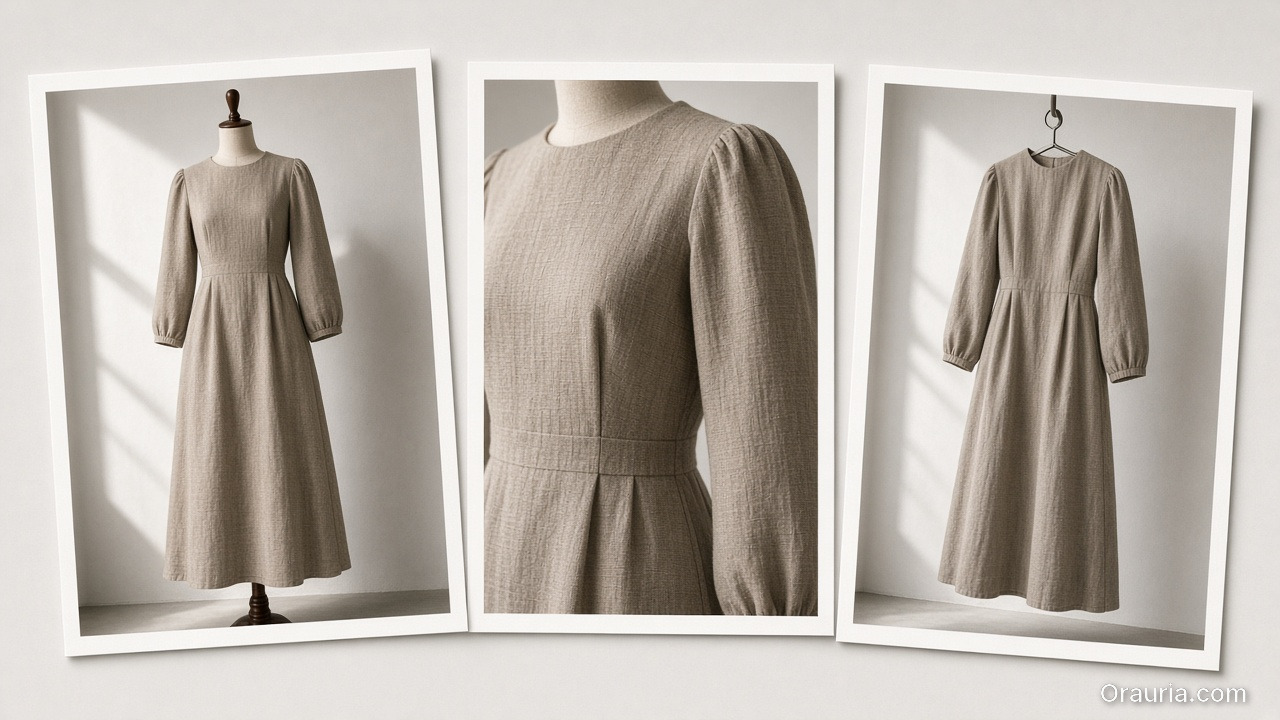
    Three prints of the same modest dress: on a dress form, a shoulder-and-waist fit detail, and a later hook crop

    Scene job

    • Demo: on-body motion or turn
    • Proof: detail of fit at shoulder/waist
    • Hook: only after garment passes
    A try-on playbook desk with garment refs, a dress-form still, a loupe on the hem, colorway variants, and a rejected beauty-only print

    Playbook: Try-On Without Filter Energy

    1. Capture garment refs — flat + on-hanger + detail
    2. Approve a base on-body still reference-heavy
    3. Garment QA gate — zoom hems, necklines, prints
    4. Extend to ads — crop to 9:16 / 4:5; do not regenerate identity per ratio
    5. Colorway variants — swap garment ref only; keep pose/world
    6. Reject beauty-only winners that fail garment match

    Pair with lookbook world rules (lookbook needs a world).

    Soft CTA

    Build listing and on-body stills from real garment refs: Listing Images · Gallery

    Frequently Asked Questions

    What makes AI virtual try-on ads trustworthy?

    Garment fidelity under zoom, stable character, and clear Demo/Proof jobs — not maximal beauty scores.

    Do I need a different model for try-on vs packshots?

    Choose for the fidelity bottleneck after direction. Try-on usually needs stronger reference lock than lifestyle exploration.

    Can try-on replace size charts?

    No. It supports intuition. Charts and measurements remain mandatory.

    How many try-on frames per SKU?

    One approved on-body hero + one detail proof beats six drifted beauties.

    Conclusion

    Stop shipping face filters in dresses. Ship fit stories.

    Lock the garment. Gate the seams. Keep one character. Use try-on where Demo and Proof matter. That is how AI virtual try-on ads earn clicks that survive the PDP.


    References

    1. Adobe, 2026 Creators’ Toolkit Report, June 16, 2026. https://news.adobe.com/news/2026/06/creators-toolkit-report-2026
    2. Lumepixa, Product Image Statistics 2026. https://lumepixa.app/blog/ecommerce-product-image-statistics
  • Amazon Listing Images as a System: Main, Variants, and A+ Still Logic

    Amazon Listing Images as a System: Main, Variants, and A+ Still Logic

    Amazon does not buy your moodboard. It buys slot performance: a compliant main image, a gallery that answers doubts, and A+ stills that explain without breaking catalog rules. Teams that AI-generate “seven pretty heroes” still lose the Buy Box war on clarity.

    AI Amazon listing images work when you treat the gallery as a system of jobs — not a folder of vibes.

    Key Takeaways

    • Main image = compliance + recognition. Secondary slots = doubt removal. A+ = story without replacing Truth.
    • Listings with richer image sets convert more strongly in large studies (~50% higher with 5+ images vs thinner galleries in Catchlab-cited 2026 roundups).
    • Reuse packshot angle families and scene jobs — mapped to Amazon slots.
    • Upscale only after QA (upscale playbook).
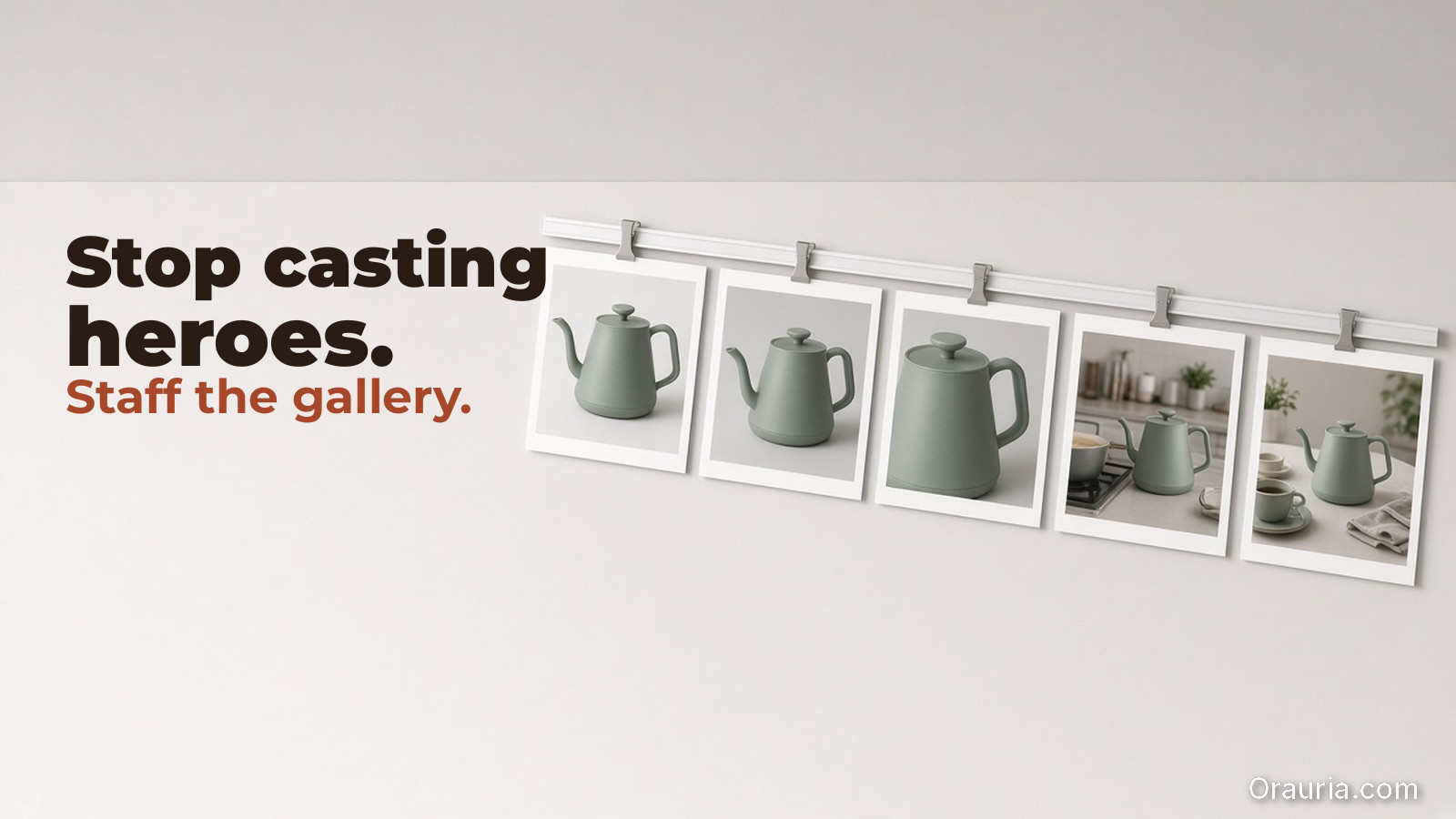
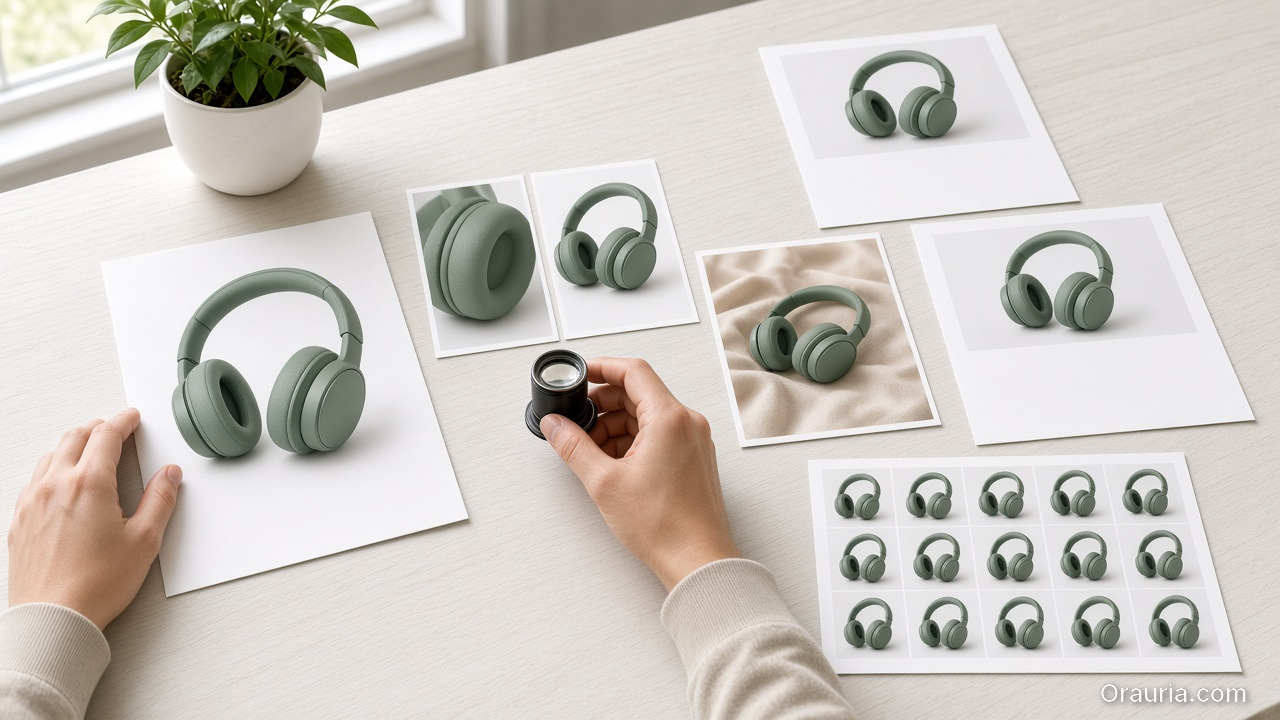
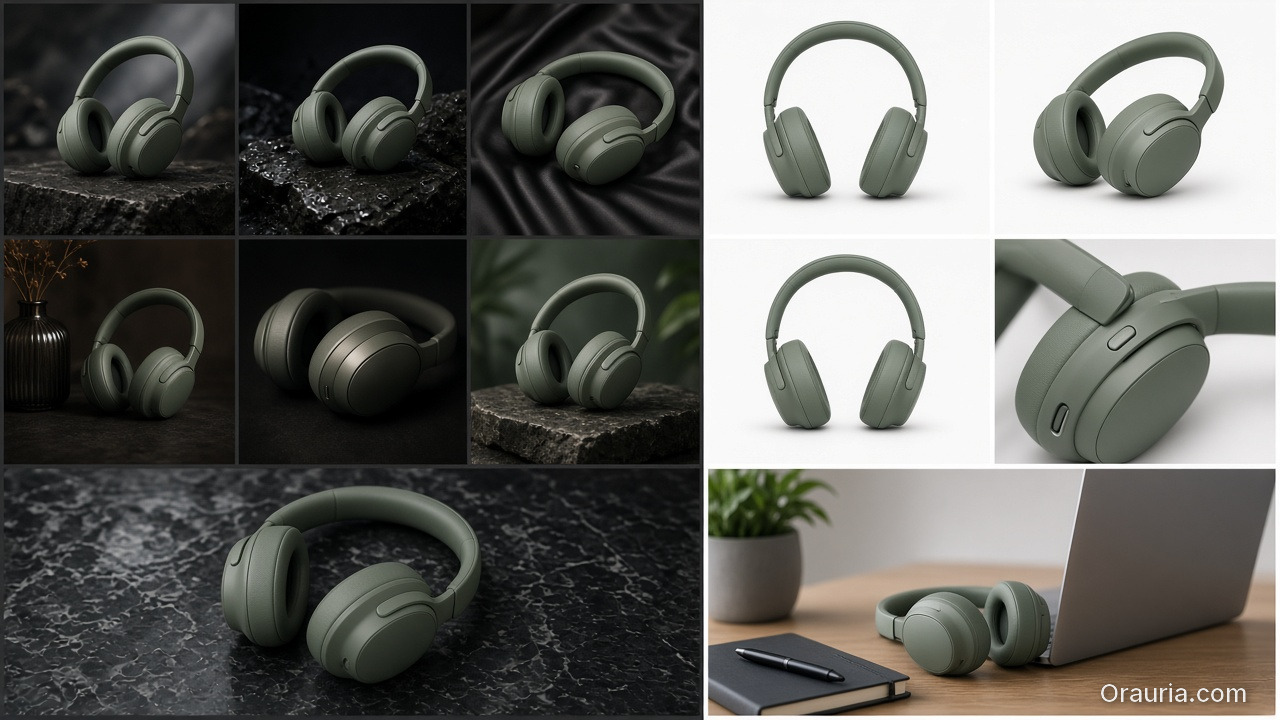
    A messy set of moody beauty-hero headphone shots on the left, versus a systematic gallery of the same sage headphones with a white main, angles, a macro, and one honest desk lifestyle on the right

    Why Do Random AI Galleries Underperform on Amazon?

    Because each thumbnail has a job in the purchase path.

    SlotJobFail mode
    MainRecognize + complyProps, text, lifestyle bleed
    2–3Form / angle truthDuplicate beauty shots
    4–5Detail / texture / scaleUnreadable macros
    6–7Lifestyle / in-useFantasy that fights main
    A+Features / compare / storyWalls of unread text

    If every file tries to be a campaign hero, none of them staff the gallery.

    Amazon creative is information architecture with pixels. AI should fill slots, not audition for a perfume ad.

    The Listing Image System

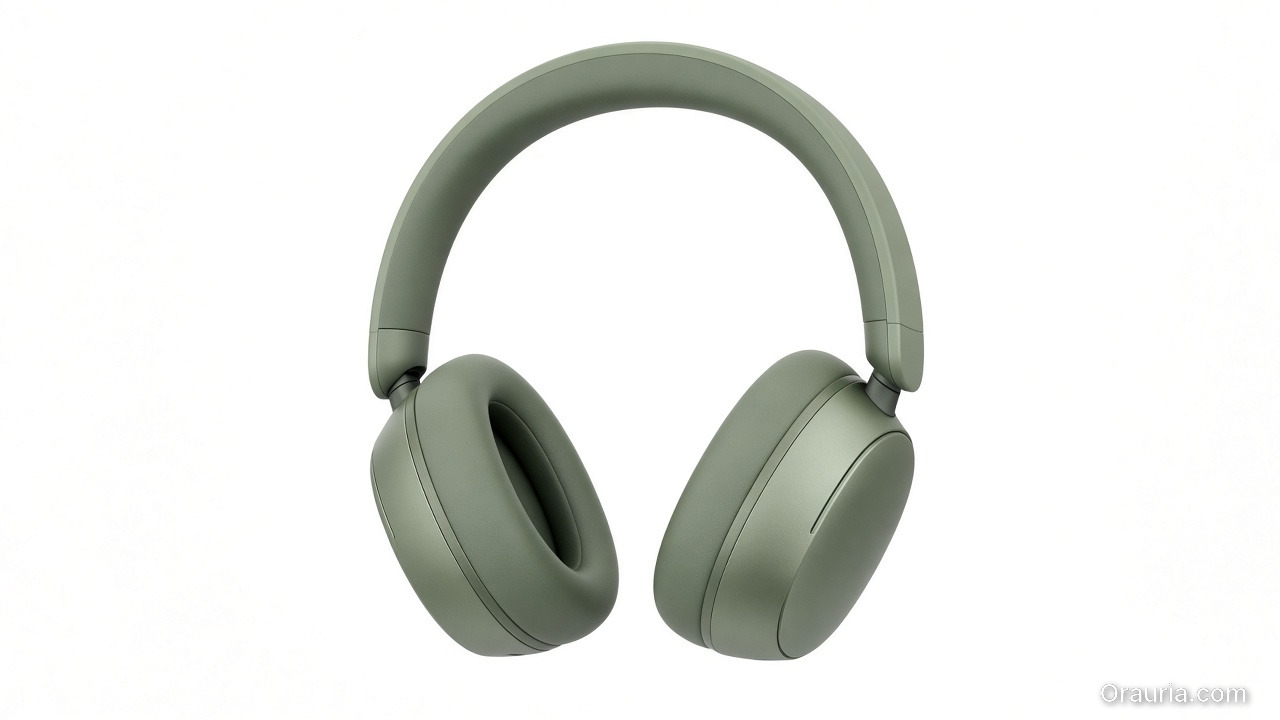
    A full, true-color pair of matte sage wireless headphones centered on a clean white seamless background, with no props or overlays

    Layer A — Compliance Truth

    • Main on approved background
    • True color, full product, no promotional overlays (follow current marketplace policy)
    • Geometry QA for hard goods
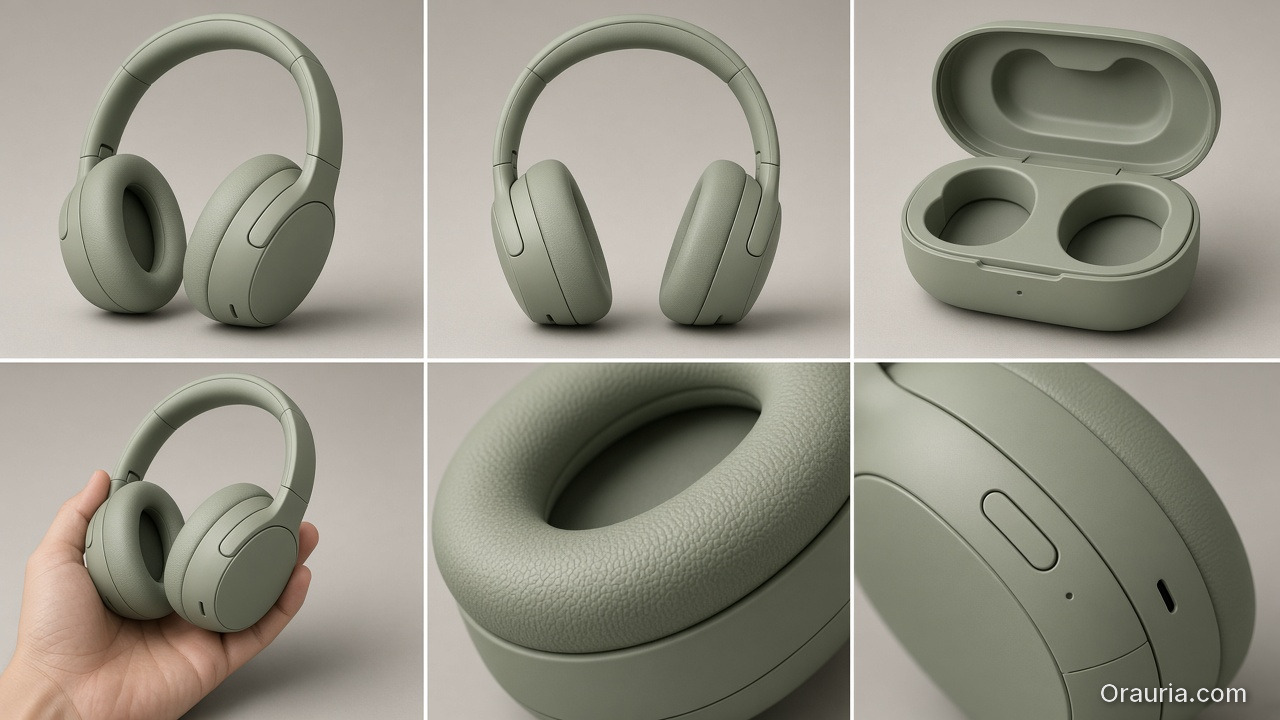
    Doubt-removing views of sage headphones: three-quarter and back angles, an open case, scale in a hand, and macros of cushion texture and controls

    Layer B — Doubt Removers

    • 45° / back / open-box / scale in hand
    • Detail of materials and controls
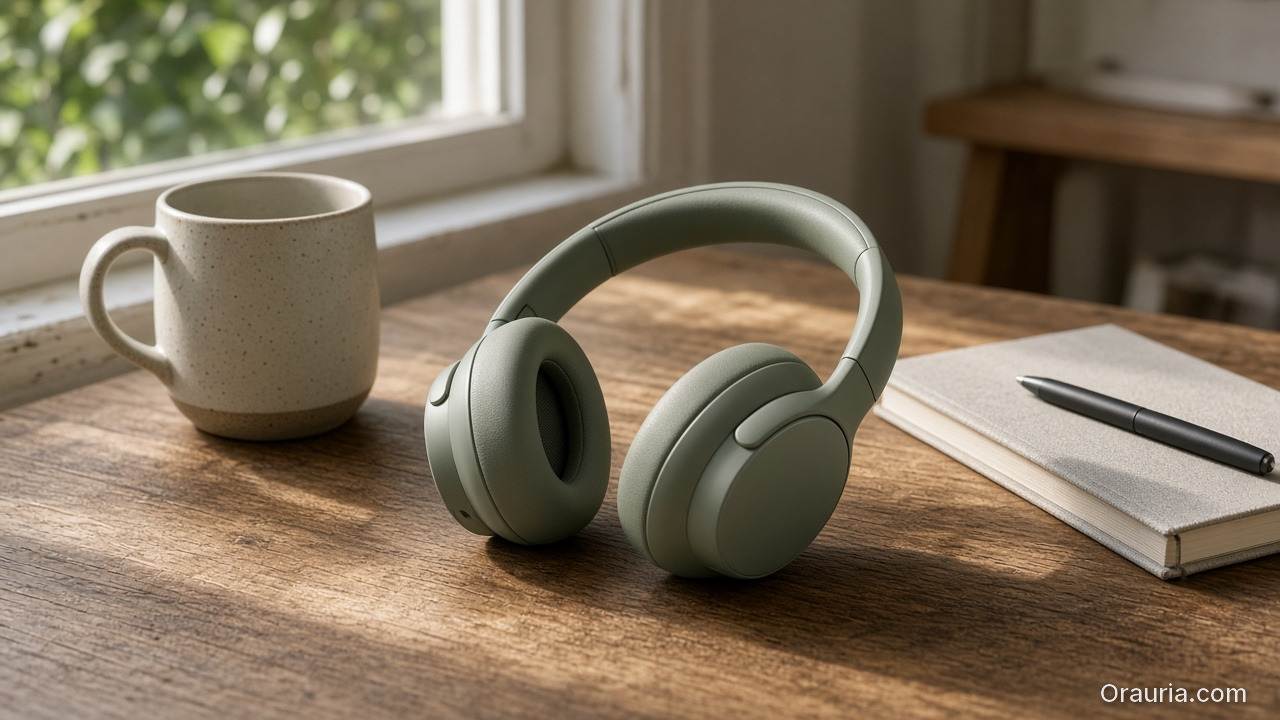
    Sage wireless headphones on a sunlit wooden desk beside a ceramic mug and a closed notebook, in an honest home-office lifestyle still

    Layer C — Desire / Context

    Layer D — A+ Stills

    • Feature callouts in clean layouts
    • Comparison charts as designed graphics (prefer controlled text, not hopeful in-image AI type)
    A listing-system desk with a white main packshot, angle details, a loupe, one lifestyle print, empty typography-safe layout frames, and a contact sheet, with no letters on the prints

    Playbook: One SKU, One System Day

    1. Write slot map — which file fills which job
    2. Shoot/generate Truth set reference-heavy
    3. QA geometry + typography
    4. Add one lifestyle only after Truth passes
    5. Build A+ frames from approved masters (crop + layout)
    6. Upscale delivery sizes once
    7. Contact-sheet review against competitor galleries in-category

    Ratio/adapt habits from marketplace banners still help for off-Amazon ads — but on Amazon, slot jobs beat ratio panic.

    Soft CTA

    Produce listing-ready packshots and gallery systems: Ecommerce · Packshot

    Frequently Asked Questions

    Can AI generate Amazon main images?

    Yes — if compliance and product fidelity pass. Treat main as the strictest Truth frame, not a creative playground.

    How many lifestyle images should an Amazon gallery include?

    Usually one or two. Fill remaining slots with doubt removers before stacking lifestyles.

    Is A+ a place for experimental AI worlds?

    Keep A+ clearer than experimental. Use approved product masters; add controlled graphics for features.

    How is this different from TikTok Shop scene types?

    TikTok optimizes scroll jobs (hook/demo). Amazon optimizes catalog jobs (compliance/doubt). Share masters; change the slot map.

    Conclusion

    Stop generating seven heroes. Staff seven jobs.

    Main for compliance. Variants for truth. Lifestyle for desire. A+ for explanation. Gate fidelity. Then deliver.

    That is an AI Amazon listing images system — built for the buy path, not the moodboard.


    References

    1. Lumepixa, AI Product Photography Statistics 2026 (Catchlab / Salsify citations). https://lumepixa.app/blog/ai-product-photography-statistics
    2. Adobe, 2026 Creators’ Toolkit Report, June 16, 2026. https://news.adobe.com/news/2026/06/creators-toolkit-report-2026
  • Home Product Staging with AI: Room Context Without Fake Square Footage

    Home Product Staging with AI: Room Context Without Fake Square Footage

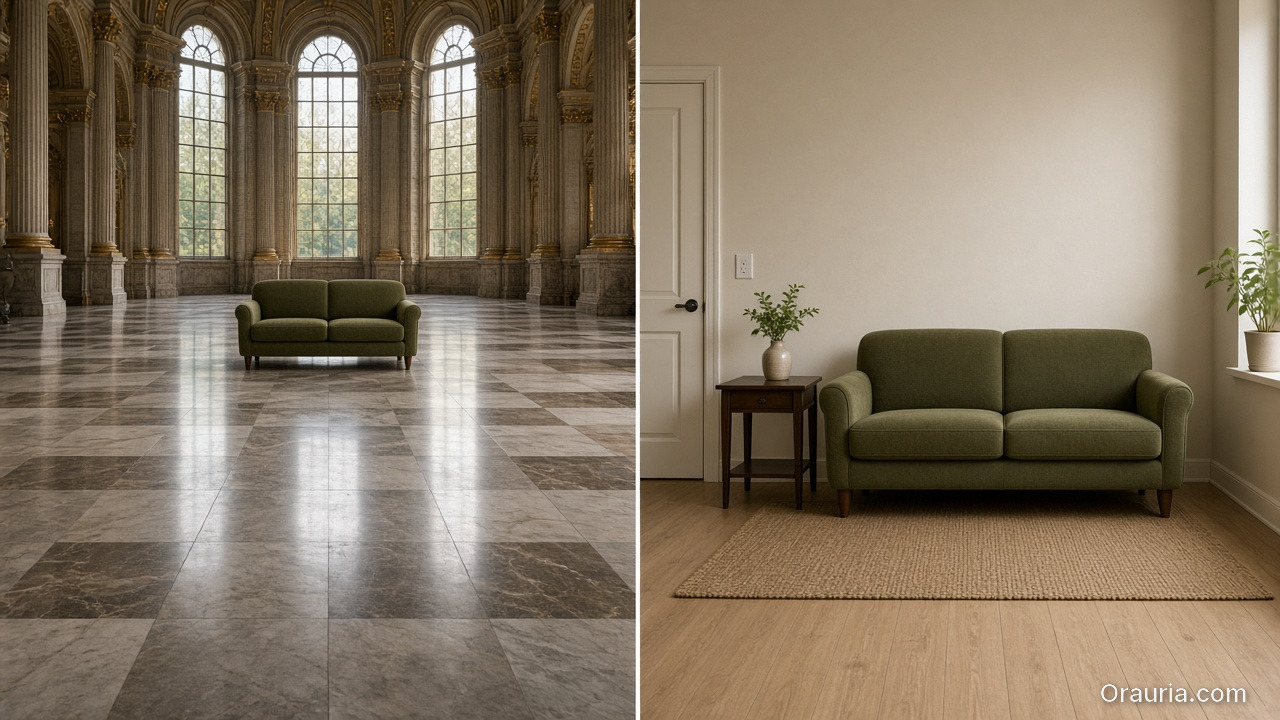
    A sofa on pure white tells dimensions badly. A sofa in a cathedral living room tells lies well. Home and furniture ecommerce lives in that tension: buyers need context, but context that invents square footage creates “looked bigger online” returns.

    AI home product staging is the discipline of placing SKUs in believable rooms with scale honesty, locked light, and gates — not generating dream interiors that your warehouse cannot ship.

    Key Takeaways

    • White-only home catalogs under-inform; fantasy rooms over-promise. Use dual-layer galleries like visual commerce 2026.
    • Stage with known scale anchors (door, outlet, side table) and real product dimensions in the brief.
    • Map rooms like beauty maps rituals — a context grid before generate (SCENE).
    • Geometry still matters for legs, seams, and hardware (hard goods QA when parts are precise).
    The same olive two-seat sofa looking doll-sized in a palatial hall on the left, versus an honest apartment room with a door, outlet, and side table as scale anchors on the right

    Why Does Home Staging Break Trust Online?

    Because furniture is purchased as space math.

    Staging sinBuyer consequence
    Oversized rooms“Tiny in real life” returns
    Wrong camera heightProportions feel off
    Mixed design erasBrand looks incoherent
    Soft rug hiding feetLeg style unknown
    Invented materials on propsCart confusion

    Lifestyle lift is real in ecommerce image research — but only when lifestyle stays honest.

    Home staging is not interior design porn. It is dimensional storytelling: how big, how it sits, how it lives with ordinary walls.

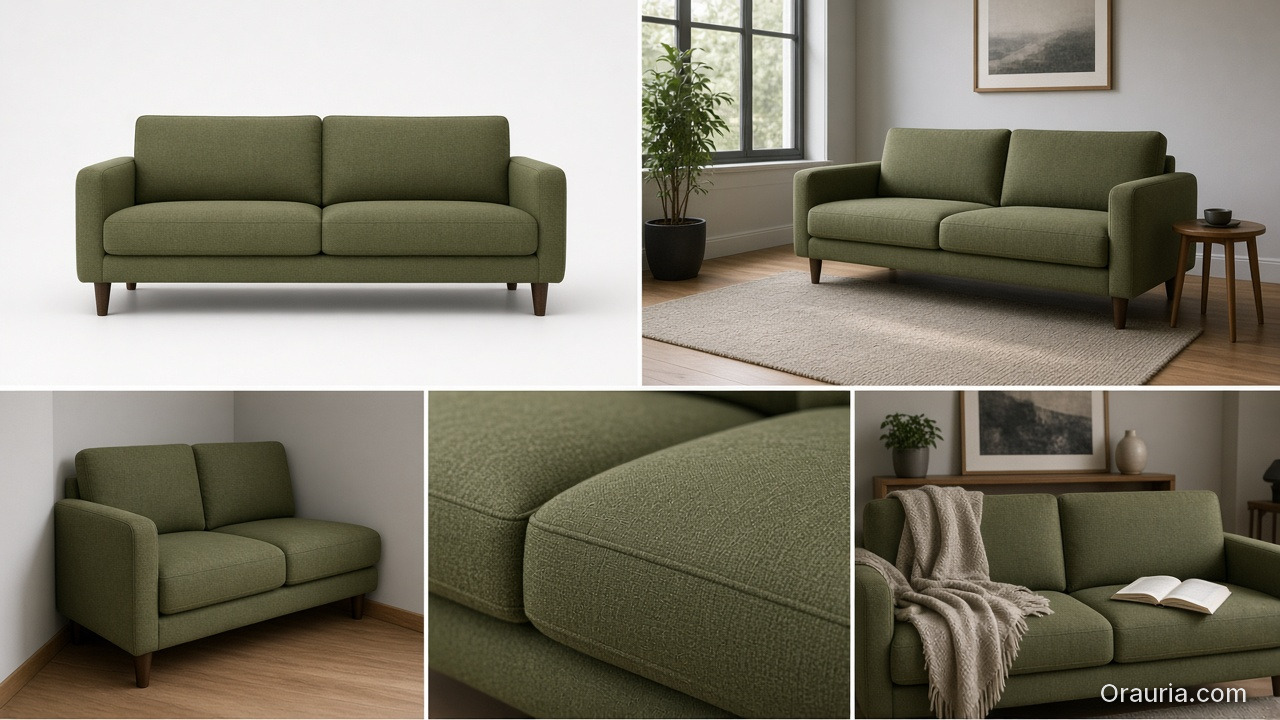
    A five-panel grid of the same olive sofa: white packshot, apartment daylight, a tight corner, a fabric detail, and a lived-in lifestyle still

    Context Map for Home SKUs

    Borrow beauty’s context mapping mindset (beauty lifestyle contexts):

    ContextJobAvoid
    Studio / whiteSpec + color truthOnly image on PDP
    Apartment daylightReal-life scaleMansion windows
    Corner / tight wallSmall-space proofEndless open plan
    Detail / fabricMaterial truthFake weave
    Lifestyle lived-inEmotionClutter that hides SKU

    Write 4–5 contexts per hero SKU. Reuse the room kit across the catalog (batch thinking).

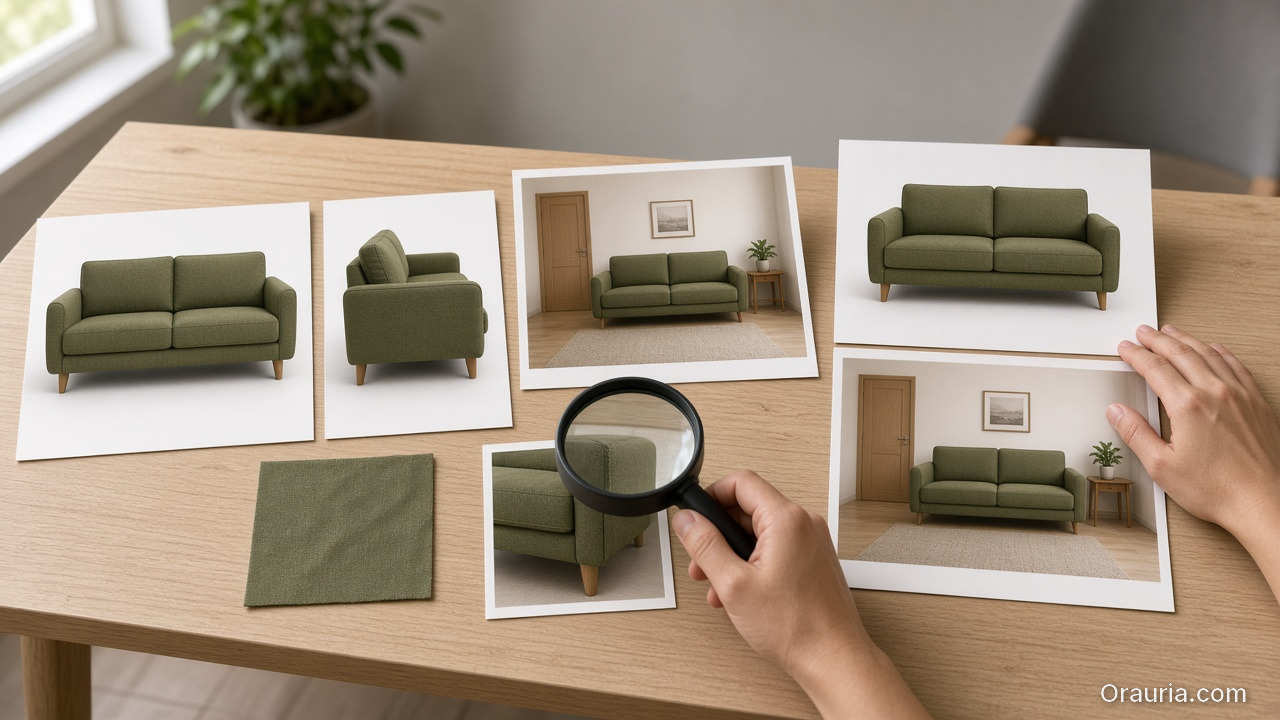
    A staging playbook desk with front and side packshots, a fabric swatch, a modest-room staging print, a loupe on the legs, and a dual-layer truth-plus-room pair

    Playbook: Honest Room Extension

    1. Lock packshot truth — front, side, fabric detail
    2. Write room brief — room size class (studio / 1BR living), camera height, light (north window / warm lamp)
    3. Place scale anchors — known objects; state approximate room width in brief if critical
    4. Generate staging with product ref locked
    5. Scale QA — does the SKU dominate the room unrealistically?
    6. Ship dual layer — truth + staging for PDP; staging-heavy for ads

    Soft CTA

    Produce catalog truth and room contexts in one ecommerce creative system: Ecommerce · Photography

    Frequently Asked Questions

    What is AI home product staging?

    Placing furniture or home SKUs into room contexts with AI while preserving product fidelity and believable scale for ecommerce.

    Should every furniture PDP drop white backgrounds?

    Keep a truth layer. Add staging as secondary images and ads — same dual-layer logic as visual commerce guidance.

    How do I prevent “mansion staging”?

    Specify room class and camera height in the brief. Reject outputs where the SKU looks doll-sized or palace-scaled.

    Can staging replace dimensions in the listing?

    No. Staging supports intuition; specs remain mandatory.

    Conclusion

    Rooms sell home products. Fake acreage unsells them after delivery.

    Map contexts. Lock scale. Gate the fantasy. Keep a truth layer. That is AI home product staging that converts without breeding return tickets.


    References

    1. Lumepixa, Product Image Statistics 2026. https://lumepixa.app/blog/ecommerce-product-image-statistics
    2. Adobe, 2026 Creators’ Toolkit Report, June 16, 2026. https://news.adobe.com/news/2026/06/creators-toolkit-report-2026
  • Hard Goods Need Geometry QA: Eyewear, Gadgets, and Spec-True AI Images

    Hard Goods Need Geometry QA: Eyewear, Gadgets, and Spec-True AI Images

    Beauty SKUs forgive a soft edge. Eyewear does not. A millimeter of temple warp, a lens reflection that invents a logo, a button row that gains an extra key — and the listing becomes a liability.

    AI hard goods product images fail when teams apply fashion/lifestyle prompting to precision objects. Hard goods need geometry QA as a first-class gate: silhouette, symmetry, ports, hinges, and print — before any lifestyle world.

    Key Takeaways

    • Hard goods are spec products. Buyer trust is dimensional, not only emotional.
    • Run a geometry checklist before beauty, upscale, or lifestyle extension (packshot thinking).
    • Prefer reference-heavy generation; explore mode is for backgrounds after the object passes (reference vs explore).
    • Upscale only after QA (upscale after QA) — sharpening warped hinges makes rejects look confident.
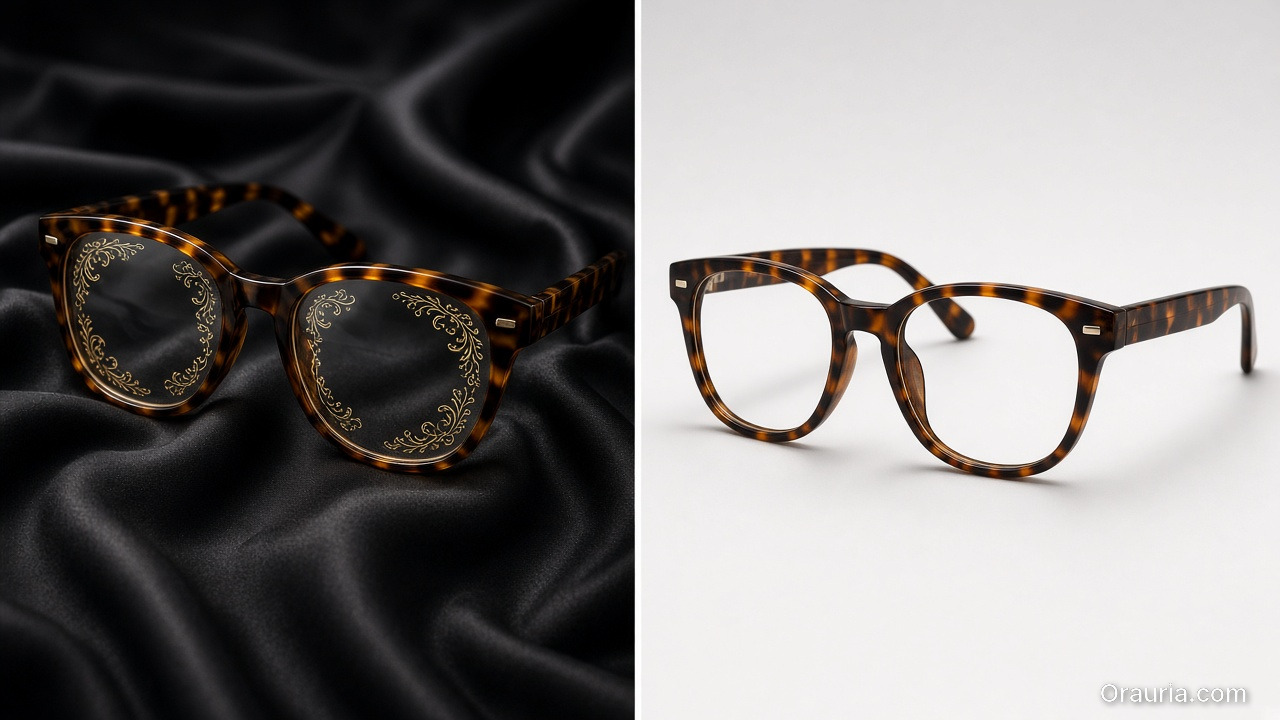
    Moody tortoiseshell glasses on dark silk with invented ornamental lens marks, versus a clean spec-true packshot of the same frames with clear empty lenses

    Why Do Lifestyle Prompts Break Hard Goods?

    Because soft prompts optimize for vibe. Hard goods optimize for match-to-unboxing.

    Soft-goods biasHard-goods reality
    Fabric drape can varyHinge angle cannot
    Skin tone moodPort count is binary
    “Premium glow”Specular lies on lenses/metal
    Approximate logoExact wordmark + icon

    Eyewear, watches, earbuds, keyboards, tools, and small appliances sit on the hard side of that table.

    For hard goods, the hero image is a contract drawing with light — not a moodboard with a product stuck on top.

    Geometry QA Checklist (Pass Before Beauty)

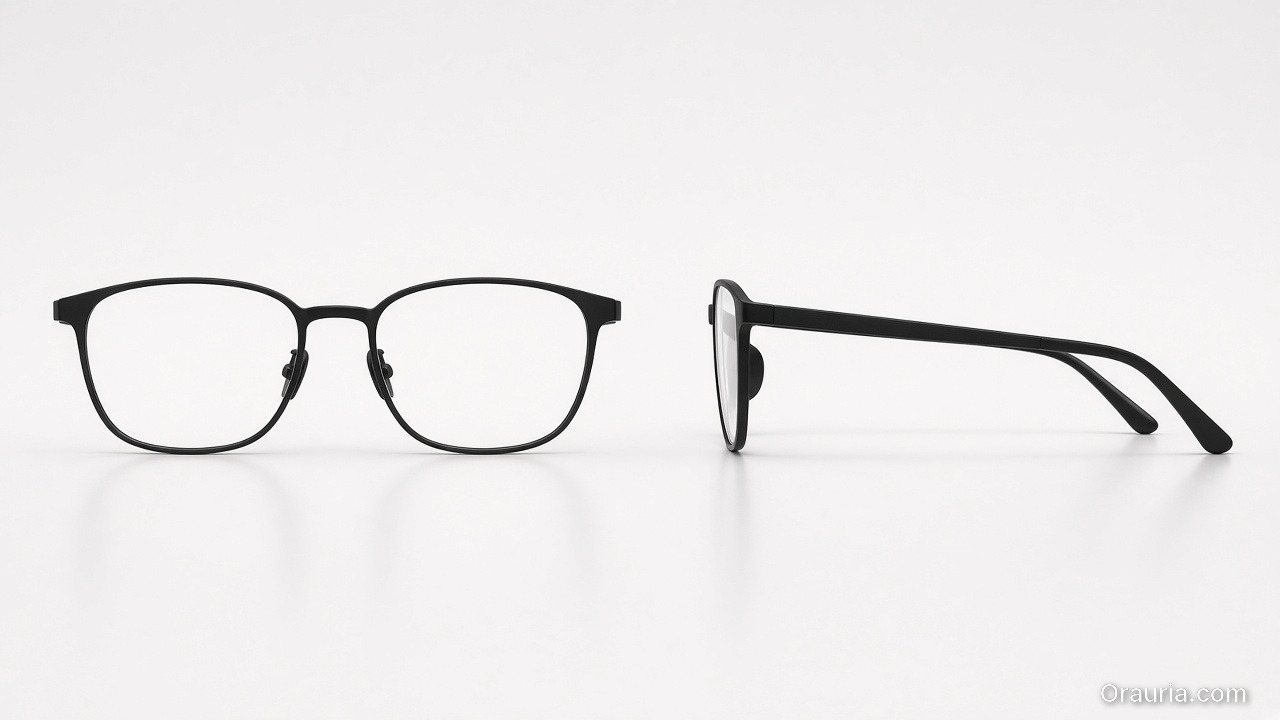
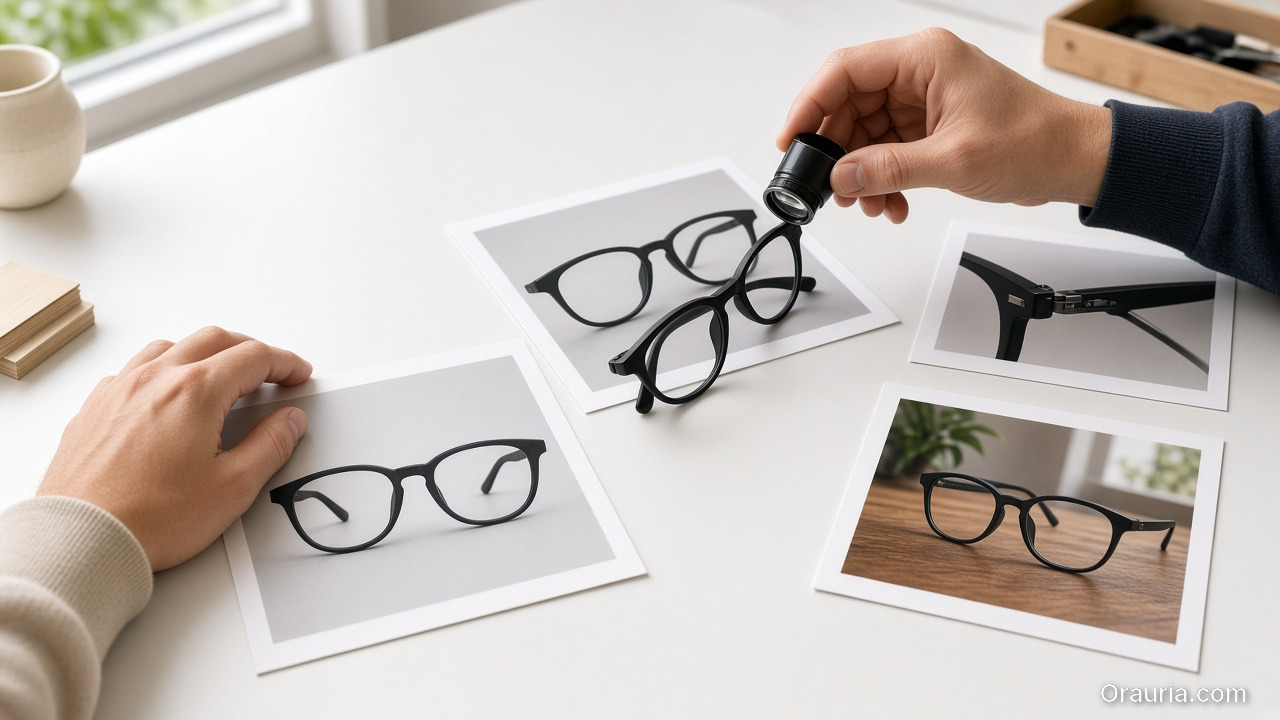
    Front and side catalog views of matte black eyeglasses with a crisp intact silhouette and complete un-melted temples

    Silhouette

    • Outer shape matches reference
    • No melted corners, no missing tips (eyewear temples)

    Symmetry / alignment

    • Left-right balance on glasses, buds, paired objects
    • Button grids aligned
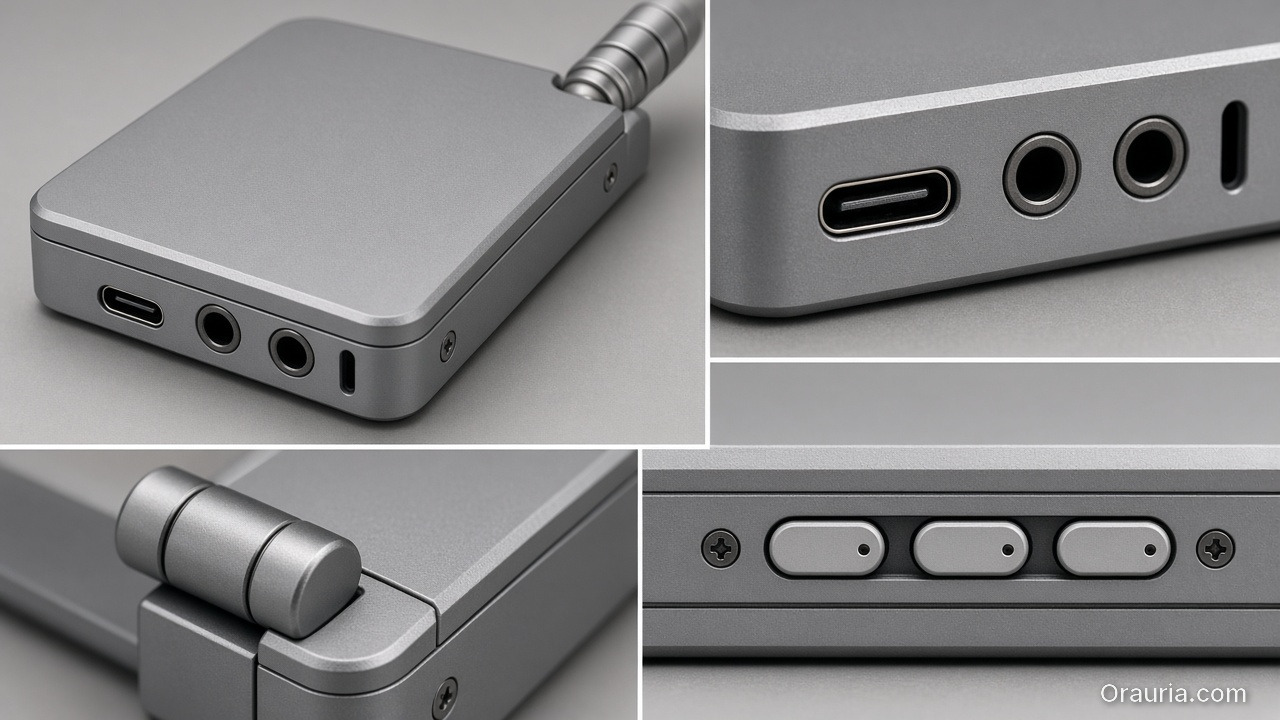
    Close views of a compact unbranded aluminum gadget showing the correct ports, a hinge, screws, and a blank switch row with no extra keys

    Functional parts

    • Ports, hinges, switches, screws present and correct in count
    • No “extra USB” hallucinations

    Optics / materials

    • Lens transparency plausible (no opaque glass unless product is)
    • Metal vs plastic read correct

    Print / icons

    • Logos and iconography correct — or intentionally out of frame

    Fail any row → reject. Do not lifestyle it “to hide the error.”

    A geometry-QA desk with front and hinge reference prints of black eyeglasses, a loupe on a temple, and one lifestyle still of the same glasses on a wooden desk

    Playbook: Spec-True Then Scroll-Stopping

    1. Capture honest refs — front, 45°, detail of hinge/port
    2. Generate Truth angles reference-heavy (image model after direction)
    3. Geometry QA gate with zoom
    4. Optional lifestyle bridge — same approved object into a scene (desk, face for eyewear with character lock)
    5. Upscale + crop only on winners (node spine)

    For ads, keep scene jobs — but Truth frames carry the SKU.

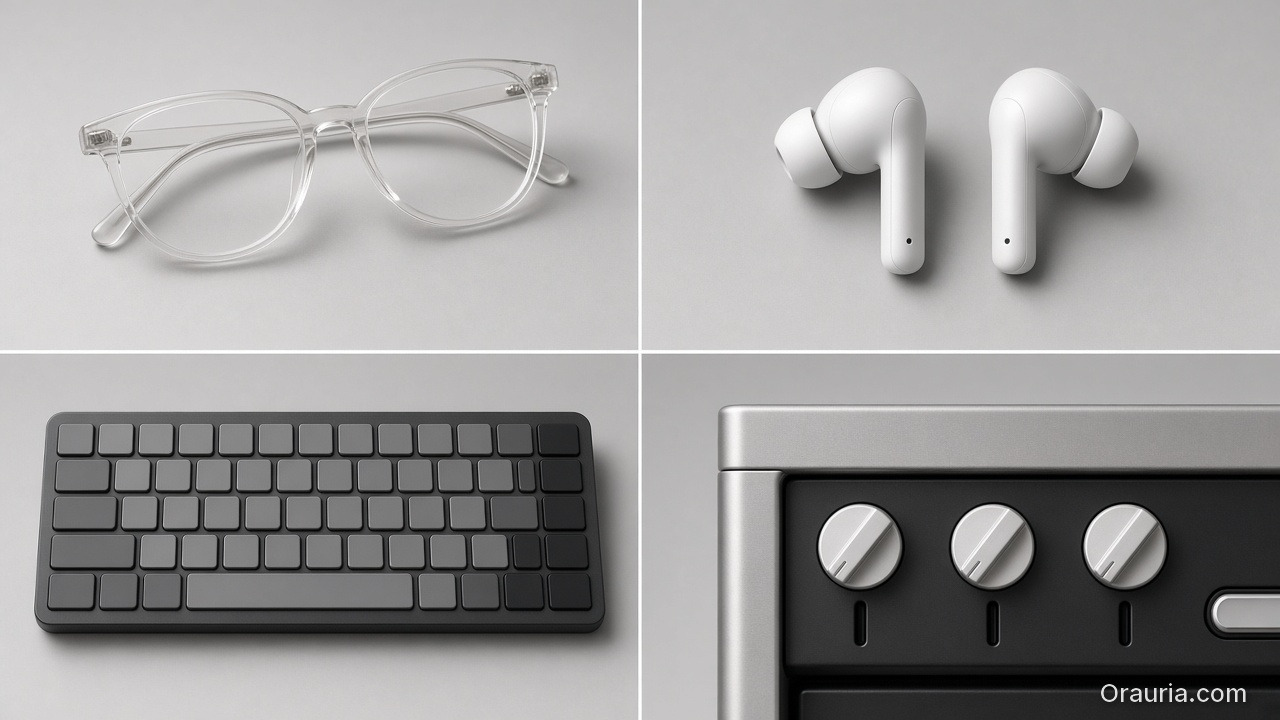
    A four-category grid: clear eyeglasses with both lenses visible, matched earbuds, a keyboard with blank keycaps, and appliance knobs with no writing

    Category Notes

    CategoryExtra riskExtra gate
    EyewearLens reflections invent logosCheck both lenses
    Earbuds / wearablesStem length driftSide-by-side with ref
    Keyboards / controllersKey count / layoutCount visible keys
    Small appliancesCable / button mythsDetail crop of controls

    Soft CTA

    Build spec-true packshots before campaign worlds: Packshot · Ecommerce

    Frequently Asked Questions

    What counts as hard goods for AI product images?

    Products where dimensional accuracy and part count matter to purchase and returns — eyewear, electronics, tools, precision accessories.

    Can I still use lifestyle scenes?

    Yes — after the object passes geometry QA. Lifestyle is extension, not repair.

    Should I use a different AI model for hard goods?

    Choose for fidelity bottleneck after direction — not because the category is trendy. See model-after-direction guidance.

    How many reference angles do I need?

    At least front + 45° + one detail of the failure-prone part (hinge, port, lens).

    Conclusion

    Hard goods do not need softer prompts. They need harder gates.

    Geometry first. Beauty second. Lifestyle third. Upscale last. That is how AI hard goods product images survive zoom, returns, and marketplace scrutiny.


    References

    1. Lumepixa, AI Product Photography Statistics 2026. https://lumepixa.app/blog/ai-product-photography-statistics
    2. Adobe, 2026 Creators’ Toolkit Report, June 16, 2026. https://news.adobe.com/news/2026/06/creators-toolkit-report-2026