Moodboard Before Render: Why Designers Still Need This Step
The fastest way to waste an afternoon with AI is to skip the slowest step: the moodboard.
Teams open an image model, type "premium lifestyle product shot," generate twenty variations, pick three they like, and discover on Friday that marketing needs eight more scenes in the same world — and none of the new renders match Tuesday's winners. The model did not fail. The moodboard gate did.
An AI moodboard workflow is not nostalgia for pre-digital art direction. It is the pre-render contract — light temperature, palette, emotional register, composition habits — that turns exploration into a system you can scale.
Key Takeaways
>
> – Moodboard before render = lock direction before pixels. Without it, AI exploration produces orphans, not campaigns.
> – Adobe's 2026 Creators' Toolkit Report: 57% say AI outputs need moderate or extensive editing before publish — much of that editing is unfixed direction, not bad models (Adobe, 2026).
> – A working moodboard answers four questions: What light? What palette? What feeling? What composition habits?
> – Moodboard is the bridge between explore mode and reference-heavy scale.
> – Skilled designers still moodboard — especially when AI is the camera (lookbook thinking).
If you have read When to Use Reference Images vs Let AI Explore, you know exploration and scale are different modes. The moodboard is what you lock when exploration ends — the artifact that says: this world, not those twenty other worlds we tried.

What Is a Moodboard in an AI Creative Workflow?
A moodboard in 2026 is not a Pinterest dump. It is a directional lock — typically 5–12 frames that define:
| Dimension | What the moodboard locks | What it prevents |
|---|---|---|
| Light | Time of day, temperature, direction, hardness | Random neon vs soft window drift |
| Palette | Dominant hues, accent rules, neutrals | SKU 40 in a different color universe |
| Emotion | Calm, urgency, aspiration, intimacy | Mixed emotional registers in one gallery |
| Composition | Distance, crop, product-to-frame ratio | Inconsistent scale across scenes |
| Environment type | Kitchen, commute, bathroom — not specific props | Stock photo roulette |
The moodboard does not need to include your product. It often should not. It defines the world; product references attach separately in reference mode.
Why Did Teams Think AI Made Moodboards Optional?
Three myths enabled the skip:
1. "The prompt is the brief." Prompts describe one frame. Moodboards describe a family of frames — the visual dialect every scene must speak.
2. "We will fix it in post." Adobe reports 57% of AI outputs need meaningful editing before publish (2026). Post fixes one image. It does not fix a catalog that drifted across fifty SKUs.
3. "Exploration is the deliverable." Exploration finds options. The deliverable is a curated set in one world — the lesson from our eight-scene experiment.
What Belongs on a Pre-Render Moodboard?
Minimum viable moodboard (5 frames)
- Light reference — one frame defining temperature and direction
- Palette anchor — swatches or a scene with correct dominant hues
- Environment type — the room/street/shelf logic, not luxury clichés
- Emotion reference — one frame that nails the feeling (calm, energy, intimacy)
- Composition habit — distance and crop logic for the batch
Extended moodboard (8–12 frames)
Add: negative references (what to avoid), texture/material examples, character/talent tone if applicable, and one hero product placement sketch — not a final render, a layout intention.
Pair the moodboard with a 3-line brief:

| Brief line | Moodboard expression |
|---|---|
| Line 1 Buyer | Emotion + environment type frames |
| Line 2 World | Light + palette frames |
| Line 3 Close | Composition + channel-intent frame |
Then expand into SCENE rows — each row must pass the moodboard test: could this scene exist on the same film day as frame 3?
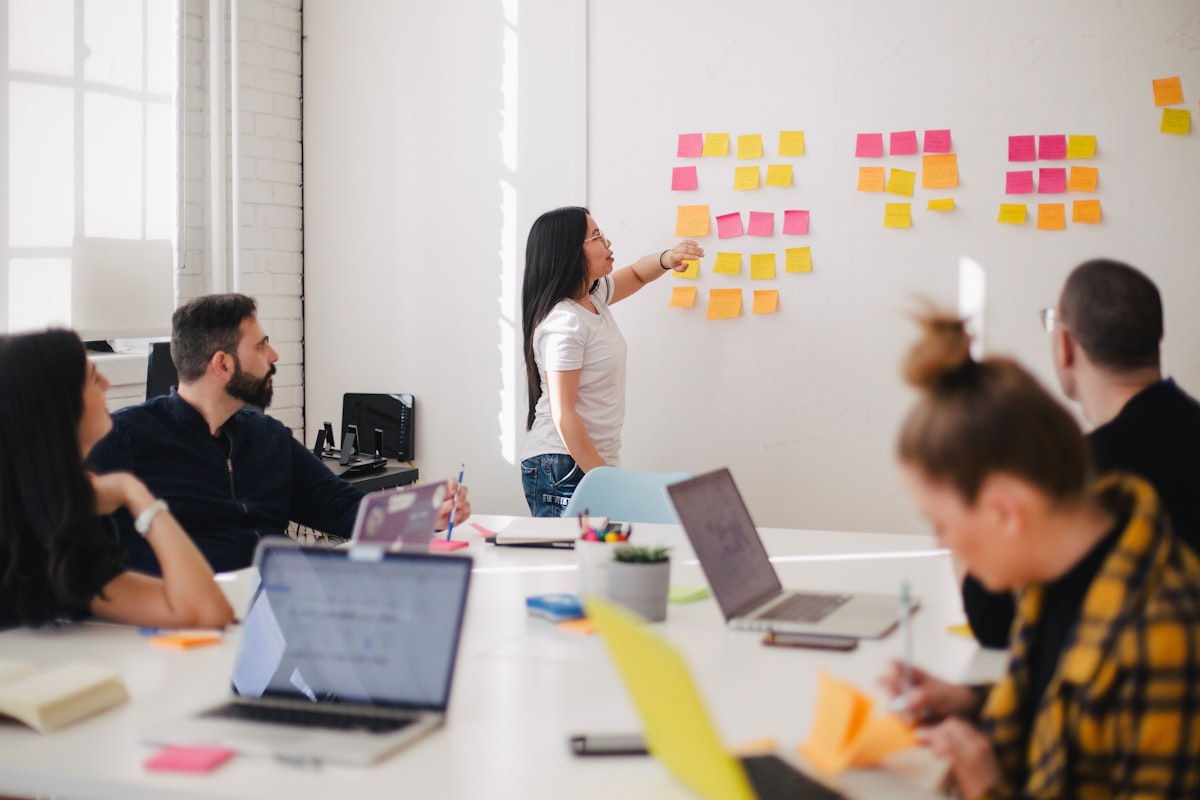
Where Does Moodboard Sit in the Pipeline?
BRIEF (3-line) → MOODBOARD (lock world) → SCENE MAP → EXPLORE (test) → CURATE → REFERENCE MODE (scale)| Stage | Moodboard role |
|---|---|
| Before explore | Define boundaries — what worlds are in play |
| After explore | Select 5–8 winners that become the locked board |
| Before batch | Attach as reference anchors alongside product shots |
| During QA | Reject any render that breaks board light or palette |
| On drift recovery | Return to board — not random prompt edits (brand trap) |
This is Direction 2 from lookbook thinking: moodboard before render — lock temperature, palette, and emotional direction before AI exploration scales.
How Do You Build a Moodboard in One Working Session?
Step 1 — Write the world sentence (10 minutes)
One sentence: "Urban autumn morning, soft window light, warm neutrals, unhurried confidence." If you cannot write it, you are not ready to render.
Step 2 — Collect references (20 minutes)
Pull 10–15 candidates from past shoots, brand archives, licensed stock, or approved AI exploration frames. Do not render new images yet.
Step 3 — Curate to five (15 minutes)
Kill frames that disagree on light or palette. The board should feel like one photographer's afternoon, not a design trend collage.
Step 4 — Add negatives (5 minutes)
List 3–5 visual habits to reject: marble bathrooms, gold fixtures, neon gradients, oversaturated skin, floating products with no shadow logic.
Step 5 — Sign-off gate (5 minutes)
Explorer and curator (or client) agree: this board is the world. No batch runs until sign-off.
Total: under one hour. Cheaper than regenerating forty wrong scenes.
What Breaks When You Skip the Moodboard?
| Skip symptom | Root cause | Fix |
|---|---|---|
| Pretty orphans | No shared world | Moodboard gate |
| Palette drift mid-batch | No palette anchor | Lock swatches on board |
| Inconsistent light | Explored without boundaries | Light reference frame |
| Client "something feels off" | Emotion not agreed | Emotion frame + brief Line 3 |
| Brand consistency trap | No recovery anchor | Rebuild board from 3 winners only |
When drift appears, do not tweak prompts randomly. Return to the moodboard and ask which dimension broke: light, palette, emotion, or composition.
How Does Moodboard Connect to Catalog Scale?
For 100-SKU batches, the moodboard is per scene family, not per SKU:
| Scene family | Moodboard scope |
|---|---|
| Morning ritual | One board for all bathroom/shelf SKUs |
| Desk pause | One board for homeware + drinkware |
| Travel kit | One board for minis and pouches |
Swap product references; do not swap worlds mid-family. That is how batch thinking preserves soul at scale.
Moodboard vs Brand Style vs References — What Is the Difference?
| Artifact | Job |
|---|---|
| 3-line brief | Strategic decisions — buyer, world, close |
| Moodboard | Visual lock — light, palette, emotion, composition |
| Brand Style (tool layer) | Enforced rules in generation pipeline |
| Product references | SKU truth — shape, label, color accuracy |
| SCENE grid | Per-scene commercial mapping |
The moodboard is the human-readable version of what Brand Style encodes in software. Both should agree — if they diverge, trust the signed-off board.
Lock direction before render on Orauria: Try Orauria
Frequently Asked Questions
Do I still need a moodboard if I have Brand Style presets?
Yes. Brand Style enforces rules; the moodboard chooses which world this job lives in. Presets without direction still drift.
Can the moodboard be AI-generated images?
Yes — if they are curated exploration winners, not random generations. Exploration produces candidates; moodboard locks the selection.
How many frames is enough?
Five for a minimum viable board. Eight to twelve for complex fashion or multi-channel campaigns.
How long should moodboarding take?
Under one hour for most ecommerce jobs. If it takes days, the brief is not decided yet — fix 3-line brief first.
Is moodboard only for fashion?
No. Beauty needs ritual environments. FMCG needs desk and shelf worlds. Any SCENE-driven job benefits from pre-render lock.
When can I skip the moodboard?
Single-frame exploration with no scale intent — mood discovery only. The moment you need a set, the board returns.
Conclusion
AI did not retire the moodboard. It relocated it — from wall pin-up to pre-render gate in every pipeline that ships more than one image.
Write the world sentence. Curate five frames. Sign off before the batch. Let SCENE and references do the rest.
Designers who still moodboard are not clinging to the past. They are refusing to pay for direction drift in pixels — one render at a time, one hundred SKUs at a time.
References
- Adobe, 2026 Creators' Toolkit Report, June 16, 2026. https://news.adobe.com/news/2026/06/creators-toolkit-report-2026
- Adobe, Inaugural Creators' Toolkit Report (Adobe MAX 2025), October 28, 2025. https://news.adobe.com/news/2025/10/adobe-max-2025-creators-survey
Leave a Reply