Đây là workspace sản xuất creative cho đội ecommerce và marketing — xây quanh nút thắt thật: biến một ý tưởng thành bộ asset nhất quán, sẵn ship, resize và dùng lại được.
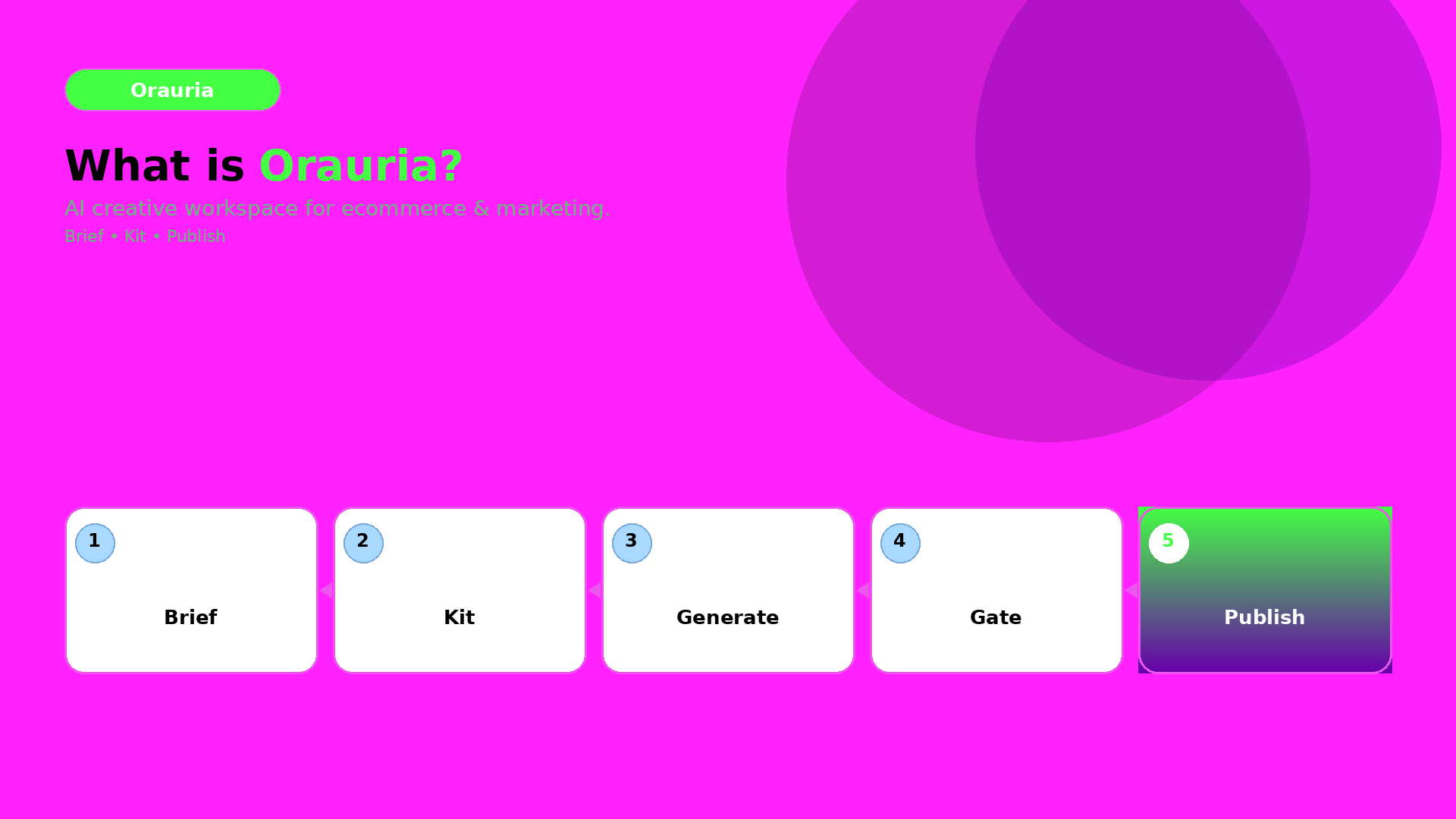
Ý tưởng cốt lõi: brief → kit → cổng QA → publish
Hầu hết workflow nội dung thất bại vì coi output AI như file rời.
Orauria nối các bước lại:
Brief: ghi rõ ý định và ràng buộc.
Brand kit: khóa palette, họ ánh sáng, neo nhận diện và rule.
Cổng QA (QC): chặn lệch brand trước khi upscale hay export.
Export sẵn đăng: tạo biến thể theo kênh mà không phải dựng lại từ đầu.
Vì sao quan trọng với ecommerce
Ecommerce sống nhờ nhận diện.
Người mua kỳ vọng “sự thật sản phẩm” giống nhau trên:
ảnh listing,
feed và reel social,
banner sàn,
và chiến dịch ads.
Tư duy workflow của Orauria được thiết kế để giữ nhận diện đó ổn định.
Bạn làm gì trong Orauria (một câu)
Bạn dựng một hệ sáng tạo dùng lại được, rồi generate asset vẫn nằm trong cùng một “world promise”.
The Slack thread starts the same way every week: “Should we use Veo, Kling, or Seedance?” Nobody has written the shot list. Nobody has locked the product reference. Nobody has decided whether the clip is a hook, a demo, or a proof. Credits disappear. The cut still feels generic.
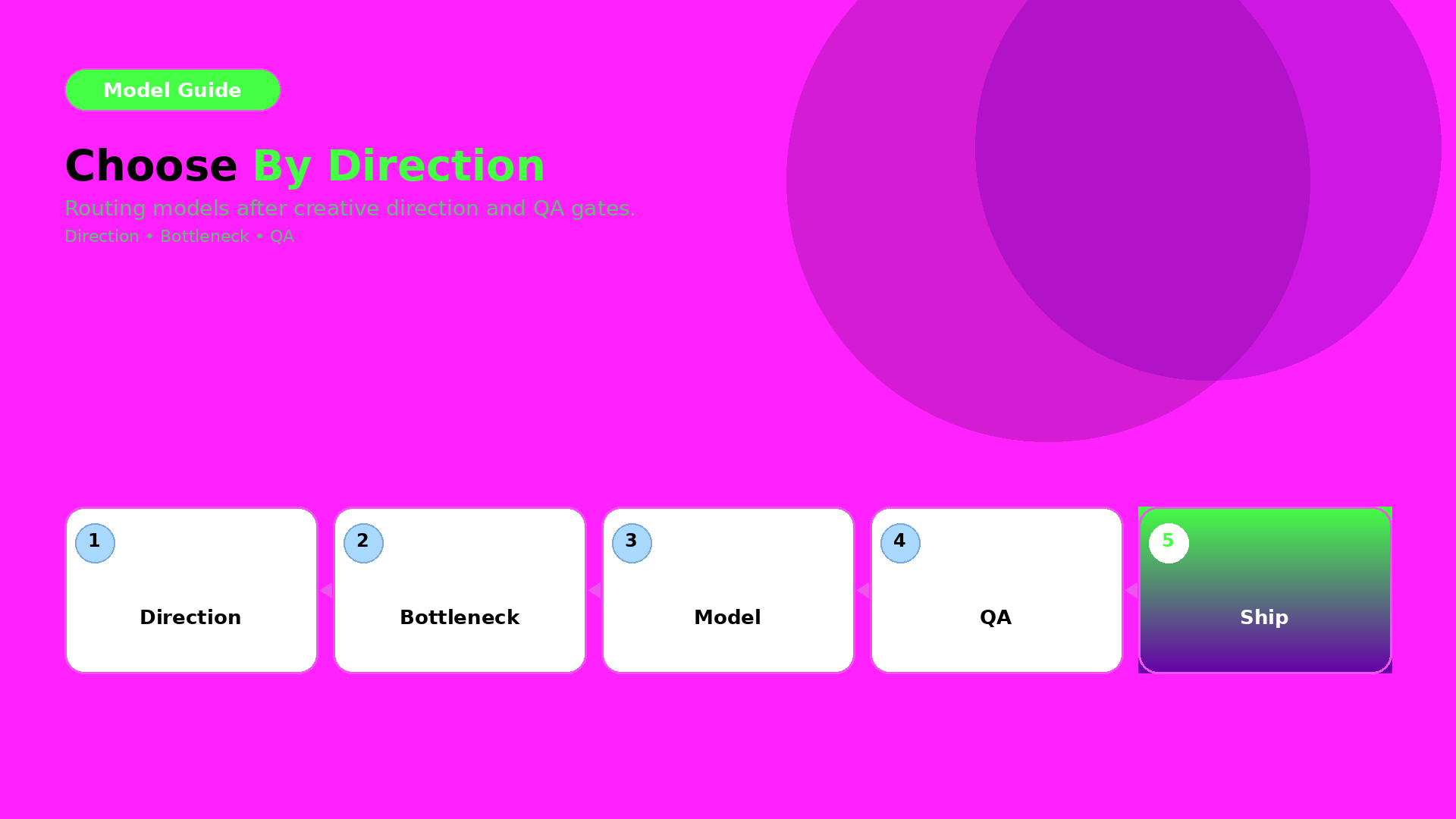
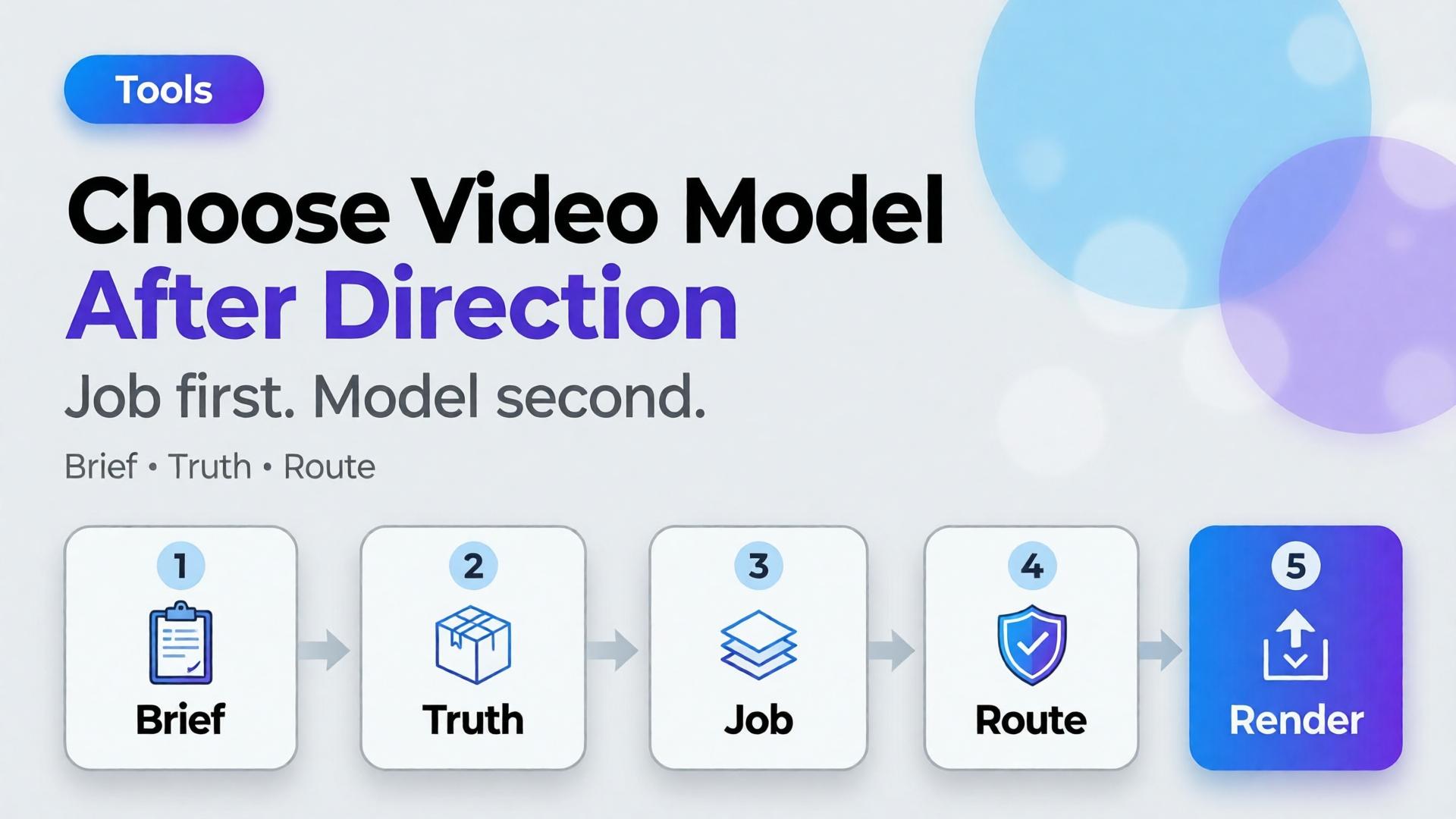
Choose the AI video model after creative direction. Model choice is a bottleneck decision — the same rule as choosing an image model, applied to motion.
Key Takeaways
>
– Video model debates fail when the job is undefined. Define scene job, duration, audio need, and product fidelity first.
– Adobe’s 2026 Creators’ Toolkit Report found 57% of creators still edit AI outputs moderately or extensively before publish — video is not exempt (Adobe, 2026).
– Match models to bottlenecks: cinematic continuity, product-locked motion, fast ad variants — not brand loyalty to a name.
Keep Crop / cutdowns as a node, not a new identity
If the still fails label QA, no video model will “fix” it honestly.
Playbook: One Hour Before You Spend Credits
Write 3-line brief + scene job
Attach brand kit + product ref
Decide strict vs flexible fidelity
Pick path: T2V vs I2V
Route to model family by bottleneck
Generate 2–3 takes max before curator gate
Edit for job — do not regenerate to avoid editing
Adobe’s edit-rate data is a reminder: plan the gate. Do not outsource judgment to the next seed.
Soft CTA
Explore motion and stills inside one creative workspace after direction is clear: Gallery · Studio Guide
Frequently Asked Questions
What is the best AI video model for ecommerce ads?
There is no universal best. The best model is the one that fits your bottleneck after creative direction — fidelity, speed, cinematic language, or audio.
Should I pick the video model before the image model?
No. Lock still direction and product truth first when the clip is product-led. Awareness films can start from text, but ecommerce usually should not.
Is image-to-video always safer for products?
Safer for identity when the still is approved. Not automatic — motion can still warp labels. Gate outputs.
How is this different from choosing an image model?
Same principle, different failure modes. Video adds duration, camera language, and audio. The order — direction before model — stays identical.
How many models should a team standardize on?
Usually one default per bottleneck, not one model for everything. Document the routing sheet so freelancers do not reinvent it weekly.
Conclusion
Veo vs Kling vs Seedance is a late question.
Job, truth level, duration, audio, source path — then model. Choose the AI video model after creative direction, the same way you choose image models after the brief. Direction is strategy. Models are routing.
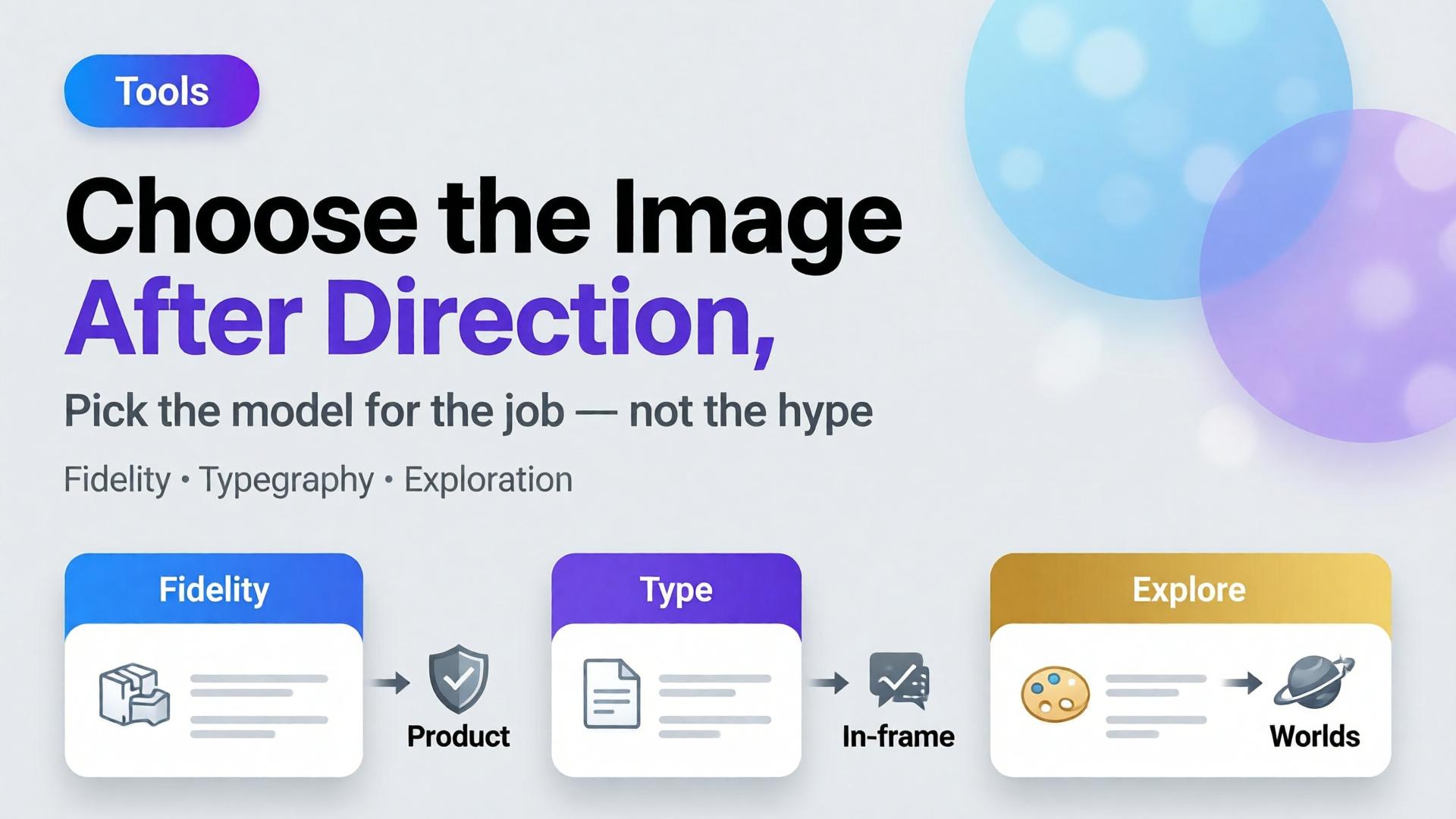
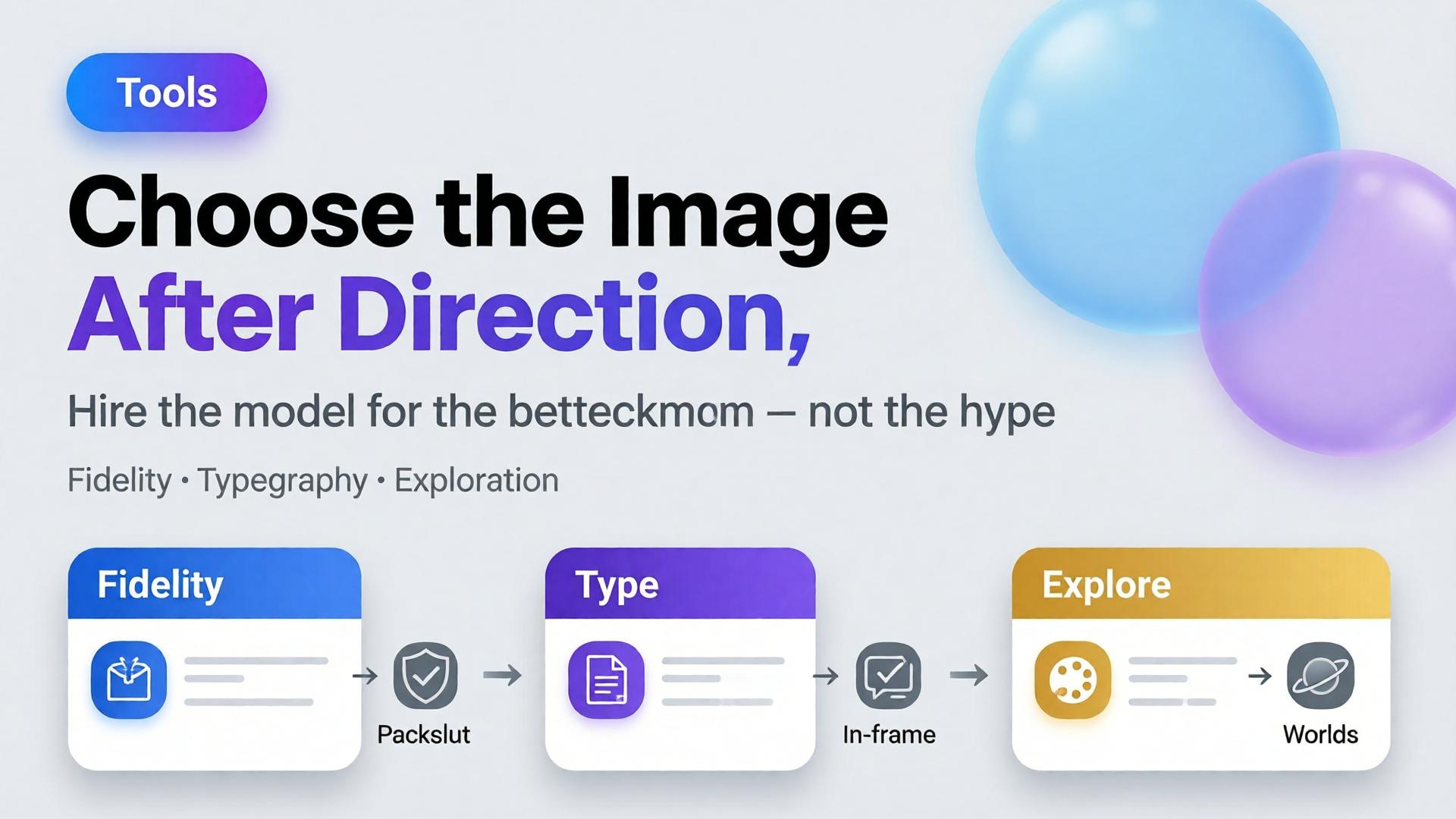
Editorial cover for Choose the Image Model After Creative Direction
The most expensive question in ecommerce creative Slack is also the most premature: “Which model should we use — Nano Banana, GPT Image, or Seedream?” Teams debate price and aesthetics for an hour. Nobody has written the buyer question, the angle set, or the ratio family. Then every model “fails,” because the brief was never a brief.
Choose the AI image model after creative direction. Model choice is a bottleneck decision — not a brand strategy.
Key Takeaways
Models optimize different failure modes: geometry fidelity, in-frame typography, mood exploration. Pick the failure you refuse to accept.
Adobe’s 2026 Creators’ Toolkit Report: 57% of creative AI outputs still need moderate or extensive editing — model shopping without QA criteria just moves the rework around.
On Orauria, those models live in one Studio with Brand Style, Prompt Library, and Workflow — so switching models does not mean switching brands.
This post is deliberately in tools-when-needed. Tools matter — after thinking. If you want the ecommerce system view, start with AI Ecommerce Design Is Not AI Image.
What Goes Wrong When You Pick the Model First?
Three predictable messes:
1. Beauty without trafficking. The export looks like a campaign. The label does not match the PDP. Media ops rejects it.
2. Prompt theater. Long prompts try to compensate for a missing angle plan. You burn credits explaining what a packshot family should have defined.
3. Stack sprawl. Each model lives in a different tab with a different login. Brand color drifts. That is the scattered-stack problem named in Orauria vs scattered AI tools.
“Best model” is not a property of the model. It is a property of the bottleneck you are hiring it to clear.
The Bottleneck Framework (Hire the Model for a Job)
Bottleneck
You need
Model tendency to try first*
SKU must stay true
Pack-shot fidelity, stable proportions
Fast fidelity-oriented image models (e.g. Nano Banana-class)
PDP angle? Meta feed? Story? Cover? If you need all three, read feed → story → cover before generating anything.
4. QA scoreboard
Write fail conditions in advance:
Label illegible at phone width → fail
Cap color drift vs reference → fail
Burned-in text required but mushy → fail (switch model class)
Scene beautiful but wrong category world → fail (direction, not model)
A Practical Decision Path
Need in-frame promo typography?
  YES → typography-strong model (GPT Image-class)
  NO  ↓
Need listing-true geometry from a packshot?
  YES → fidelity-first model (Nano Banana-class)
  NO  ↓
Need new worlds / campaign mood from a loose brief?
  YES → exploratory model (Seedream-class)
  NO  → revisit the brief — you are underspecified
Then generate small. One SKU. One ratio. Score against the QA board. Only then batch.
How Orauria Keeps Model Choice From Becoming Brand Chaos
Orauria is an all-in-one creative workspace: multiple image models, Brand Style, Character Library, Prompt Library, and Workflow in one account (Studio Guide).
That architecture matters for this article’s thesis:
Switch models without switching brand kits
Store the winning prompt next to the SKU, not in a private Notion graveyard
Browse real creative in Gallery when you need direction inspiration before you pick an engine
You are not marrying a model. You are hiring a station on the line.
Worked Example: Electrolyte Pouch Prospecting
Direction: Gym-bag fuel; no sugar crash; sweaty-honest, not luxury spa.
Locks: White-bg packshot reference; no in-frame price; Meta 1:1 first.
Bottleneck: Product must survive phone width; hook lives in primary text.
Model hire: Fidelity-first class for the product block → then banner recompose for 4:5 and 9:16.
If marketing later demands “$30 OFF” inside the image: do not torture the fidelity model — switch to a typography-strong class for that variant only. Keep Brand Style identical so the two variants still feel related.
Frequently Asked Questions
Is Nano Banana “better” than GPT Image for ads?
Better at what? Fidelity jobs and typography jobs are different hires. Run both against your QA scoreboard for one SKU before you write policy for the whole catalog.
Should I use the same model for packshots and lifestyle?
Often yes for brand coherence; sometimes no when the lifestyle needs heavier world-building. Keep Brand Style constant either way.
How often should we revisit model choice?
When QA fail rates climb, pricing changes, or a new channel appears — not every time a launch blog post drops. Direction changes more often than engines should.
Where do video models fit (Veo, Kling, Seedance)?
Same rule: choose after direction and storyboard. Video is a later station. Static packshot + banner truth still comes first for most ecommerce tests.
Can Prompt Library replace creative direction?
No. Prompts encode a direction. They cannot invent one. Save prompts after the three-line brief exists.
Soft next step
Write the three-line brief for one SKU, define the QA fail list, then open Orauria Studio Guide and run two model classes side by side. Steal composition ideas from Gallery — then pick the engine that clears your bottleneck, not the internet’s favorite name this week.
Orauria vs Scattered AI Stack: When All-in-One Actually Wins
The default ecommerce AI stack in 2026 looks like this: ChatGPT for briefs. Midjourney or Flux for images. A separate upscaler. Canva for crops. Google Drive for versions. Slack for "which file is final?"
Each tool is good at one job. Together they create a hidden job nobody budgeted for: integration — moving assets, re-explaining the brief, re-uploading references, and hoping the brand did not drift between login screens.
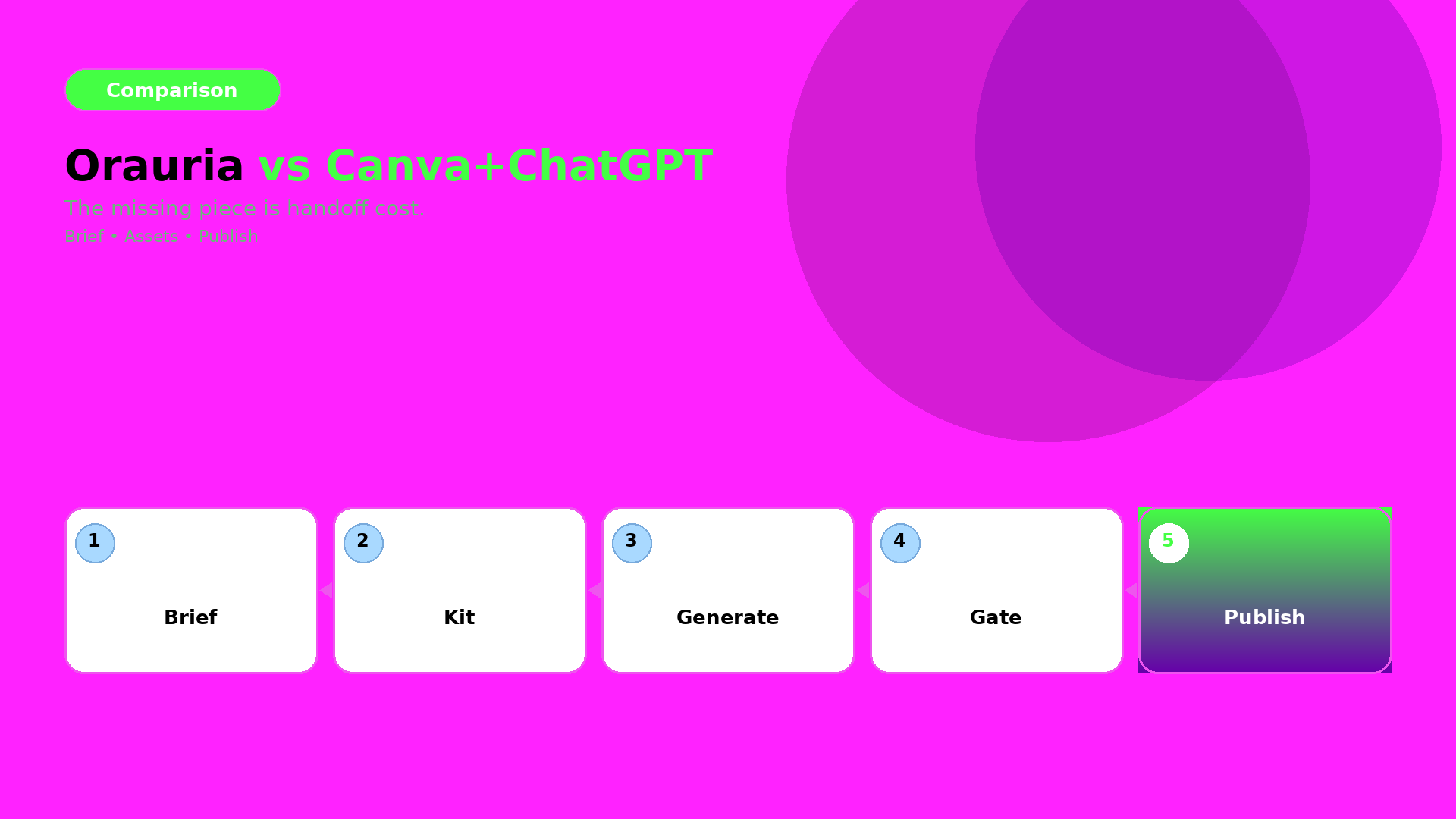
An AI all in one platform is not automatically better. It is better when handoff cost exceeds tool specialization benefit — which is exactly where most ecommerce creative teams land after the first successful AI pilot.
Key Takeaways
>
> – Adobe's 2026 Creators' Toolkit Report found 60% of creators used more than one creative AI tool in three months — multi-tool is normal; the question is whether your stack is designed or accidental (Adobe, 2026).
> – 57% say AI outputs need moderate or extensive editing before publish — scattered stacks often add editing because context is lost at every handoff (Adobe, 2026).
> – Scattered stacks win for exploration, single deliverables, and team members who already have tool mastery.
> – Integrated workspaces win for repeatable ecommerce pipelines — brand style, scene families, channel exports, saved workflows (AI ecommerce design vs one-off AI image).
> – Decision rule: if you ship the same creative job type weekly, integration beats best-of-breed sprawl.
If you have read AI Ecommerce Design Is Not AI Image, you know the business problem is systems, not renders. This comparison asks a narrower question: does your tool architecture match that system — or fight it?
What Is a Scattered AI Stack?
A scattered stack chains specialized tools with manual glue:
Layer
Typical tools
What breaks
Brief / copy
ChatGPT, Claude, Gemini
Brief lives in chat history, not attached to assets
Image generation
Midjourney, DALL·E, standalone Flux apps
No shared brand style across sessions
Edit / upscale
Topaz, Magnific, Photoshop
Separate files, separate approvals
Layout / crop
Canva, Figma
Brand kit duplicated, not synced to gen models
Storage
Drive, Dropbox, Notion
final_v7_REAL.png taxonomy
Video / voice
Runway, ElevenLabs
Another reference upload, another style drift
Nothing is wrong with any single tool. The tax is context loss: every export is a amnesia event. The brand consistency trap is what happens when five good tools produce five different visual dialects.
What Is an AI All-in-One Creative Workspace?
An AI all in one platform for commercial creative — Orauria included — bundles generation, direction, and workflow in one account:
Multi-model access — image, video, voice, chat models without separate subscriptions per vendor
The promise is not "one model to rule them all." It is one spine for phone-to-campaign and catalog-scale production — where the brief, references, brand rules, and exports stay attached.
When Does the Scattered Stack Win?
Choose best-of-breed sprawl when:
1. You are exploring, not producing. Mood boards, one-off concepts, personal art direction experiments — Midjourney or a single strong image model may be faster than configuring a workspace.
2. One specialist owns one tool deeply. A retoucher who lives in Photoshop, a copywriter who lives in Claude — forcing them into a new UI for one step adds friction, not speed.
3. Deliverable volume is low. If you publish four images a month and never reuse the pipeline, integration ROI is weak. Pay the handoff tax; it is cheaper than migration.
4. You need a capability the workspace lacks. Niche video models, proprietary enterprise integrations, legacy DAM systems — scattered stacks remain valid as specialist nodes, not as the whole architecture.
Honest comparison: ChatGPT solves briefing and copy well. Midjourney solves aesthetic exploration well. Canva solves quick social crops well. None of them were built to run a dual-layer visual commerce system (visual commerce 2026) across fifty SKUs.
When Does All-in-One Actually Win?
Integration wins when the job is repeatable commercial creative — the same pipeline, different SKU:
Adobe reports 85% of creators insist the final creative decision must remain theirs (2026). All-in-one does not remove the curator — it removes the file archaeology between generation and approval.
Total cost: subscription vs integration tax
Cost type
Scattered stack
All-in-one workspace
Subscriptions
$20–60+ per tool × N tools
Single platform tier
Setup per job
Re-upload refs, re-write brief
Swap slot in saved workflow
Revision loops
Re-export, re-import, version hunt
Regenerate node, same context
Brand drift rework
High — no shared style layer
Lower — style attached to pipeline
Onboarding new freelancer
Learn 5 UIs
Learn one spine
The subscription line item often favors scattered tools until you count hours lost per launch. Freelancers billing creative direction learn this fast: clients pay for outputs, not your Drive archaeology (freelancer playbook).
How Do the Two Approaches Compare for Ecommerce Teams?
Dimension
Scattered AI stack
Orauria-style all-in-one
Best for
Exploration, one-offs, specialist steps
Repeatable ecommerce pipelines
Brief → image link
Manual copy-paste
Brief attached to workflow
Brand consistency
Per-tool discipline
Brand Style + Character layers
Model choice
Best model per task, manually
Multi-model in one account
Workflow reuse
Screenshots and hope
Saved nodes / templates
Channel adaptation
External crop tools
Export presets in pipeline
Learning curve
Low per tool, high across stack
Higher upfront, lower per job
Vendor lock-in risk
Low per tool, high on folder habits
Medium — mitigated by export
Curator role
Same — human approves
Same — human approves
Neither column wins every row. Ecommerce teams shipping campaign systems — not single renders — tend to shift right as volume grows.
What Does a Hybrid Stack Look Like?
The honest answer for many teams in 2026 is hybrid:
All-in-one spine for product imagery, brand-governed scenes, and catalog batches
Specialist tools for steps the workspace does not own — enterprise DAM, print prep, legal review PDFs
Freelancers often run hybrid internally: client-facing exports in their format, internal production in one template. SMEs can keep ChatGPT for email copy and run visual production in a workspace — the mistake is running five image tools with zero shared brand layer.
What Should You Choose? A Decision Framework
Answer four questions:
1. How often do you repeat this job type? Weekly or more → favor integration. Quarterly one-off → scattered is fine.
2. How many handoffs between brief and publish? More than two → handoff tax is your bottleneck.
3. Does brand drift cost you money? Returns, re-shoots, marketplace rejections → you need Brand Style + curator gates, not more generators.
4. Is your deliverable a file or a system? Ten PNGs = files. Campaign kit + saved workflow = system. Systems favor all-in-one (AI ecommerce design).
Your answer pattern
Recommendation
Weekly SKUs, multi-channel, brand-sensitive
All-in-one workspace as spine
Monthly exploration, single hero image
Scattered stack OK
Agency white-label, high volume
All-in-one + export to client DAM
Solo creator, low volume
Start scattered; migrate when repetition hurts
What Are Common Mistakes When Comparing Stacks?
Mistake
Reality
"All-in-one replaces creativity"
It replaces fragmentation — curators still curate
"More tools = more capability"
More tools = more context loss without discipline
"Cheapest subscription wins"
Integration tax often exceeds subscription delta
"We will integrate later"
Folder habits compound — migration gets harder
"One model is enough"
Commercial work needs model choice inside one workflow
How Does Orauria Fit This Comparison?
Orauria is positioned as an AI creative workspace for ecommerce — not a single image model:
Multi-model chat, image, video, and voice in one account
Brand Style and Character libraries for consistency across batches
Workflow automation from idea through image, video, voice, and export
Prompt library for reusable 3-line briefs and SCENE rows
It is not the right tool for every job. It is built for teams tired of paying the scattered stack tax on every SKU launch.
Deeper brand overview: What Is Orauria? (coming soon). Canva + ChatGPT comparison: coming in a future post.
Is an AI all-in-one platform always better than specialized tools?
No. Specialized tools win for exploration, niche capabilities, and low-volume one-offs. All-in-one wins when you repeat commercial creative pipelines and handoff cost hurts.
Can I keep Midjourney and use Orauria?
Yes — hybrid stacks are common. Use specialist tools where they excel; use a workspace as the spine for brand-governed ecommerce production.
How is this different from Canva or Adobe Express?
Canva and Express excel at layout and quick design. Orauria focuses on multi-model generation + brand style + workflow automation for ecommerce scene production — a different layer of the stack.
What is the main hidden cost of a scattered AI stack?
Context loss: re-uploading references, re-explaining briefs, hunting versions, and fixing brand drift between tools. Adobe's 2026 data shows most AI output still needs editing — scattered stacks often add editing at every handoff.
When should a freelancer switch from scattered to all-in-one?
When you run the same job type for multiple clients and spend unbillable hours on setup. The one workflow, five clients model needs a spine.
Does all-in-one mean vendor lock-in?
Any workflow creates habits. Mitigate by exporting finals, documenting prompts, and choosing platforms that let you own output files. The tradeoff is real but usually smaller than five-tool folder chaos.
Conclusion
Orauria vs scattered AI stack is not a purity contest. It is an architecture question.
Scattered tools win when you explore, specialize, and ship rarely. An AI all in one platform wins when ecommerce creative is a repeatable system — brief, brand style, scene family, channel export — and every handoff between tools costs time, consistency, and margin.
Count your handoffs before your subscriptions. If the same pipeline runs every week, integration is not luxury. It is how AI ecommerce design stops being a slide deck and starts being operations.
Orauria là gì? Nền tảng AI All-in-One cho marketer và nhà sáng tạo nội dung
Bạn đang phải nhảy qua 5-7 công cụ để làm xong một chiến dịch nội dung? Một tab để tạo ảnh, một tab để tạo video, rồi thêm voice, OCR, lưu prompt, và cuối cùng lại copy-paste thủ công để đăng bài. Đó là đúng vấn đề Orauria muốn giải.
Key Takeaways
Theo McKinsey, GenAI có thể giúp năng suất marketing tăng khoảng 5-15% chi tiêu marketing khi triển khai đúng cách.
Orauria gom nhiều năng lực AI vào một nền tảng: tạo ảnh, tạo video, voice, OCR, workflow, prompt/brand/character library.
Điểm mạnh lớn nhất không chỉ là số lượng công cụ, mà là luồng làm việc xuyên suốt từ ý tưởng đến nội dung xuất bản.
Trong năm 2026, bài toán không còn là có dùng AI hay không, mà là dùng AI thế nào để team chạy nhanh mà vẫn giữ chất lượng và độ nhất quán thương hiệu.
Orauria là gì và khác gì với việc dùng nhiều AI tool rời rạc?
Theo báo cáo The Economic Potential of Generative AI của McKinsey, GenAI có thể tạo giá trị lớn nhất ở bốn vùng chức năng, trong đó có marketing và sales. Điều này cho thấy AI không chỉ là công cụ viết nội dung nhanh, mà là hạ tầng vận hành tăng năng suất cho đội marketing.
Orauria là nền tảng AI All-in-One giúp bạn triển khai trọn quy trình sáng tạo nội dung trong một nơi, thay vì dùng rời rạc từng ứng dụng. Thay vì mở nhiều tab cho từng tác vụ, bạn có thể gom phần lớn quy trình về một workspace thống nhất.
AI Image Generation
AI Video Generation
AI Voice (TTS, voice clone, podcast, narrator)
AI OCR (đọc tài liệu, ảnh, hóa đơn, PDF)
AI Workflow (chuỗi automation từ idea tới publish)
Prompt Library
Brand Style Management
Character Management
Điểm khác biệt quan trọng là Orauria không chỉ dừng ở việc tạo từng asset riêng lẻ. Nền tảng này hướng đến bài toán sản xuất nội dung ở quy mô thực tế, nơi hình ảnh, video, giọng đọc, dữ liệu đầu vào và chuẩn thương hiệu cần đi cùng nhau trong một workflow liền mạch.
Nếu một AI tool riêng lẻ giống một mắt xích, thì Orauria hướng tới vai trò như một xưởng sản xuất nội dung: kết nối nhiều mắt xích trong cùng một hệ, giữ chuẩn brand xuyên suốt.
Vì sao marketer và creator cần một nền tảng AI All-in-One?
McKinsey cho rằng năng suất marketing có thể tăng 5-15% tổng chi tiêu marketing khi ứng dụng GenAI đúng ngữ cảnh. Vấn đề là nhiều team đang thất thoát phần lợi ích đó ở khâu vận hành: tool rời rạc, quy trình đứt đoạn và khó tái sử dụng tri thức nội bộ.
Khi team dùng nhiều công cụ tách biệt, bạn thường gặp 4 điểm nghẽn:
Mất ngữ cảnh liên tục: brief ở tool A, ảnh ở tool B, caption ở tool C.
Không nhất quán brand: mỗi người một prompt, mỗi kênh một style.
Khó scale output: tăng số lượng nội dung đồng nghĩa tăng thao tác tay.
Khó onboard nhân sự mới: không có hệ thống, chỉ có mẹo cá nhân.
Orauria giải bài toán này bằng cách đưa toàn bộ quy trình về một workspace:
Idea -> tạo asset -> tinh chỉnh theo brand -> dựng video/voice -> xuất nội dung -> đăng kênh
Orauria có những tính năng nào nổi bật cho quy trình content?
Theo Adobe Creators’ Toolkit Report 2026, 87% creator có dùng creative AI nói rằng AI giúp tăng trưởng business hoặc tệp khán giả; đồng thời 75% xem AI là thành phần tích hợp hoặc thiết yếu trong workflow. Insight này rất gần với nhu cầu thực tế của các team sáng tạo tại Việt Nam: không thiếu tool, cái thiếu là một hệ thống đủ mạch lạc để phối hợp tool.
1) AI Image cho nhu cầu marketing thực chiến
Không chỉ tạo ảnh nghệ thuật, team marketing thường cần asset có mục đích rõ ràng: product photo, poster, social creative, mockup. Orauria tập trung vào nhóm đầu ra này để rút ngắn thời gian từ concept đến asset dùng được.
2) AI Video cho social-first content
Khả năng tạo video từ text, image hoặc storyboard giúp bạn tái chế nội dung nhanh: từ một ý tưởng thành reel, short, teaser hoặc video ads ngắn mà không phải nhảy qua nhiều công cụ dựng khác nhau.
3) AI Voice + OCR để mở rộng năng lực sản xuất
OCR giúp biến tài liệu thô thành dữ liệu có thể phân tích.
Voice giúp chuyển nội dung chữ thành audio, podcast hoặc narration.
Kết hợp hai phần này, một đội nhỏ vẫn có thể tạo nội dung đa định dạng mà không phải tăng mạnh headcount. Đây là lợi thế rõ ràng cho startup, team in-house gọn nhẹ hoặc agency cần chạy nhiều đầu việc cùng lúc.
4) Prompt Library + Brand Style + Character Library
Đây là phần nhiều nền tảng bỏ qua, nhưng lại quyết định chất lượng dài hạn:
Prompt Library: lưu và tái sử dụng prompt hiệu quả.
Brand Style: giữ giọng thương hiệu nhất quán.
Character Library: giữ nhân vật AI xuyên suốt qua nhiều chiến dịch.
Trong thực tế vận hành content, chính phần memory hệ thống này mới là thứ giảm lỗi và giảm chi phí sửa bài nhiều nhất theo thời gian.
Orauria phù hợp với ai?
Theo HubSpot năm 2024, 74% marketer cho biết đang dùng ít nhất một AI tool tại nơi làm việc. Điều đó cho thấy thị trường đã qua giai đoạn thử nghiệm, và đang bước vào giai đoạn tối ưu hiệu suất vận hành.
Content Creator: cần tăng output đều mà vẫn giữ chất lượng.
Digital Marketer: cần triển khai campaign đa kênh nhanh.
Designer: cần tăng tốc vòng lặp từ concept đến asset.
Agency: cần chuẩn hóa quy trình cho nhiều khách hàng.
E-commerce: cần sản xuất content sản phẩm ở quy mô lớn.
Startup/Doanh nghiệp: muốn làm marketing tinh gọn, ít phụ thuộc tool stack phức tạp.
Giáo viên/nhà đào tạo: cần xử lý tài liệu, bài giảng, voice nhanh.
Cách bắt đầu với Orauria trong 7 ngày
Nhiều đội thất bại với AI vì cố làm quá nhiều ngay từ tuần đầu. Cách tốt hơn là chạy pilot nhỏ nhưng đủ chu trình.
Ngày 1-2: Thiết lập nền
Chọn 2-3 use case ưu tiên, ví dụ social post, landing copy hoặc video ngắn.
Chuẩn hóa Prompt Library theo từng use case.
Thiết lập Brand Style tối thiểu: giọng văn, từ cấm, màu sắc và visual tone.
Ngày 3-4: Chạy thử workflow hoàn chỉnh
Từ một chủ đề, chạy trọn pipeline: brief -> image -> video -> caption hoặc voice.
Đo thời gian thực hiện trước và sau khi dùng Orauria.
Ngày 5-6: Tối ưu và chuẩn hóa
Chốt template prompt tốt nhất.
Tạo Character Library nếu dùng nhân vật cố định.
Thiết lập checklist duyệt nội dung trước publish.
Ngày 7: Đánh giá và mở rộng
So sánh output và thời gian giữa tuần.
Chọn thêm 1 workflow mới để mở rộng.
Bạn có thể tự tạo KPI nội bộ đơn giản như thời gian trên mỗi asset, số vòng sửa và tỷ lệ nội dung được duyệt ngay lần đầu. Đây là nhóm chỉ số phản ánh hiệu quả thật hơn số lượng bài đăng đơn thuần.
Câu hỏi thường gặp về Orauria
Orauria có thay thế hoàn toàn đội content không?
Không. Adobe Creators’ Toolkit Report 2026 cho thấy 57% creator cho biết nội dung AI thường vẫn cần chỉnh sửa vừa đến nhiều trước khi publish. AI giúp tăng tốc bản nháp và sản xuất asset, còn chất lượng cuối cùng vẫn cần tư duy con người.
Dùng một nền tảng All-in-One có lợi gì?
HubSpot 2024 ghi nhận mức độ dùng AI trong marketing tăng nhanh khi 74% marketer nói họ dùng ít nhất một AI tool tại nơi làm việc. Khi nhu cầu đa nhiệm tăng, việc gom các khâu sản xuất nội dung vào một nơi giúp giảm công chuyển ngữ cảnh, giảm thao tác copy-paste giữa các app và dễ chuẩn hóa quy trình cho cả team.
Orauria phù hợp hơn cho cá nhân hay team?
Cả hai. Cá nhân được lợi ở tốc độ sản xuất; team được lợi ở tính nhất quán. Với team, các module Prompt Library, Brand Style và Character Library thường tạo tác động rõ nhất vì giảm sai lệch chất lượng giữa nhiều người viết.
Làm sao để không bị nội dung AI giống nhau?
Adobe 2026 cho thấy 85% creator muốn giữ quyền quyết định sáng tạo cuối cùng. Cách làm hiệu quả là dùng AI cho nháp và sản xuất nhanh, nhưng luôn có lớp biên tập theo voice thương hiệu, dữ liệu thật và góc nhìn riêng của doanh nghiệp.
Có thể dùng Orauria cho e-commerce không?
Có. E-commerce thường cần nhiều định dạng cùng lúc như ảnh sản phẩm, video ngắn, caption, mô tả và voice. Orauria phù hợp vì kết nối các bước này thành một workflow liền mạch thay vì tách rời nhiều công cụ.
Kết luận
Orauria phù hợp nếu bạn đang gặp một hoặc nhiều vấn đề sau: tool stack rời rạc, tốc độ xuất bản chậm, nội dung thiếu nhất quán, và team mệt vì thao tác lặp lại. Giá trị cốt lõi của Orauria không nằm ở việc thêm một AI tool mới, mà ở chỗ biến AI thành một hệ vận hành nội dung có thể lặp lại và mở rộng.
Nếu mục tiêu của bạn là tăng tốc sản xuất nội dung mà vẫn giữ chuẩn thương hiệu, mô hình All-in-One của Orauria là hướng đi thực tế để triển khai ngay trong quý này. Thay vì tiếp tục vá chỗ này bằng một tool, chỗ kia bằng một tool khác, bạn có thể bắt đầu từ một workflow nhỏ và mở rộng dần trên cùng một hệ thống.