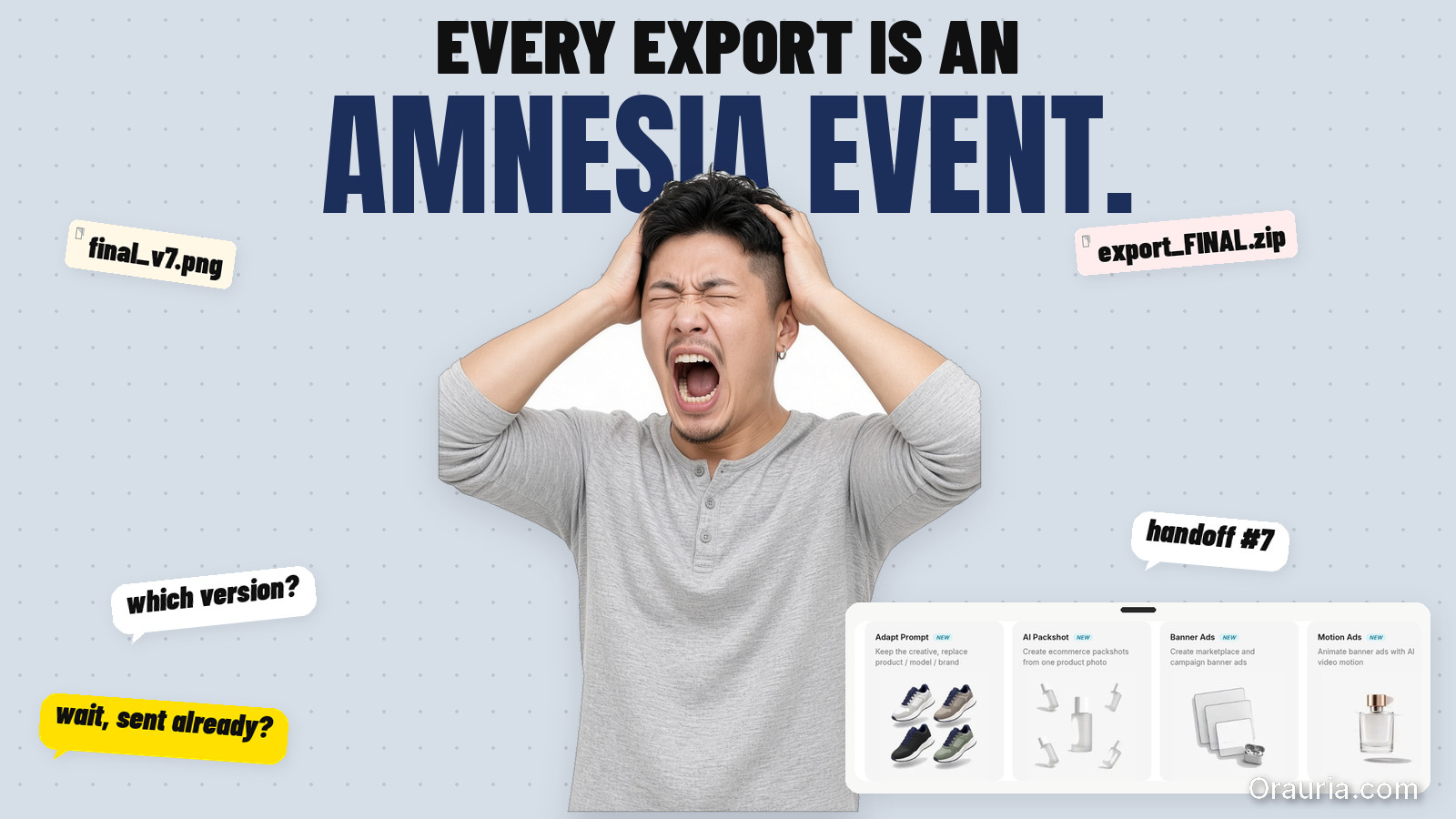
The default ecommerce AI stack in 2026 looks like this: ChatGPT for briefs. Midjourney or Flux for images. A separate upscaler. Canva for crops. Google Drive for versions. Slack for "which file is final?"
Each tool is good at one job. Together they create a hidden job nobody budgeted for: integration — moving assets, re-explaining the brief, re-uploading references, and hoping the brand did not drift between login screens.
An AI all in one platform is not automatically better. It is better when handoff cost exceeds tool specialization benefit — which is exactly where most ecommerce creative teams land after the first successful AI pilot.
Key Takeaways
- Adobe's 2026 Creators' Toolkit Report found 60% of creators used more than one creative AI tool in three months — multi-tool is normal; the question is whether your stack is designed or accidental (Adobe, 2026).
- 57% say AI outputs need moderate or extensive editing before publish — scattered stacks often add editing because context is lost at every handoff (Adobe, 2026).
- Scattered stacks win for exploration, single deliverables, and team members who already have tool mastery.
- Integrated workspaces win for repeatable ecommerce pipelines — brand style, scene families, channel exports, saved workflows (AI ecommerce design vs one-off AI image).
- Decision rule: if you ship the same creative job type weekly, integration beats best-of-breed sprawl.
If you have read AI Ecommerce Design Is Not AI Image, you know the business problem is systems, not renders. This comparison asks a narrower question: does your tool architecture match that system — or fight it?
What Is a Scattered AI Stack?
A scattered stack chains specialized tools with manual glue:
| Layer | Typical tools | What breaks |
|---|---|---|
| Brief / copy | ChatGPT, Claude, Gemini | Brief lives in chat history, not attached to assets |
| Image generation | Midjourney, DALL·E, standalone Flux apps | No shared brand style across sessions |
| Edit / upscale | Topaz, Magnific, Photoshop | Separate files, separate approvals |
| Layout / crop | Canva, Figma | Brand kit duplicated, not synced to gen models |
| Storage | Drive, Dropbox, Notion | final_v7_REAL.png taxonomy |
| Video / voice | Runway, ElevenLabs | Another reference upload, another style drift |
Nothing is wrong with any single tool. The tax is context loss: every export is an amnesia event. The brand consistency trap is what happens when five good tools produce five different visual dialects.

What Is an AI All-in-One Creative Workspace?
An AI all in one platform for commercial creative — Orauria included — bundles generation, direction, and workflow in one account:
- Multi-model access — image, video, voice, chat models without separate subscriptions per vendor
- Brand Style — palette, photography style, composition rules applied across generations
- Character library — face and identity consistency across scenes
- Prompt / workflow library — reusable pipelines, not one-off chat threads
- Workflow builder — nodes for upload → brand style → generate → upscale → crop (node thinking)
The promise is not "one model to rule them all." It is one spine for phone-to-campaign and catalog-scale production — where the brief, references, brand rules, and exports stay attached.
When Does the Scattered Stack Win?
Choose best-of-breed sprawl when:
1. You are exploring, not producing. Mood boards, one-off concepts, personal art direction experiments — Midjourney or a single strong image model may be faster than configuring a workspace.
2. One specialist owns one tool deeply. A retoucher who lives in Photoshop, a copywriter who lives in Claude — forcing them into a new UI for one step adds friction, not speed.
3. Deliverable volume is low. If you publish four images a month and never reuse the pipeline, integration ROI is weak. Pay the handoff tax; it is cheaper than migration.
4. You need a capability the workspace lacks. Niche video models, proprietary enterprise integrations, legacy DAM systems — scattered stacks remain valid as specialist nodes, not as the whole architecture.
Honest comparison: ChatGPT solves briefing and copy well. Midjourney solves aesthetic exploration well. Canva solves quick social crops well. None of them were built to run a dual-layer visual commerce system (visual commerce 2026) across fifty SKUs.
When Does All-in-One Actually Win?
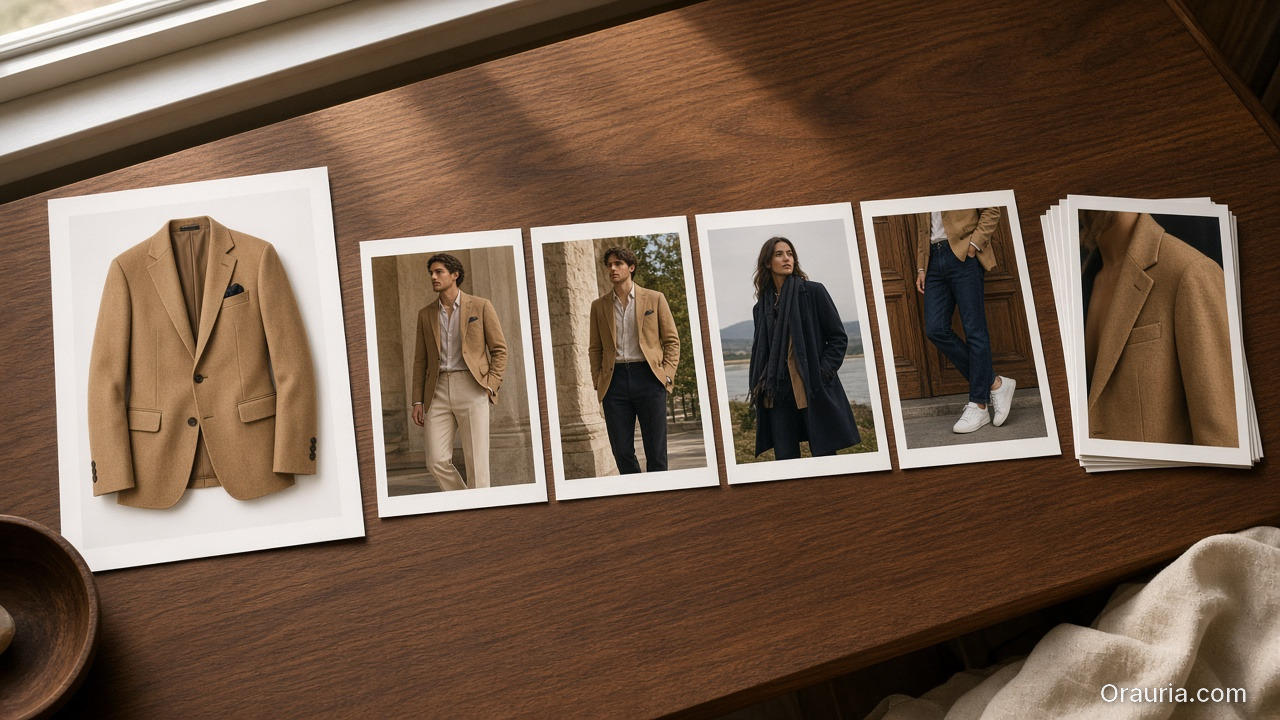
Integration wins when the job is repeatable commercial creative — the same pipeline, different SKU:
| Signal | Why integration wins |
|---|---|
| Weekly SKU launches | Saved workflow beats rebuilt prompts |
| Multi-channel exports | Crop presets tied to generation, not manual redo |
| Brand consistency requirements | Style + character libraries enforce guardrails |
| Freelancer multi-client ops | One template, swappable slots (freelancer playbook) |
| Team handoffs | Brief → generate → curate → export in one audit trail |
| 10+ images per product | SCENE grids need persistent context |
Adobe reports 85% of creators insist the final creative decision must remain theirs (2026). All-in-one does not remove the curator — it removes the file archaeology between generation and approval.
Total cost: subscription vs integration tax
| Cost type | Scattered stack | All-in-one workspace |
|---|---|---|
| Subscriptions | $20–60+ per tool × N tools | Single platform tier |
| Setup per job | Re-upload refs, re-write brief | Swap slot in saved workflow |
| Revision loops | Re-export, re-import, version hunt | Regenerate node, same context |
| Brand drift rework | High — no shared style layer | Lower — style attached to pipeline |
| Onboarding new freelancer | Learn 5 UIs | Learn one spine |
The subscription line item often favors scattered tools until you count hours lost per launch. Freelancers billing creative direction learn this fast: clients pay for outputs, not your Drive archaeology (freelancer playbook).
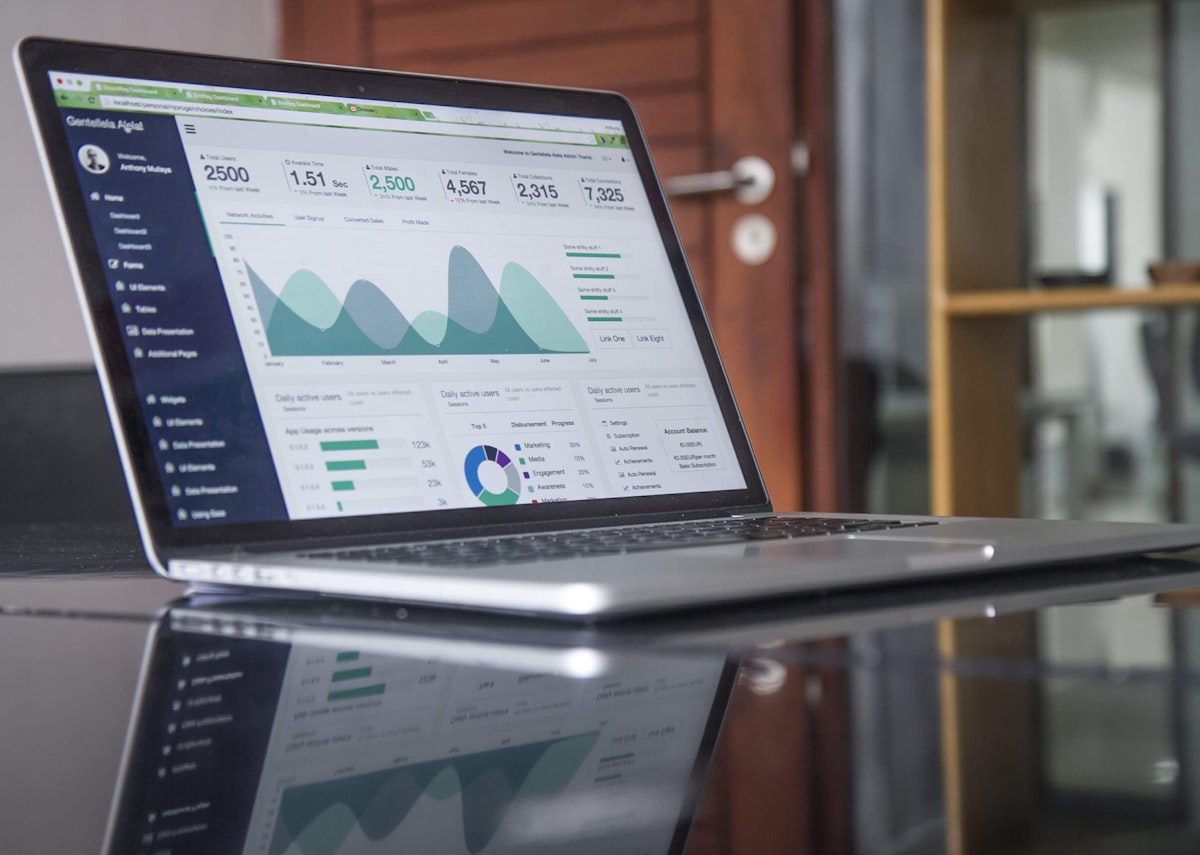
How Do the Two Approaches Compare for Ecommerce Teams?
| Dimension | Scattered AI stack | Orauria-style all-in-one |
|---|---|---|
| Best for | Exploration, one-offs, specialist steps | Repeatable ecommerce pipelines |
| Brief → image link | Manual copy-paste | Brief attached to workflow |
| Brand consistency | Per-tool discipline | Brand Style + Character layers |
| Model choice | Best model per task, manually | Multi-model in one account |
| Workflow reuse | Screenshots and hope | Saved nodes / templates |
| Channel adaptation | External crop tools | Export presets in pipeline |
| Learning curve | Low per tool, high across stack | Higher upfront, lower per job |
| Vendor lock-in risk | Low per tool, high on folder habits | Medium — mitigated by export |
| Curator role | Same — human approves | Same — human approves |
Neither column wins every row. Ecommerce teams shipping campaign systems — not single renders — tend to shift right as volume grows.
What Does a Hybrid Stack Look Like?
The honest answer for many teams in 2026 is hybrid:
- All-in-one spine for product imagery, brand-governed scenes, and catalog batches
- Specialist tools for steps the workspace does not own — enterprise DAM, print prep, legal review PDFs
Freelancers often run hybrid internally: client-facing exports in their format, internal production in one template. SMEs can keep ChatGPT for email copy and run visual production in a workspace — the mistake is running five image tools with zero shared brand layer.
What Should You Choose? A Decision Framework
Answer four questions:
1. How often do you repeat this job type? Weekly or more → favor integration. Quarterly one-off → scattered is fine.
2. How many handoffs between brief and publish? More than two → handoff tax is your bottleneck.
3. Does brand drift cost you money? Returns, re-shoots, marketplace rejections → you need Brand Style + curator gates, not more generators.
4. Is your deliverable a file or a system? Ten PNGs = files. Campaign kit + saved workflow = system. Systems favor all-in-one (AI ecommerce design).
| Your answer pattern | Recommendation |
|---|---|
| Weekly SKUs, multi-channel, brand-sensitive | All-in-one workspace as spine |
| Monthly exploration, single hero image | Scattered stack OK |
| Agency white-label, high volume | All-in-one + export to client DAM |
| Solo creator, low volume | Start scattered; migrate when repetition hurts |
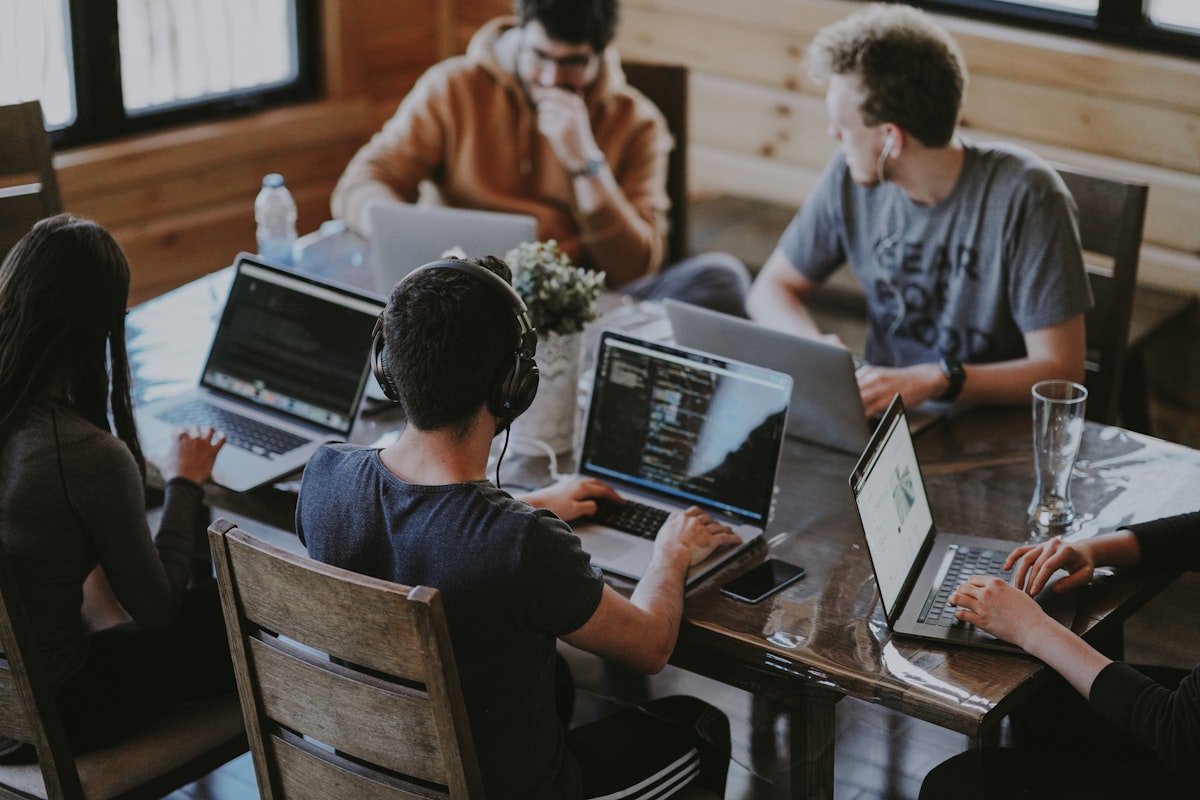
What Are Common Mistakes When Comparing Stacks?
| Mistake | Reality |
|---|---|
| "All-in-one replaces creativity" | It replaces fragmentation — curators still curate |
| "More tools = more capability" | More tools = more context loss without discipline |
| "Cheapest subscription wins" | Integration tax often exceeds subscription delta |
| "We will integrate later" | Folder habits compound — migration gets harder |
| "One model is enough" | Commercial work needs model choice inside one workflow |
How Does Orauria Fit This Comparison?
Orauria is positioned as an AI creative workspace for ecommerce — not a single image model:
- Multi-model chat, image, video, and voice in one account
- Brand Style and Character libraries for consistency across batches
- Workflow automation from idea through image, video, voice, and export
- Prompt library for reusable 3-line briefs and SCENE rows
It is not the right tool for every job. It is built for teams tired of paying the scattered stack tax on every SKU launch.
Deeper brand overview: What Is Orauria?. Canva + ChatGPT comparison: coming in a future post.
Run ecommerce creative on one spine: Try Orauria
Frequently Asked Questions
Is an AI all-in-one platform always better than specialized tools?
No. Specialized tools win for exploration, niche capabilities, and low-volume one-offs. All-in-one wins when you repeat commercial creative pipelines and handoff cost hurts.
Can I keep Midjourney and use Orauria?
Yes — hybrid stacks are common. Use specialist tools where they excel; use a workspace as the spine for brand-governed ecommerce production.
How is this different from Canva or Adobe Express?
Canva and Express excel at layout and quick design. Orauria focuses on multi-model generation + brand style + workflow automation for ecommerce scene production — a different layer of the stack.
What is the main hidden cost of a scattered AI stack?
Context loss: re-uploading references, re-explaining briefs, hunting versions, and fixing brand drift between tools. Adobe's 2026 data shows most AI output still needs editing — scattered stacks often add editing at every handoff.
When should a freelancer switch from scattered to all-in-one?
When you run the same job type for multiple clients and spend unbillable hours on setup. The one workflow, five clients model needs a spine.
Does all-in-one mean vendor lock-in?
Any workflow creates habits. Mitigate by exporting finals, documenting prompts, and choosing platforms that let you own output files. The tradeoff is real but usually smaller than five-tool folder chaos.
Conclusion
Orauria vs scattered AI stack is not a purity contest. It is an architecture question.
Scattered tools win when you explore, specialize, and ship rarely. An AI all in one platform wins when ecommerce creative is a repeatable system — brief, brand style, scene family, channel export — and every handoff between tools costs time, consistency, and margin.
Count your handoffs before your subscriptions. If the same pipeline runs every week, integration is not luxury. It is how AI ecommerce design stops being a slide deck and starts being operations.
References
- Adobe, 2026 Creators' Toolkit Report, June 16, 2026. https://news.adobe.com/news/2026/06/creators-toolkit-report-2026
- Adobe, Inaugural Creators' Toolkit Report (Adobe MAX 2025), October 28, 2025. https://news.adobe.com/news/2025/10/adobe-max-2025-creators-survey