Blog

  • From 1-Month Campaign to 1-Week: Agile Creative with AI

    From 1-Month Campaign to 1-Week: Agile Creative with AI

    Leadership hears “AI” and hears “one-week campaigns.” Teams hear “AI” and feel seven days of unmanaged chaos. Compression without method just moves the all-nighter earlier.

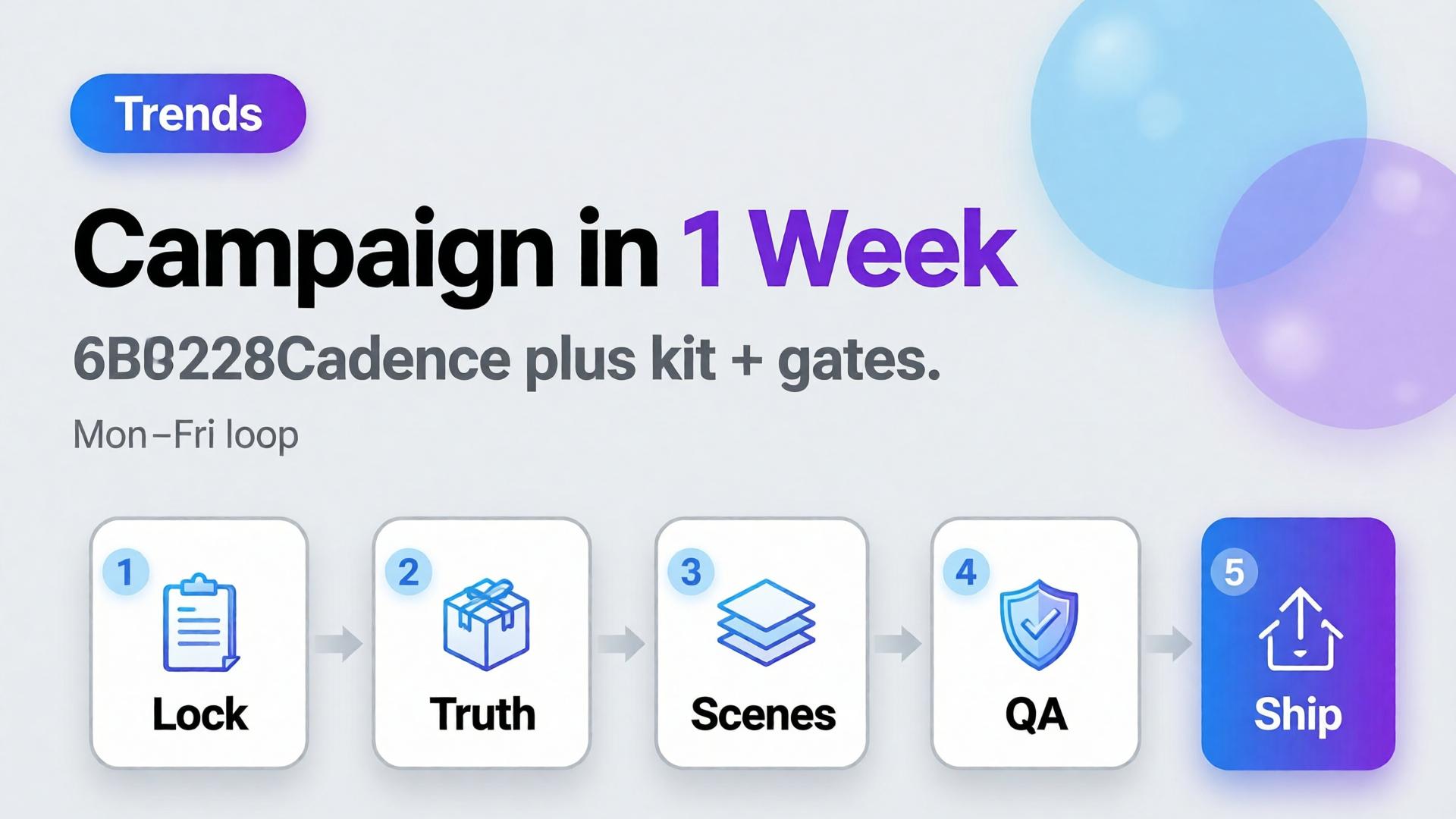
    Agile content production AI is not speed for its own sake. It is smaller creative bets, a locked kit, daily gates, and a slot map — so a month of visuals becomes a week of disciplined loops.

    Key Takeaways

    >

    – Agile creative = cadence + kit + gates, not more seeds per hour.

    – Buffer-style consistency research shows steady presence beats sporadic spikes — agile weeks should compound, not thrash (Buffer, 2025–2026).

    – Steal the spine from node thinking and phone → campaign.

    – Seasonal teams already practice this when one world serves many SKUs (swim season playbook).

    Why “Just Use AI” Does Not Create Agility

    Fake agile Real agile
    New brief daily Stable kit, varying SKUs/slots
    New model daily Routed bottlenecks
    No rejects Daily curator block
    Giant hero bet Small testable scene set
    Friday crop panic Slot map from day one

    AI accelerates whichever process you already have — including a bad one.

    Agile creative is risk sizing. You shrink the bet size so feedback arrives before the budget is gone.

    A One-Week Campaign Spine

    Day Focus Output
    Mon Brief + kit lock 3-line briefs, no-gos
    Tue Truth masters Packshots / product locks
    Wed Scene jobs Hook/demo/lifestyle winners
    Thu Adapt + QA Ratios, localization if needed
    Fri Ship + learn Live set + notes for next week

    Keep the kit across weeks. Change SKUs and hooks — not identity.

    What to Cut From the Old Month

    • Endless exploration after lock
    • Redesigning the world mid-flight
    • Meetings that re-open shade/geometry decisions
    • Upscaling rejects
    • Twelve lifestyles before one Truth frame

    Replace with curator hours on the calendar — non-negotiable.

    Soft CTA

    Run weekly ecommerce creative loops in one system: Workflow · Ecommerce

    Frequently Asked Questions

    Can every brand compress to one week?

    Not every scope. Hero films and regulatory launches may need longer. Always-on catalog and social sets are ideal for weekly loops.

    Does agile mean lower quality?

    It means earlier gates. Quality often rises because rejects happen before spend piles up.

    How many variants per week?

    Enough to staff slots — not enough to skip contact-sheet review. Start with one winner per job.

    Who owns the week?

    An AI creative director role — even if one freelancer wears the hat.

    Conclusion

    AI makes a one-week campaign possible. Process makes it non-destructive.

    Lock the kit. Staff daily gates. Map slots. Learn on Friday. That is agile content production AI — a month of outcomes without a month of thrash.


    References

    1. Buffer, Buffer Data — consistency study. https://buffer.com/resources/buffer-data/
    2. Adobe, 2026 Creators’ Toolkit Report, June 16, 2026. https://news.adobe.com/news/2026/06/creators-toolkit-report-2026
  • Your Deliverable Is a Creative System, Not Just Files

    Your Deliverable Is a Creative System, Not Just Files

    Clients ask for “20 AI images.” You deliver a zip. Next week they ask again — new prompt chaos, new drift, same arguments about brand. You get paid for pixels and lose the compound value of process.

    Freelancers who survive AI price pressure sell a different unit: the creative system — templates, kits, graphs, and gates — with files as outputs of that system.

    Key Takeaways

    >

    – Files are perishable. Systems get reused across drops and clients (one workflow, five clients).

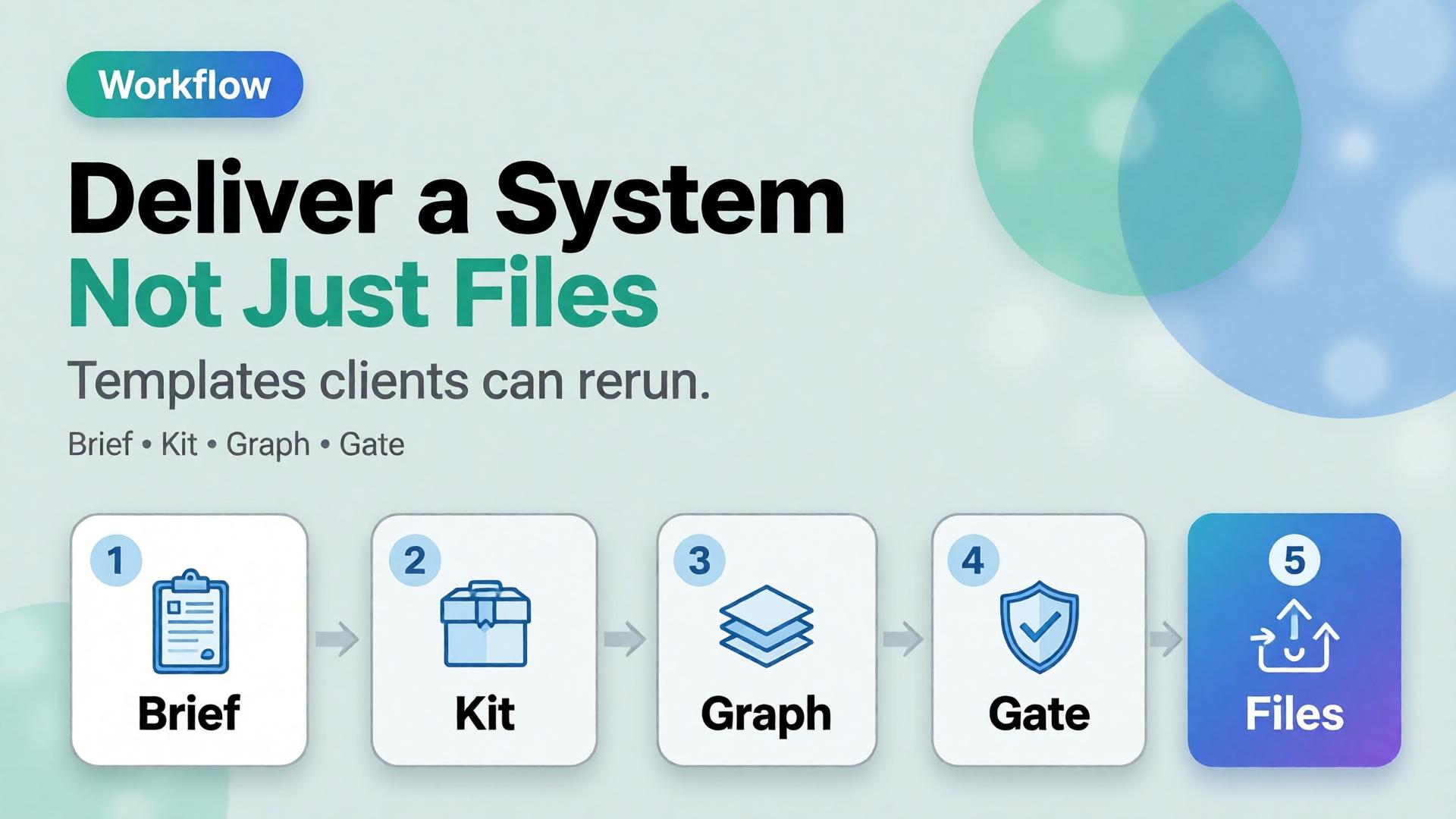
    – Package: brief template + kit slot + node graph + reject checklist + slot map.

    – Price the setup; do not hide it inside per-image rates forever.

    – You are practicing AI creative director work even without the title.

    Why PNG-Only Invoices Trap You

    PNG-only System deliverable
    Client owns chaos Client owns a kit
    You re-brief weekly They fill a template
    Race to cheaper gens Paid for coherence
    Drift debates Gate language shared

    AI made images cheap. Coherence stayed expensive — bill for that.

    If your zip needs you to interpret it next month, you delivered souvenirs, not a system.

    What to Put in the Handoff

    1. 3-line brief template — blank fields for job / audience / proof
    2. Brand kit slot — palette, light, no-gos, character rules
    3. Node graph — Upload → Style → Generate → QA → Upscale → Crop (node thinking)
    4. Reject checklist — geometry, type, world leak
    5. Channel slot map — which masters feed which ratios
    6. Approved masters — the files, clearly named

    That package is the product. The PNGs are the receipt.

    How to Scope It Commercially

    • Phase A — System build (fixed fee): kit + graph + templates
    • Phase B — Drop production (per drop or retainer): run the graph
    • Phase C — Train client (optional): they operate gates with you as QA

    Do not let Phase B absorb unpaid Phase A forever.

    Soft CTA

    Operate client systems in one workspace: Workflow · Pricing

    Frequently Asked Questions

    Will clients pay for “process”?

    They pay when you show the cost of restarting — drift, reshoots, late Friday crops. Show before/after of set coherence.

    What if they only want cheap images?

    Either decline or sell a minimal system (brief + gate) as non-negotiable. Pure pixel racing races to zero.

    How is this different from a brand guideline PDF?

    Guidelines are static. Your deliverable is operable: nodes, checklists, naming, slot maps tied to AI production.

    Can agencies use the same packaging?

    Yes — especially multi-brand teams that need identical spines with swappable kits.

    Conclusion

    Stop selling only endings. Sell the machine that produces endings.

    Brief. Kit. Graph. Gate. Files. That is an AI design deliverable freelancers can defend on price — and clients can reuse without calling you to reinvent Monday.


    References

    1. Adobe, 2026 Creators’ Toolkit Report, June 16, 2026. https://news.adobe.com/news/2026/06/creators-toolkit-report-2026
    2. Buffer, How to Grow on Social Media in 2026 (consistency compounds). https://buffer.com/resources/creator-growth-playbook/
  • The AI Creative Director: How the Designer Role Is Shifting

    The AI Creative Director: How the Designer Role Is Shifting

    The scared version of the story says AI replaces designers. The accurate version is quieter: pixel production got cheaper, so the scarce skill moved upstream. The designers who win in ecommerce now act like AI creative directors — they own briefs, kits, gates, and routing — not like button operators racing every model release.

    Key Takeaways

    >

    – Adobe’s 2026 Creators’ Toolkit Report found 57% of creators still edit AI outputs moderately or extensively — direction and curation remain human bottlenecks (Adobe, 2026).

    42% say AI-generated work makes distinctive voices harder to surface — kits and gates are how brands stay recognizable.

    – The role shift: from “make the asset” to “define the system that makes assets.”

    – Tools: 3-line brief, node thinking, model after direction.

    What Is an AI Creative Director in Practice?

    Not a job title on LinkedIn. A responsibility set:

    Old default AI creative director default
    Open tool, prompt Open brief, lock kit
    Chase pretty seeds Route by bottleneck
    Deliver files Deliver a reusable graph
    Fix in polish Reject at gate
    One-off hero Slot map across channels

    Freelancers already feel this when one template serves five clients (workflow template).

    AI did not remove taste. It moved taste earlier — before generate — and made late taste expensive.

    Skills That Compound

    1. Brief compression — say the job in three lines
    2. Kit literacy — palette, light, character, no-gos
    3. QA vocabulary — geometry, shade, typography, world leak
    4. Routing — which model family for which bottleneck
    5. Narrative systems — arcs over one-offs for creators/brands

    Scattered stacks punish people who only know buttons (Orauria vs scattered stack).

    What Leaders Should Stop Asking Designers

    • “Can you make it pop?” without a job
    • “Try the new model” without a gate
    • “Just upscale it” after a failed Truth frame
    • Volume targets without curator hours

    Ask instead: What is the slot? What is locked? What fails the set?

    Soft CTA

    Build direction-first ecommerce workflows: Workflow · Studio Guide

    Frequently Asked Questions

    Does AI creative director mean managers only?

    No. Individual designers and freelancers practice it whenever they own brief → kit → gate → route.

    Will junior designers be obsolete?

    Juniors who only push pixels struggle. Juniors who learn QA and kits accelerate — because volume needs more gates, not fewer.

    How is this different from a traditional CD?

    Same ownership of coherence — faster loops, more variants, stricter need for written kits because models forget.

    What should I learn first?

    Three-line briefs and a personal reject checklist. Then node thinking.

    Conclusion

    The designer role is not disappearing. It is concentrating on direction.

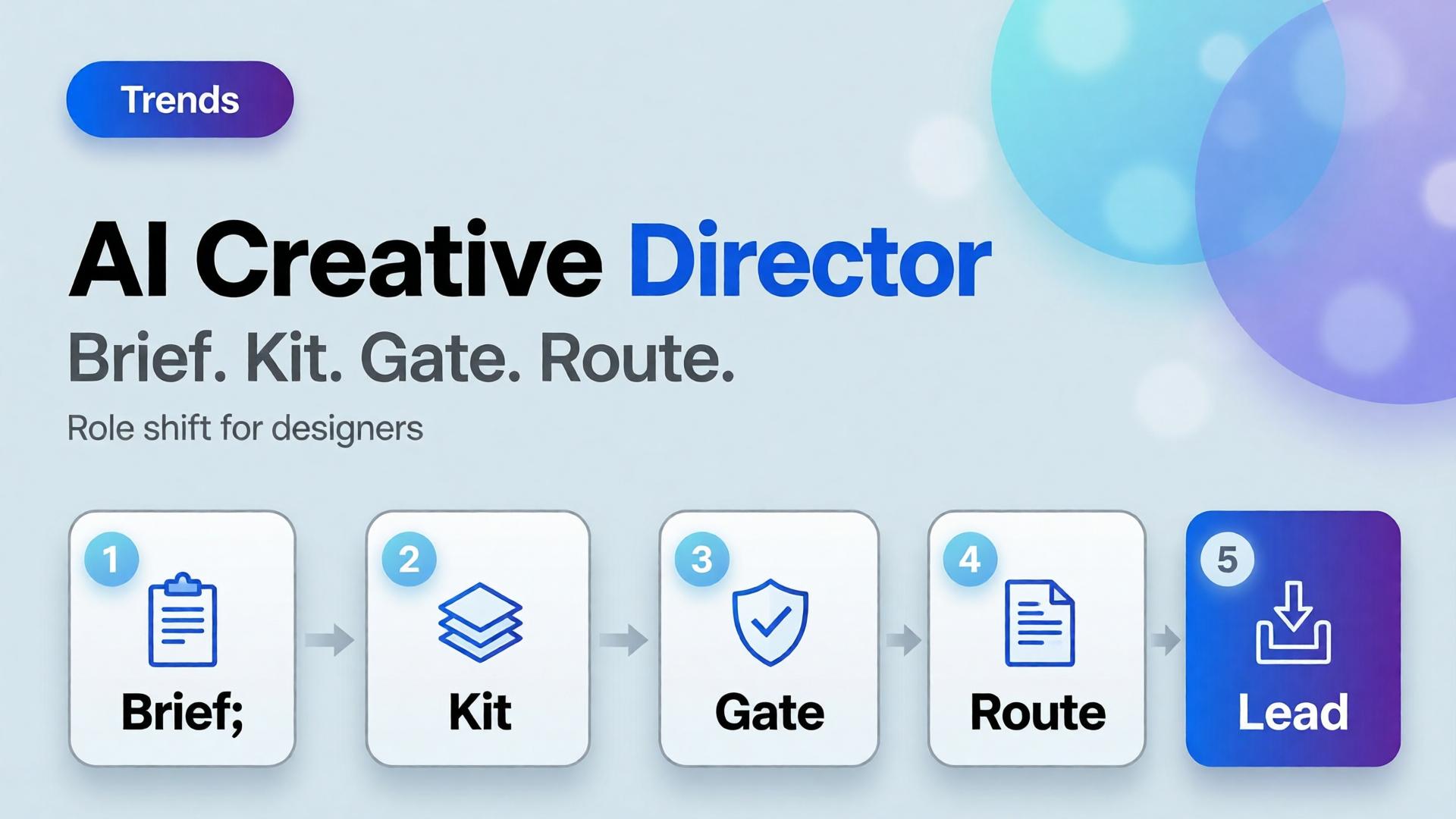
    Own the brief. Guard the kit. Staff the gates. Route the models. That is the AI creative director shift — and the unfair advantage in ecommerce creative teams.


    References

    1. Adobe, 2026 Creators’ Toolkit Report, June 16, 2026. https://news.adobe.com/news/2026/06/creators-toolkit-report-2026
    2. Adobe, Inaugural Creators’ Toolkit Report (Adobe MAX 2025), October 28, 2025. https://news.adobe.com/news/2025/10/adobe-max-2025-creators-survey
  • Beauty Catalogs Across Languages: Shade Truth First, Claims Second

    Beauty Catalogs Across Languages: Shade Truth First, Claims Second

    Beauty goes global faster than packaging teams can reshoot. The failure mode is familiar: regenerate the whole lifestyle for each language, watch the foundation shade drift, and discover marketplace complaints that “the bottle looked different.”

    AI beauty catalog localization extends cross-border image rules (ecommerce localization) with a beauty-specific law: shade and formula cues are sacred; marketing claims are what you translate.

    Key Takeaways

    >

    – Never “re-beautify” the SKU while translating overlays — color match is the product.

    – Keep ritual contexts from beauty lifestyle mapping; swap language layers, not bathrooms every market.

    – Claim sheets per locale beat prompt translation.

    – Upscale only after shade QA (upscale after QA).

    Why Is Beauty Localization Harder Than Soft Goods Copy?

    Because buyers purchase color and texture promises.

    Safe to localize Dangerous to regenerate
    Promo badges Foundation shade
    Hook lines Serum tone in bottle
    Units / legal lines Cap and label print fidelity
    Ingredient callouts (approved) “Glow” that changes undertone

    If localization changes undertone, you did not translate — you SKU-swapped.

    In beauty, mistranslation is annoying. Mishade is a return. Treat color like a regulatory asset.

    Beauty Localization Stack

    Master layer (global)

    • Packshot truth (packshot thinking)
    • Shade chip / arm swatch if used
    • Ritual scene family (morning mirror, bag, travel)

    Claim layer (per locale)

    • Hook, offer, disclaimer, unit system
    • Character limits per marketplace

    Gate

    • Side-by-side diff: bottle geometry + shade unchanged
    • Text accuracy reviewed by market owner

    Playbook: One Shade, Many Languages

    1. Approve shade-true master stills
    2. Build claim sheet EN → target locales
    3. Localize overlays in safe zones only
    4. Diff QA against master
    5. Attach locale packs to the brand kit for the next SKU drop
    6. Keep ritual contexts stable across languages unless culture blocks a scene

    Soft CTA

    Keep beauty catalogs coherent across markets: Ecommerce · Packshot

    Frequently Asked Questions

    How is this different from general ecommerce image localization?

    Same master-and-layer system — with stricter shade/texture gates and beauty ritual contexts.

    Can AI translate text on the physical label?

    High risk. Prefer real packaging photography for Truth; localize marketing frames separately.

    Should every market get new lifestyle bathrooms?

    Only when culture requires it. Default to one ritual kit + language layers.

    What should QA zoom on first?

    Shade, pump/cap geometry, then translated claims.

    Conclusion

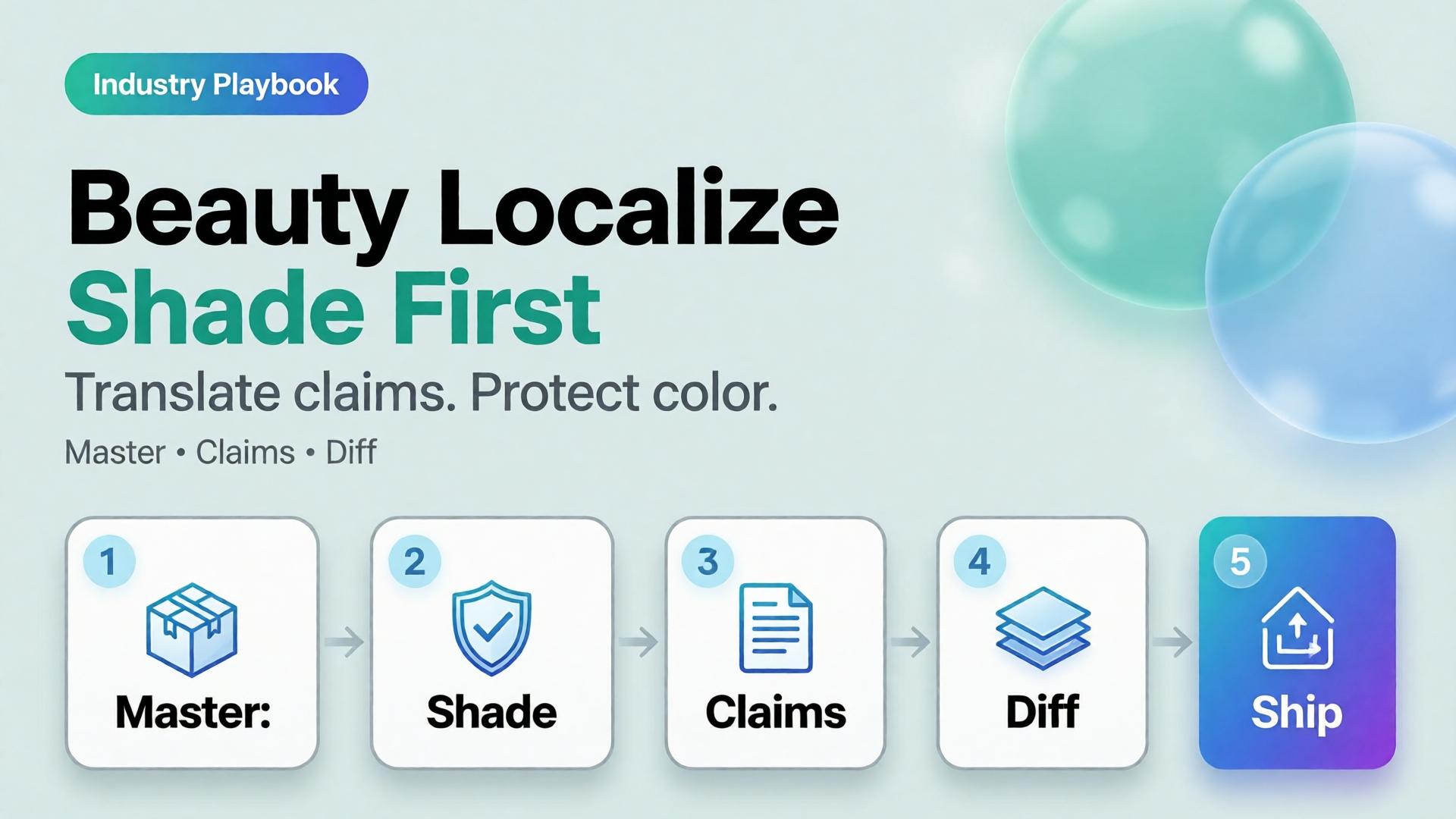
    Translate claims. Protect shade.

    Master first. Locale layers second. Diff always. That is AI beauty catalog localization that grows markets without multiplying undertones.


    References

    1. Lumepixa, AI Product Photography Statistics 2026. https://lumepixa.app/blog/ai-product-photography-statistics
    2. Adobe, 2026 Creators’ Toolkit Report, June 16, 2026. https://news.adobe.com/news/2026/06/creators-toolkit-report-2026
  • Seasonal Swim Campaigns with AI: Fast Drops Without Losing the World

    Seasonal Swim Campaigns with AI: Fast Drops Without Losing the World

    Swim drops do not wait for studio weather. Colors change weekly. Cuts multiply. The brand that regenerates a new beach every SKU looks like a stock site by mid-season.

    AI swimwear campaign images scale when you freeze a season world, swap garment refs, and gate fit — the same spine as a zero-budget lookbook, tuned for sun, water, and fabric cling.

    Key Takeaways

    >

    – Seasonal speed comes from one world × many SKUs, not one prompt × many worlds.

    – Swim fabrics exaggerate fit errors — treat try-on gates seriously (virtual try-on ads).

    – Map campaign scenes with SCENE: hero stand, waterline, detail, motion freeze, shade/lifestyle.

    – Keep batch kit rules for palette and light across the season.

    Why Do Seasonal AI Sets Look Cheap Mid-Campaign?

    Because time pressure invites world hopping.

    Fast bad habit Season-safe habit
    New beach per colorway One locked coast/pool kit
    New model per drop week One character family
    Explore-first always Refs-first after week one
    Publish every generate Curator gate on cling/fit

    Speed without a kit is just accelerated drift.

    Seasonal commerce rewards recognizable weather. Shoppers should feel “same summer, new cut” — not “new planet every Thursday.”

    Season World Checklist

    Lock before the first SKU batch:

    • Location class (pool / rocky coast / urban sun)
    • Time of day + light temperature
    • Water presence rules (wet fabric yes/no)
    • Prop kit (towel, chair) — minimal
    • Character / body anchors

    Write it in ten lines. Reuse all season.

    Playbook: Weekly Swim Drop

    Monday — Refs

    Photograph or flat-lay each new cut. Capture print scale.

    Tuesday — Generate in-world

    On-body + hero stills with garment lock. No new locations.

    Wednesday — Gates

    • Fit/cling accuracy
    • Print placement
    • Character continuity
    • World leak check (suddenly indoor marble)

    Thursday — Channel crops

    Feed / Story / Shop hooks from winners (scene jobs).

    Friday — Archive

    Winners enter the season kit for next colorway swaps.

    Soft CTA

    Ship seasonal listing and campaign stills from locked worlds: Listing Images · Photography

    Frequently Asked Questions

    How many scenes does a swim campaign need?

    Five strong in-world scenes beat fifteen unrelated beaches. Expand SKUs, not planets.

    Wet look — generate or shoot?

    If wet drape matters to the SKU story, brief it explicitly and QA cling. Do not invent wetness that misrepresents fabric.

    Can I reuse last year’s world?

    Yes if brand season identity continues. Update props lightly; keep light logic if it still matches the collection.

    What breaks swim AI images most?

    Print drift on small patterns and strap geometry errors. Zoom those first.

    Conclusion

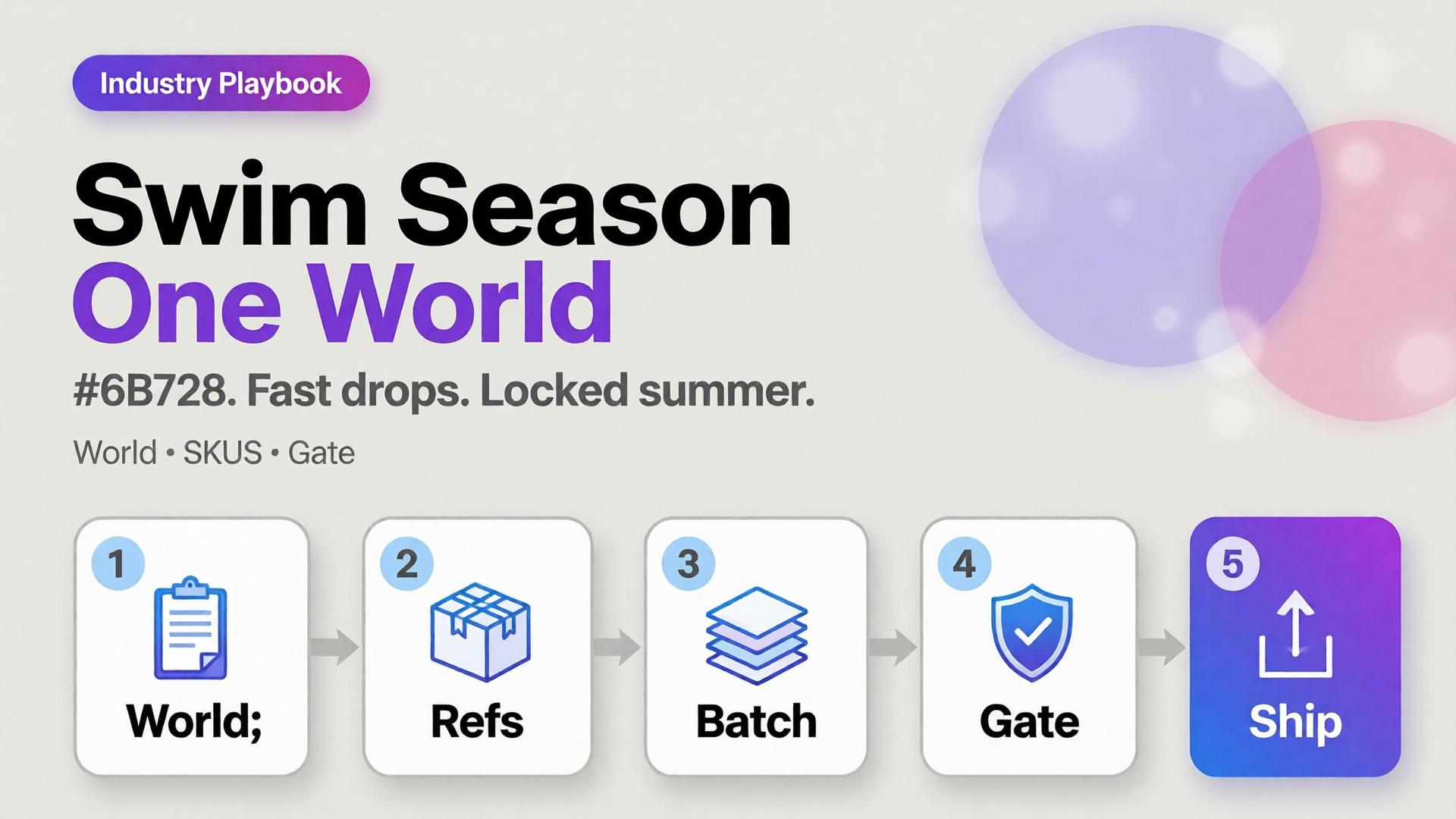
    Seasonal swim is a world business.

    Lock summer once. Swap cuts weekly. Gate fit. Crop for channels. That is how AI swimwear campaign images stay fast without looking rented from a stock library.


    References

    1. Adobe, 2026 Creators’ Toolkit Report, June 16, 2026. https://news.adobe.com/news/2026/06/creators-toolkit-report-2026
    2. Lumepixa, AI Product Photography Statistics 2026. https://lumepixa.app/blog/ai-product-photography-statistics
  • Virtual Try-On Ads: Fit Storytelling, Not Face Filters

    Virtual Try-On Ads: Fit Storytelling, Not Face Filters

    Virtual try-on promises “see it on me.” Too many AI ads deliver “see a stranger wearing almost your SKU.” Necklines drift. Sleeve lengths invent themselves. The face is gorgeous — and the garment is fiction.

    AI virtual try-on ads work when you treat try-on as fit storytelling: garment truth first, character second, filter effects never.

    Key Takeaways

    >

    – Try-on is a garment fidelity problem with a human in frame — not a beauty filter with clothes attached.

    – Lock garment refs like hard goods lock geometry (hard goods QA); lock faces like character design.

    – Use try-on for Demo / Proof jobs in Shop scene types — not as every hook.

    – Zero-reshoot colorways: swap garment refs inside one pose world (3-day lookbook).

    Why Do Try-On Ads Fail After the Click?

    Because the ad sold a face mood and the PDP shows a different garment.

    Ad promise PDP reality Result
    Perfect drape Stiffer fabric Return
    Shorter hem True length Distrust
    Model body match Size chart ignored Size chaos
    New face every frame Brand amnesia Low recall

    Try-on without gates burns paid traffic.

    Shoppers forgive AI skin. They do not forgive AI seam lines. Fit storytelling starts at the stitch, not the smile.

    What Must Be Locked for Honest Try-On?

    Garment bible

    • Silhouette, neckline, sleeve, length, closure
    • Print scale and placement
    • Fabric category (knit / woven / sheer)

    Character rules (if face/body shown)

    • One anchor identity across the set
    • Body proportions stable enough for size intuition
    • No “new cousin” every creative

    Scene job

    • Demo: on-body motion or turn
    • Proof: detail of fit at shoulder/waist
    • Hook: only after garment passes

    Playbook: Try-On Without Filter Energy

    1. Capture garment refs — flat + on-hanger + detail
    2. Approve a base on-body still reference-heavy
    3. Garment QA gate — zoom hems, necklines, prints
    4. Extend to ads — crop to 9:16 / 4:5; do not regenerate identity per ratio
    5. Colorway variants — swap garment ref only; keep pose/world
    6. Reject beauty-only winners that fail garment match

    Pair with lookbook world rules (lookbook needs a world).

    Soft CTA

    Build listing and on-body stills from real garment refs: Listing Images · Gallery

    Frequently Asked Questions

    What makes AI virtual try-on ads trustworthy?

    Garment fidelity under zoom, stable character, and clear Demo/Proof jobs — not maximal beauty scores.

    Do I need a different model for try-on vs packshots?

    Choose for the fidelity bottleneck after direction. Try-on usually needs stronger reference lock than lifestyle exploration.

    Can try-on replace size charts?

    No. It supports intuition. Charts and measurements remain mandatory.

    How many try-on frames per SKU?

    One approved on-body hero + one detail proof beats six drifted beauties.

    Conclusion

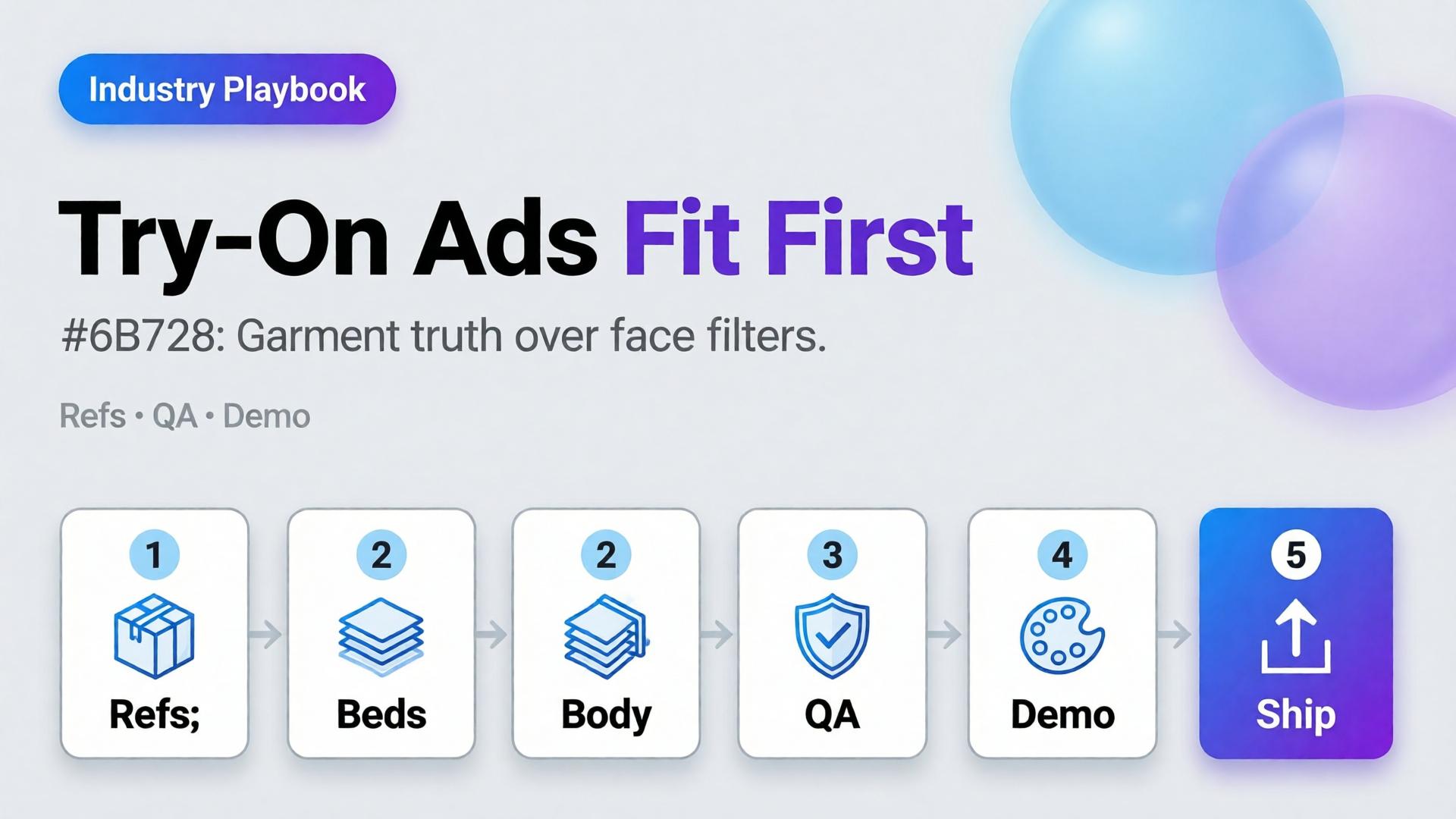
    Stop shipping face filters in dresses. Ship fit stories.

    Lock the garment. Gate the seams. Keep one character. Use try-on where Demo and Proof matter. That is how AI virtual try-on ads earn clicks that survive the PDP.


    References

    1. Adobe, 2026 Creators’ Toolkit Report, June 16, 2026. https://news.adobe.com/news/2026/06/creators-toolkit-report-2026
    2. Lumepixa, Product Image Statistics 2026. https://lumepixa.app/blog/ecommerce-product-image-statistics
  • Amazon Listing Images as a System: Main, Variants, and A+ Still Logic

    Amazon Listing Images as a System: Main, Variants, and A+ Still Logic

    Amazon does not buy your moodboard. It buys slot performance: a compliant main image, a gallery that answers doubts, and A+ stills that explain without breaking catalog rules. Teams that AI-generate “seven pretty heroes” still lose the Buy Box war on clarity.

    AI Amazon listing images work when you treat the gallery as a system of jobs — not a folder of vibes.

    Key Takeaways

    >

    – Main image = compliance + recognition. Secondary slots = doubt removal. A+ = story without replacing Truth.

    – Listings with richer image sets convert more strongly in large studies (~50% higher with 5+ images vs thinner galleries in Catchlab-cited 2026 roundups).

    – Reuse packshot angle families and scene jobs — mapped to Amazon slots.

    – Upscale only after QA (upscale playbook).

    Why Do Random AI Galleries Underperform on Amazon?

    Because each thumbnail has a job in the purchase path.

    Slot Job Fail mode
    Main Recognize + comply Props, text, lifestyle bleed
    2–3 Form / angle truth Duplicate beauty shots
    4–5 Detail / texture / scale Unreadable macros
    6–7 Lifestyle / in-use Fantasy that fights main
    A+ Features / compare / story Walls of unread text

    If every file tries to be a campaign hero, none of them staff the gallery.

    Amazon creative is information architecture with pixels. AI should fill slots, not audition for a perfume ad.

    The Listing Image System

    Layer A — Compliance Truth

    • Main on approved background
    • True color, full product, no promotional overlays (follow current marketplace policy)
    • Geometry QA for hard goods

    Layer B — Doubt Removers

    • 45° / back / open-box / scale in hand
    • Detail of materials and controls

    Layer C — Desire / Context

    Layer D — A+ Stills

    • Feature callouts in clean layouts
    • Comparison charts as designed graphics (prefer controlled text, not hopeful in-image AI type)

    Playbook: One SKU, One System Day

    1. Write slot map — which file fills which job
    2. Shoot/generate Truth set reference-heavy
    3. QA geometry + typography
    4. Add one lifestyle only after Truth passes
    5. Build A+ frames from approved masters (crop + layout)
    6. Upscale delivery sizes once
    7. Contact-sheet review against competitor galleries in-category

    Ratio/adapt habits from marketplace banners still help for off-Amazon ads — but on Amazon, slot jobs beat ratio panic.

    Soft CTA

    Produce listing-ready packshots and gallery systems: Ecommerce · Packshot

    Frequently Asked Questions

    Can AI generate Amazon main images?

    Yes — if compliance and product fidelity pass. Treat main as the strictest Truth frame, not a creative playground.

    How many lifestyle images should an Amazon gallery include?

    Usually one or two. Fill remaining slots with doubt removers before stacking lifestyles.

    Is A+ a place for experimental AI worlds?

    Keep A+ clearer than experimental. Use approved product masters; add controlled graphics for features.

    How is this different from TikTok Shop scene types?

    TikTok optimizes scroll jobs (hook/demo). Amazon optimizes catalog jobs (compliance/doubt). Share masters; change the slot map.

    Conclusion

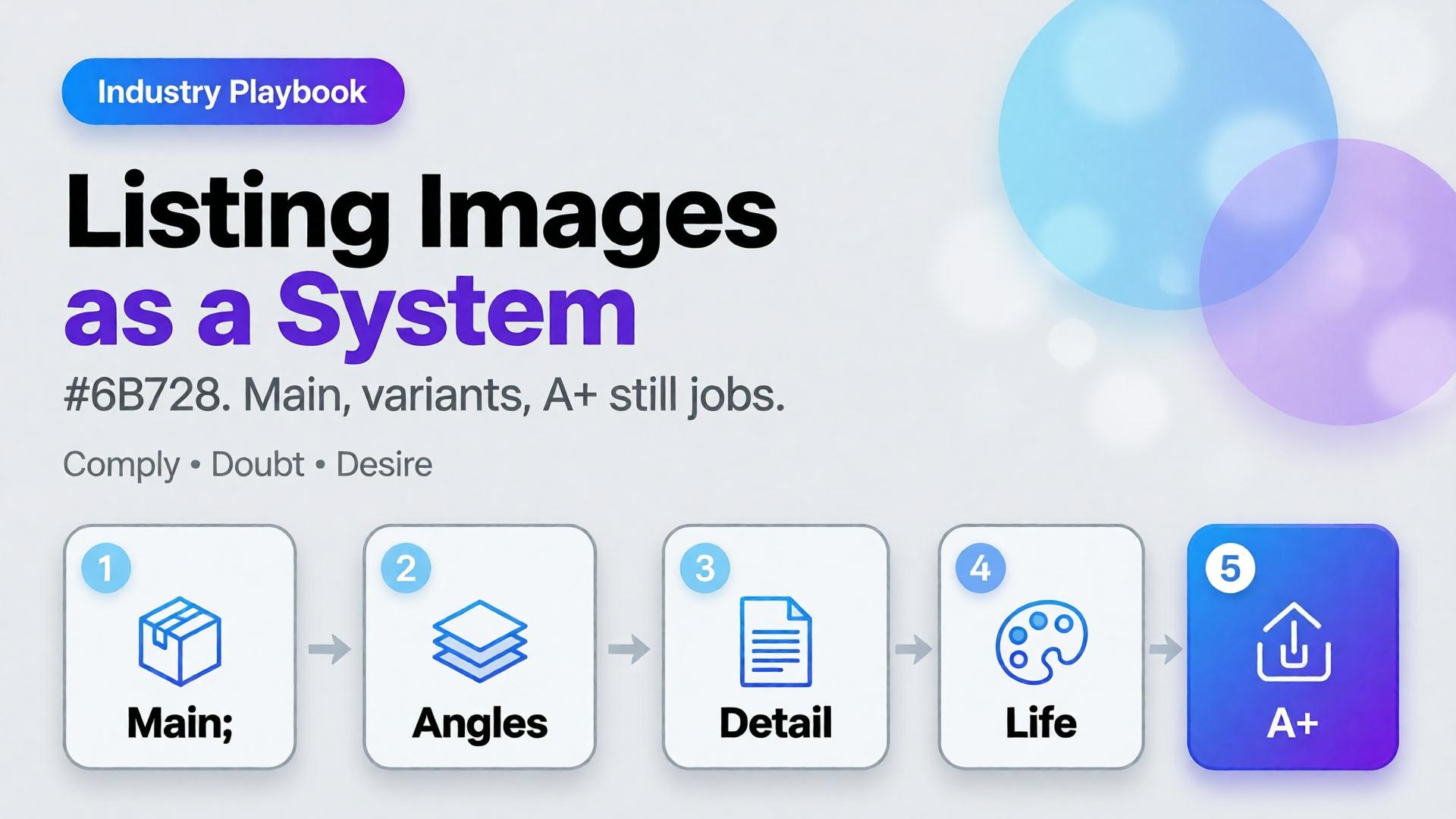
    Stop generating seven heroes. Staff seven jobs.

    Main for compliance. Variants for truth. Lifestyle for desire. A+ for explanation. Gate fidelity. Then deliver.

    That is an AI Amazon listing images system — built for the buy path, not the moodboard.


    References

    1. Lumepixa, AI Product Photography Statistics 2026 (Catchlab / Salsify citations). https://lumepixa.app/blog/ai-product-photography-statistics
    2. Adobe, 2026 Creators’ Toolkit Report, June 16, 2026. https://news.adobe.com/news/2026/06/creators-toolkit-report-2026
  • Home Product Staging with AI: Room Context Without Fake Square Footage

    Home Product Staging with AI: Room Context Without Fake Square Footage

    A sofa on pure white tells dimensions badly. A sofa in a cathedral living room tells lies well. Home and furniture ecommerce lives in that tension: buyers need context, but context that invents square footage creates “looked bigger online” returns.

    AI home product staging is the discipline of placing SKUs in believable rooms with scale honesty, locked light, and gates — not generating dream interiors that your warehouse cannot ship.

    Key Takeaways

    >

    – White-only home catalogs under-inform; fantasy rooms over-promise. Use dual-layer galleries like visual commerce 2026.

    – Stage with known scale anchors (door, outlet, side table) and real product dimensions in the brief.

    – Map rooms like beauty maps rituals — a context grid before generate (SCENE).

    – Geometry still matters for legs, seams, and hardware (hard goods QA when parts are precise).

    Why Does Home Staging Break Trust Online?

    Because furniture is purchased as space math.

    Staging sin Buyer consequence
    Oversized rooms “Tiny in real life” returns
    Wrong camera height Proportions feel off
    Mixed design eras Brand looks incoherent
    Soft rug hiding feet Leg style unknown
    Invented materials on props Cart confusion

    Lifestyle lift is real in ecommerce image research — but only when lifestyle stays honest.

    Home staging is not interior design porn. It is dimensional storytelling: how big, how it sits, how it lives with ordinary walls.

    Context Map for Home SKUs

    Borrow beauty’s context mapping mindset (beauty lifestyle contexts):

    Context Job Avoid
    Studio / white Spec + color truth Only image on PDP
    Apartment daylight Real-life scale Mansion windows
    Corner / tight wall Small-space proof Endless open plan
    Detail / fabric Material truth Fake weave
    Lifestyle lived-in Emotion Clutter that hides SKU

    Write 4–5 contexts per hero SKU. Reuse the room kit across the catalog (batch thinking).

    Playbook: Honest Room Extension

    1. Lock packshot truth — front, side, fabric detail
    2. Write room brief — room size class (studio / 1BR living), camera height, light (north window / warm lamp)
    3. Place scale anchors — known objects; state approximate room width in brief if critical
    4. Generate staging with product ref locked
    5. Scale QA — does the SKU dominate the room unrealistically?
    6. Ship dual layer — truth + staging for PDP; staging-heavy for ads

    Soft CTA

    Produce catalog truth and room contexts in one ecommerce creative system: Ecommerce · Photography

    Frequently Asked Questions

    What is AI home product staging?

    Placing furniture or home SKUs into room contexts with AI while preserving product fidelity and believable scale for ecommerce.

    Should every furniture PDP drop white backgrounds?

    Keep a truth layer. Add staging as secondary images and ads — same dual-layer logic as visual commerce guidance.

    How do I prevent “mansion staging”?

    Specify room class and camera height in the brief. Reject outputs where the SKU looks doll-sized or palace-scaled.

    Can staging replace dimensions in the listing?

    No. Staging supports intuition; specs remain mandatory.

    Conclusion

    Rooms sell home products. Fake acreage unsells them after delivery.

    Map contexts. Lock scale. Gate the fantasy. Keep a truth layer. That is AI home product staging that converts without breeding return tickets.


    References

    1. Lumepixa, Product Image Statistics 2026. https://lumepixa.app/blog/ecommerce-product-image-statistics
    2. Adobe, 2026 Creators’ Toolkit Report, June 16, 2026. https://news.adobe.com/news/2026/06/creators-toolkit-report-2026
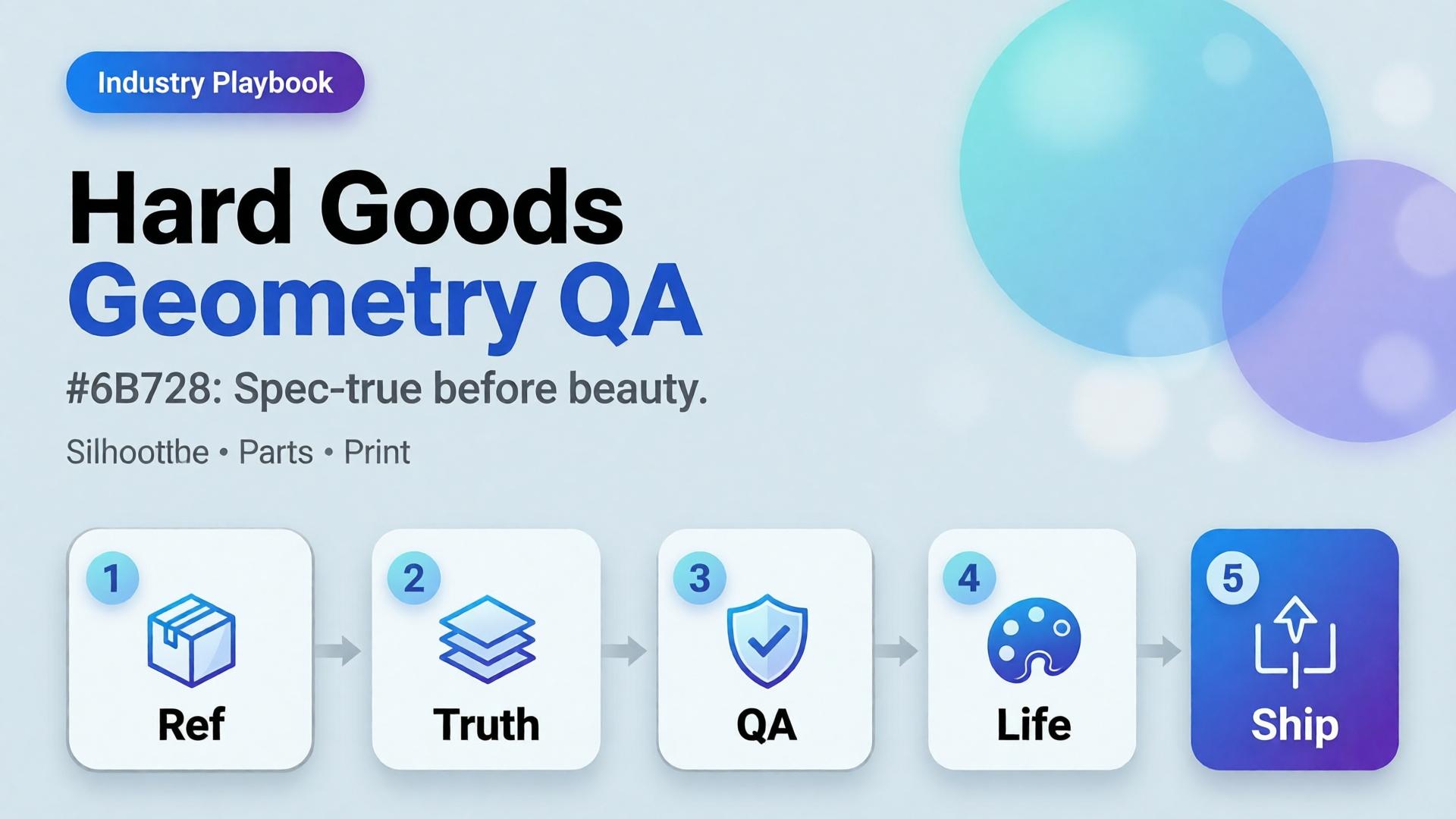
  • Hard Goods Need Geometry QA: Eyewear, Gadgets, and Spec-True AI Images

    Hard Goods Need Geometry QA: Eyewear, Gadgets, and Spec-True AI Images

    Beauty SKUs forgive a soft edge. Eyewear does not. A millimeter of temple warp, a lens reflection that invents a logo, a button row that gains an extra key — and the listing becomes a liability.

    AI hard goods product images fail when teams apply fashion/lifestyle prompting to precision objects. Hard goods need geometry QA as a first-class gate: silhouette, symmetry, ports, hinges, and print — before any lifestyle world.

    Key Takeaways

    >

    – Hard goods are spec products. Buyer trust is dimensional, not only emotional.

    – Run a geometry checklist before beauty, upscale, or lifestyle extension (packshot thinking).

    – Prefer reference-heavy generation; explore mode is for backgrounds after the object passes (reference vs explore).

    – Upscale only after QA (upscale after QA) — sharpening warped hinges makes rejects look confident.

    Why Do Lifestyle Prompts Break Hard Goods?

    Because soft prompts optimize for vibe. Hard goods optimize for match-to-unboxing.

    Soft-goods bias Hard-goods reality
    Fabric drape can vary Hinge angle cannot
    Skin tone mood Port count is binary
    “Premium glow” Specular lies on lenses/metal
    Approximate logo Exact wordmark + icon

    Eyewear, watches, earbuds, keyboards, tools, and small appliances sit on the hard side of that table.

    For hard goods, the hero image is a contract drawing with light — not a moodboard with a product stuck on top.

    Geometry QA Checklist (Pass Before Beauty)

    Silhouette

    • Outer shape matches reference
    • No melted corners, no missing tips (eyewear temples)

    Symmetry / alignment

    • Left-right balance on glasses, buds, paired objects
    • Button grids aligned

    Functional parts

    • Ports, hinges, switches, screws present and correct in count
    • No “extra USB” hallucinations

    Optics / materials

    • Lens transparency plausible (no opaque glass unless product is)
    • Metal vs plastic read correct

    Print / icons

    • Logos and iconography correct — or intentionally out of frame

    Fail any row → reject. Do not lifestyle it “to hide the error.”

    Playbook: Spec-True Then Scroll-Stopping

    1. Capture honest refs — front, 45°, detail of hinge/port
    2. Generate Truth angles reference-heavy (image model after direction)
    3. Geometry QA gate with zoom
    4. Optional lifestyle bridge — same approved object into a scene (desk, face for eyewear with character lock)
    5. Upscale + crop only on winners (node spine)

    For ads, keep scene jobs — but Truth frames carry the SKU.

    Category Notes

    Category Extra risk Extra gate
    Eyewear Lens reflections invent logos Check both lenses
    Earbuds / wearables Stem length drift Side-by-side with ref
    Keyboards / controllers Key count / layout Count visible keys
    Small appliances Cable / button myths Detail crop of controls

    Soft CTA

    Build spec-true packshots before campaign worlds: Packshot · Ecommerce

    Frequently Asked Questions

    What counts as hard goods for AI product images?

    Products where dimensional accuracy and part count matter to purchase and returns — eyewear, electronics, tools, precision accessories.

    Can I still use lifestyle scenes?

    Yes — after the object passes geometry QA. Lifestyle is extension, not repair.

    Should I use a different AI model for hard goods?

    Choose for fidelity bottleneck after direction — not because the category is trendy. See model-after-direction guidance.

    How many reference angles do I need?

    At least front + 45° + one detail of the failure-prone part (hinge, port, lens).

    Conclusion

    Hard goods do not need softer prompts. They need harder gates.

    Geometry first. Beauty second. Lifestyle third. Upscale last. That is how AI hard goods product images survive zoom, returns, and marketplace scrutiny.


    References

    1. Lumepixa, AI Product Photography Statistics 2026. https://lumepixa.app/blog/ai-product-photography-statistics
    2. Adobe, 2026 Creators’ Toolkit Report, June 16, 2026. https://news.adobe.com/news/2026/06/creators-toolkit-report-2026
  • Creator Playbook: Narrative Systems, Not One-Off Posts

    Creator Playbook: Narrative Systems, Not One-Off Posts

    Most creator burnout with AI is not about tools. It is about starting from zero every post.

    New hook. New face almost. New lighting world. New caption energy. The algorithm may reward the spike. The audience cannot form a memory. You become a content lottery — occasionally brilliant, never cumulative.

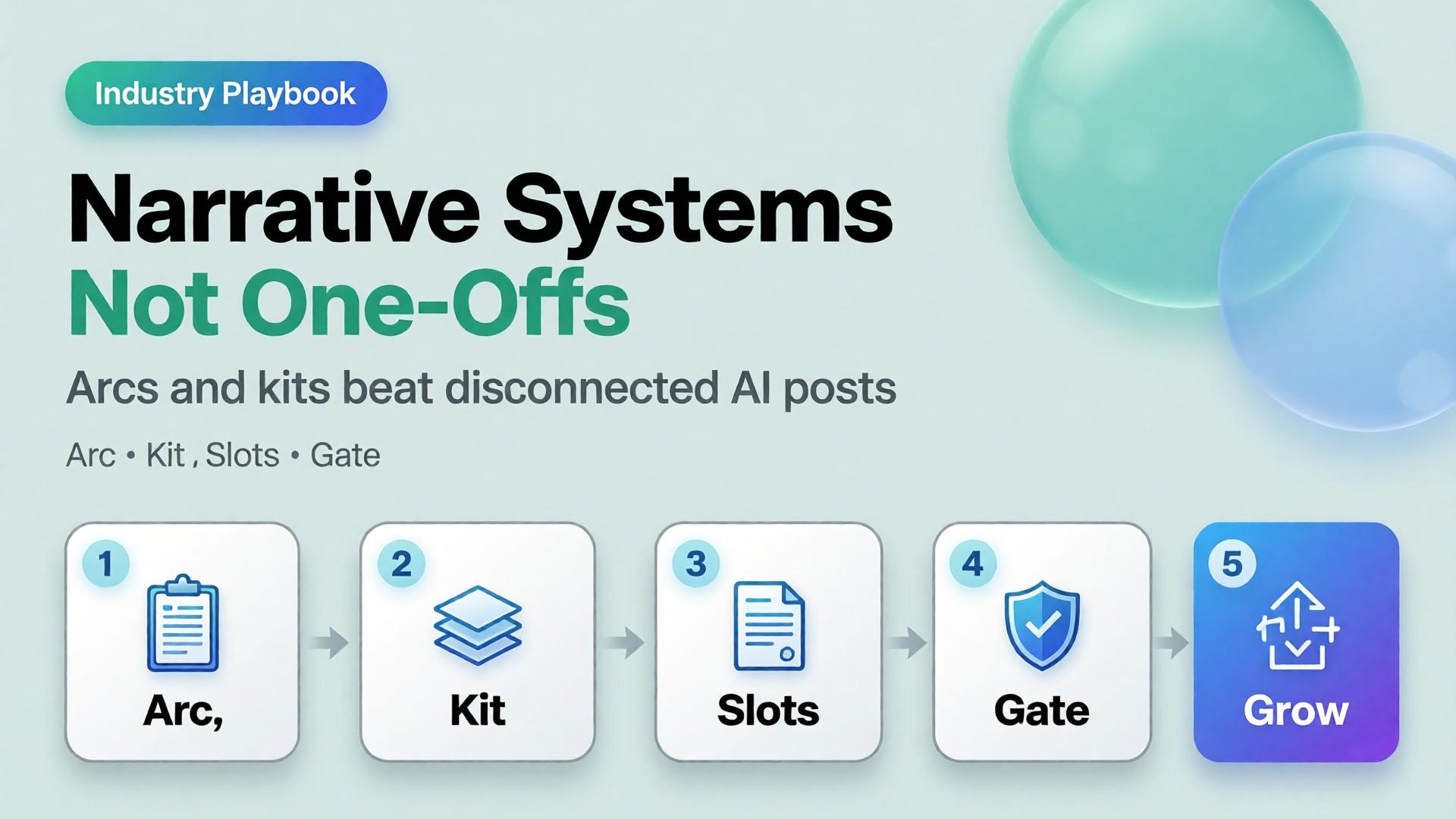
    An AI content creator workflow that scales is a narrative system: a small set of arcs, a locked character/world kit, format slots that repeat, and weekly gates that protect coherence. One-off posts are expenses. Narrative systems are assets.

    Key Takeaways

    >

    – Buffer’s 26-week study of 100K+ users found creators who posted in 20+ weeks saw about 450% more engagement per post than those who posted in four weeks or fewer (Buffer, 2025–2026).

    – Consistency compounds more than heroic volume. Moving from sporadic to a steady weekly rhythm is the steepest gain curve.

    – A narrative system has four parts: arc, character/world kit, format slots, curator gate.

    – AI accelerates production inside the system. Without the system, AI accelerates sameness and drift.

    This playbook sits with Face Consistency Is Character Design and The 3-Line Brief. Freelancers serving multiple brands can map the same spine across clients — see One Workflow Template for Five Clients.

    Why Do One-Off AI Posts Feel Busy but Flat?

    Because each upload asks the audience to re-learn who you are.

    One-off habit Narrative system habit
    New world every post Recurring worlds
    New face energy Locked character kit
    Hook without sequel Arcs with episodes
    Random formats Slot map
    Publish then forget Weekly set review

    Buffer’s consistency research is blunt: showing up across weeks beats rare spikes. Creators who posted consistently for 5–19 weeks still earned about 3.4× more engagement per post than the least consistent group. AI does not change that math. It only makes it easier to produce volume that still fails to compound.

    Algorithms distribute posts. Audiences distribute memory. Narrative systems optimize for memory; one-offs optimize for the next upload anxiety.

    What Is a Narrative System for Creators?

    A narrative system is a reusable production architecture:

    1. Arc — the story season (4–8 weeks)
    2. Kit — character, palette, light, product rules
    3. Slots — repeating format jobs (feed, Story, Reel, banner…)
    4. Gate — who can reject “pretty but off-brand”

    It is SCENE at calendar scale. Each episode gets a brief. The season gets a bible.

    Build the Arc Before the Prompt

    Pick one season thesis (one sentence)

    Examples:

    • 30 days of desk-lunch upgrades for busy founders
    • One outfit, eight lives — wardrobe as world-building
    • From shelf photo to craving — F&B education for DTC buyers

    If you cannot say the thesis without commas, you have three arcs pretending to be one.

    Define episode types (not topics)

    Episode type Job Cadence
    Hook New viewer entry 1–2× / week
    Proof Trust / demo 1× / week
    Depth Save / share 1× / week
    Soft CTA Convert 1× / week
    Community Reply / stitch fuel ongoing

    Topics rotate inside types. Types stay stable. That is how an AI content creator workflow stays recognizable when tools change.

    The Kit: What Must Repeat So Stories Can Change

    Without a kit, every episode renegotiates identity — the brand consistency trap in creator form.

    Minimum kit:

    • Character anchors (if a face appears) — see face consistency playbook
    • Palette + light logic
    • Three recurring locations / sets
    • Product handling rules
    • Caption voice (sentence length, POV, CTA style)

    Adobe’s 2026 Creators’ Toolkit Report found 57% of creators still edit AI outputs moderately or extensively before publish. Editing inside a kit is craft. Editing without a kit is damage control.

    Format Slots: Produce Once, Ship Many

    Do not invent a new production for every ratio. Assign jobs:

    Slot Ratio Narrative job
    Feed 1:1 or 4:5 Episode poster
    Story 9:16 Behind-the-arc / poll
    Reel 9:16 Motion beat of the episode
    Carousel multi Proof sequence
    Banner / email wide Season reminder
    Marketplace / store compliance + brand Always-on identity

    This is the creator version of marketplace banner thinking — one master, many jobs — not twelve unrelated renders.

    Weekly Operating Rhythm

    A sustainable default for most creators in 2026 is not “post until collapse.” Buffer and industry frequency guides cluster meaningful gains around steady weekly presence, with many teams landing near 3–5 posts/week as a quality-safe band depending on platform.

    Example week inside a narrative system

    Day System action Output
    Mon Arc check + 3-line briefs 4 episode briefs
    Tue Generate masters in one kit 6–10 frames
    Wed Adapt slots (crop/extend) Feed + Story + Reel covers
    Thu Curator gate Kill drift / keep winners
    Fri Publish + reply block Posts + community
    Sun Set review + archive Update kit with winners

    Notice what is missing: “open AI and hope.” Hope is not a workflow stage.

    How AI Fits Without Taking Over the Story

    Use AI for:

    • Variant volume inside a locked kit
    • Format adaptation
    • Background / set exploration before lock
    • First drafts of captions you will voice-edit

    Do not use AI for:

    • Replacing the season thesis
    • Recasting your face every episode
    • Inventing a new brand world mid-arc
    • Publishing without a set review

    Model choice comes after direction — same rule as choose the image model after creative direction.

    Soft CTA

    Design narrative systems as workflows, not vibes: Orauria Workflow · Gallery

    Frequently Asked Questions

    What is an AI content creator workflow?

    It is a repeatable system for planning, generating, adapting, and publishing creator content with AI — built around arcs and kits, not isolated prompts.

    How is a narrative system different from a content calendar?

    A calendar schedules dates. A narrative system defines what must stay the same so scheduled posts accumulate meaning. You need both; calendar without system is a to-do list.

    How long should a creator arc run?

    Four to eight weeks is a practical season. Shorter arcs rarely compound. Longer arcs need mid-season kit reviews to prevent drift.

    Do I need to post every day?

    No. Buffer’s data emphasizes consistent weeks over extreme daily volume. A sustainable rhythm you can keep beats a heroic week you abandon.

    Can freelancers use narrative systems for clients?

    Yes — keep the system spine fixed and swap kits per client. That is the core of multi-client workflow templates.

    What kills narrative systems fastest?

    Publishing exceptions without updating the bible — “just this one off-brand Reel.” Exceptions become the new default in two weeks.

    Conclusion

    One-off AI posts spend attention. Narrative systems invest it.

    Write a season thesis. Lock a kit. Define episode types. Fill format slots from masters. Gate the week as a set. Let AI multiply inside the rules — not rewrite the rules nightly.

    The creators who win with AI in 2026 will not be the ones who generate the most. They will be the ones whose audience can finish the sentence: this is another chapter of…


    References

    1. Buffer, Buffer Data — consistency study (100K+ users, 26 weeks). https://buffer.com/resources/buffer-data/
    2. Buffer, How to Grow on Social Media in 2026. https://buffer.com/resources/creator-growth-playbook/
    3. Buffer, How Often to Post on Social Media in 2026. https://buffer.com/resources/social-media-frequency-guide/
    4. Adobe, 2026 Creators’ Toolkit Report, June 16, 2026. https://news.adobe.com/news/2026/06/creators-toolkit-report-2026