Danh mục: Fashion

  • Seasonal Swim Campaigns with AI: Fast Drops Without Losing the World

    Seasonal Swim Campaigns with AI: Fast Drops Without Losing the World

    Swim drops do not wait for studio weather. Colors change weekly. Cuts multiply. The brand that regenerates a new beach every SKU looks like a stock site by mid-season.

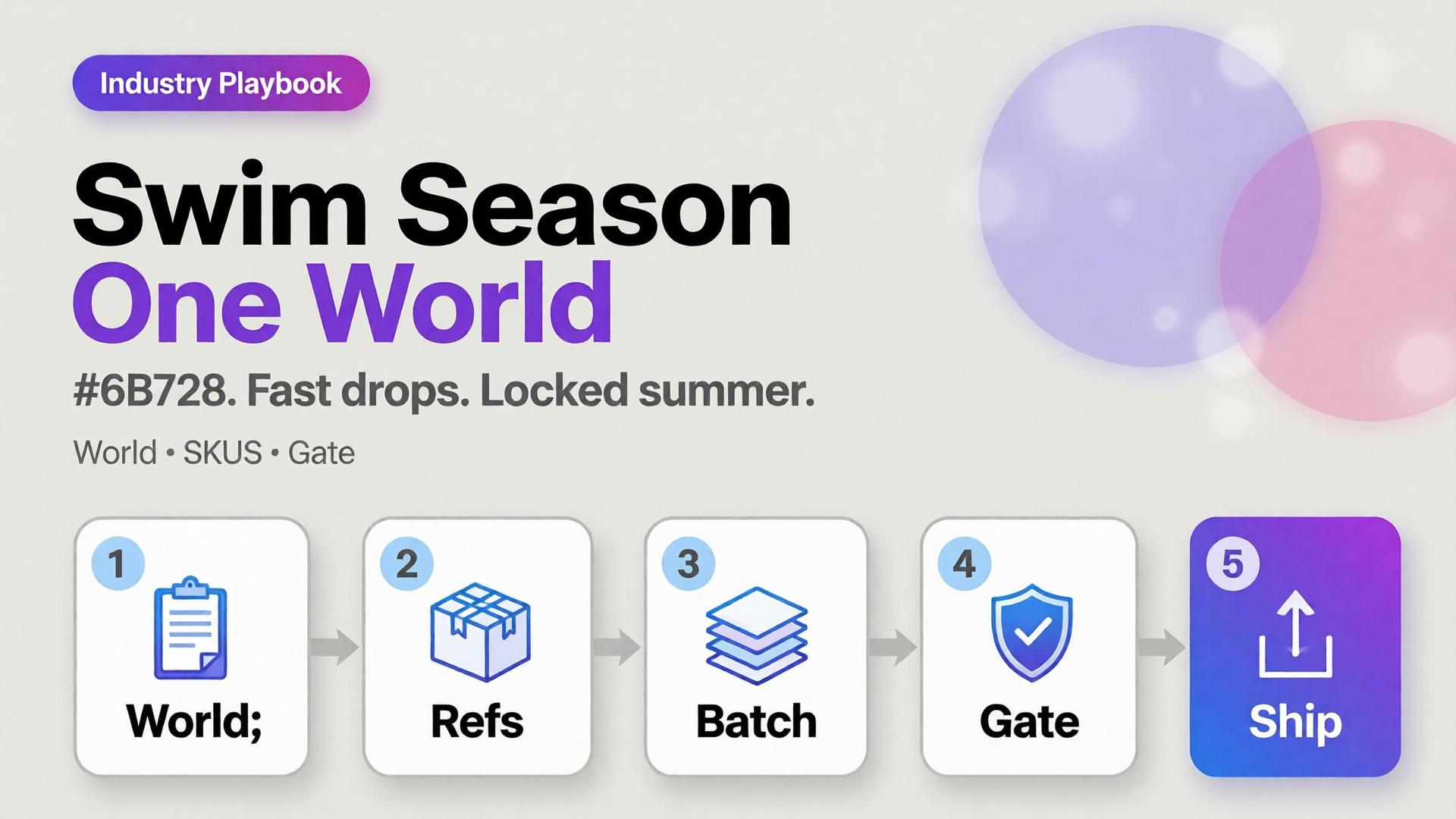
    AI swimwear campaign images scale when you freeze a season world, swap garment refs, and gate fit — the same spine as a zero-budget lookbook, tuned for sun, water, and fabric cling.

    Key Takeaways

    >

    – Seasonal speed comes from one world × many SKUs, not one prompt × many worlds.

    – Swim fabrics exaggerate fit errors — treat try-on gates seriously (virtual try-on ads).

    – Map campaign scenes with SCENE: hero stand, waterline, detail, motion freeze, shade/lifestyle.

    – Keep batch kit rules for palette and light across the season.

    Why Do Seasonal AI Sets Look Cheap Mid-Campaign?

    Because time pressure invites world hopping.

    Fast bad habit Season-safe habit
    New beach per colorway One locked coast/pool kit
    New model per drop week One character family
    Explore-first always Refs-first after week one
    Publish every generate Curator gate on cling/fit

    Speed without a kit is just accelerated drift.

    Seasonal commerce rewards recognizable weather. Shoppers should feel “same summer, new cut” — not “new planet every Thursday.”

    Season World Checklist

    Lock before the first SKU batch:

    • Location class (pool / rocky coast / urban sun)
    • Time of day + light temperature
    • Water presence rules (wet fabric yes/no)
    • Prop kit (towel, chair) — minimal
    • Character / body anchors

    Write it in ten lines. Reuse all season.

    Playbook: Weekly Swim Drop

    Monday — Refs

    Photograph or flat-lay each new cut. Capture print scale.

    Tuesday — Generate in-world

    On-body + hero stills with garment lock. No new locations.

    Wednesday — Gates

    • Fit/cling accuracy
    • Print placement
    • Character continuity
    • World leak check (suddenly indoor marble)

    Thursday — Channel crops

    Feed / Story / Shop hooks from winners (scene jobs).

    Friday — Archive

    Winners enter the season kit for next colorway swaps.

    Soft CTA

    Ship seasonal listing and campaign stills from locked worlds: Listing Images · Photography

    Frequently Asked Questions

    How many scenes does a swim campaign need?

    Five strong in-world scenes beat fifteen unrelated beaches. Expand SKUs, not planets.

    Wet look — generate or shoot?

    If wet drape matters to the SKU story, brief it explicitly and QA cling. Do not invent wetness that misrepresents fabric.

    Can I reuse last year’s world?

    Yes if brand season identity continues. Update props lightly; keep light logic if it still matches the collection.

    What breaks swim AI images most?

    Print drift on small patterns and strap geometry errors. Zoom those first.

    Conclusion

    Seasonal swim is a world business.

    Lock summer once. Swap cuts weekly. Gate fit. Crop for channels. That is how AI swimwear campaign images stay fast without looking rented from a stock library.


    References

    1. Adobe, 2026 Creators’ Toolkit Report, June 16, 2026. https://news.adobe.com/news/2026/06/creators-toolkit-report-2026
    2. Lumepixa, AI Product Photography Statistics 2026. https://lumepixa.app/blog/ai-product-photography-statistics
  • Virtual Try-On Ads: Fit Storytelling, Not Face Filters

    Virtual Try-On Ads: Fit Storytelling, Not Face Filters

    Virtual try-on promises “see it on me.” Too many AI ads deliver “see a stranger wearing almost your SKU.” Necklines drift. Sleeve lengths invent themselves. The face is gorgeous — and the garment is fiction.

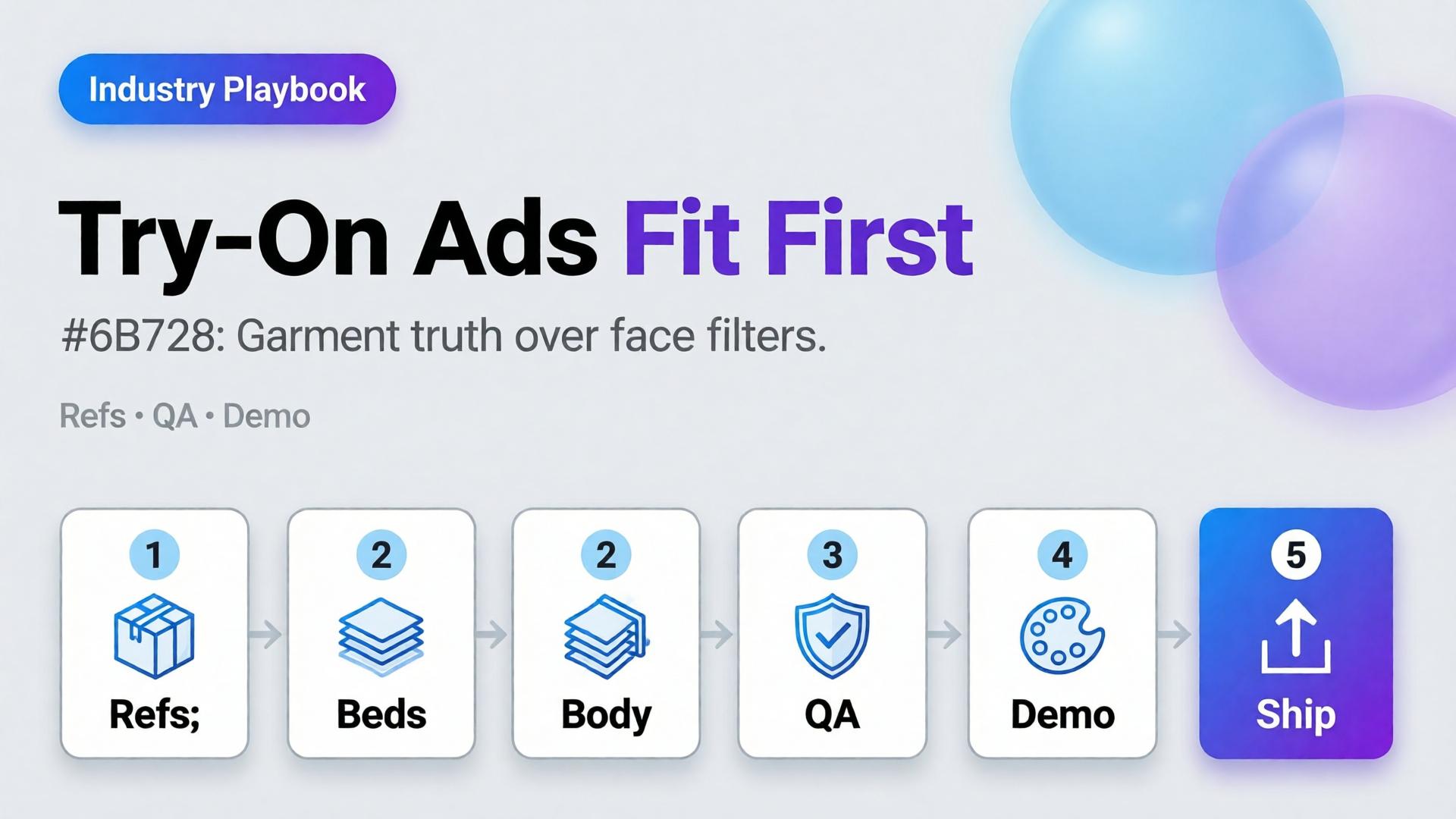
    AI virtual try-on ads work when you treat try-on as fit storytelling: garment truth first, character second, filter effects never.

    Key Takeaways

    >

    – Try-on is a garment fidelity problem with a human in frame — not a beauty filter with clothes attached.

    – Lock garment refs like hard goods lock geometry (hard goods QA); lock faces like character design.

    – Use try-on for Demo / Proof jobs in Shop scene types — not as every hook.

    – Zero-reshoot colorways: swap garment refs inside one pose world (3-day lookbook).

    Why Do Try-On Ads Fail After the Click?

    Because the ad sold a face mood and the PDP shows a different garment.

    Ad promise PDP reality Result
    Perfect drape Stiffer fabric Return
    Shorter hem True length Distrust
    Model body match Size chart ignored Size chaos
    New face every frame Brand amnesia Low recall

    Try-on without gates burns paid traffic.

    Shoppers forgive AI skin. They do not forgive AI seam lines. Fit storytelling starts at the stitch, not the smile.

    What Must Be Locked for Honest Try-On?

    Garment bible

    • Silhouette, neckline, sleeve, length, closure
    • Print scale and placement
    • Fabric category (knit / woven / sheer)

    Character rules (if face/body shown)

    • One anchor identity across the set
    • Body proportions stable enough for size intuition
    • No “new cousin” every creative

    Scene job

    • Demo: on-body motion or turn
    • Proof: detail of fit at shoulder/waist
    • Hook: only after garment passes

    Playbook: Try-On Without Filter Energy

    1. Capture garment refs — flat + on-hanger + detail
    2. Approve a base on-body still reference-heavy
    3. Garment QA gate — zoom hems, necklines, prints
    4. Extend to ads — crop to 9:16 / 4:5; do not regenerate identity per ratio
    5. Colorway variants — swap garment ref only; keep pose/world
    6. Reject beauty-only winners that fail garment match

    Pair with lookbook world rules (lookbook needs a world).

    Soft CTA

    Build listing and on-body stills from real garment refs: Listing Images · Gallery

    Frequently Asked Questions

    What makes AI virtual try-on ads trustworthy?

    Garment fidelity under zoom, stable character, and clear Demo/Proof jobs — not maximal beauty scores.

    Do I need a different model for try-on vs packshots?

    Choose for the fidelity bottleneck after direction. Try-on usually needs stronger reference lock than lifestyle exploration.

    Can try-on replace size charts?

    No. It supports intuition. Charts and measurements remain mandatory.

    How many try-on frames per SKU?

    One approved on-body hero + one detail proof beats six drifted beauties.

    Conclusion

    Stop shipping face filters in dresses. Ship fit stories.

    Lock the garment. Gate the seams. Keep one character. Use try-on where Demo and Proof matter. That is how AI virtual try-on ads earn clicks that survive the PDP.


    References

    1. Adobe, 2026 Creators’ Toolkit Report, June 16, 2026. https://news.adobe.com/news/2026/06/creators-toolkit-report-2026
    2. Lumepixa, Product Image Statistics 2026. https://lumepixa.app/blog/ecommerce-product-image-statistics
  • Fashion Lookbook on Zero Budget: A 3-Day Playbook for Small Brands

    Fashion Lookbook on Zero Budget: A 3-Day Playbook for Small Brands

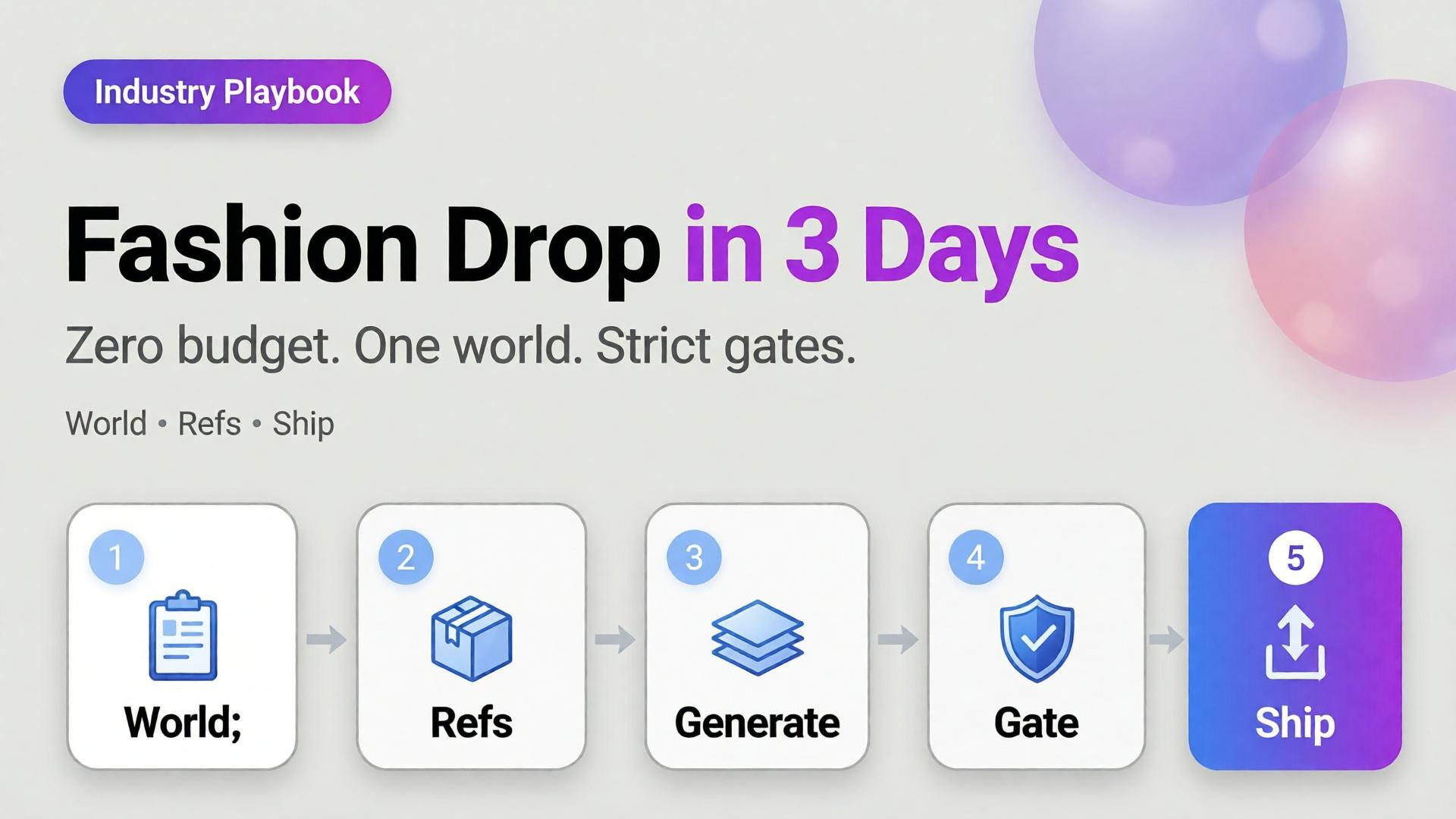
    You have twelve SKUs, one phone, no studio booking, and a drop date that will not move. The agency quote is a fantasy. The Instagram moodboard is a trap. What you need is not “more AI fashion.” You need a three-day playbook that produces a coherent lookbook without a budget line for production.

    AI fashion lookbook small brand success is almost never about the prettiest single render. It is about one world, honest garment references, and curator gates that kill cousins before they publish.

    Key Takeaways

    >

    – Zero budget does not mean zero direction. It means world + refs + gates instead of studio days.

    – Pillar idea still holds: a lookbook needs a world, not a studio.

    – Adobe’s 2026 report: 57% of creators say AI outputs need moderate or extensive editing before publish — plan curator time into the three days (Adobe, 2026).

    – Reuse one character / light family across outfits; change garments, not identity — see face consistency when a model face repeats.

    This is the SME fashion spoke under lookbook thinking. Experiment sibling: 1 outfit × 8 scenes.

    What Does “Zero Budget” Actually Mean?

    It means you will not buy:

    • Studio day
    • Pro model booking (optional: founder / friend as anchor face)
    • Agency art direction retainer

    It does not mean you skip:

    • A written world paragraph
    • Flat-lay or on-hanger garment refs
    • A reject pile

    Zero budget without gates produces a folder of beautiful strangers wearing almost-your-clothes.

    Small brands fail AI lookbooks when they try to buy agency aesthetics with scrap references. The fix is fewer scenes, stricter world, better refs — not a bigger model.

    The 3-Day Playbook

    Day 1 — World, kit, references (no heavy generating)

    Morning — Write the world (10 lines max)

    • Place (rooftop golden hour / concrete stair / apartment window)
    • Season and light logic
    • Emotion (sharp calm / weekend ease / night out)
    • No-go (neon cyber, beach club, marble bathroom if off-brand)

    This is lookbook thinking compressed — world before wardrobe.

    Afternoon — Capture garment truth

    For each SKU:

    • Front flat or hanger
    • Back / detail if print or hardware matters
    • Color in daylight if possible

    Phone is enough. Crooked is okay. Lying labels are not.

    Evening — Lock character decision

    Gate end of Day 1: world paragraph approved, refs named, face decision frozen.

    Day 2 — Generate inside the world (not across the planet)

    Morning — Scene map (not 30 ideas)

    Pick 6–8 scenes max for the drop:

    Scene Job
    Hero standing Catalog recognition
    Walk / motion freeze Life in garment
    Detail crop Fabric / stitch truth
    Seated / lean Attitude
    Pairing / layer Styling story
    Wide environmental World proof

    Use SCENE in one line per scene — skip novel-length prompts.

    Afternoon — Reference-heavy generation

    • Garment ref always on
    • World locked
    • Explore mode only for background micro-variants after one hero scene passes

    Read reference vs explore before you “just try something wild.”

    Evening — Hard curator pass

    Reject:

    • Wrong sleeve length / neckline
    • Fabric that turned into another mill
    • Face cousins
    • World leaks (suddenly beach)

    Adobe’s 57% edit rate is your calendar: leave hours for rejects, not only for generates.

    Day 3 — Adapt, sequence, ship

    Morning — Build the lookbook sequence

    Order matters: world establish → hero SKUs → detail breaths → closer.

    Afternoon — Channel crops

    • Lookbook PDF / site grid
    • 4:5 feed
    • 9:16 story/reel covers

    Same masters; different jobs — do not regenerate a new identity per ratio.

    Evening — Publish set review

    View the full set as one brand. If SKU seven looks like a different label, it does not ship.

    Clothes Variants Without a Reshoot

    When you need a second colorway:

    1. Keep pose / world / character locked
    2. Swap only the garment reference
    3. Gate color accuracy against the real SKU
    4. Do not “prompt the color” from memory

    That is the small-brand version of zero-reshoot varianting — still honesty-first.

    What to Skip on Purpose

    Skip Why
    20 scene ideas Dilutes world
    New face per outfit Breaks memory
    Luxury stock locations you cannot own Feels rented
    Text-heavy fashion posters in hero frames AI typography risk
    Publishing every “good enough” frame Volume ≠ lookbook

    Batch thinking still applies: one kit, many SKUs — not one prompt per hanger.

    Soft CTA

    Build listing and lookbook stills from real garment refs in one creative workspace: Listing Images · Gallery

    Frequently Asked Questions

    Can a small brand really ship an AI fashion lookbook in three days?

    Yes — if Day 1 is discipline (world + refs), Day 2 is gated generation, and Day 3 is sequence and crops. Skipping Day 1 guarantees chaos.

    How is this different from general AI lookbook thinking?

    The pillar explains why world beats studio. This playbook is the calendar for SMEs with no budget line.

    Do I need a professional model?

    No. Hands-only or one consistent anchor face often reads more honest for small brands than a rotating cast of AI faces.

    How many outfits can I cover in three days?

    Typically one drop family (8–15 SKUs) if refs are ready. More SKUs need the same world but extra curator hours — not extra worlds.

    What if garment fidelity keeps failing?

    Improve references and lighting truth before changing models. Most “model problems” are ref problems.

    Should I mix AI looks with real phone photos?

    Yes — phone truth for ecom details, AI for world extension, clearly sequenced. Hybrid sets often feel more trustworthy than all-AI fantasy.

    Conclusion

    Zero budget is not a creative death sentence. It is a constraint that forces lookbook thinking.

    Day 1: world and refs. Day 2: generate inside gates. Day 3: sequence and ship. Change outfits, not identity. Reject cousins. Crop masters instead of reinventing them.

    That is how a small brand ships an AI fashion lookbook that looks like a brand — not like a weekend with a random image model.


    References

    1. Adobe, 2026 Creators’ Toolkit Report, June 16, 2026. https://news.adobe.com/news/2026/06/creators-toolkit-report-2026
    2. Adobe, Inaugural Creators’ Toolkit Report (Adobe MAX 2025), October 28, 2025. https://news.adobe.com/news/2025/10/adobe-max-2025-creators-survey