The Slack thread starts the same way every week: “Should we use Veo, Kling, or Seedance?” Nobody has written the shot list. Nobody has locked the product reference. Nobody has decided whether the clip is a hook, a demo, or a proof. Credits disappear. The cut still feels generic.
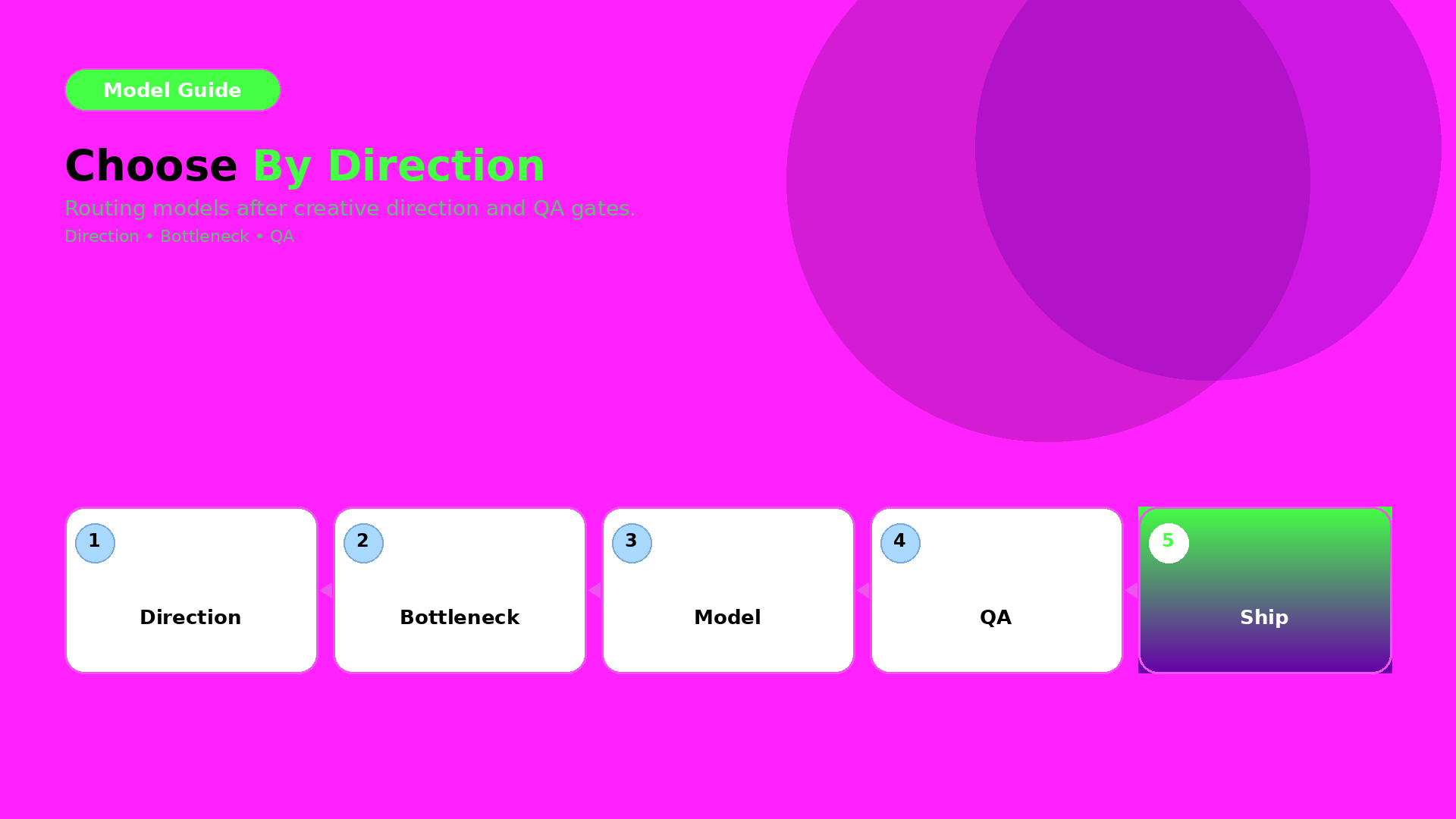
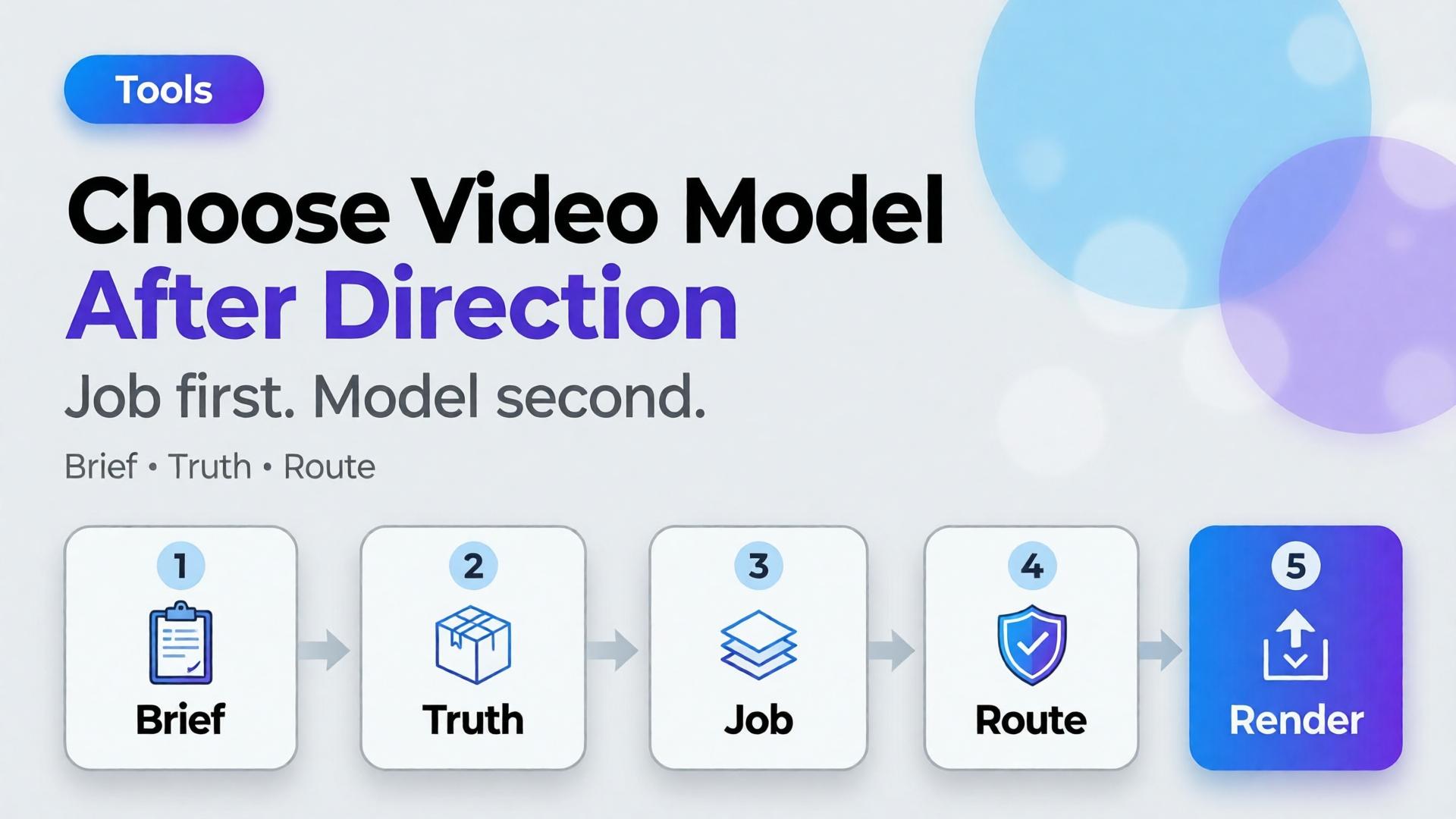
Choose the AI video model after creative direction. Model choice is a bottleneck decision — the same rule as choosing an image model, applied to motion.
Key Takeaways
>
– Video model debates fail when the job is undefined. Define scene job, duration, audio need, and product fidelity first.
– Adobe’s 2026 Creators’ Toolkit Report found 57% of creators still edit AI outputs moderately or extensively before publish — video is not exempt (Adobe, 2026).
– Match models to bottlenecks: cinematic continuity, product-locked motion, fast ad variants — not brand loyalty to a name.
Keep Crop / cutdowns as a node, not a new identity
If the still fails label QA, no video model will “fix” it honestly.
Playbook: One Hour Before You Spend Credits
Write 3-line brief + scene job
Attach brand kit + product ref
Decide strict vs flexible fidelity
Pick path: T2V vs I2V
Route to model family by bottleneck
Generate 2–3 takes max before curator gate
Edit for job — do not regenerate to avoid editing
Adobe’s edit-rate data is a reminder: plan the gate. Do not outsource judgment to the next seed.
Soft CTA
Explore motion and stills inside one creative workspace after direction is clear: Gallery · Studio Guide
Frequently Asked Questions
What is the best AI video model for ecommerce ads?
There is no universal best. The best model is the one that fits your bottleneck after creative direction — fidelity, speed, cinematic language, or audio.
Should I pick the video model before the image model?
No. Lock still direction and product truth first when the clip is product-led. Awareness films can start from text, but ecommerce usually should not.
Is image-to-video always safer for products?
Safer for identity when the still is approved. Not automatic — motion can still warp labels. Gate outputs.
How is this different from choosing an image model?
Same principle, different failure modes. Video adds duration, camera language, and audio. The order — direction before model — stays identical.
How many models should a team standardize on?
Usually one default per bottleneck, not one model for everything. Document the routing sheet so freelancers do not reinvent it weekly.
Conclusion
Veo vs Kling vs Seedance is a late question.
Job, truth level, duration, audio, source path — then model. Choose the AI video model after creative direction, the same way you choose image models after the brief. Direction is strategy. Models are routing.
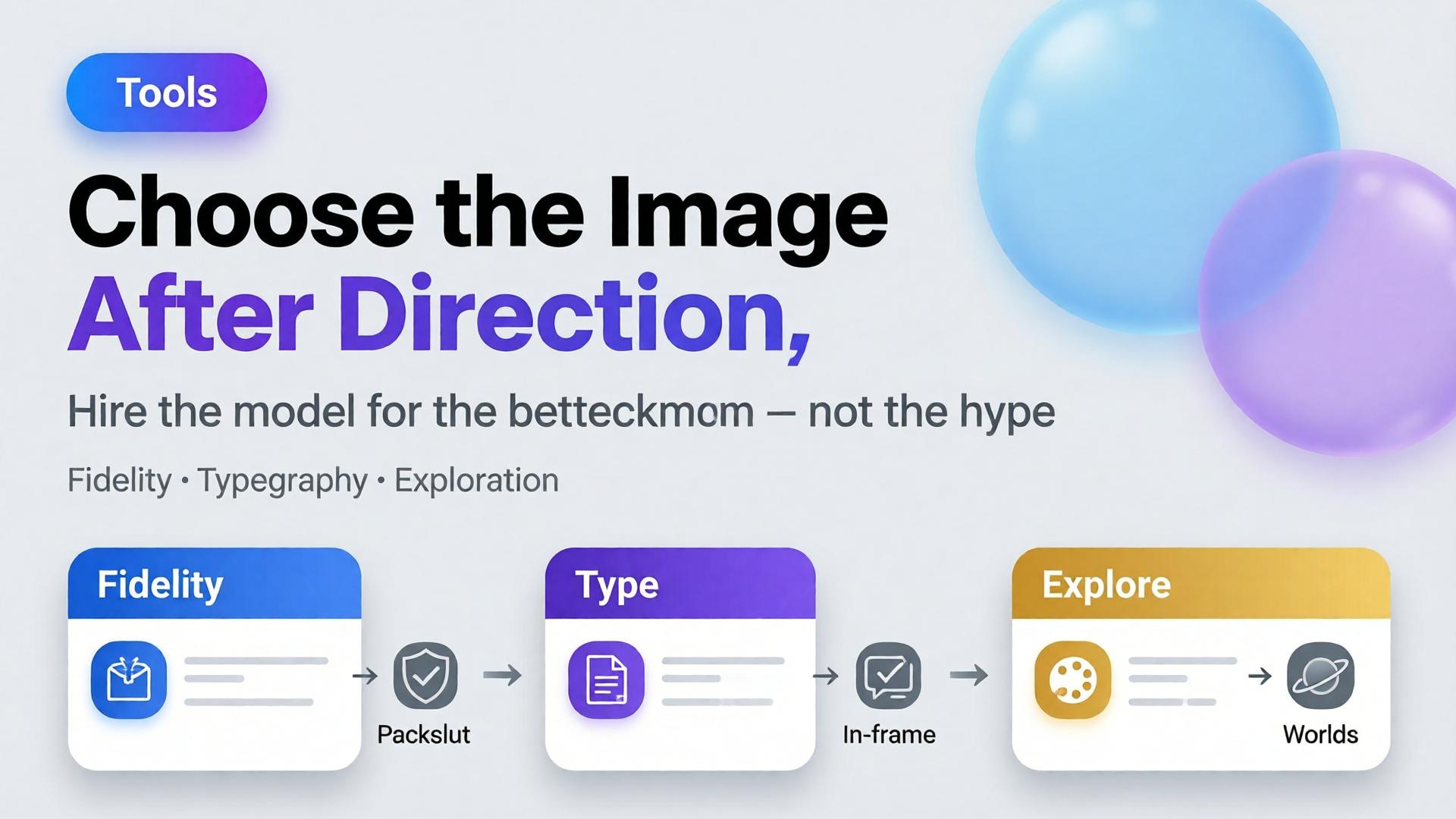
Editorial cover for Choose the Image Model After Creative Direction
The most expensive question in ecommerce creative Slack is also the most premature: “Which model should we use — Nano Banana, GPT Image, or Seedream?” Teams debate price and aesthetics for an hour. Nobody has written the buyer question, the angle set, or the ratio family. Then every model “fails,” because the brief was never a brief.
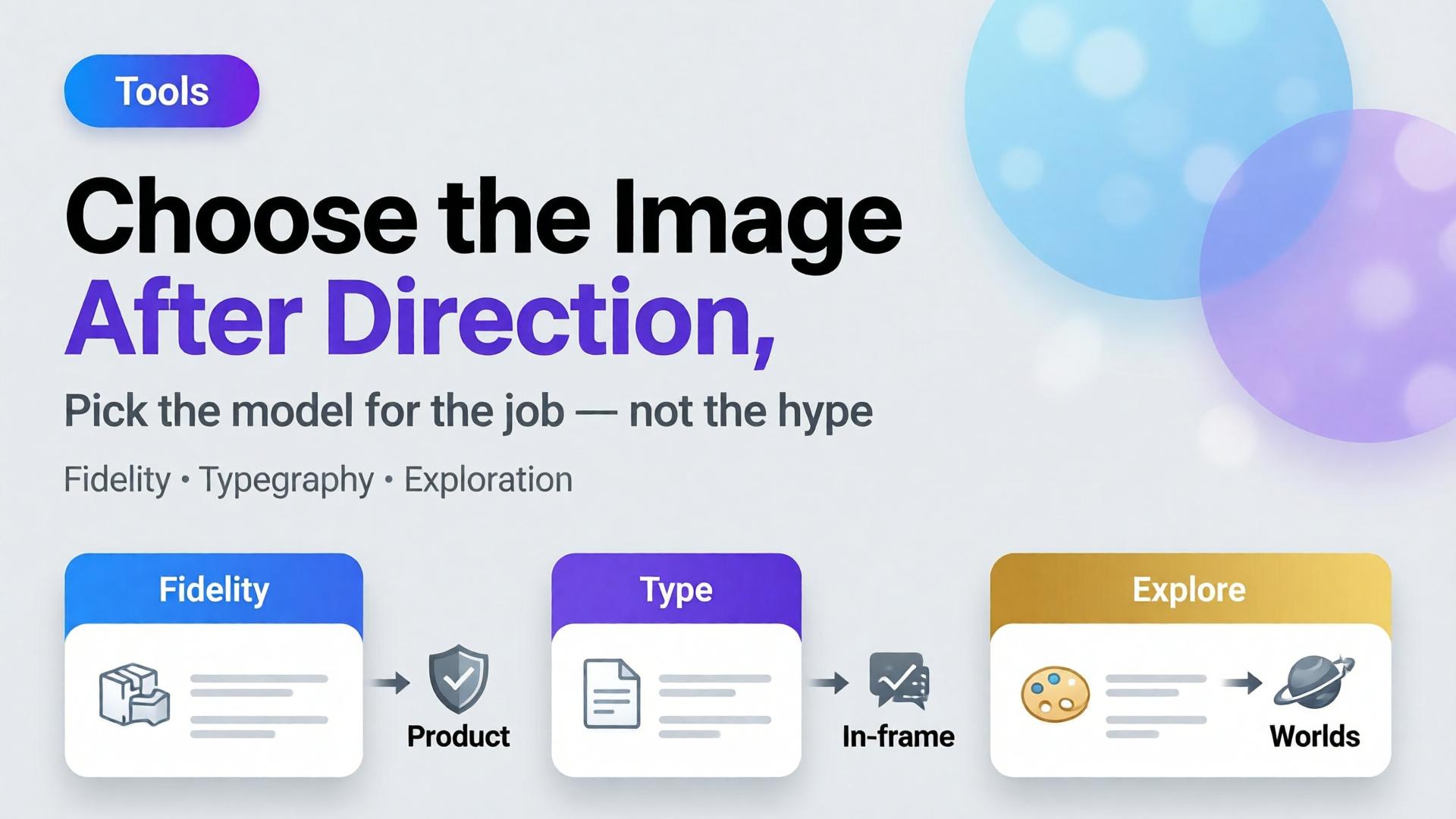
Choose the AI image model after creative direction. Model choice is a bottleneck decision — not a brand strategy.
Key Takeaways
Models optimize different failure modes: geometry fidelity, in-frame typography, mood exploration. Pick the failure you refuse to accept.
Adobe’s 2026 Creators’ Toolkit Report: 57% of creative AI outputs still need moderate or extensive editing — model shopping without QA criteria just moves the rework around.
On Orauria, those models live in one Studio with Brand Style, Prompt Library, and Workflow — so switching models does not mean switching brands.
This post is deliberately in tools-when-needed. Tools matter — after thinking. If you want the ecommerce system view, start with AI Ecommerce Design Is Not AI Image.
What Goes Wrong When You Pick the Model First?
Three predictable messes:
1. Beauty without trafficking. The export looks like a campaign. The label does not match the PDP. Media ops rejects it.
2. Prompt theater. Long prompts try to compensate for a missing angle plan. You burn credits explaining what a packshot family should have defined.
3. Stack sprawl. Each model lives in a different tab with a different login. Brand color drifts. That is the scattered-stack problem named in Orauria vs scattered AI tools.
“Best model” is not a property of the model. It is a property of the bottleneck you are hiring it to clear.
The Bottleneck Framework (Hire the Model for a Job)
Bottleneck
You need
Model tendency to try first*
SKU must stay true
Pack-shot fidelity, stable proportions
Fast fidelity-oriented image models (e.g. Nano Banana-class)
PDP angle? Meta feed? Story? Cover? If you need all three, read feed → story → cover before generating anything.
4. QA scoreboard
Write fail conditions in advance:
Label illegible at phone width → fail
Cap color drift vs reference → fail
Burned-in text required but mushy → fail (switch model class)
Scene beautiful but wrong category world → fail (direction, not model)
A Practical Decision Path
Need in-frame promo typography?
  YES → typography-strong model (GPT Image-class)
  NO  ↓
Need listing-true geometry from a packshot?
  YES → fidelity-first model (Nano Banana-class)
  NO  ↓
Need new worlds / campaign mood from a loose brief?
  YES → exploratory model (Seedream-class)
  NO  → revisit the brief — you are underspecified
Then generate small. One SKU. One ratio. Score against the QA board. Only then batch.
How Orauria Keeps Model Choice From Becoming Brand Chaos
Orauria is an all-in-one creative workspace: multiple image models, Brand Style, Character Library, Prompt Library, and Workflow in one account (Studio Guide).
That architecture matters for this article’s thesis:
Switch models without switching brand kits
Store the winning prompt next to the SKU, not in a private Notion graveyard
Browse real creative in Gallery when you need direction inspiration before you pick an engine
You are not marrying a model. You are hiring a station on the line.
Worked Example: Electrolyte Pouch Prospecting
Direction: Gym-bag fuel; no sugar crash; sweaty-honest, not luxury spa.
Locks: White-bg packshot reference; no in-frame price; Meta 1:1 first.
Bottleneck: Product must survive phone width; hook lives in primary text.
Model hire: Fidelity-first class for the product block → then banner recompose for 4:5 and 9:16.
If marketing later demands “$30 OFF” inside the image: do not torture the fidelity model — switch to a typography-strong class for that variant only. Keep Brand Style identical so the two variants still feel related.
Frequently Asked Questions
Is Nano Banana “better” than GPT Image for ads?
Better at what? Fidelity jobs and typography jobs are different hires. Run both against your QA scoreboard for one SKU before you write policy for the whole catalog.
Should I use the same model for packshots and lifestyle?
Often yes for brand coherence; sometimes no when the lifestyle needs heavier world-building. Keep Brand Style constant either way.
How often should we revisit model choice?
When QA fail rates climb, pricing changes, or a new channel appears — not every time a launch blog post drops. Direction changes more often than engines should.
Where do video models fit (Veo, Kling, Seedance)?
Same rule: choose after direction and storyboard. Video is a later station. Static packshot + banner truth still comes first for most ecommerce tests.
Can Prompt Library replace creative direction?
No. Prompts encode a direction. They cannot invent one. Save prompts after the three-line brief exists.
Soft next step
Write the three-line brief for one SKU, define the QA fail list, then open Orauria Studio Guide and run two model classes side by side. Steal composition ideas from Gallery — then pick the engine that clears your bottleneck, not the internet’s favorite name this week.