Most image-to-video “bake-offs” fail before the first frame renders. Teams rank models by taste — cinematic glow, smooth camera, social vibes — then ship clips that warp the bottle, melt the label, or break the brand shadow family on a 9:16 crop.
In ecommerce creative, you should compare production truth, not vibes.
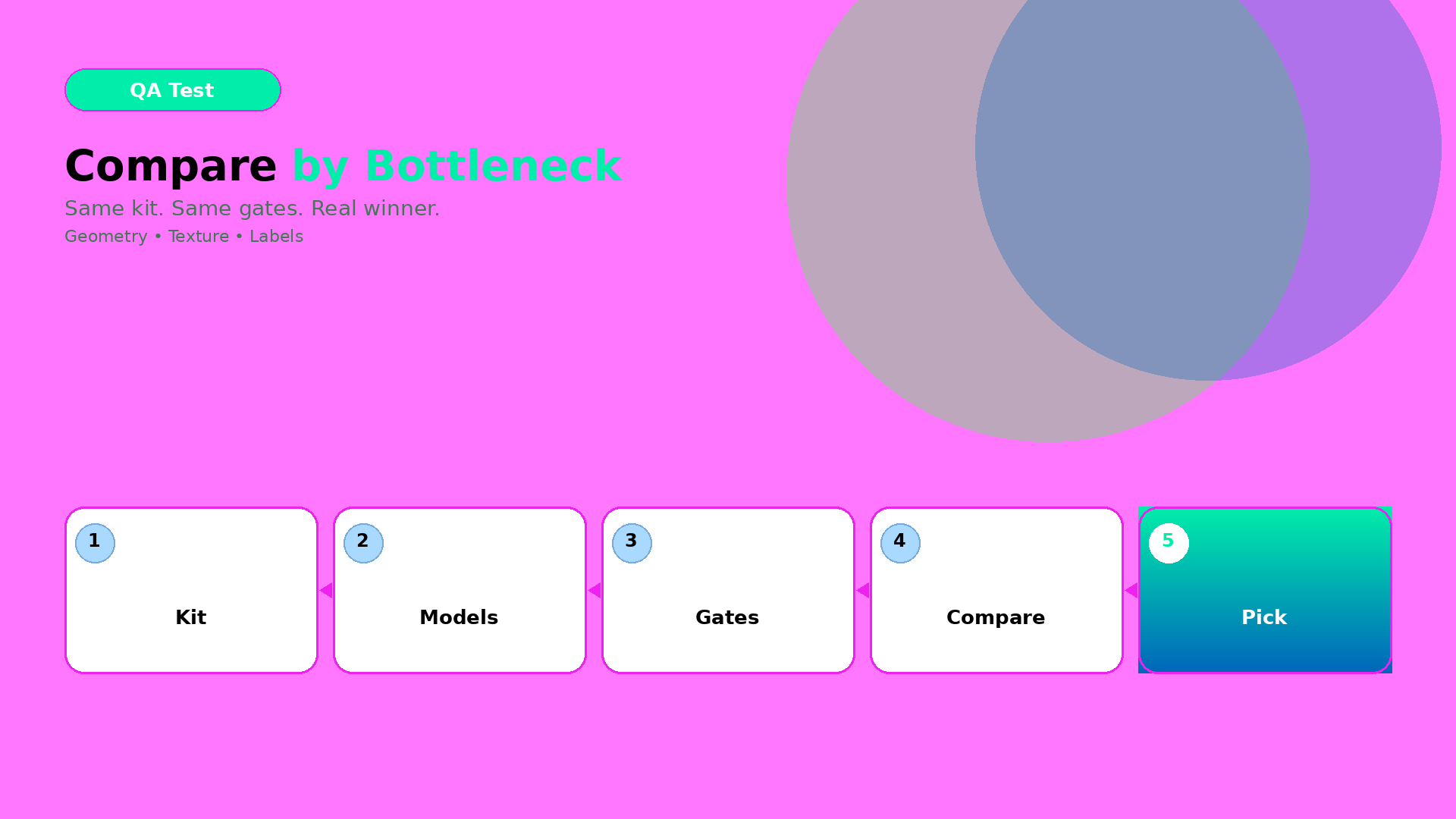
Pick one product direction. Lock one kit. Run Minimax, Veo, Kling, Seedance, Hailuo — or whichever stack you use — through the same QA gates. The winner is the model that preserves the bottleneck you actually care about on the formats you actually publish.
Key Takeaways
- Stop ranking by hype; compare by bottleneck: geometry, texture, label readability, shadow/world continuity.
- One direction kit + one QA checklist across every model — or the test is theater.
- A model that wins 1:1 and fails 9:16 is not your winner.
- Direction comes first; model choice second — same rule as choosing a video model after creative direction.
Why taste rankings break ecommerce video
Taste is cheap to argue and expensive to ship.
| Debate you keep having | Gate that decides the money |
|---|---|
| “Which model looks more cinematic?” | Does the SKU stay geometrically true for 3–6 seconds? |
| “Whose motion feels premium?” | Can buyers still read the label after crop? |
| “Who has the softest camera?” | Do shadows and materials stay in the same brand world? |
| “Who is trending this week?” | Do your export variants pass QA without re-prompting? |
Image-to-video inherits every failure mode of still product AI — then adds time. Edges drift. Textures shimmer. Labels smear when the camera eases in. A beautiful fail still fails when the channel is a Shop card or a PDP loop.
The four bottlenecks that matter
Name your bottleneck before you name a model. Most ecommerce image-to-video tests collapse into one of these:
1. Geometry truth
Edges, proportions, and silhouette must hold across motion. Watch for bottles that fatten, boxes that skew, straps that thicken, logos that slide off the plane.
Fail signal: you would not approve a still freeze-frame as a listing hero.
2. Texture fidelity
Materials must stay believable while they move — glass refraction, fabric weave, matte plastic, metal specular. “Off” texture during motion reads as fake faster than a static render.
Fail signal: the product looks cheaper in motion than in the source still.
3. Label / text readability
Pack copy, claims, and brand marks must survive motion, resize, and crop. This is the silent killer of beauty, F&B, and supplement ads.
Fail signal: at feed size or Shop thumbnail, the label becomes mush.
4. Shadow family and world continuity
Light direction, contrast range, and environmental tone should stay in the same brand world as the still kit. A random softbox swap mid-clip breaks recognition across listing + social + banner.
Fail signal: the clip looks like a different brand than the packshot set.
Secondary bottlenecks (only after the four above are stable): native audio need, duration cost, variant throughput, hand/face consistency if talent appears.
Minimax vs Veo vs others — compare by job, not brand loyalty
Model names change. Bottlenecks do not. Treat the names below as role archetypes, not eternal rankings. Re-run the same kit when versions ship.
| Bottleneck | What “winning” looks like | Typical risk pattern to stress-test |
|---|---|---|
| Geometry truth | Silhouette and label plane hold through push-in / orbit | Aggressive camera path that “looks cool” but warps edges |
| Texture fidelity | Materials stay stable under micro-motion | Soft cinematic grade that dissolves fabric/plastic detail |
| Label readability | Pack text remains legible at export sizes | Beauty close-ups that prioritize glow over type |
| World continuity | Shadow family matches the still kit | Generic lifestyle lighting that abandons your packshot world |
| Fast ad variants | Many short hooks from one master still | Hero-film models that burn credits for one take |
| Cinematic continuity | Smooth camera language for brand film | Soft motion that hides product truth |
How to use the table: pick the row that matches this week’s job. Run Minimax, Veo, and at least one “others” candidate (Kling / Seedance / Hailuo / your stack default) against that row only. Do not crown a universal winner.
If your bottleneck is direction alignment more than motion engines, start with Choosing an AI Image Model by Creative Direction — still direction often decides whether video QA can even pass.
Experiment design (one kit, many models)
Step 1 — Lock the direction kit
Write it once. Reuse it for every model:
- World promise (one sentence): what world is this product living in?
- Identity anchors: palette family, light family, logo/label rules, geometry no-gos.
- Scene job: hook / truth / demo / proof / offer — one primary job.
- Motion budget: what may move (camera ease, subtle product turn) vs what must not (label plane, silhouette).
- Source still: one approved master image — not a random phone snap.
Step 2 — Run each model with identical inputs
Same still. Same brief. Same duration target. Same negative constraints. Change only the model (and its required syntax).
Step 3 — Apply the same QA gates
Score pass / fail — not “vibes /10”:
| Gate | Pass criteria (example) |
|---|---|
| Geometry | Freeze-frames at 0%, 50%, 100% would clear listing QA |
| Readability | Label legible at 1080×1920 and at 50% scale |
| Texture | No shimmer / melt on primary material for full clip |
| World continuity | Shadow direction and contrast match kit still |
| Offer alignment | Clip still sells the intended job (hook vs demo vs proof) |
Step 4 — Export the real channel set
Compare end results on the formats you ship, not the model preview pane:
- 1:1 feed
- 4:5 feed
- 9:16 story / reel / Shop
- wide banner or PDP loop if you use it
If a model passes gates on 1:1 and fails 9:16, it is not your winner for that campaign spine. Crop is part of production truth — same idea as the image-to-video efficiency workflow.
A simple scoring sheet you can reuse
Run three models × one kit. Mark P / F only.
| Model | Geometry | Texture | Label | World | 9:16 export | Notes |
|---|---|---|---|---|---|---|
| A (e.g. Minimax) | ||||||
| B (e.g. Veo) | ||||||
| C (other) |
Decision rule:
- Any F on your primary bottleneck → eliminate.
- Among remaining, prefer the model that passes export gates without a second prompt stack.
- If two pass, pick the cheaper / faster path for variant volume — taste is the tie-breaker, not the opener.
Common false winners
- Preview winner: looks great in the model UI, collapses after crop.
- Hero-film winner: one gorgeous 6s clip, zero reusable variants.
- Soft-light winner: hides geometry errors until you freeze-frame.
- Trending winner: last week’s Twitter thread, this week’s label mush.
False winners burn credits and teach the team the wrong lesson: that “better models” fix missing kits. Kits fix models.
What to do next
- Need the efficiency spine (direction → generation → crop QA)? Use the Image-to-Video Efficiency Workflow (2026).
- Still choosing engines too early? Read Choose the Video Model After Creative Direction.
- Want the same bottleneck logic for stills? See We Tested 3 AI Image Models for Product Shots.
Build the comparison as a workflow, not a vibe debate: Orauria Workflow · Studio Guide
Frequently Asked Questions
How do I compare image-to-video models fairly?
Lock one product still, one direction kit, one duration, and one QA checklist. Change only the model. Score pass/fail on geometry, texture, label readability, world continuity, then re-check on real export crops.
Is Minimax better than Veo for ecommerce ads?
Neither is universally better. Pick by bottleneck: product-locked motion and label truth vs cinematic continuity vs variant speed. Re-test when model versions change — keep the kit constant.
How many models should I test?
Three is enough for a weekly decision: your default, one premium cinematic candidate, and one fast-variant candidate. More than five without a kit is prompt sprawl.
What if a model wins on desktop preview but fails on mobile 9:16?
Treat it as a fail. Ecommerce ships crops, not previews. Export gates are part of the comparison.
Should I pick the model before or after creative direction?
After. Model choice is a bottleneck decision. Direction defines which bottleneck matters — see choose the video model after creative direction.
Leave a Reply